Saturated street-market frame
A busy street market on toy-camera film, oversaturated reds and yellows, heavy vignette, punchy contrast, a warm light leak across one edge, lo-fi optics, lively candid framing.
Edit prompt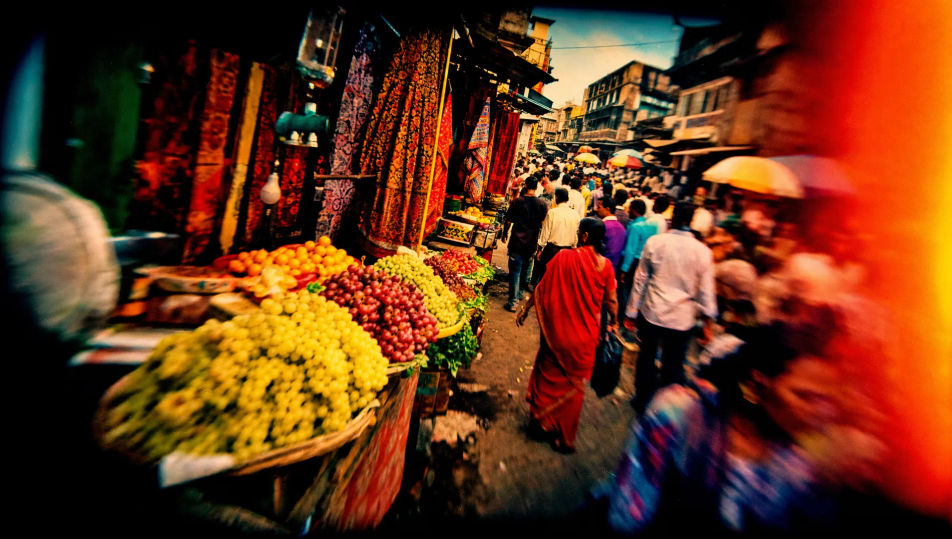
Shoot Lomography frames in your browser with Morphic's Lomography AI image generator. Generate a vignetted, oversaturated frame or a light-leaked sunburst snapshot, lock the toy-camera look with Style Transfer, then animate any lo-fi frame with Image to Video.
A busy street market on toy-camera film, oversaturated reds and yellows, heavy vignette, punchy contrast, a warm light leak across one edge, lo-fi optics, lively candid framing.
Edit promptA park scene cross-processed into surreal green-and-cyan tones, blown highlights, heavy vignette, crushed contrast, soft toy-camera focus, dreamlike colour crossover across the grass and sky.
Edit prompt
A beach scene split by a streaking warm light leak and a sunburst flare, oversaturated sky and water, heavy vignette, punchy contrast, lo-fi optics, spontaneous summer snapshot energy.
Edit prompt
A skate spot shot on a fisheye toy camera, curved barrel distortion bowing the ground, oversaturated colour, heavy vignette, deep contrast, dynamic low-angle lo-fi framing.
Edit prompt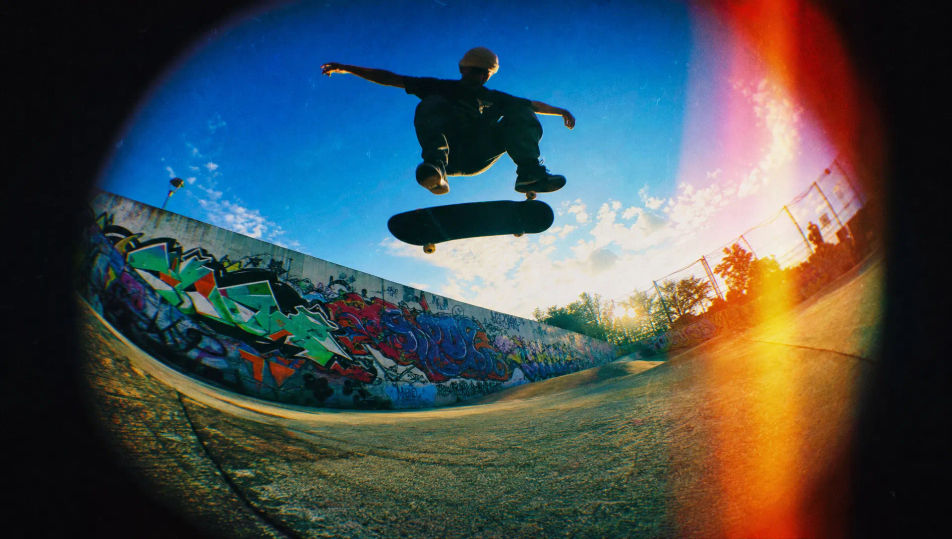
Describe the Lomography you want, in plain words.
Morphic generates a clean, ready-to-publish image on your canvas in seconds.
Tweak the prompt, regenerate variations, then download or share the frame.
Fix plastic-looking AI skin. Adds natural texture, pores, and imperfections for realism.
One selfie becomes a set of professional headshots. Studio-quality, multiple styles.
Convert any image to a new aspect ratio. Smart crop or extend the edges to fit.
Set the look with one reference image. Apply that exact grade to any scene or batch.
Choose your viewing angles and get precise perspective shifts of any image with full camera control.
Bring back any damaged, blurry, or low-res image. Get a sharp, detailed 4K version with natural clarity restored.
Film Analog Photography AI Images
Create AI Film Analog Photography images with Morphic. Generate Film Analog Photography shots, portraits, and visuals for any project in seconds.
Polaroid AI Images
Create AI Polaroid images with Morphic. Generate Polaroid shots, portraits, and visuals for any project in seconds.
Cyanotype AI Images
Create AI Cyanotype images with Morphic. Generate Cyanotype prints, silhouettes, and visuals for any project in seconds.
Street Photography AI Images
Create AI Street Photography images with Morphic. Generate Street Photography shots, portraits, and visuals for any project in seconds.
Get started for free today, with the option to upgrade or cancel anytime.
Basic
2400 monthly credits
1 user only
All models
Workflows
Standard
3625 monthly credits
1 user only
All models
Workflows
Pro
6350 shared monthly credits
1 user
All models
Workflows
Max
24650 shared monthly credits
1 user
All models
Workflows
Enterprise
For higher limits
Custom
pricing and billing terms

Free
For playing around
$0
forever free