Phone crop
A tall 9:16 crop of the misty forest scene, composed so the focal point sits clear of the lock-screen clock and icons.
Edit prompt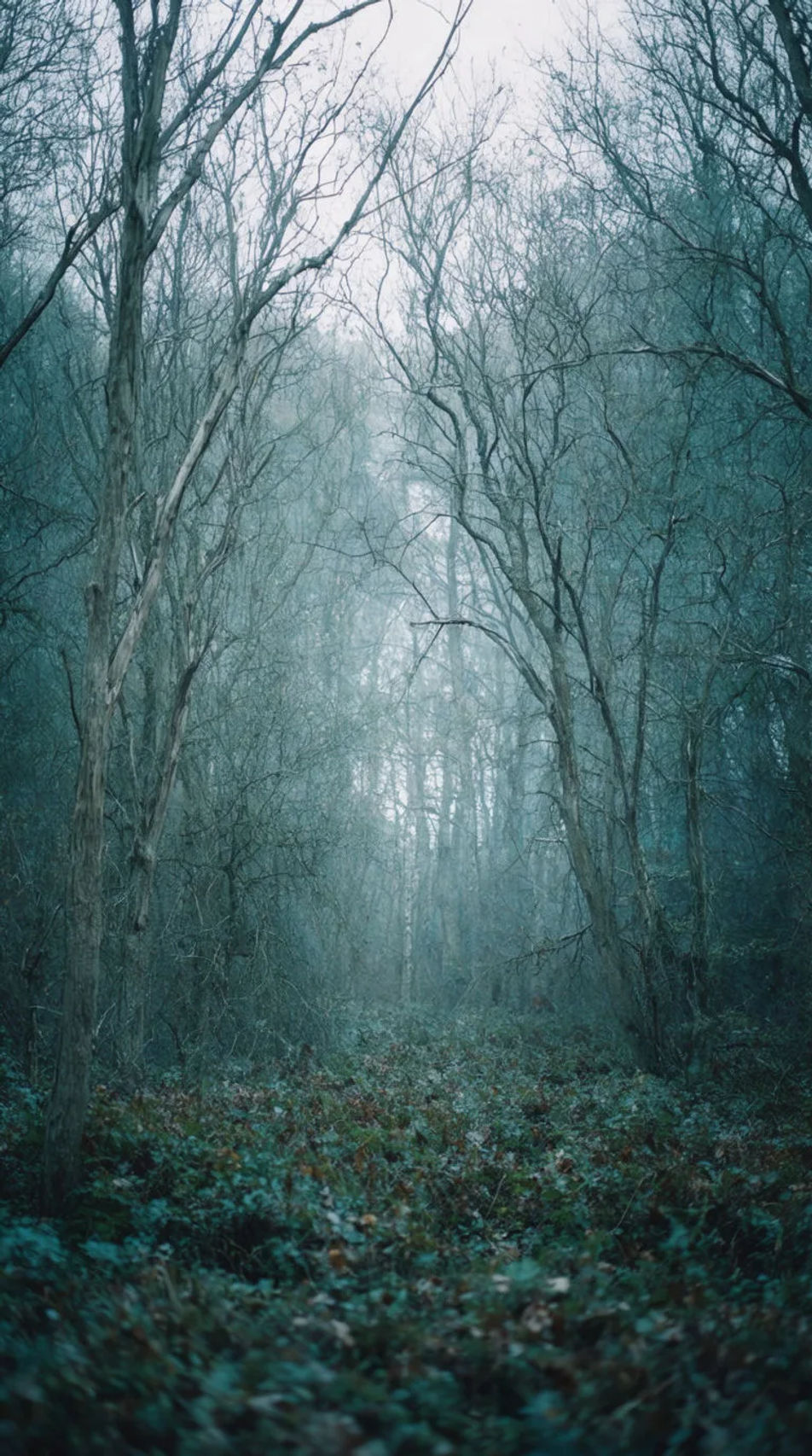
Create a November wallpaper in Morphic by describing the autumn scene you want, from a misty forest to a cosy minimal palette. Set the mood and the device size, then download a wallpaper sized for your phone or desktop.
A tall 9:16 crop of the misty forest scene, composed so the focal point sits clear of the lock-screen clock and icons.
Edit promptA wide 16:9 crop of the golden field scene, composed with open space where desktop icons usually sit.
Edit prompt
A simple, low-detail version of the cosy minimal tree scene, built to stay legible under lock-screen text and widgets.
Edit prompt
Two wallpapers in the same palette and mood, one for phone and one for desktop, designed to look intentional together.
Edit prompt
Describe the November wallpaper you want, in plain words.
Morphic generates a clean, ready-to-publish image on your canvas in seconds.
Tweak the prompt, regenerate variations, then download or share the frame.
Convert any image to a new aspect ratio. Smart crop or extend the edges to fit.
Pair a character image with a reference video. Your character picks up that exact motion.
Restyle any video in a completely new visual style. Every frame transforms, all motion stays intact.
Reimagine any anime character as a photorealistic, high-fashion live-action portrait.
Bring back any damaged, blurry, or low-res image. Get a sharp, detailed 4K version with natural clarity restored.
Pick a reference image, apply its visual style to your own photo or artwork.
Autumn wallpaper AI images
Download autumn wallpaper for phone and desktop in HD. Browse fresh AI-generated designs or create a one-of-a-kind wallpaper with Morphic.
Autumn leaves images AI photography
Explore autumn leaves images in HD. Browse a fresh AI-generated collection to download and use anywhere, or generate your own custom version with Morphic.
Thanksgiving wallpaper generator
Thanksgiving wallpaper you can generate and personalise. Browse golden autumn-leaf scatters, cosy pumpkin-and-candle scenes, and warm harvest tables, then regenerate the palette, layout, and aspect ratio to fit any phone or desktop screen with Morphic.
Christmas aesthetic wallpaper
Create aesthetic Christmas wallpapers in Morphic: cosy lights, snowy windows and soft pastel trees, sized for your phone or desktop.
Get started for free today, with the option to upgrade or cancel anytime.
Basic
2400 monthly credits
1 user only
All models
Workflows
Standard
3625 monthly credits
1 user only
All models
Workflows
Pro
6350 shared monthly credits
1 user
All models
Workflows
Max
24650 shared monthly credits
1 user
All models
Workflows
Enterprise
For higher limits
Custom
pricing and billing terms

Free
For playing around
$0
forever free