Character turnaround sheet
One character shown front, side, and back in a neat row on a plain backdrop, consistent proportions, a reference sheet for keeping it on-model.
Edit prompt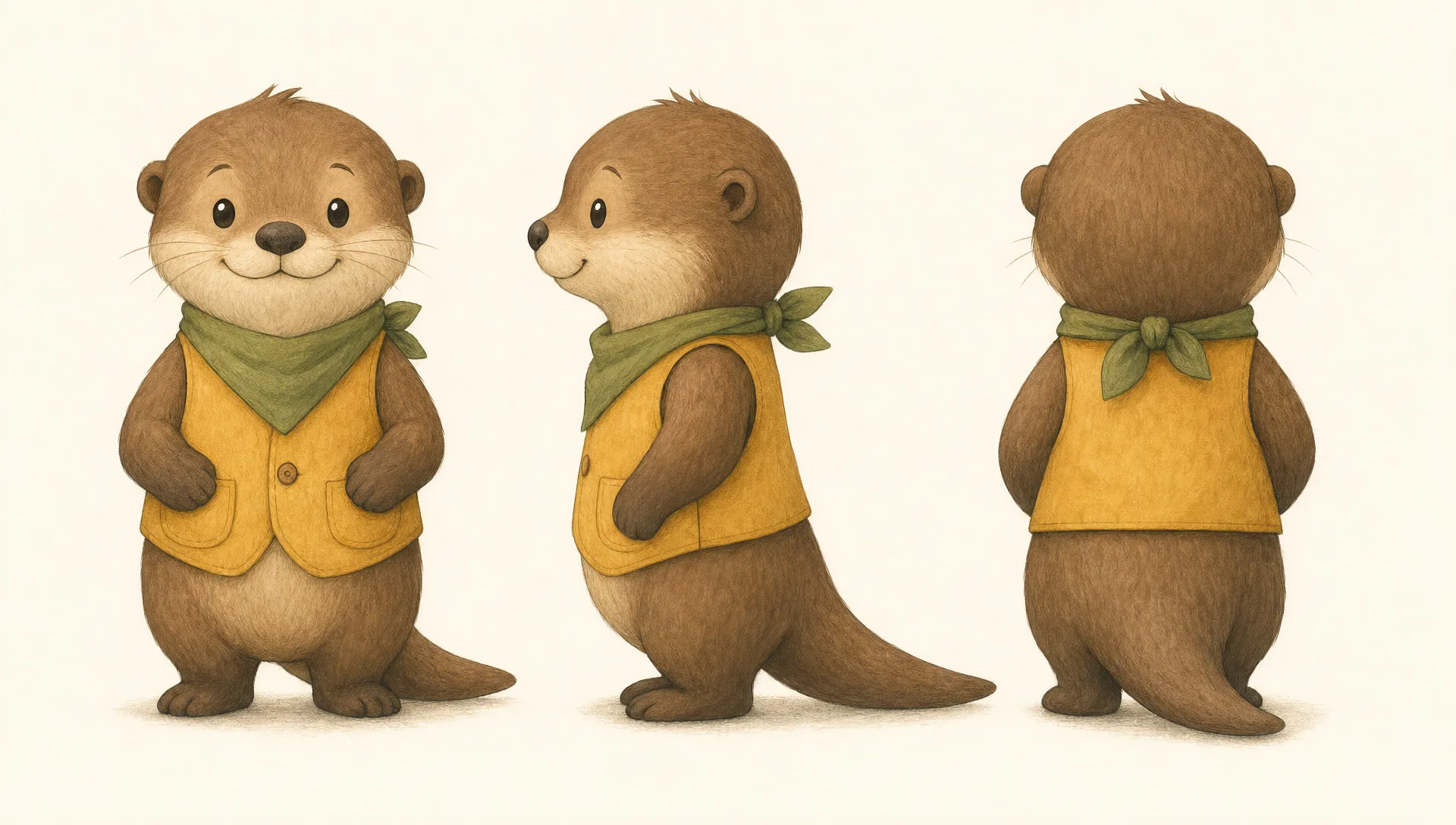
Design picture book characters in your browser with Morphic's picture book character AI image generator. Draw a round friendly bear, a curious little fox, or a brave small mouse. Pair every design with Character Lineup to keep it on-model, then lay out the spreads on the Canvas.
One character shown front, side, and back in a neat row on a plain backdrop, consistent proportions, a reference sheet for keeping it on-model.
Edit promptOne character in a grid of expressions, happy, surprised, sad, sleepy, excited, and shy, same design throughout, plain backdrop.
Edit prompt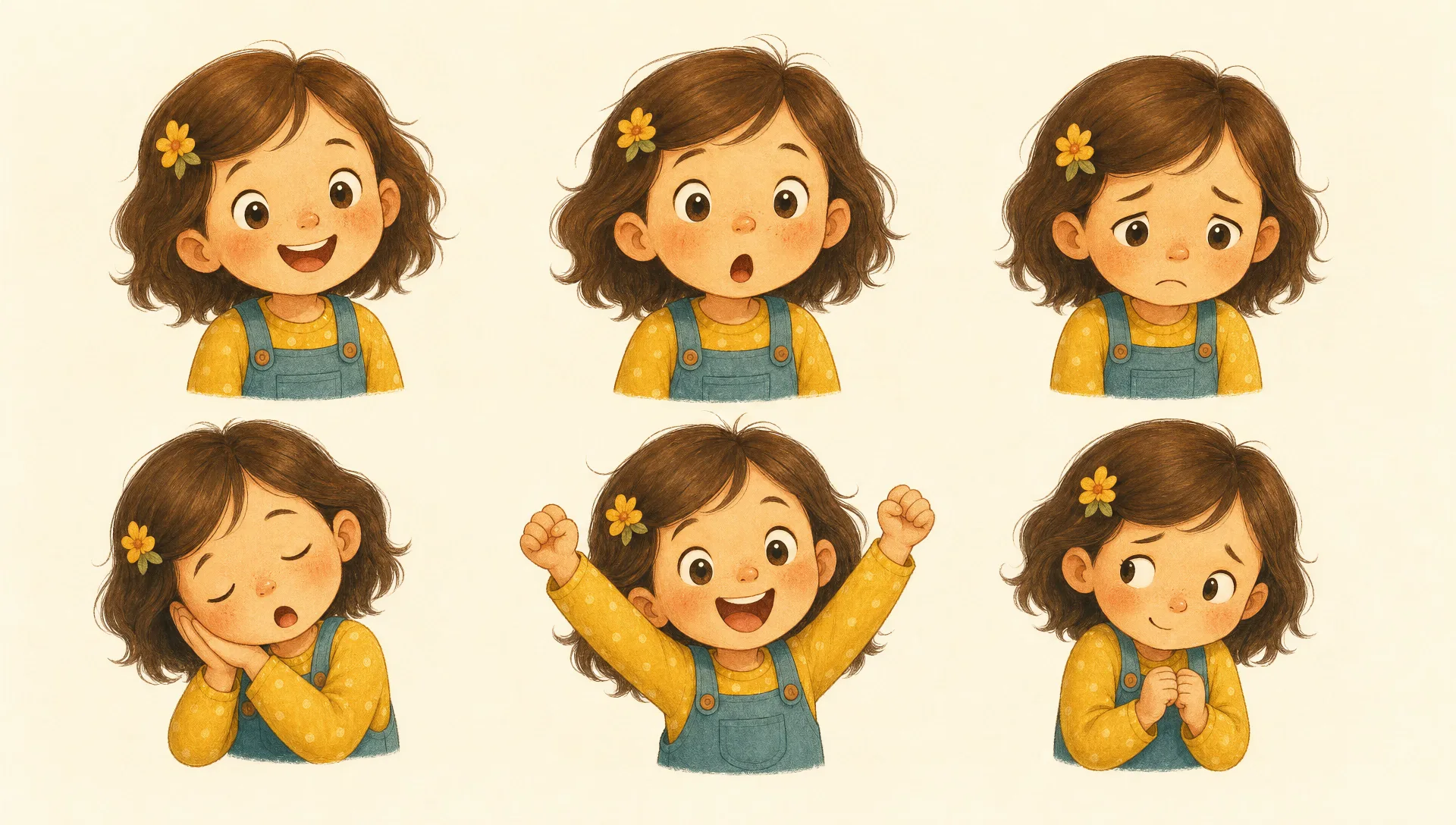
The character in its cozy home setting, a burrow or nest or little room, warm light, props that show its personality, a calm establishing page.
Edit prompt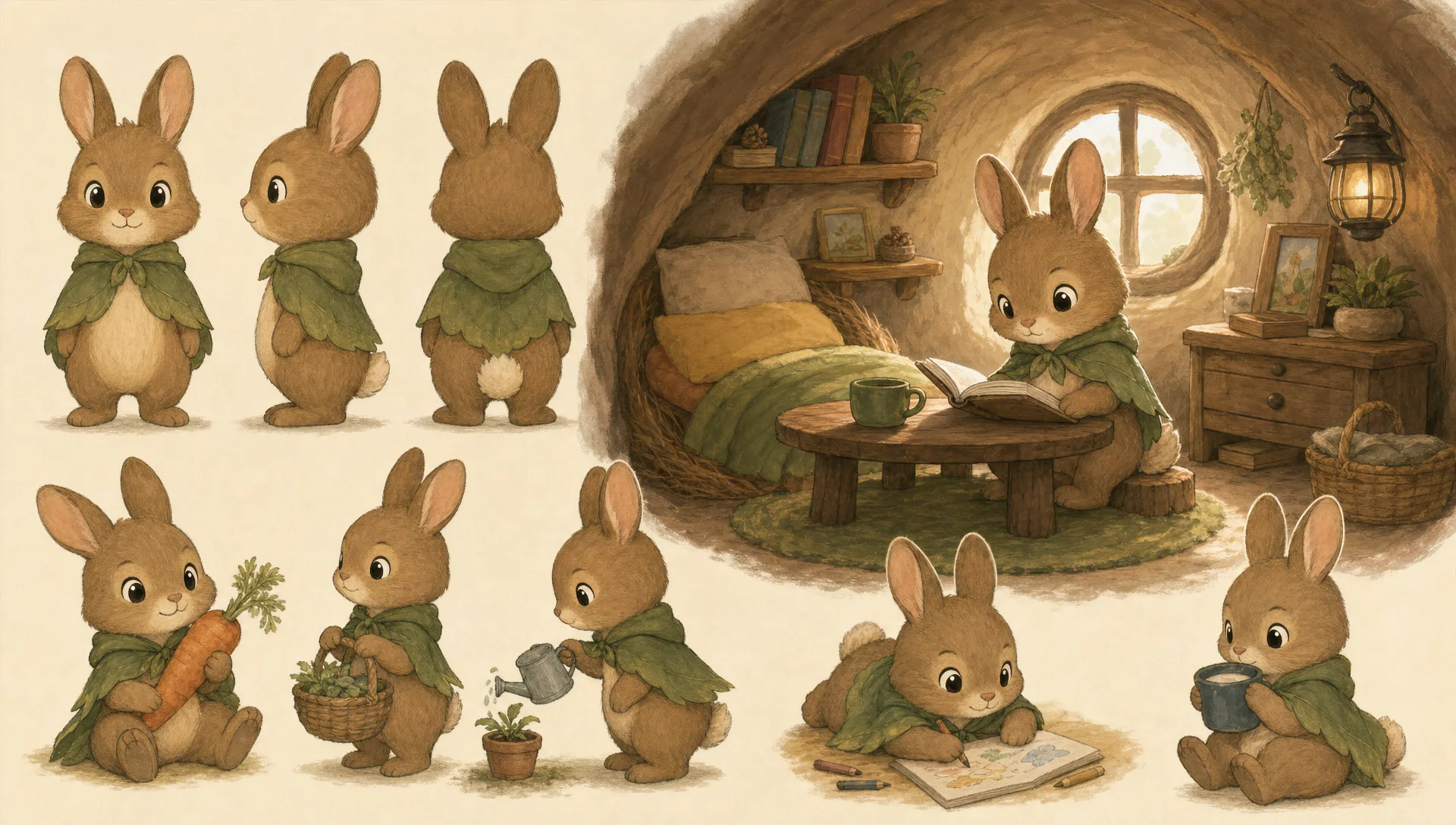
The character mid-journey across an open landscape, a small pack on its back, a hopeful stride, soft scenery receding behind for a spread.
Edit prompt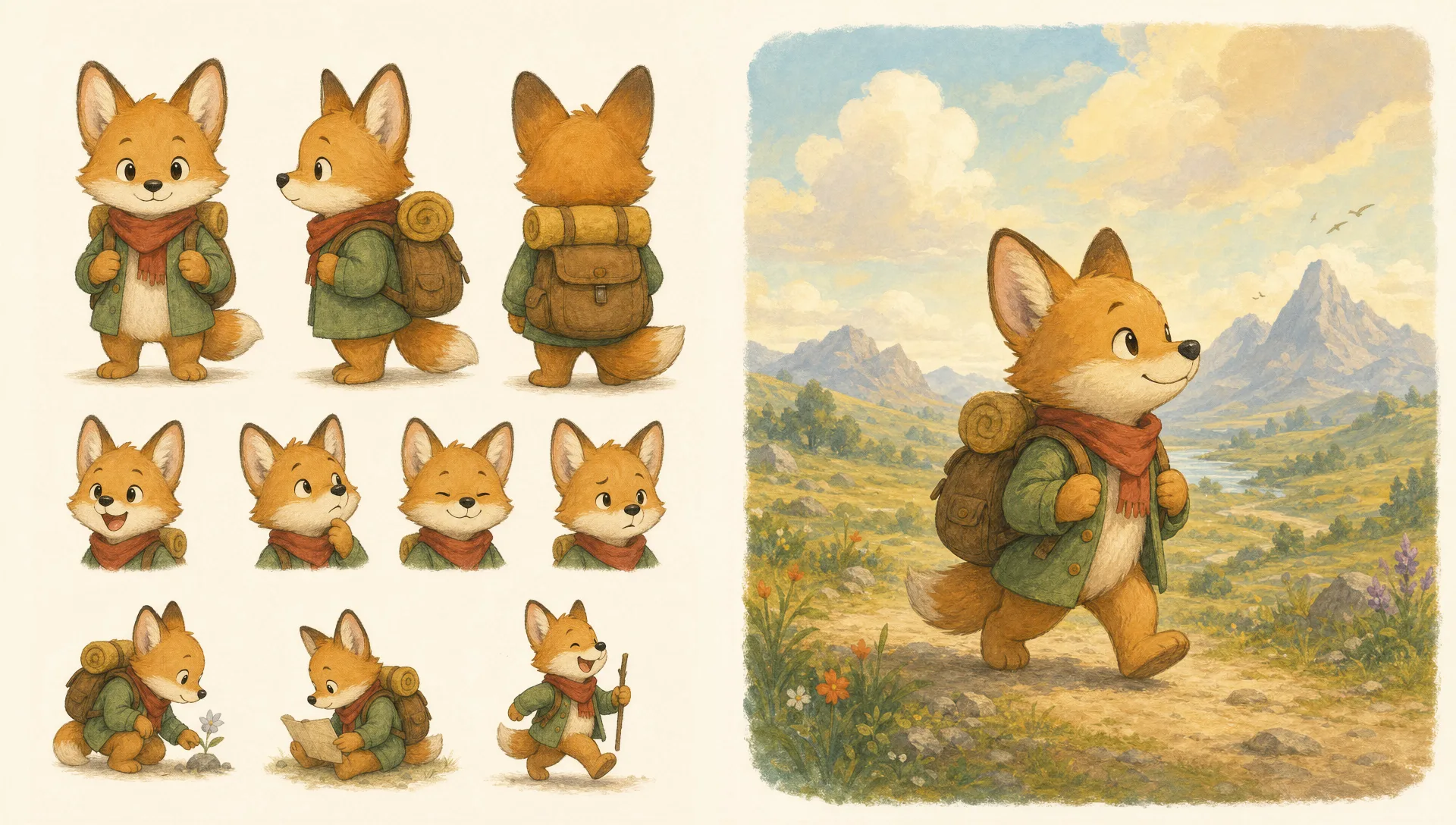
Describe the Picture book character you want, in plain words.
Morphic generates a clean, ready-to-publish image on your canvas in seconds.
Tweak the prompt, regenerate variations, then download or share the frame.

Share a scene description with character references. Get a full storyboard with shot angles and mood.

Feed in a single image. Get 9 cinematic beats laid out as a 3x3 storyboard grid.

Take any character image and generate 6 distinct facial expressions on a single reference sheet.
Cinematic time-freeze short film for any scene
Drop in a photo of yourself. Get a 12-second cinematic movie with animation and a matched soundtrack.
Continues your scene sequence with perfect character consistency across frames.
Children's book AI Images
Create children's book illustrations with Morphic. Friendly characters with consistent looks, age-appropriate imagery, and full page spreads generated from a single prompt.
Storybook illustration AI generator
Create storybook illustration with Morphic. Warm painterly narrative art, consistent characters, and page-spread compositions from a single prompt.
Bedtime story illustration AI generator
Create bedtime story illustration with Morphic. Soft night palettes, soothing low light, sleepy subjects, and gentle page spreads from a single prompt.
Kawaii art AI generator
Create kawaii art with Morphic. Rounded pastel mascots, oversized-eye characters, sticker sheets, and super-cute illustrations from a single prompt.
Get started for free today, with the option to upgrade or cancel anytime.
Basic
2400 monthly credits
1 user only
All models
Workflows
Standard
3625 monthly credits
1 user only
All models
Workflows
Pro
6350 shared monthly credits
1 user
All models
Workflows
Max
24650 shared monthly credits
1 user
All models
Workflows
Enterprise
For higher limits
Custom
pricing and billing terms

Free
For playing around
$0
forever free