A cottage at the edge of a wood
A small thatched cottage with a crooked chimney where a meadow meets a deep wood, warm window light, a winding path leading to the door.
Edit prompt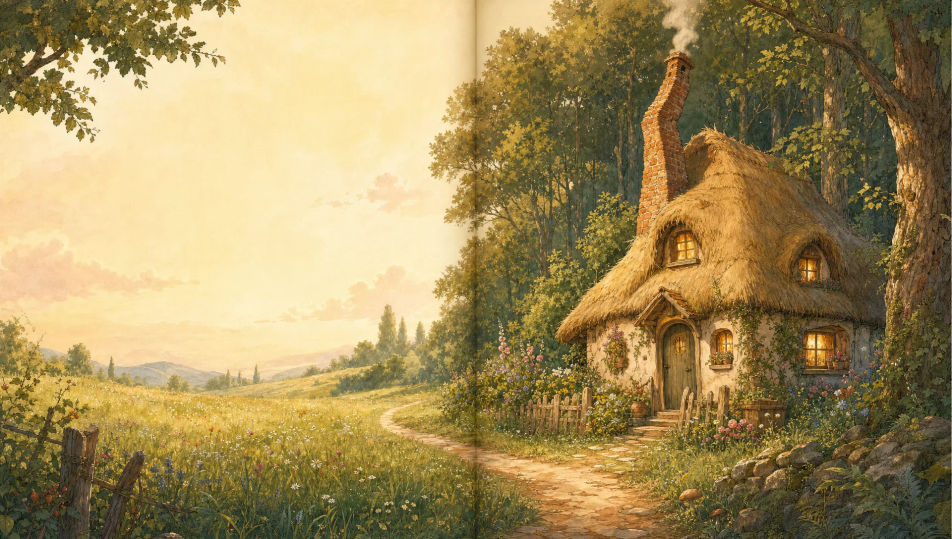
Illustrate storybook art in your browser with Morphic's storybook illustration AI image generator. Paint a curious child exploring the wood, a wise animal guide on a winding path, or a treehouse village at dusk. Hold one cast with Character Lineup, then lay the spreads on the Canvas.
A small thatched cottage with a crooked chimney where a meadow meets a deep wood, warm window light, a winding path leading to the door.
Edit promptA ribbon of path curling over rolling green hills under a wide soft sky, a signpost at a fork, tiny flowers dotting the verges.
Edit prompt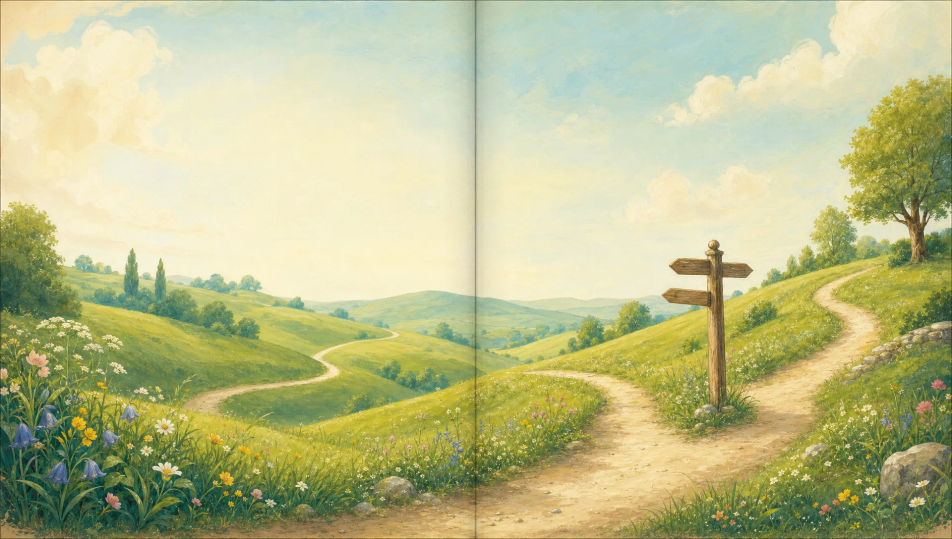
A window nook stacked with cushions and worn books, a quilt, a mug of cocoa, soft afternoon light, a cat-shaped dent in the blanket.
Edit prompt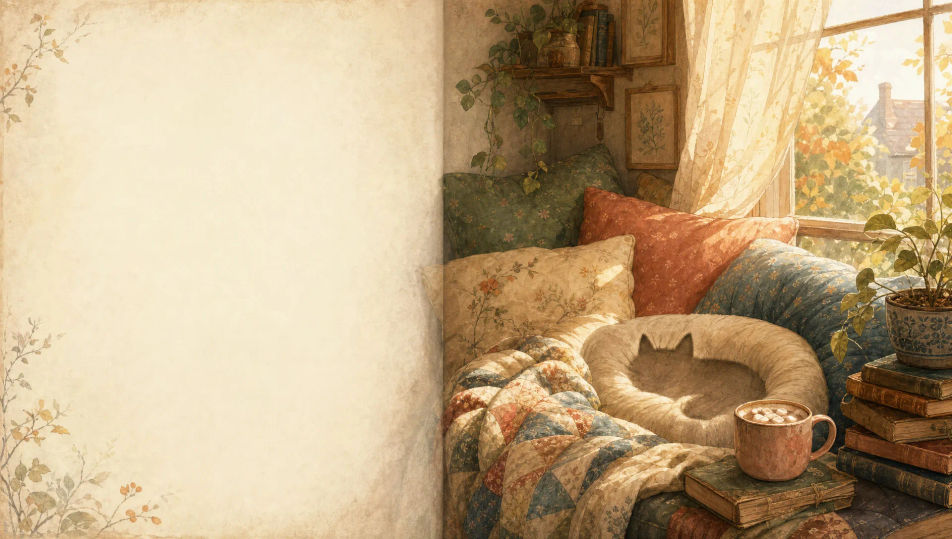
A meadow under a round friendly moon, fireflies scattered through the grass, a single old tree, a calm blue-and-silver storybook palette.
Edit prompt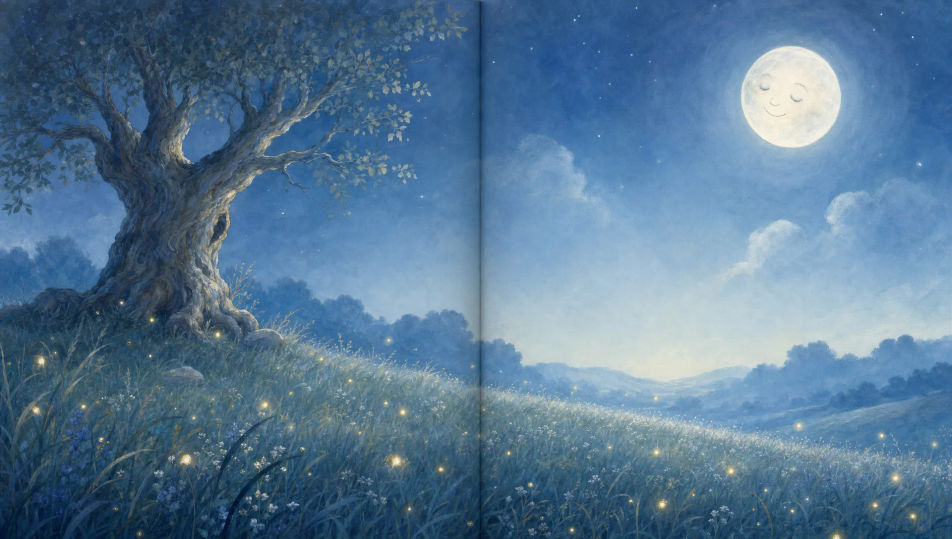
Describe the Storybook illustration you want, in plain words.
Morphic generates a clean, ready-to-publish image on your canvas in seconds.
Tweak the prompt, regenerate variations, then download or share the frame.

Share a scene description with character references. Get a full storyboard with shot angles and mood.

Feed in a single image. Get 9 cinematic beats laid out as a 3x3 storyboard grid.

Take any character image and generate 6 distinct facial expressions on a single reference sheet.
One image to a 9-scene cinematic video.

Pick any anime illustration as your style guide. Apply its look to any image.
Cinematic time-freeze short film for any scene
Children's book AI Images
Create children's book illustrations with Morphic. Friendly characters with consistent looks, age-appropriate imagery, and full page spreads generated from a single prompt.
Fairytale illustration AI generator
Create fairytale illustration with Morphic. Enchanted forests, castles, golden-age illustration finish, and storybook spreads from a single prompt.
Picture book character AI generator
Create picture book characters with Morphic. Original character designs, turnaround sheets, expression sets, and on-model art across every page.
Bedtime story illustration AI generator
Create bedtime story illustration with Morphic. Soft night palettes, soothing low light, sleepy subjects, and gentle page spreads from a single prompt.
Get started for free today, with the option to upgrade or cancel anytime.
Basic
2400 monthly credits
1 user only
All models
Workflows
Standard
3625 monthly credits
1 user only
All models
Workflows
Pro
6350 shared monthly credits
1 user
All models
Workflows
Max
24650 shared monthly credits
1 user
All models
Workflows
Enterprise
For higher limits
Custom
pricing and billing terms

Free
For playing around
$0
forever free