Side-on RPG town tile-set
A horizontal pixel-art town with cobble street, timber houses, market awnings, a fountain dead-centre, parallax mountains behind, 16x16 tile grid.
Edit prompt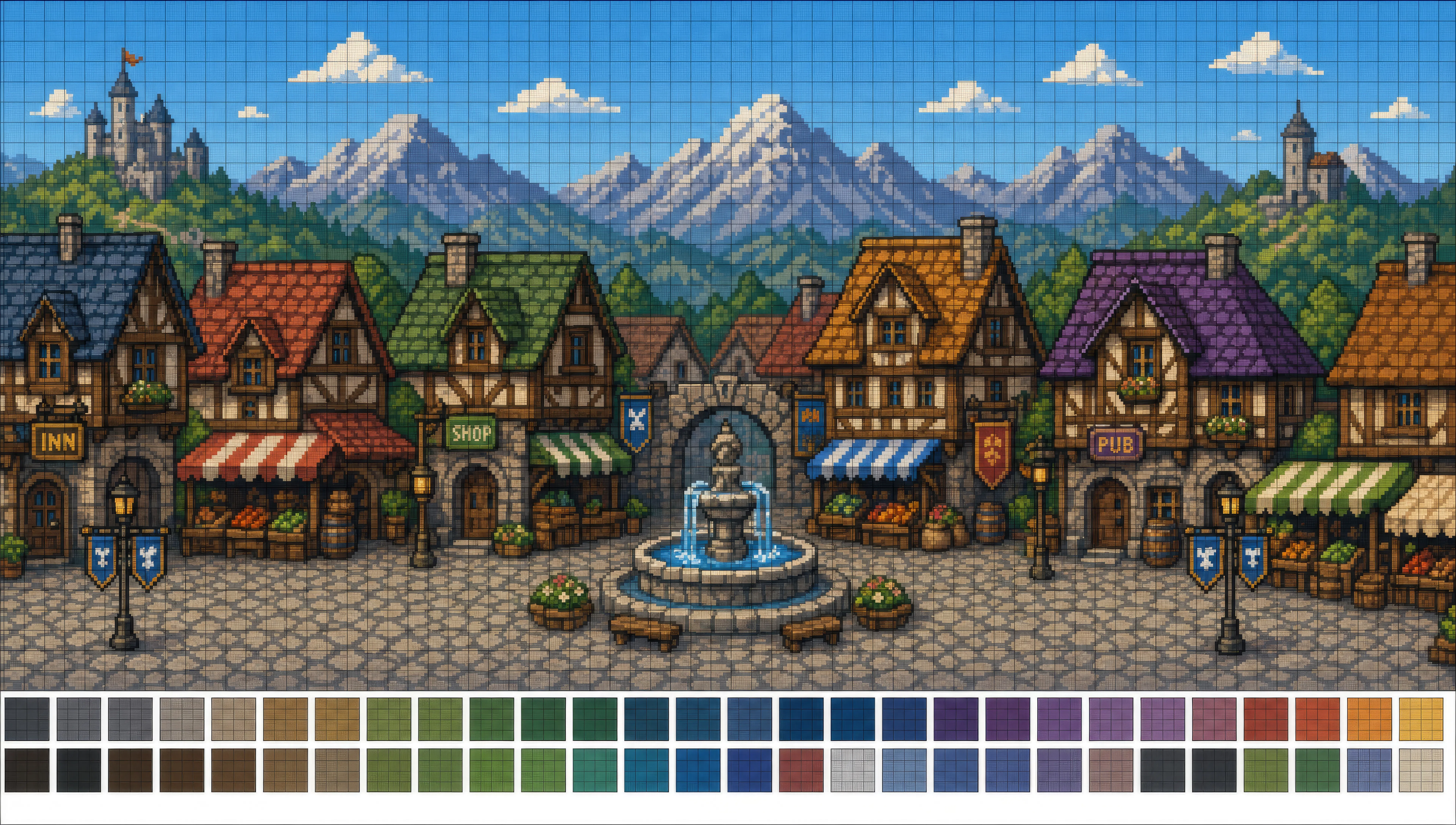
Design pixel art in your browser with Morphic's pixel art AI image generator. Create a 32x32 hooded mage sprite in an 8-colour palette or a top-down RPG dungeon room, lock dithering and palette with Style Transfer, then animate any sprite with Image to Video.
A horizontal pixel-art town with cobble street, timber houses, market awnings, a fountain dead-centre, parallax mountains behind, 16x16 tile grid.
Edit promptA square top-down 64x64 dungeon room with stone tiles, chests in two corners, torches lit on each wall, a single statue at the back.
Edit prompt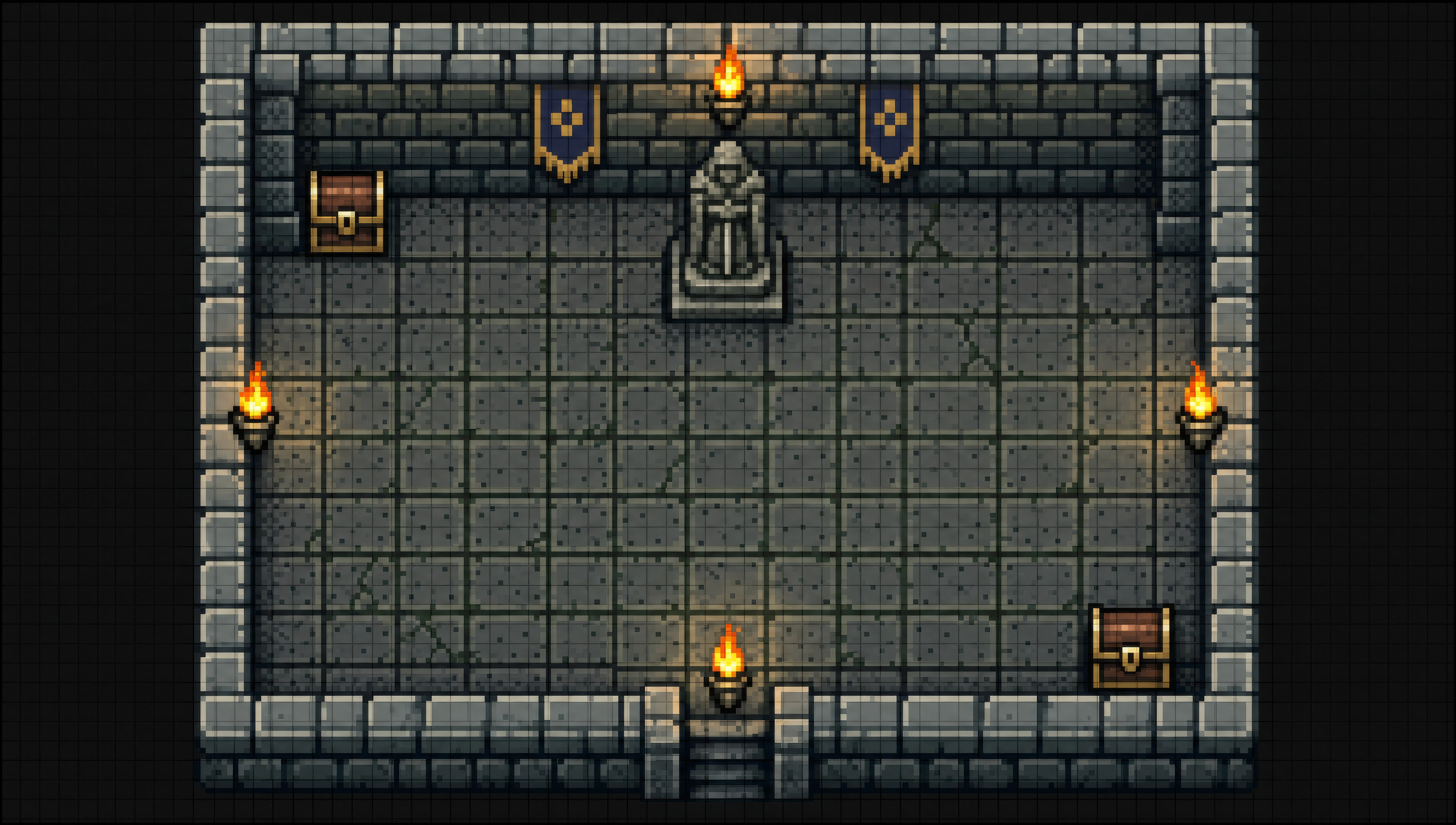
A side-scrolling pixel level of floating grass islands and brick platforms, coins arranged in arcs, a pink sky with parallax cloud layers behind.
Edit prompt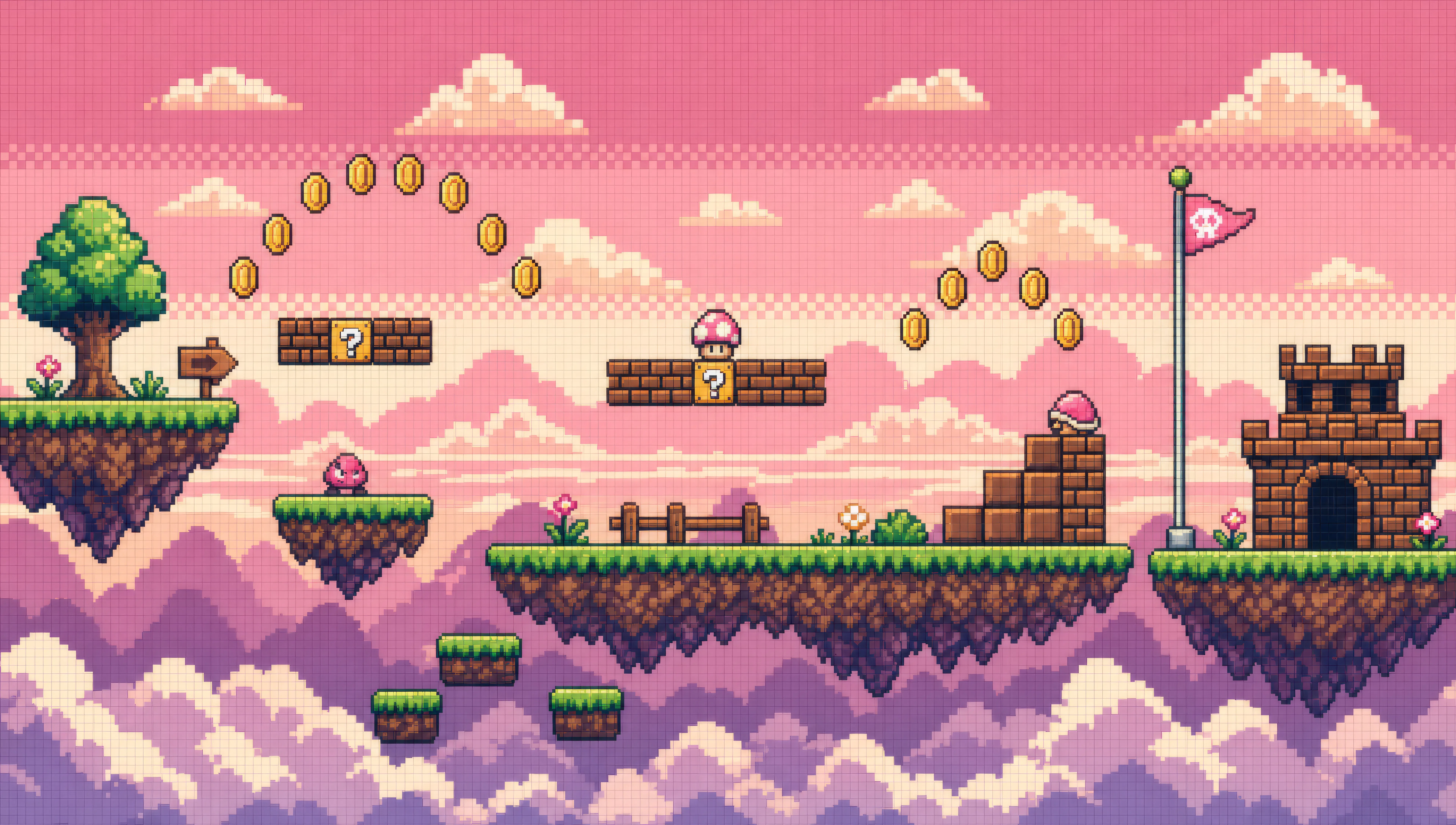
A top-down JRPG world map with hex-fitted tiles of grass, forest, mountains, and a winding river, a single hero sprite mid-step on a path.
Edit prompt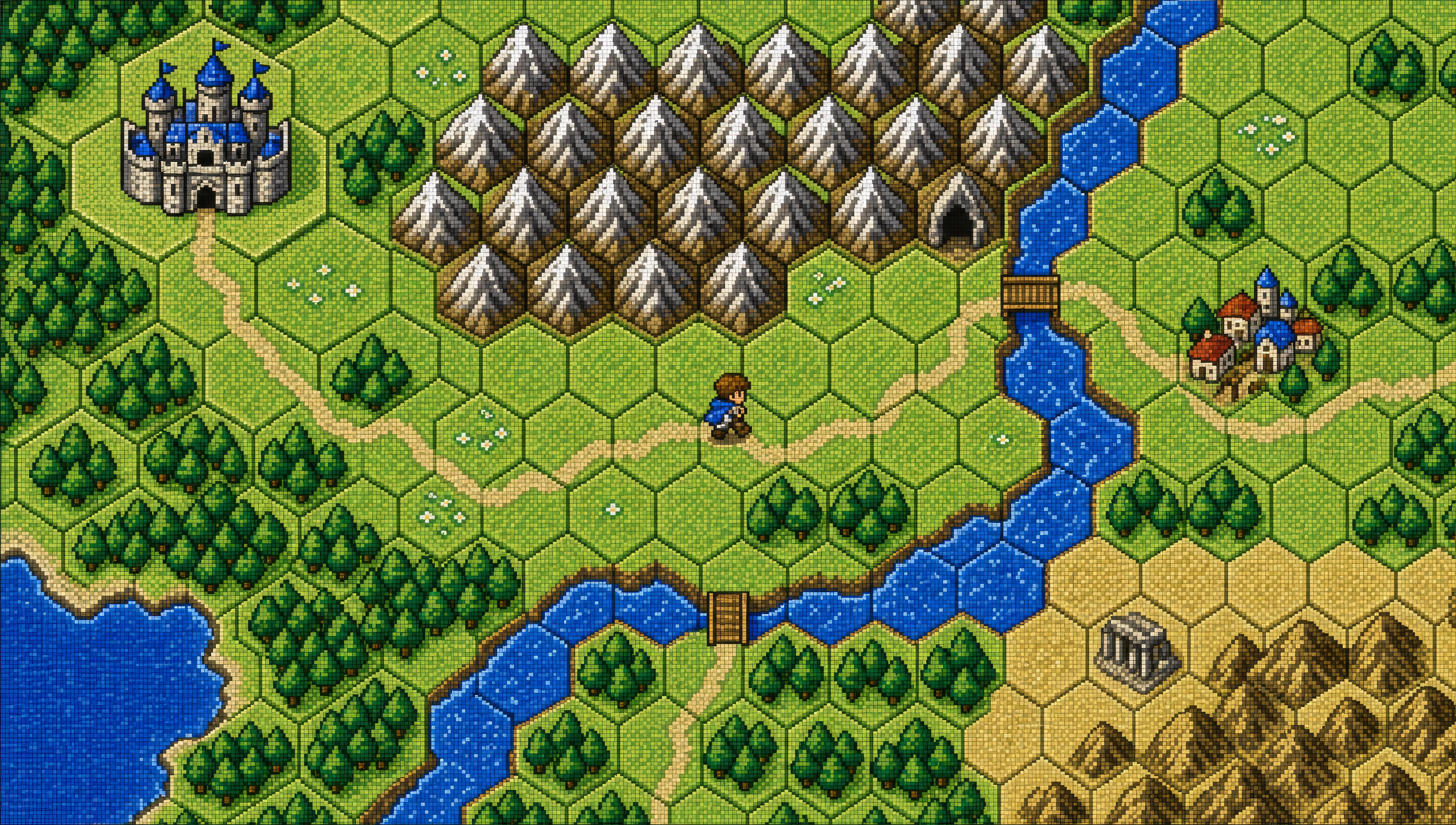
Describe the Pixel art you want, in plain words.
Morphic generates a clean, ready-to-publish image on your canvas in seconds.
Tweak the prompt, regenerate variations, then download or share the frame.
Pick a reference image, apply its visual style to your own photo or artwork.
Convert any image to a new aspect ratio. Smart crop or extend the edges to fit.
Restyle any video in a completely new visual style. Every frame transforms, all motion stays intact.

Turn any sketch or drawing into a finished render.

Pick any anime illustration as your style guide. Apply its look to any image.

Turn any photo or description into an animated chibi sprite. Dance, jump, wave, attack, and more.
Chibi art AI Images
Create chibi art with Morphic. Big-head kawaii characters, animal companions, sticker-pack expressions, and group line-ups generated from a single prompt.
Mecha art AI Images
Create Mecha art with Morphic. Pilot portraits, hardware design sheets, cockpit cross-sections, and frame studies generated from a single prompt.
Cyberpunk AI art
Create cyberpunk art with Morphic. Chrome-augmented netrunners, neon megacity skylines, ripperdoc clinics, and synthwave-grade portraits from a single prompt.
Comic book AI Images
Create comic book panels, character designs, and full pages with Morphic. Splash pages, action sequences, decompressed beats, and indie-comic styles from a single prompt.
Get started for free today, with the option to upgrade or cancel anytime.
Basic
2400 monthly credits
1 user only
All models
Workflows
Standard
3625 monthly credits
1 user only
All models
Workflows
Pro
6350 shared monthly credits
1 user
All models
Workflows
Max
24650 shared monthly credits
1 user
All models
Workflows
Enterprise
For higher limits
Custom
pricing and billing terms

Free
For playing around
$0
forever free