Blog and article header
A wide remote work scene with open space along the top for a headline, bright natural light.
Edit prompt
Compose remote work images in your browser with Morphic's AI photo generator. Try a freelancer at a sunny home desk, a video call with a distributed team, or a laptop set up in a cozy cafe. Adjust the crop and color on the Canvas, then download each in HD.
A wide remote work scene with open space along the top for a headline, bright natural light.
Edit promptA close, inviting remote work shot cropped square, a clear focal point that reads well as a thumbnail.
Edit prompt
A detailed, high-resolution remote work scene composed for a large print, crisp texture and balanced framing.
Edit prompt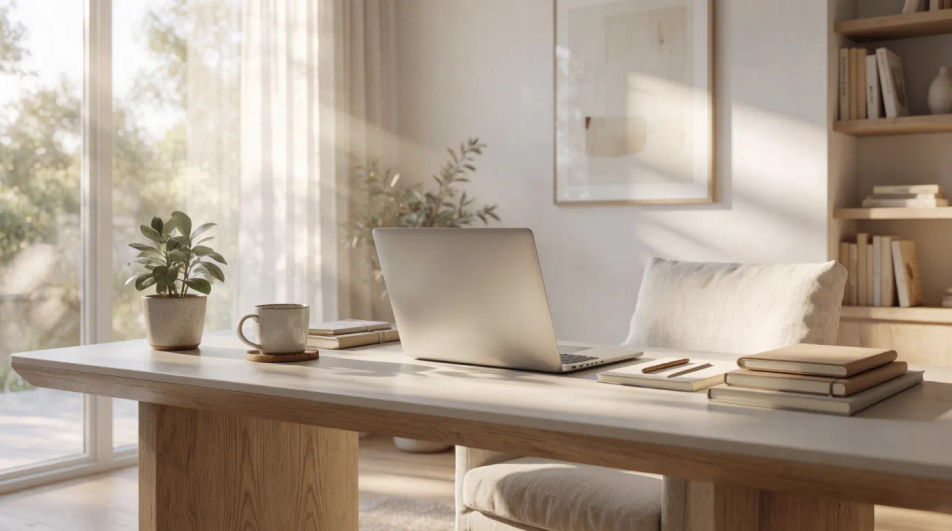
A soft, low-contrast remote work scene with muted tones, calm and understated, with balanced light throughout.
Edit prompt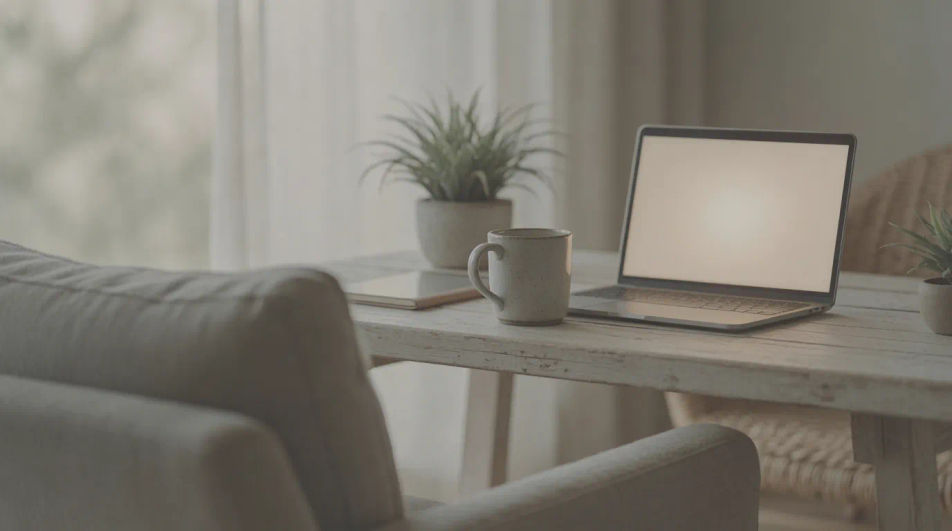
Describe the remote work image you want, in plain words.
Morphic generates a clean, ready-to-publish image on your canvas in seconds.
Tweak the prompt, regenerate variations, then download or share the frame.
Cinematic time-freeze short film for any scene
Upload a character image and make it dance in any style.

Share a scene description with character references. Get a full storyboard with shot angles and mood.
Pair a character image with a reference video. Your character picks up that exact motion.

Feed in a single image. Get 9 cinematic beats laid out as a 3x3 storyboard grid.

Dramatize any text conversation into a cinematic multi-shot video.
Office Desk AI Images
Make office desk images from a text prompt. Skip the stock library and generate the exact scene you need. Yours to use commercially.
Onboarding AI Images
Make onboarding images from a text prompt. Generate the scene your brief describes, not the closest match in a library. Commercial rights included.
Personal Trainer AI Images
Make personal trainer images from a text prompt. Skip the stock library and generate the exact scene you need. Commercial rights included.
Pet Grooming AI Images
Generate pet grooming images with AI in seconds. Specify the people, setting and mood instead of settling for the nearest stock photo. No stock licence needed.
Get started for free today, with the option to upgrade or cancel anytime.
Basic
2400 monthly credits
1 user only
All models
Workflows
Standard
3625 monthly credits
1 user only
All models
Workflows
Pro
6350 shared monthly credits
1 user
All models
Workflows
Max
24650 shared monthly credits
1 user
All models
Workflows
Enterprise
For higher limits
Custom
pricing and billing terms

Free
For playing around
$0
forever free