City-pop skyline at dusk
A hand-painted 80s cityscape at dusk, warm windows, elevated highway, a hazy purple-orange sky, muted film grain over the whole frame.
Edit prompt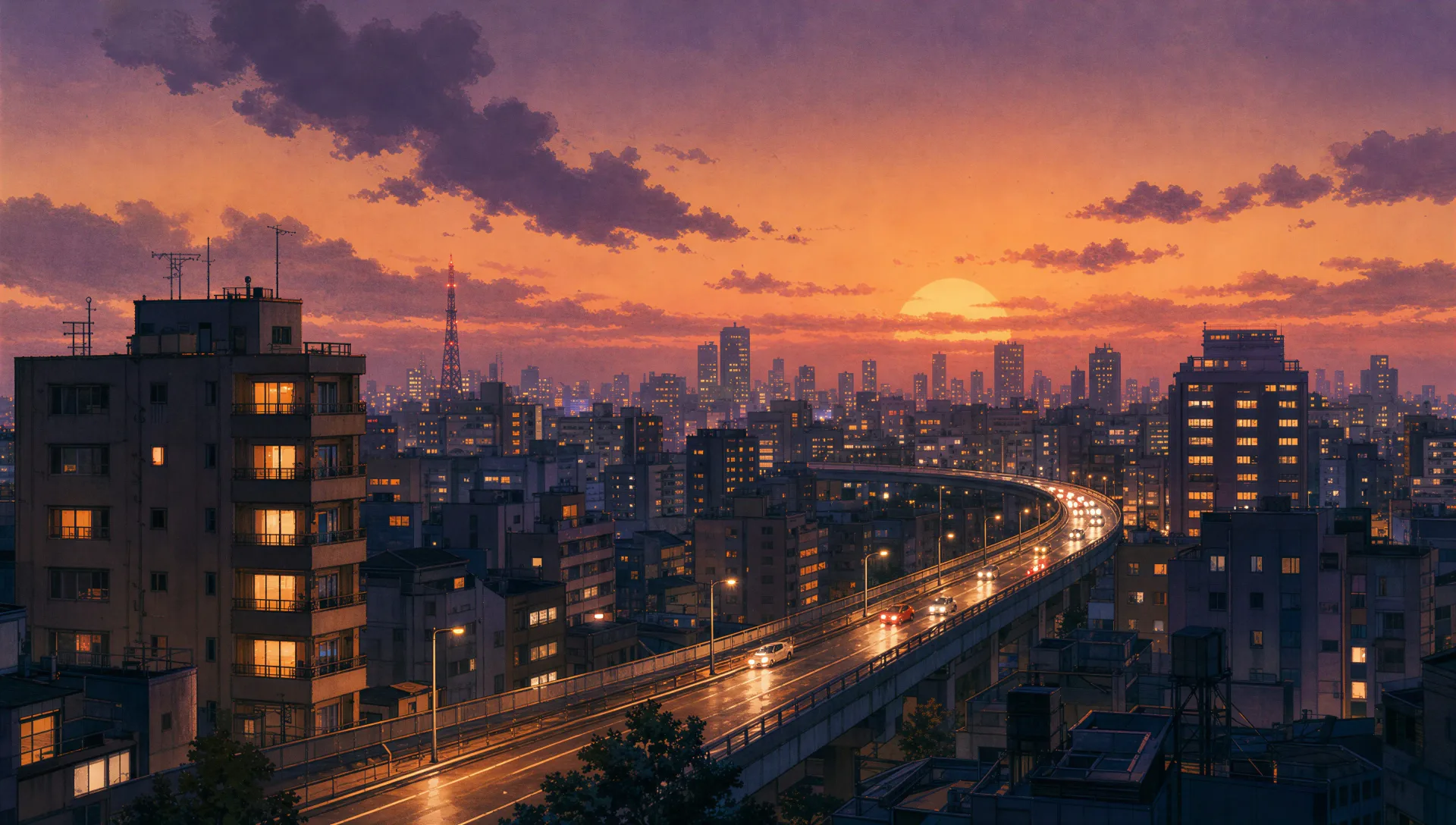
Illustrate retro Anime art in your browser with Morphic's retro Anime AI image generator. Draw a 90s-cel city-pop heroine on a neon balcony or a detective under a flickering sign, hold muted grain with Style Transfer and animate any still with Image to Video.
A hand-painted 80s cityscape at dusk, warm windows, elevated highway, a hazy purple-orange sky, muted film grain over the whole frame.
Edit promptA small late-night store glowing under cool tubes, painted cel detail on the shelves, a slight VHS softness, an empty street outside.
Edit prompt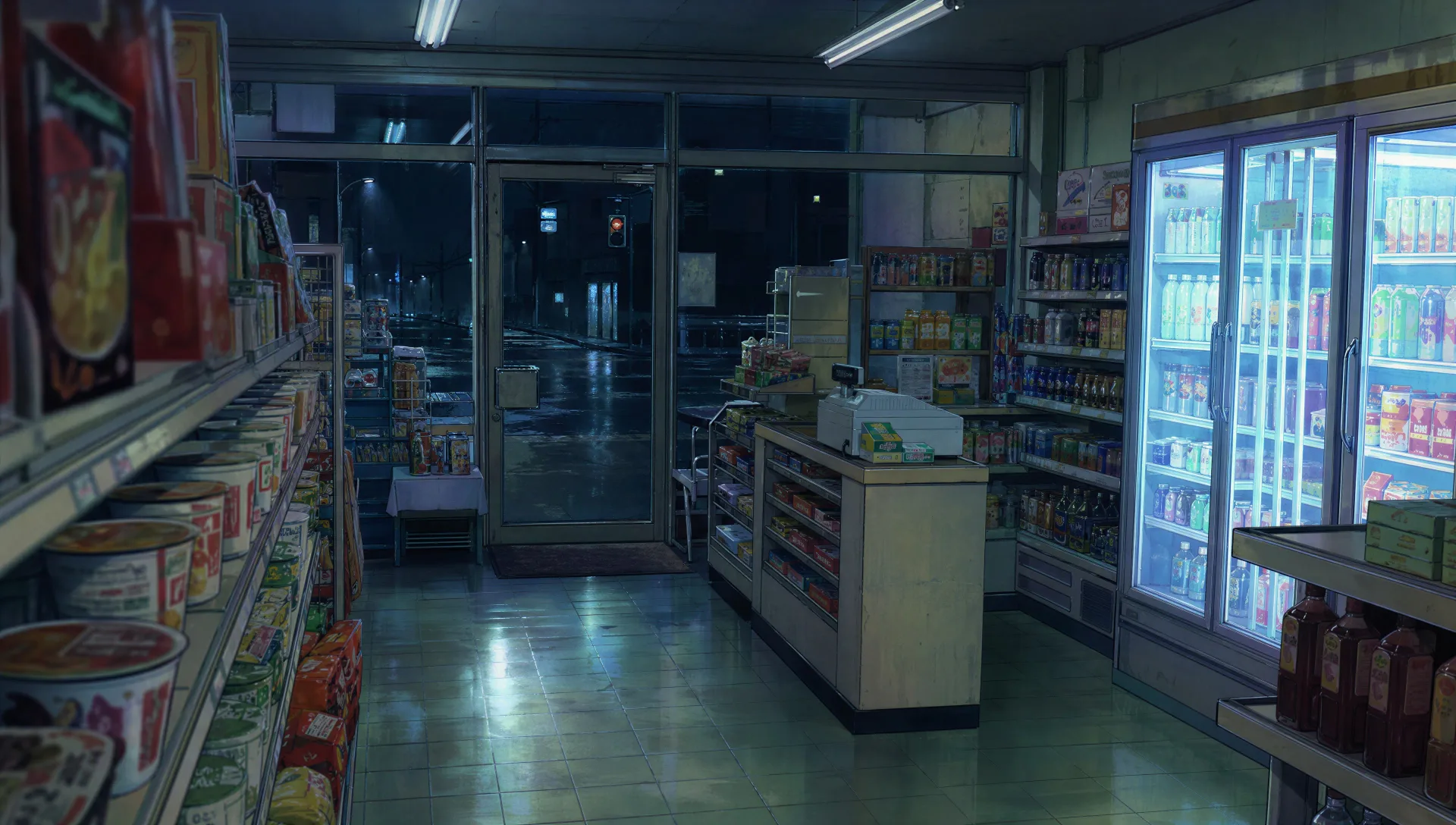
A teenage bedroom of the era with a CRT TV, cassette stacks, band posters, a tube monitor glow, scanline softness and warm faded colour.
Edit prompt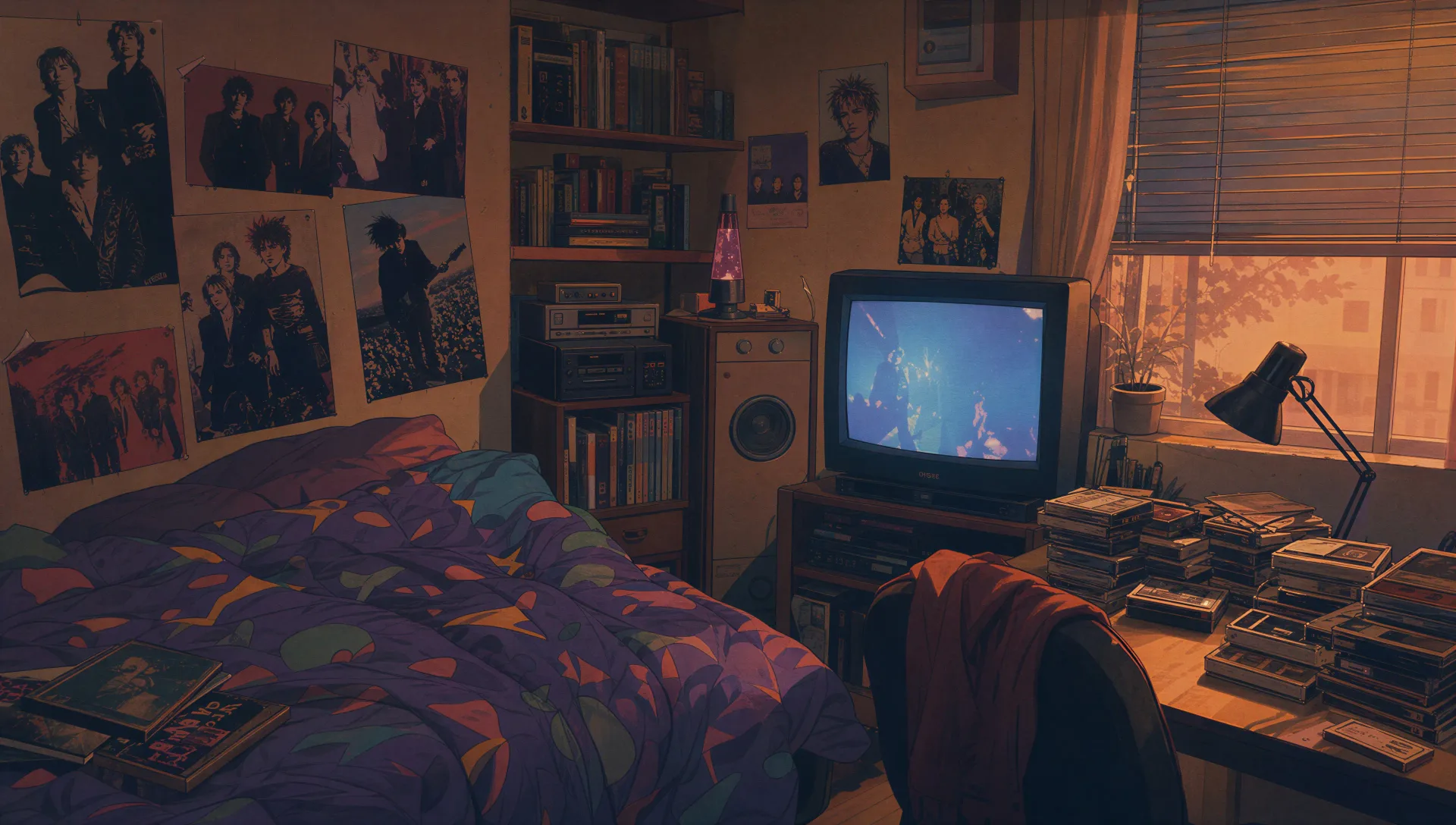
A packed retro arcade of glowing cabinets, carpet patterns, a hazy smoke layer, magenta-and-blue light, hand-painted cel reflections.
Edit prompt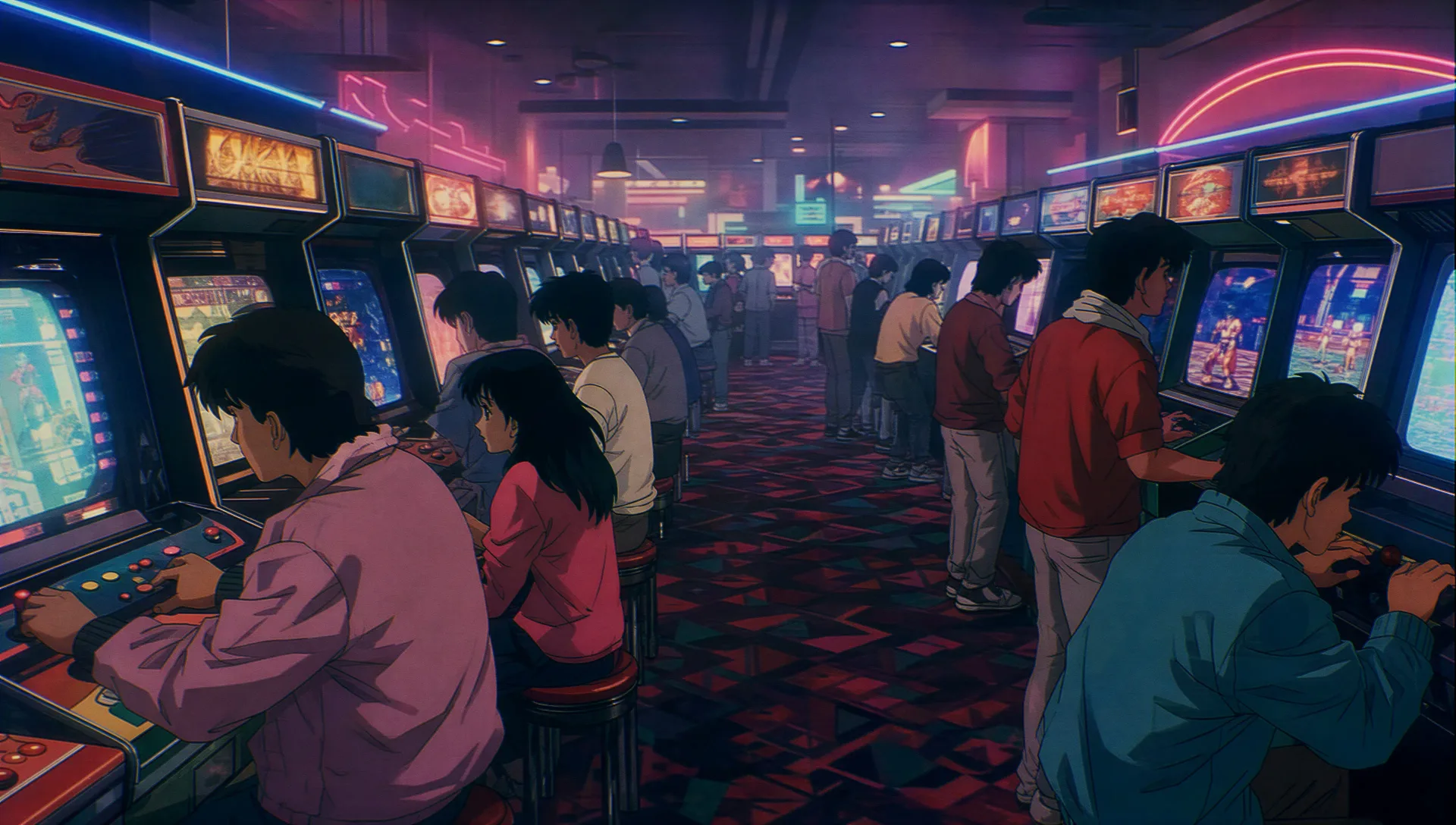
Describe the Retro Anime art you want, in plain words.
Morphic generates a clean, ready-to-publish image on your canvas in seconds.
Tweak the prompt, regenerate variations, then download or share the frame.

Pick any anime illustration as your style guide. Apply its look to any image.

Turn any sketch or drawing into a finished render.

Take any character image and generate 6 distinct facial expressions on a single reference sheet.

All your characters on a single lineup image, side by side with height comparison.

Turn any photo or description into an animated chibi sprite. Dance, jump, wave, attack, and more.
Reimagine any anime character as a photorealistic, high-fashion live-action portrait.
Anime art AI Images
Create anime art with Morphic. Character portraits, key-visual scenes, expressive eye close-ups, and full anime illustrations generated from a single prompt.
Mecha art AI Images
Create Mecha art with Morphic. Pilot portraits, hardware design sheets, cockpit cross-sections, and frame studies generated from a single prompt.
Cyberpunk Anime art AI generator
Create cyberpunk Anime art with Morphic. Neon netrunners, holo-idols, rain-slick megacity panels, and augmented character art from a single prompt.
Lofi Anime art AI generator
Create lofi Anime art with Morphic. Study-desk scenes, rainy windows, cozy interiors, and warm-grain aesthetic illustrations from a single prompt.
Get started for free today, with the option to upgrade or cancel anytime.
Basic
2400 monthly credits
1 user only
All models
Workflows
Standard
3625 monthly credits
1 user only
All models
Workflows
Pro
6350 shared monthly credits
1 user
All models
Workflows
Max
24650 shared monthly credits
1 user
All models
Workflows
Enterprise
For higher limits
Custom
pricing and billing terms

Free
For playing around
$0
forever free