Abbey nave
A wide abbey nave of thick round-arched piers and a heavy barrel vault, small high windows admitting dim shafts, cool grey stone and long solemn shadows.
Edit prompt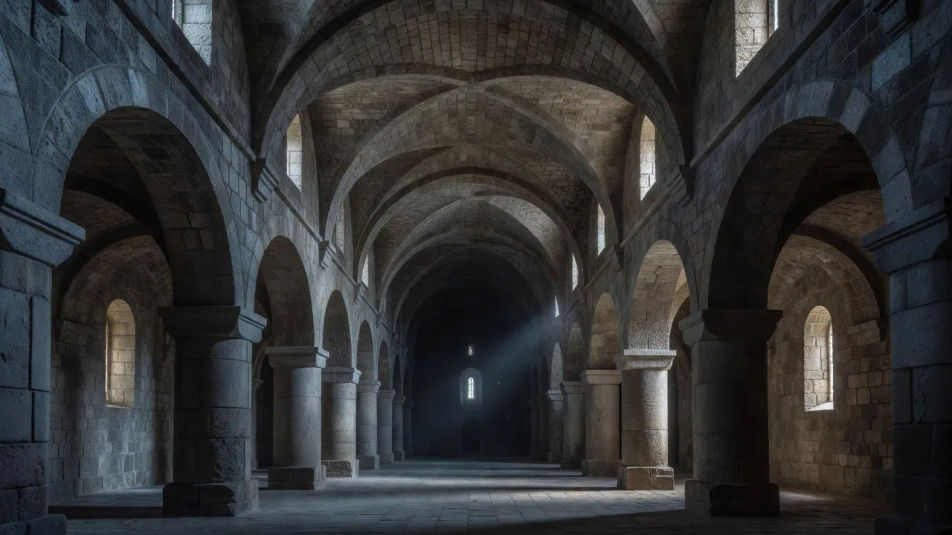
Paint Romanesque art images in your browser with Morphic's AI image generator. Build a massive round-arched abbey, a carved tympanum crowded with stylized figures, or a barrel-vaulted crypt of thick stone piers. Pair each piece with Style Transfer, then animate any still with Image to Video.
A wide abbey nave of thick round-arched piers and a heavy barrel vault, small high windows admitting dim shafts, cool grey stone and long solemn shadows.
Edit promptA wide west portal crowned by a carved stone tympanum crowded with stylized Last Judgment figures, flat frontal poses and deep shadow in weathered pale gold stone.
Edit prompt
A wide curved apse painted with a stern frontal Christ in Majesty, bold flat outlines and earthy ochres, a deep blue mandorla and rigid hieratic figures.
Edit prompt
A wide arcaded cloister of paired stout columns and round arches around a green garth, even daylight and long calm shadows across worn flagstones.
Edit prompt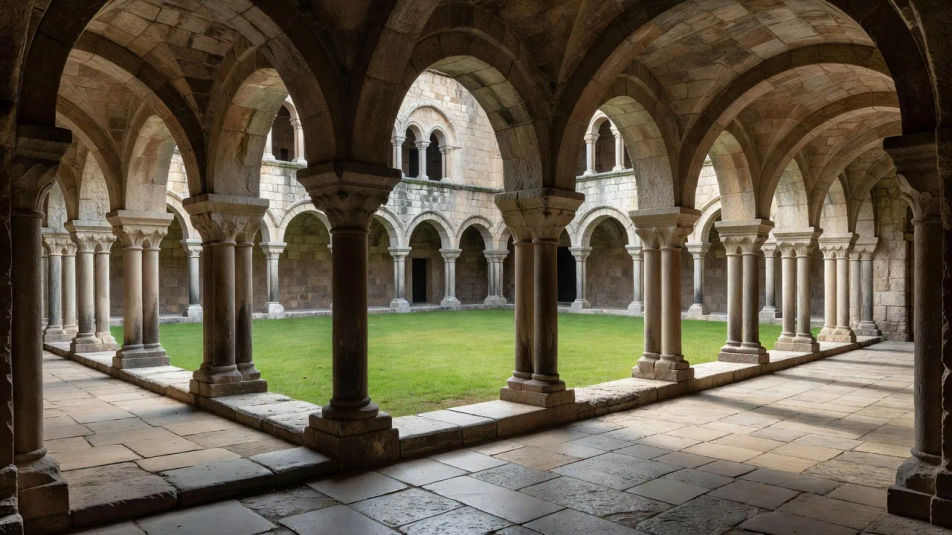
Describe the Romanesque art you want, in plain words.
Morphic generates a clean, ready-to-publish image on your canvas in seconds.
Tweak the prompt, regenerate variations, then download or share the frame.
Pick a reference image, apply its visual style to your own photo or artwork.
Convert any image to a new aspect ratio. Smart crop or extend the edges to fit.

Turn any sketch or drawing into a finished render.

Pick any anime illustration as your style guide. Apply its look to any image.
Restyle any video in a completely new visual style. Every frame transforms, all motion stays intact.

Take any character image and generate 6 distinct facial expressions on a single reference sheet.
Gothic art AI images
Make Gothic art AI images in your browser: rose windows, gilded altarpieces, and pointed-arch cathedrals in jewel tones. Build a scene. Start creating.
Byzantine art AI images
Make Byzantine art AI images in your browser: gold-ground mosaics, frontal icons, domed sanctuaries. Build a sacred scene from a prompt. Start creating.
Medieval illumination AI images
Make Medieval illumination AI images in your browser: gilded initials, vine borders, Gothic script pages. Build a manuscript from a prompt. Start creating.
Tonalism AI images
Make Tonalism AI images in your browser: misty marshes, lone trees, moonlit rivers in soft muted tones. Build a hazy landscape from one prompt. Start creating.
Get started for free today, with the option to upgrade or cancel anytime.
Basic
2400 monthly credits
1 user only
All models
Workflows
Standard
3625 monthly credits
1 user only
All models
Workflows
Pro
6350 shared monthly credits
1 user
All models
Workflows
Max
24650 shared monthly credits
1 user
All models
Workflows
Enterprise
For higher limits
Custom
pricing and billing terms

Free
For playing around
$0
forever free