Open codex spread
A wide flat view of an open illuminated manuscript, two facing pages of Gothic script with a gilded historiated initial and vine margins, warm even light on aged vellum.
Edit prompt
Design Medieval illumination images in your browser with Morphic's AI image generator. Generate a gilded initial, a vine-scrolled border with beasts, or a page of Gothic script in gold leaf. Lock the gold and vermilion palette with Style Transfer, then animate any page with Image to Video.
A wide flat view of an open illuminated manuscript, two facing pages of Gothic script with a gilded historiated initial and vine margins, warm even light on aged vellum.
Edit promptA wide candlelit scriptorium scene with a monk's sloped desk, quills, pigment pots and a half-finished illuminated page catching soft warm light.
Edit prompt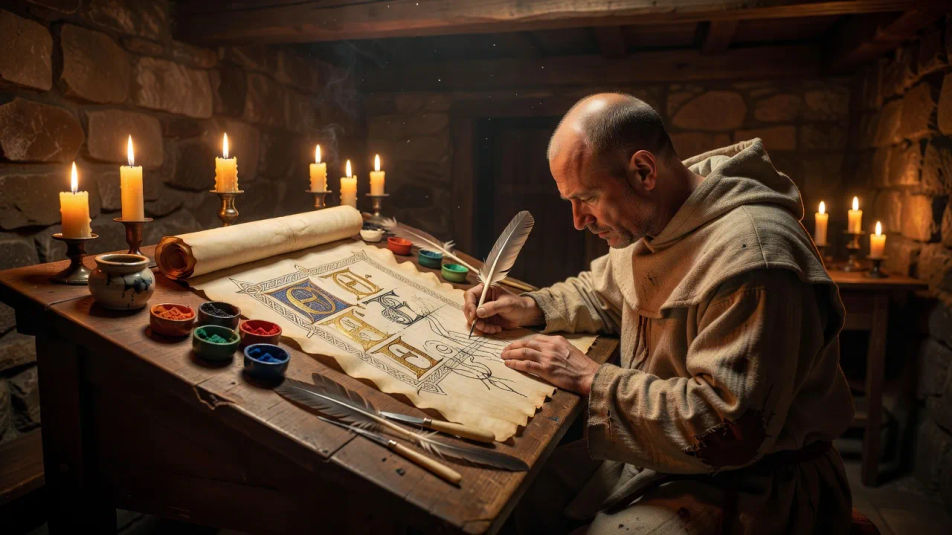
A wide ornate frontispiece page framed by heavy gold-leaf borders and interlace, a central miniature of a saint in lapis and vermilion, flat medieval perspective.
Edit prompt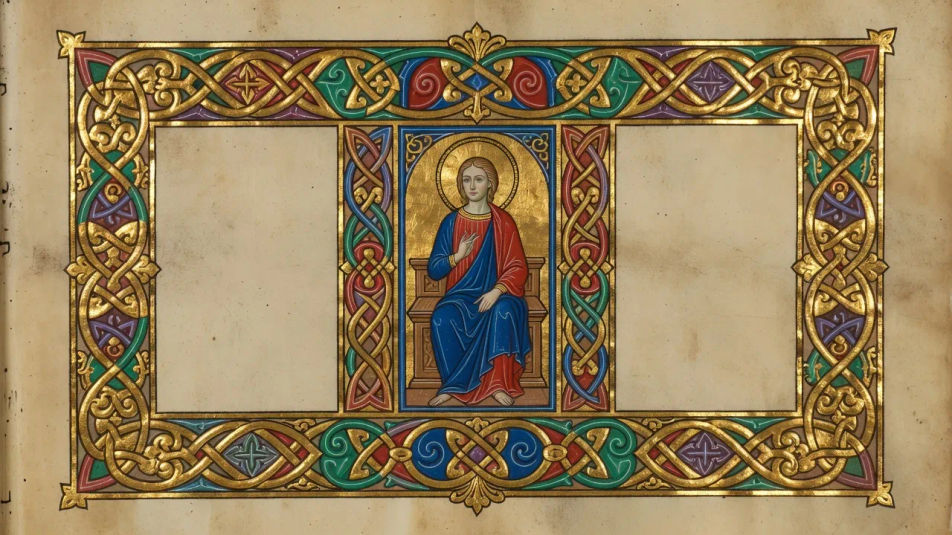
A wide detail of a manuscript margin alive with grotesques, rabbits and gold ivy climbing around a block of blackletter text, jewel-toned and richly patterned.
Edit prompt
Describe the Medieval illumination you want, in plain words.
Morphic generates a clean, ready-to-publish image on your canvas in seconds.
Tweak the prompt, regenerate variations, then download or share the frame.
Pick a reference image, apply its visual style to your own photo or artwork.
Convert any image to a new aspect ratio. Smart crop or extend the edges to fit.

Turn any sketch or drawing into a finished render.

Pick any anime illustration as your style guide. Apply its look to any image.
Restyle any video in a completely new visual style. Every frame transforms, all motion stays intact.

Take any character image and generate 6 distinct facial expressions on a single reference sheet.
Gothic art AI images
Make Gothic art AI images in your browser: rose windows, gilded altarpieces, and pointed-arch cathedrals in jewel tones. Build a scene. Start creating.
Romanesque art AI images
Make Romanesque art AI images in your browser: round-arched abbeys, carved tympanums, barrel-vaulted crypts in heavy stone. Build a scene. Start creating.
Byzantine art AI images
Make Byzantine art AI images in your browser: gold-ground mosaics, frontal icons, domed sanctuaries. Build a sacred scene from a prompt. Start creating.
Celtic knot art AI images
Make Celtic knot art AI images in your browser: endless interlace, triquetra knots, zoomorphic panels. Build a woven design from a prompt. Start creating.
Get started for free today, with the option to upgrade or cancel anytime.
Basic
2400 monthly credits
1 user only
All models
Workflows
Standard
3625 monthly credits
1 user only
All models
Workflows
Pro
6350 shared monthly credits
1 user
All models
Workflows
Max
24650 shared monthly credits
1 user
All models
Workflows
Enterprise
For higher limits
Custom
pricing and billing terms

Free
For playing around
$0
forever free