Underground garage
A wide shot of a supercar in a moody underground garage lit by cold strip lights, glossy floor reflections stretching toward the camera.
Edit prompt
Create supercar images in your browser with Morphic's supercar AI image generator. Direct looks like a wide-bodied hypercar on a lit studio floor, a low aggressive shot on a rain-slick boulevard, or a top-down view on a helipad, then restyle any of them with Style Transfer to match your palette. Frame a wide dramatic view or a tight aero detail, then download every supercar image in HD or bring it to motion with Image to Video.
A wide shot of a supercar in a moody underground garage lit by cold strip lights, glossy floor reflections stretching toward the camera.
Edit promptA wide cinematic shot of a supercar parked at a mountain overlook at dusk, layered peaks and a warm gradient sky filling the frame.
Edit prompt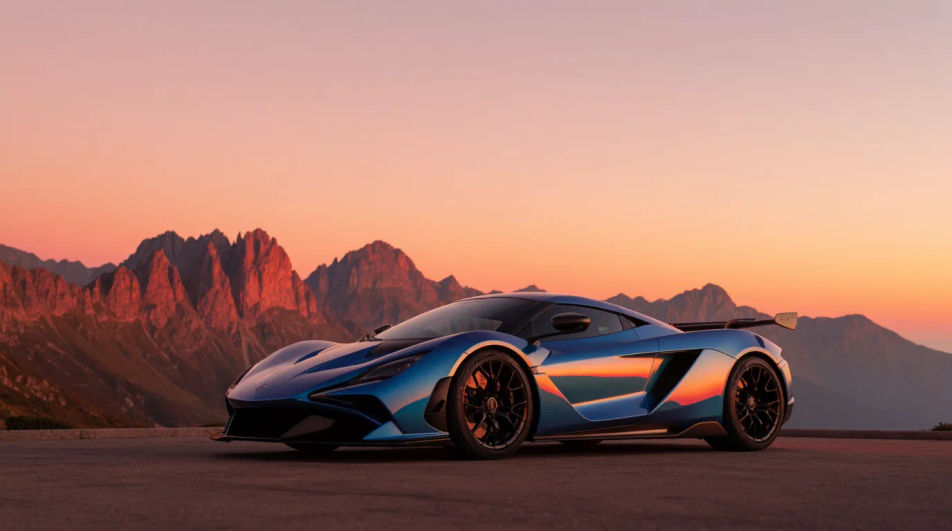
A wide dramatic shot of a supercar staged on an empty runway at blue hour, runway lights receding to the horizon behind it.
Edit prompt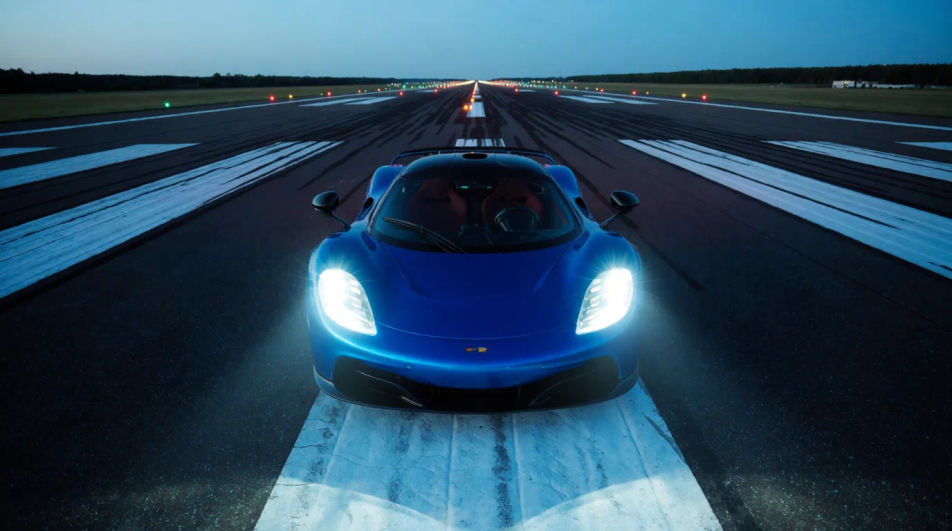
A wide shot of a supercar in a city tunnel with panned light streaks racing past, the bodywork crisp against the blur.
Edit prompt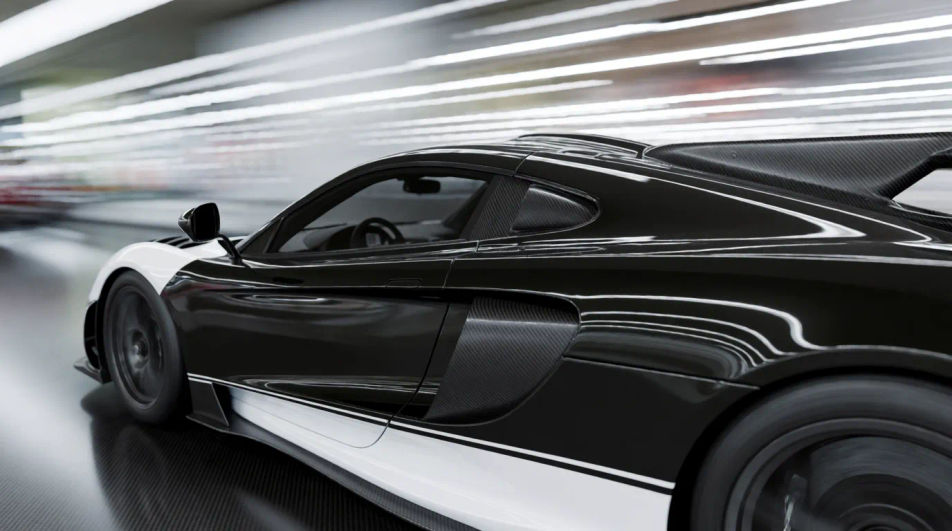
Describe the supercar image you want, in plain words.
Morphic generates a clean, ready-to-publish image on your canvas in seconds.
Tweak the prompt, regenerate variations, then download or share the frame.
Choose your viewing angles and get precise perspective shifts of any image with full camera control.

Dramatic 5-second product reveal video with audio.
Pair a garment photo with a person photo. See them wearing it, identity stays intact.
Convert any image to a new aspect ratio. Smart crop or extend the edges to fit.
Multi-shot product pitch video from a still, a person, and a script.

One product shot becomes a full campaign pack with hero shots, angles, and format variations.
Sports car AI images
Create AI sports car images with our sports car image generator. Find unique sports car images for any project in seconds.
Ambulance drawing maker
Turn an ambulance drawing idea into a finished image in Morphic. Describe the line work and style, generate variations, then refine it on the canvas.
Bus drawing maker
Turn a bus drawing idea into a finished image in Morphic. Describe the line work and style, generate variations, then refine it on the canvas.
Car crash drawing maker
Turn a car crash drawing idea into a finished image in Morphic. Describe the line work and style, generate variations, then refine it on the canvas.
Get started for free today, with the option to upgrade or cancel anytime.
Basic
2400 monthly credits
1 user only
All models
Workflows
Standard
3625 monthly credits
1 user only
All models
Workflows
Pro
6350 shared monthly credits
1 user
All models
Workflows
Max
24650 shared monthly credits
1 user
All models
Workflows
Enterprise
For higher limits
Custom
pricing and billing terms

Free
For playing around
$0
forever free