LTX 2.5
by Lightricks
Lightricks' video model with sound built in.
Clips, audio‑led scenes and talking portraits.
Key features
Technical specifications
720p to 4K
720p or 1080p on LTX 2.5, up to 2160p on LTX 2.5 Fast
6 to 20s
6, 8 or 10 seconds on LTX 2.5, up to 20 seconds on Fast
Native
Made with the picture, switchable on text and image to video
4 modes
Text, image and audio to video, plus lip sync
Use cases
Short ads with sound
A product moment with its own pour, click or room tone, ready to post without a separate sound pass.
Audio-led visuals
Feed a short beat, sting or voice line and the motion follows it, for teasers, loops and title moments.
Talking portraits
One photo and a recorded line become a speaking character for explainers, intros and versions in other languages.
Vertical social clips
Native 9:16 output framed for the phone from the first frame, ready for Reels, Shorts and other vertical feeds.
Longer takes on Fast
Up to 20 seconds in one generation on LTX 2.5 Fast, for establishing shots and slow reveals that need room.
4K for big screens
Render at up to 2160p on LTX 2.5 Fast when a shot has to hold up on a large display or survive a crop.
Prompt examples

Rain on a roof
Close-up of rain hitting a tin roof at dusk, steady drumming, distant thunder
Edit prompt

Overview
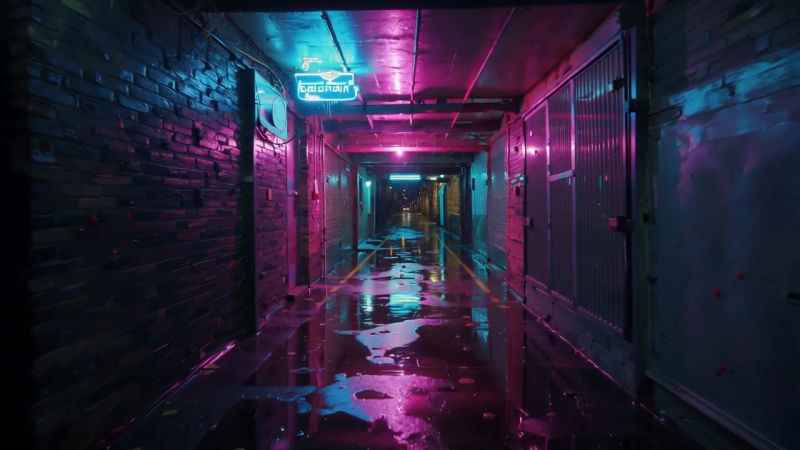
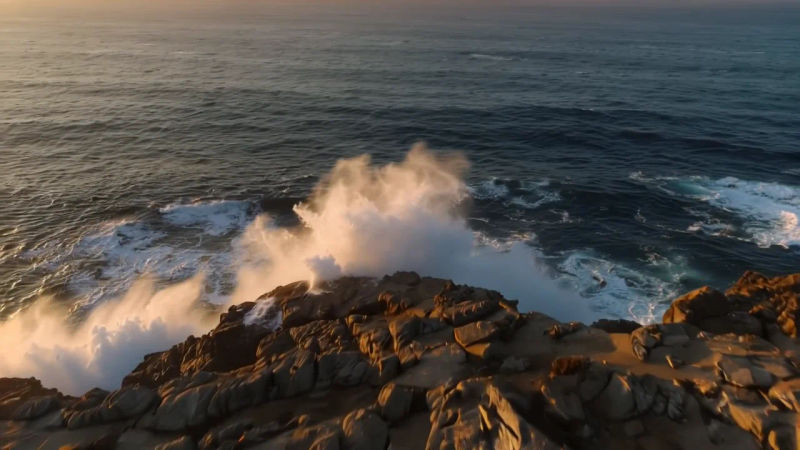
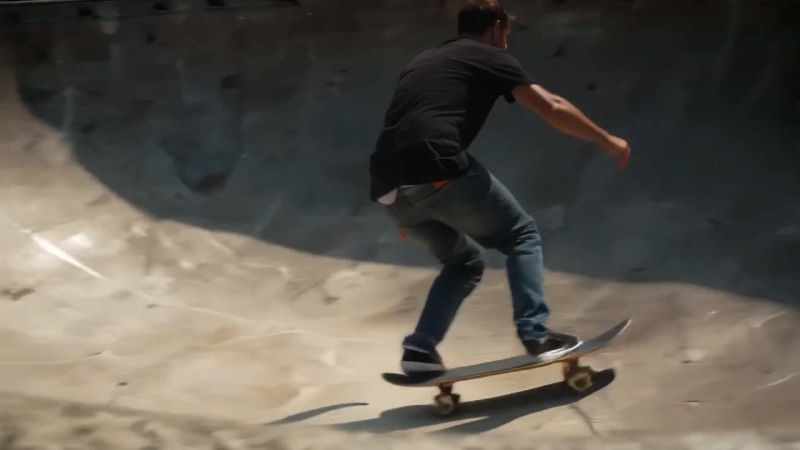
LTX 2.5 is the newest video model in Lightricks' open LTX family, released in August 2026 with weights on Hugging Face. It generates video and audio together in one pass, so dialogue, effects and ambience arrive already matched to the picture. It replaces LTX 2.3 on Morphic.
What LTX 2.5 does differently
Most video models treat sound as an afterthought or skip it. LTX 2.5 starts from the idea that a clip should leave the generator finished, picture and sound together, and it also runs the other way round: give it a short audio clip and it builds the video around that track. The same family covers lip sync, so a single photo and a recorded line become a speaking character.
LTX 2.5 and LTX 2.5 Fast on Morphic
Morphic offers two tiers. LTX 2.5 renders 6 to 10 second clips at 720p or 1080p. LTX 2.5 Fast reaches 2160p and runs up to 20 seconds, for longer establishing shots and frames that need to hold up on a big screen. Both work from text or a first-frame image in 16:9 or 9:16, with native audio you can switch off. Audio to video and lip sync use LTX 2.5 and are on the Basic plan and above. Pick either tier in Copilot or on the Canvas, next to models like Veo, Kling and Seedance, and compare takes side by side.
Simple pricing
Get started for free today, with the option to upgrade or cancel anytime.
Basic
2400 monthly credits
1 user only
All models
Workflows
Standard
3625 monthly credits
1 user only
All models
Workflows
Pro
6350 shared monthly credits
1 user
All models
Workflows
Max
24650 shared monthly credits
1 user
All models
Workflows
Enterprise
For higher limits
Custom
pricing and billing terms

Free
For playing around
$0
forever free
FAQs
Gemini Omni Flash 1.2
Google DeepMind
Google's video model, now fifteen seconds long. Edit the whole take for 30% less a second.
ChatGPT Images 2.6
OpenAI
OpenAI's image model, released November 2026. Animated GIFs, SVG export, faster drafts.
SAM 3.1
Meta
Meta's Segment Anything model. Track any subject as a mask that follows it.
Seed Audio 1.5
ByteDance
ByteDance's full-scene audio model. Dialogue, music and effects, as separate tracks.