Image generation
Available now

Recraft V4.1

by Recraft

Recraft's image model for design work.
Logos, brand art and posters, plus a fast Flash tier.
Recraft V4.1

Key features

Technical specifications

2 tiers

V4.1 for finished images, V4.1 Flash for quick drafts

About 1 MP

1344 x 768 at 16:9, 1024 x 1024 square, on both tiers

11 presets

An optional palette, from red to gray

7 ratios

16:9 to 9:16, plus 4:3, 3:4, 1:1, 4:5 and 5:4

Use cases
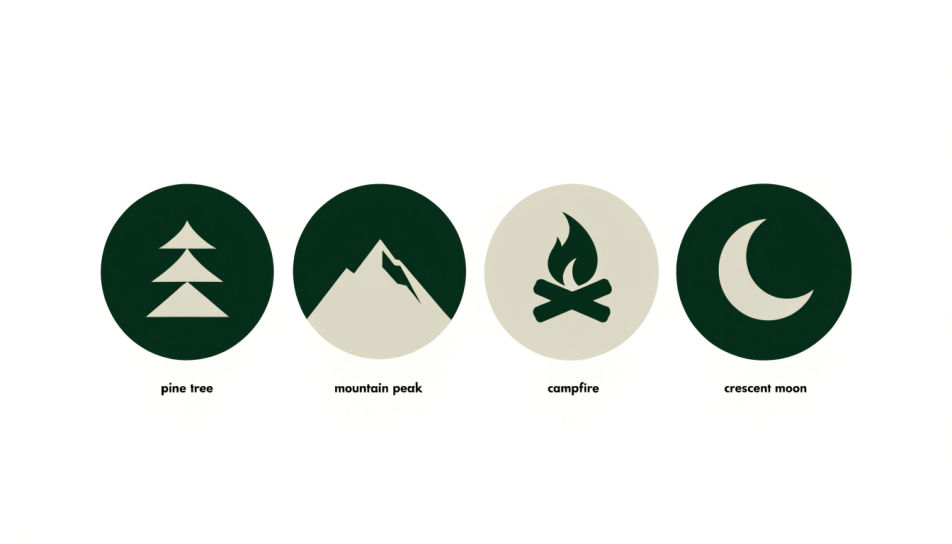
Four flat green and cream emblems for an invented cabin brand: a pine, a peak, a campfire and a moon

Emblem directions

Explore emblem and mascot ideas for a pitch, then take the strongest one forward.
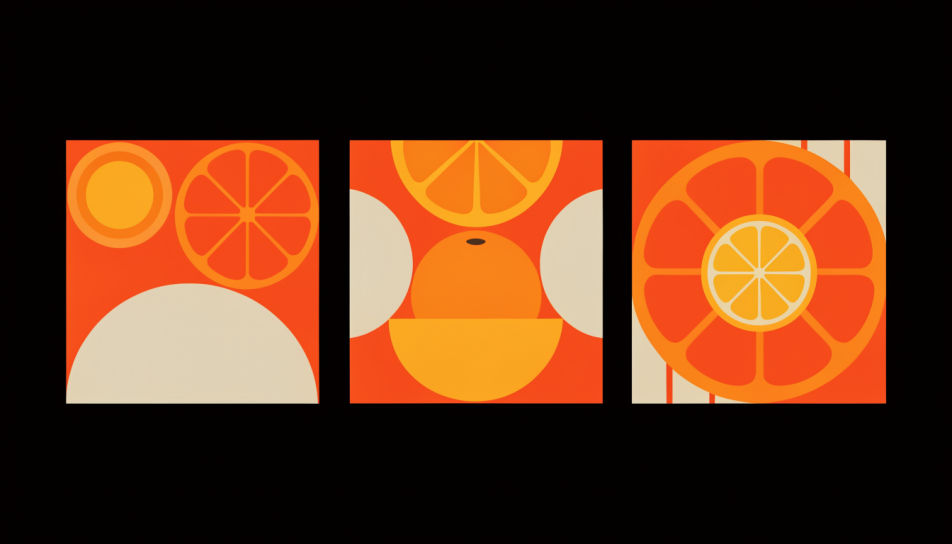
Three orange citrus social tiles in one shared palette for an invented juice bar

Brand graphics

Social tiles, banners and campaign art that hold one palette across a whole set.
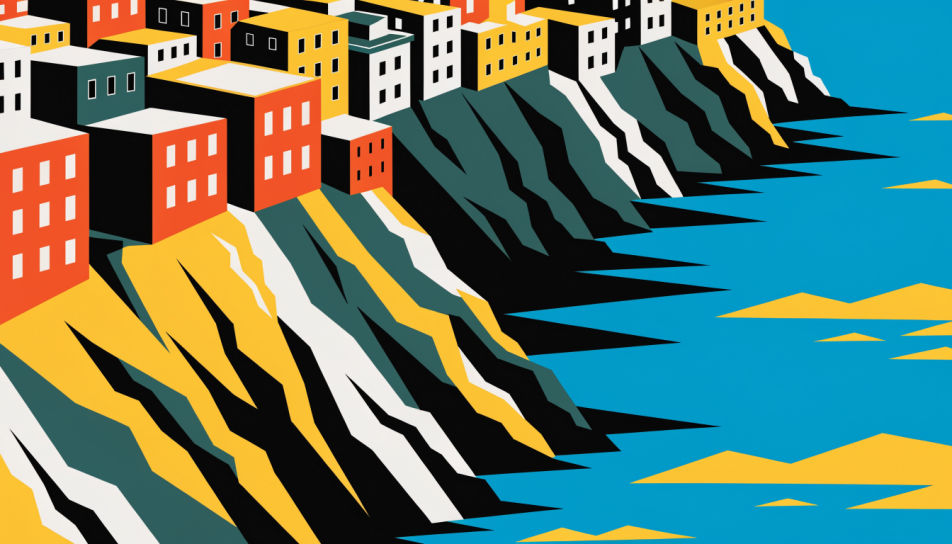
Bold flat travel poster of a colorful cliffside town above a turquoise sea

Posters and covers

Bold poster and cover art with clear shapes and confident layouts, ready to upscale for print.
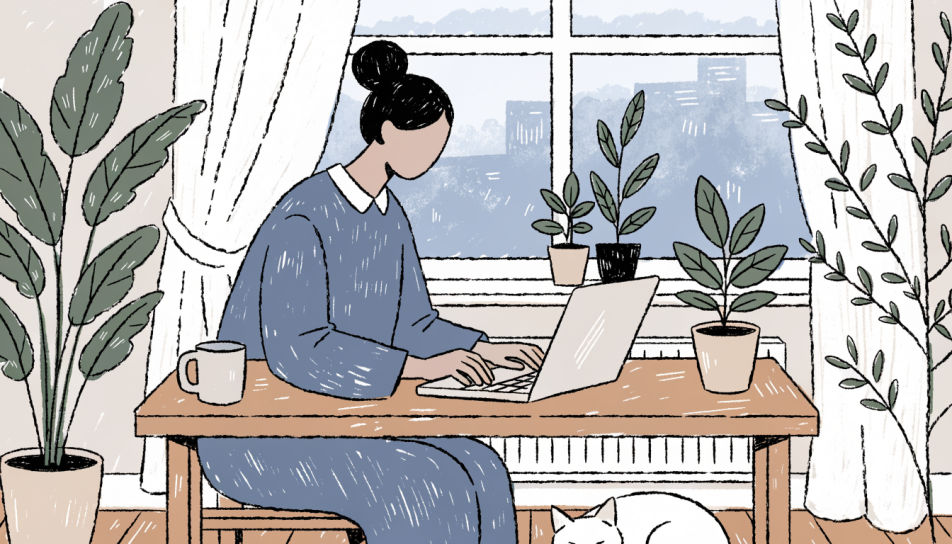
Textured illustration of a person working at a desk by a window with plants and a sleeping cat

Web illustration

Spot illustrations and hero art for landing pages, decks and blogs in one consistent look.
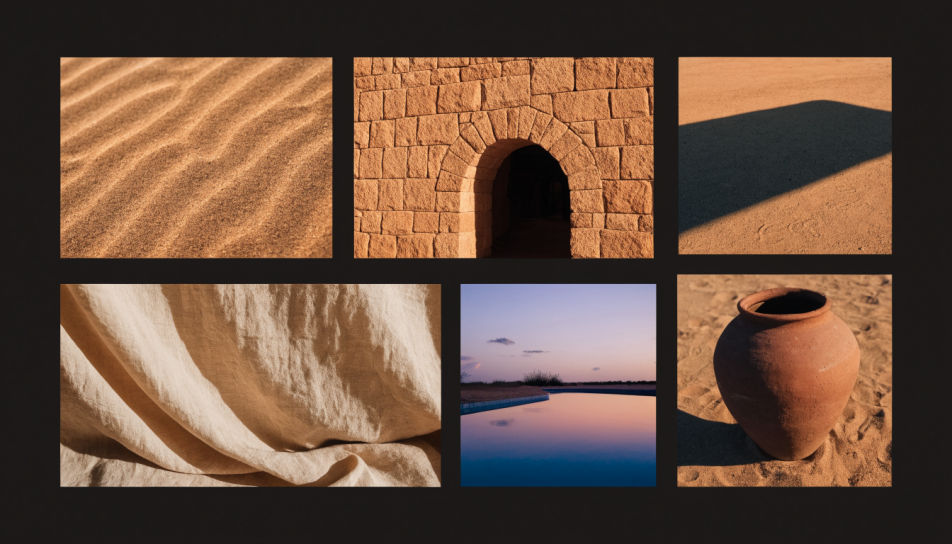
A Recraft V4.1 Flash moodboard of six desert hotel frames in sand and terracotta tones

Fast moodboards

Run several Flash drafts at once to find the mood, then render the keeper on Recraft V4.1.
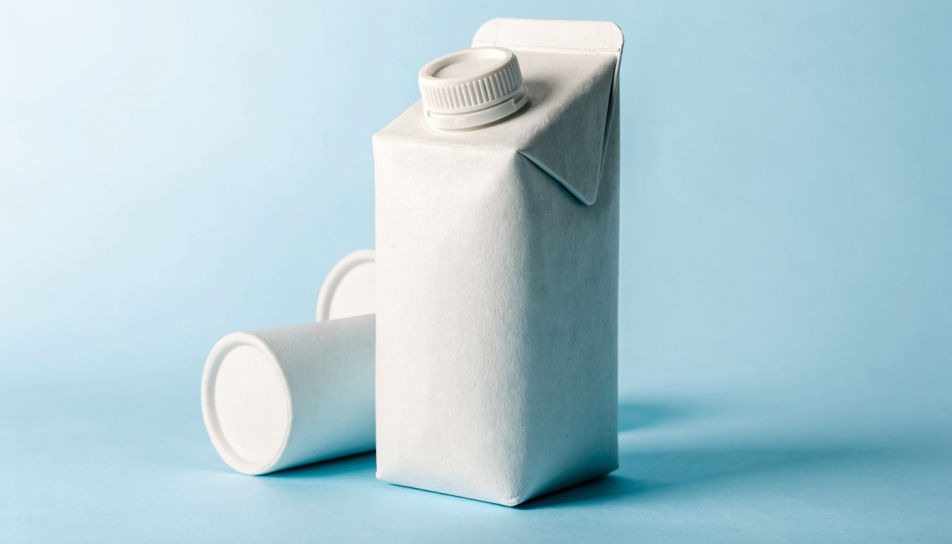
Plain white carton concept on a pale blue set in soft studio light

Product concepts

Simple packaging and product scenes for early concepts, before any photo shoot is booked.

Prompt examples
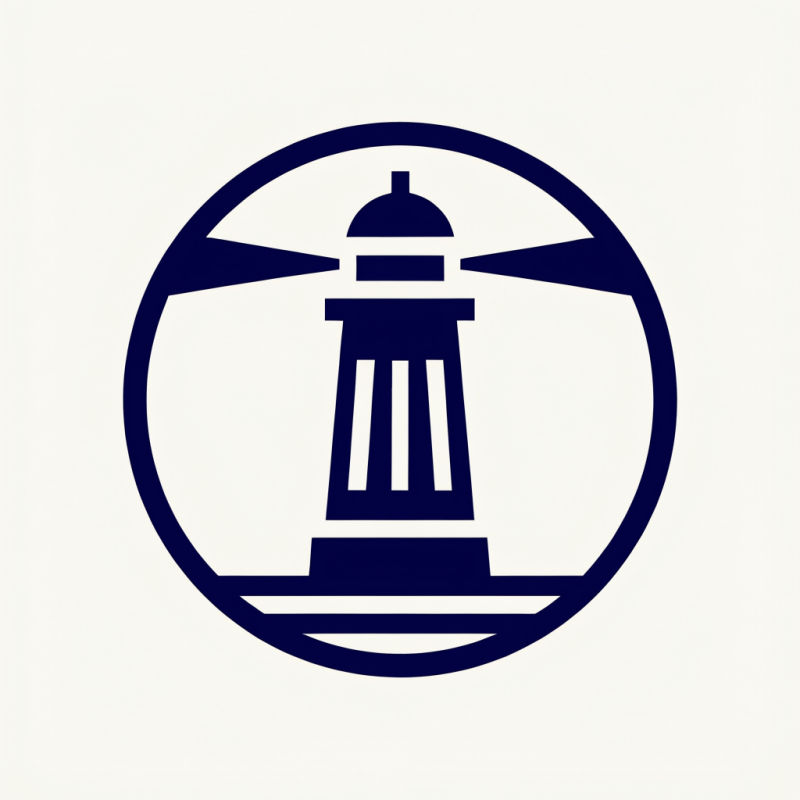
Emblem

Emblem

Flat emblem of a lighthouse inside a circle, navy and cream, bold clean shapes

Edit prompt
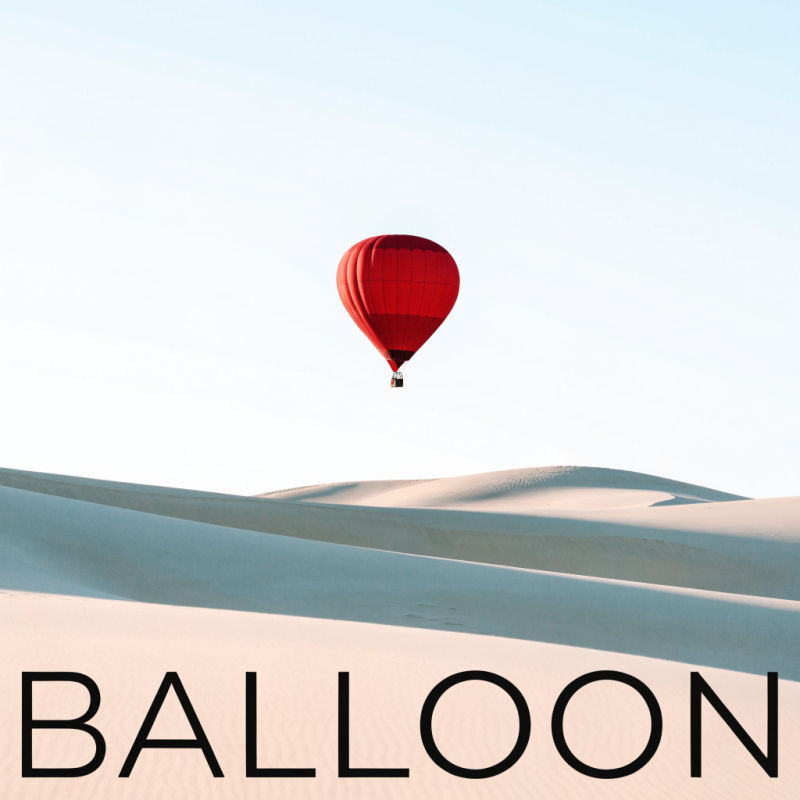
Poster

Poster

Minimal poster of a single red hot air balloon over pale dunes, wide margins

Edit prompt
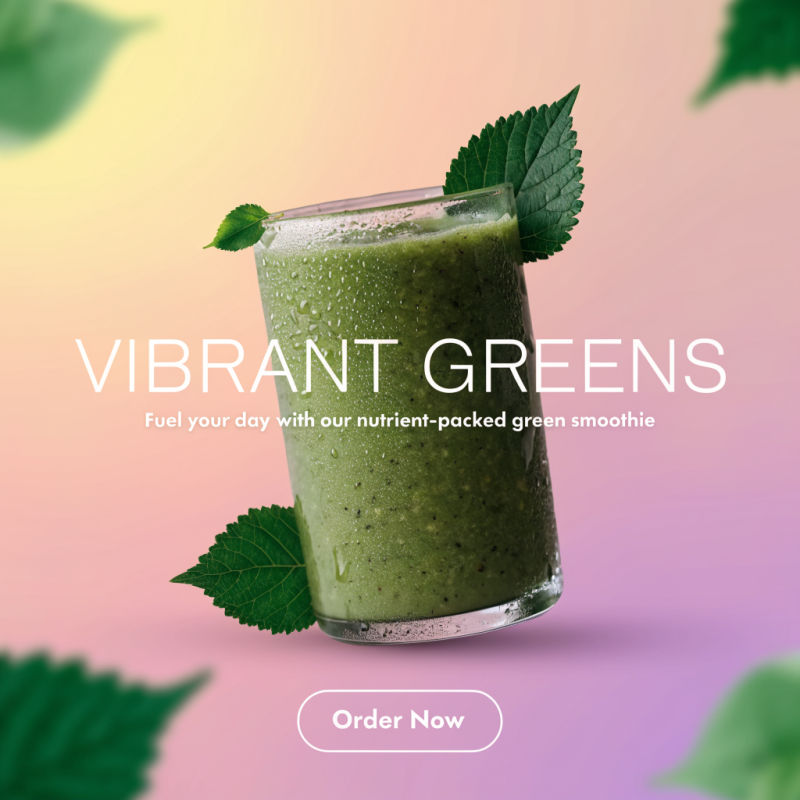
Social tile

Social tile

Square promo graphic of a green smoothie with leaves, soft gradient background

Edit prompt
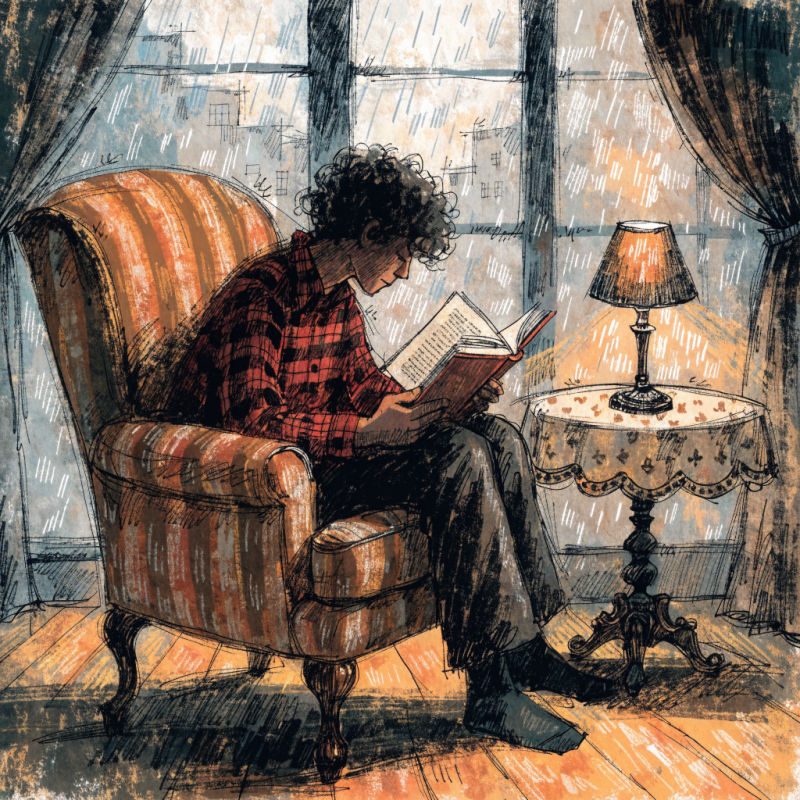
Editorial

Editorial

Textured illustration of a reader in an armchair by a rainy window, warm light

Edit prompt
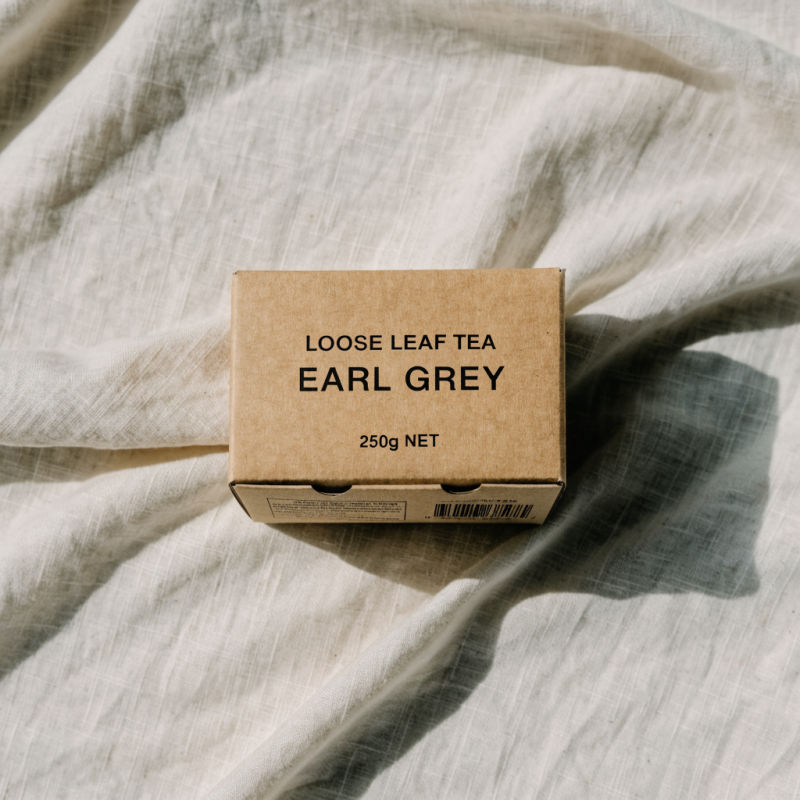
Packaging

Packaging

Matte kraft tea box on linen, soft daylight, clean top-down product shot

Edit prompt
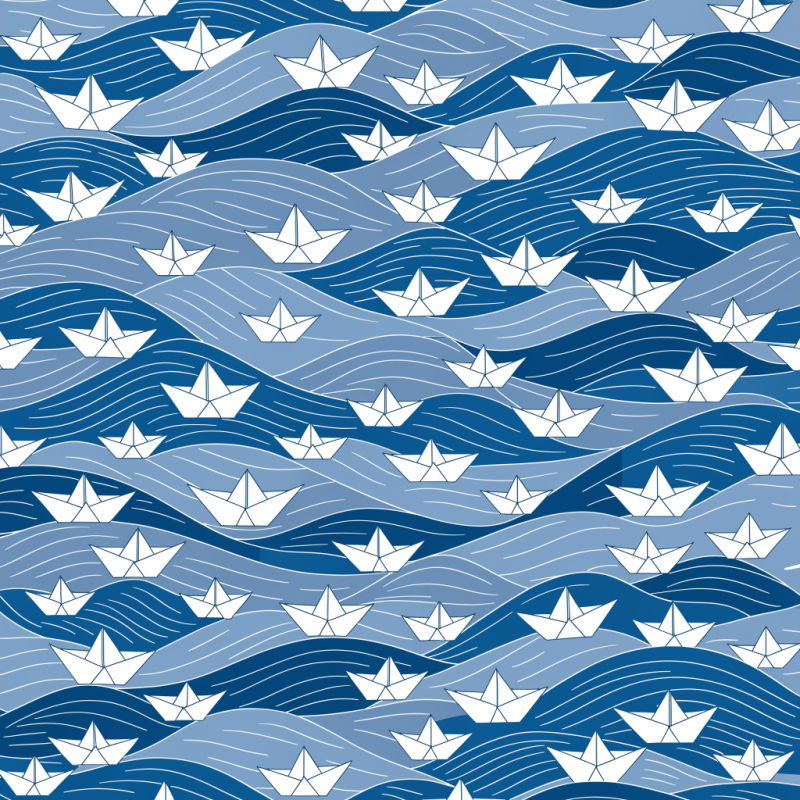
Pattern

Pattern

Repeating pattern of small paper boats on waves, two blues and white

Edit prompt

Overview

Recraft V4.1 is Recraft's image model family for design work, released in May 2026. It favors clean shapes, considered layouts and brand-ready color over snapshot realism, which makes it a fit for logos, emblems, posters and illustration. Morphic runs it in two speeds, Recraft V4.1 and Recraft V4.1 Flash, alongside the premium Recraft V4.1 Pro.

What Recraft V4.1 does differently

Design work rarely needs one perfect image. It needs a range of directions that share a palette and a feel. Recraft V4.1 has a color setting that builds each image around one of 11 colors, and long prompts of up to 10,000 characters, so a brief with palette, layout and mood fits in one request.

Recraft V4.1 and V4.1 Flash on Morphic

Use Recraft V4.1 Flash to explore: it is quick enough to run several directions at once. Move the keeper to Recraft V4.1. Both return images of about 1 MP across seven aspect ratios, so upscale the one you keep when you need print size. Both are on every Morphic plan, Free included. When the result needs to be a scalable vector file, finish it with Ideogram Vector on the same Canvas.

Simple pricing

Get started for free today, with the option to upgrade or cancel anytime.

Basic

$19/ month
billed as $228 per year

2400 monthly credits

1 user only

All models

Workflows

Standard

$24/ month
billed as $288 per year

3625 monthly credits

1 user only

All models

Workflows

Pro

$45/ month
billed as $540 per year

6350 shared monthly credits

1 user

+ up to 4 more at extra cost

All models

Workflows

Max

$170/ month
billed as $2040 per year

24650 shared monthly credits

1 user

+ up to 9 more at extra cost

All models

Workflows

Enterprise

For higher limits

Custom

pricing and billing terms

High-volume credits
Custom seat limits
All models
Workflows
Pricing Gradient

Free

For playing around

$0

forever free

Up to 20 credits
1 user only
Limited models
Workflows

FAQs

What is Recraft V4.1?
Recraft V4.1 is Recraft's image model family, released in May 2026 and made for design work: logos, brand graphics, posters and illustration. Morphic offers it in three tiers. This page covers Recraft V4.1 and Recraft V4.1 Flash; the premium tier has its own page, [Recraft V4.1 Pro](/resources/models/recraft-v4-1-pro).
What is the difference between Recraft V4.1 and Recraft V4.1 Flash?
Recraft V4.1 is the standard tier for finished images. Recraft V4.1 Flash is built for speed, which suits drafts, moodboards and testing directions. Both take the same seven aspect ratios and the same color option, and both return images of about 1 MP.
What resolution does Recraft V4.1 produce?
About 1 megapixel on both tiers in our tests: 1344 by 768 for a 16:9 image and 1024 by 1024 for a square, even with 1440p or 2160p selected. When you need a larger file, upscale the image you keep with an upscaler like Topaz Image on Morphic.
How does the color option work?
Recraft V4.1 and V4.1 Flash have an optional Color setting with 11 presets: red, orange, yellow, green, blue, purple, pink, brown, black, white and gray. Pick one and the image is built around that color; leave it on None for no palette constraint.
Can Recraft V4.1 make SVG files on Morphic?
No, on Morphic Recraft V4.1 returns raster images. For an editable SVG logo or icon, use [Ideogram Vector](/resources/models/ideogram-vector), which makes vector files from a prompt or traces an existing image.
What replaced Recraft V4 on Morphic?
Recraft V4 and V4 Pro were replaced by Recraft V4.1 and V4.1 Pro. A saved workflow or prompt that names a retired Recraft model runs on its successor, and the reply tells you which model ran.
Which Morphic plans include Recraft V4.1?
Recraft V4.1 and Recraft V4.1 Flash are on every plan, Free included. See the pricing page for current plans.
How do I use Recraft V4.1 on Morphic?
Open Copilot or the Canvas and pick Recraft V4.1 or Recraft V4.1 Flash in the image model list, then set the aspect ratio and, if you like, a color. Run a few Flash drafts first, then send the prompt you like to V4.1 or to other image models on the same Canvas to compare.