Recast an interview video with AI
Morphic Recast swaps the people in finished footage while keeping the original performance, camera and timing, so the interviewer and guest can be recast without a reshoot. Add one photo for each of them, and the question, the answer, every nod and every hand gesture play as they were filmed.
- 30-second clips
- One photo per person
- Paid plans


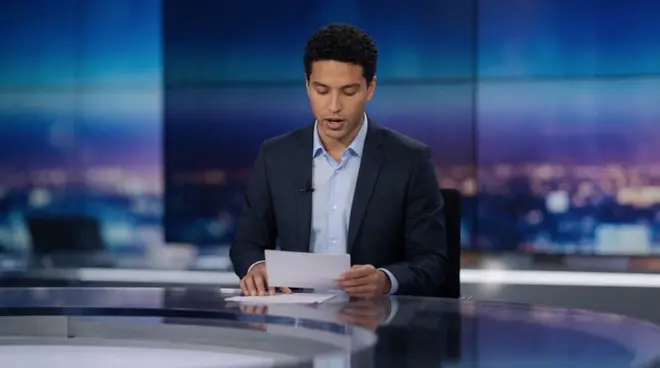
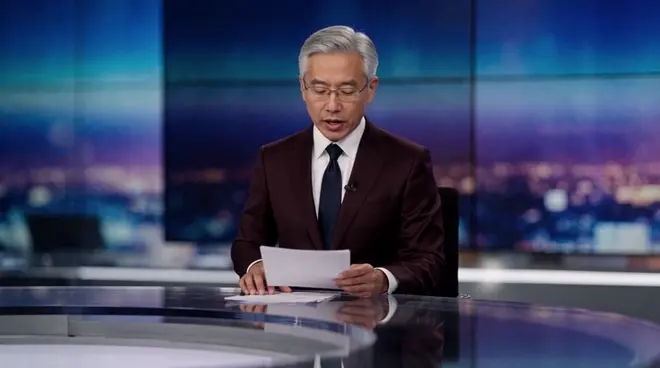
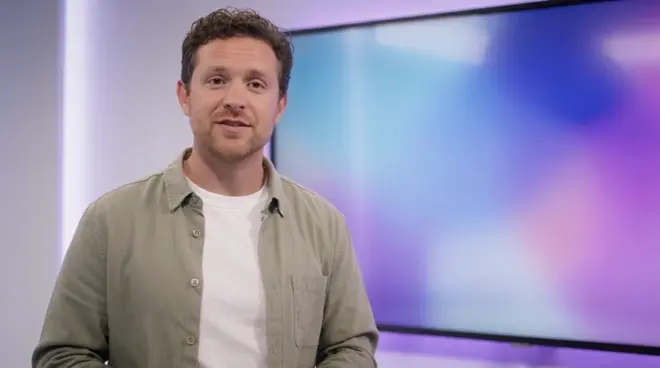
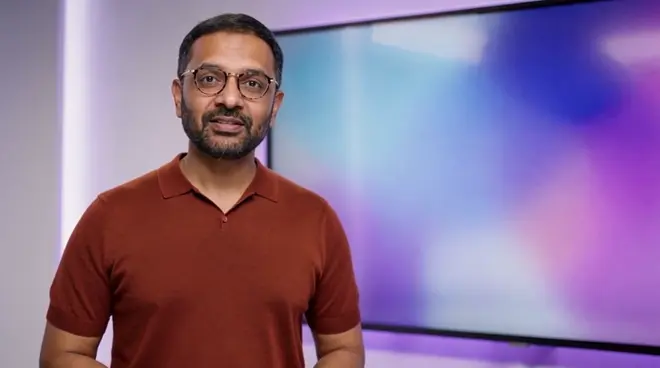
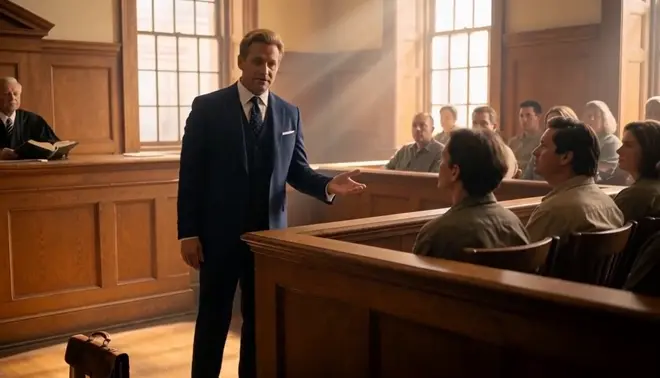
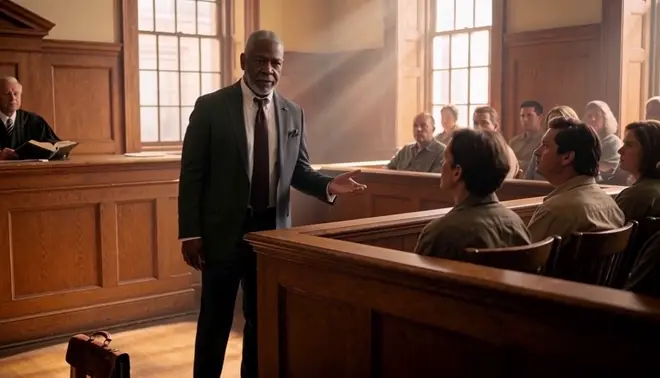
Two people recast, one conversation. Two photos, two new people. The question, the answer, the note-taking and the set are as filmed; play with sound to hear the same conversation.
 The interviewer with the dark bobA young woman with braids in mustard
 The guest in the grey hoodieA grey-haired man in a navy cardigan
What changes and what stays
| Changes | Stays as shot |
|---|---|
| The interviewer: face, hair, age and look | Every word, lip movement and gesture |
| The guest: face, hair, age and look | The chairs, the set and the framing |
| Their wardrobe, taken from each photo | The light and the recorded soundtrack |
Example setups
A host for each region
Keep the guest and recast the interviewer so each regional channel has its own familiar host.
Test a pairing
See how a new host and guest look together on your set before you book a full day of recording.
Training role-plays
Film a coaching or hiring conversation once, then recast both people so the cast reflects each team.
How do I recast the interviewer and guest in an interview video for different markets?
- 01
Upload the interview
Add one clip up to 30 seconds. For a longer sequence, recast it shot by shot and cut the shots together on the Compose timeline.
- 02
Add a photo per person you recast
One photo for each person you replace, dressed the way they should look on screen. Anyone you give no photo stays exactly as shot.
- 03
Name each swap and run it
Ask Copilot, for example: the interviewer with the dark bob becomes the woman in photo 1, the guest in the hoodie becomes the man in photo 2.
Swapping one person? The shared workflow needs only the clip and one photo.
Open the workflowProduction notes
Consent and releases
Recast only footage you hold releases for, and use photos of people who agreed to appear. Every example here uses generated people, not real actors.
When to also dub
The recast keeps the original soundtrack. For new lines or another language, run Morphic Dub on the recast shot so the voices and lips match.
Recast or reshoot
Recasting an interview skips a new shoot day and calling the cast back, and one take can carry a cast per market. Reshoot only when the action must change.
Review it as a team
Keep the source shot, the cast photos and every take in one project, where teammates in your workspace open the same versions and comment on each.