The moment the wheels leave the runway
Full-throttle thrust under a takeoff shot, a title card or a game launch sequence turns a static wide into something physically enormous.
Edit prompt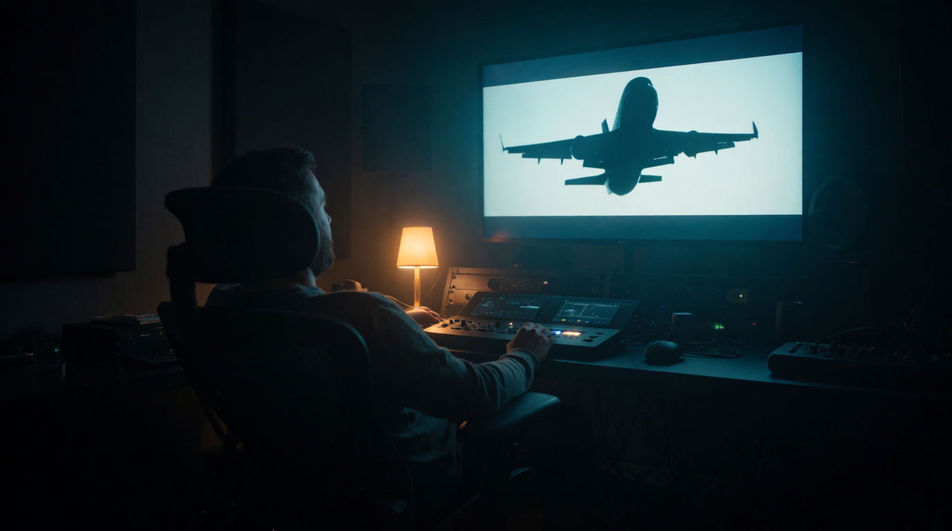
Every jet sound an edit needs, ready to play: a takeoff roar, a screaming fighter flyover, a turbine spooling up, and a distant cruising hum. Describe the one your shot is missing and Morphic generates it in seconds.
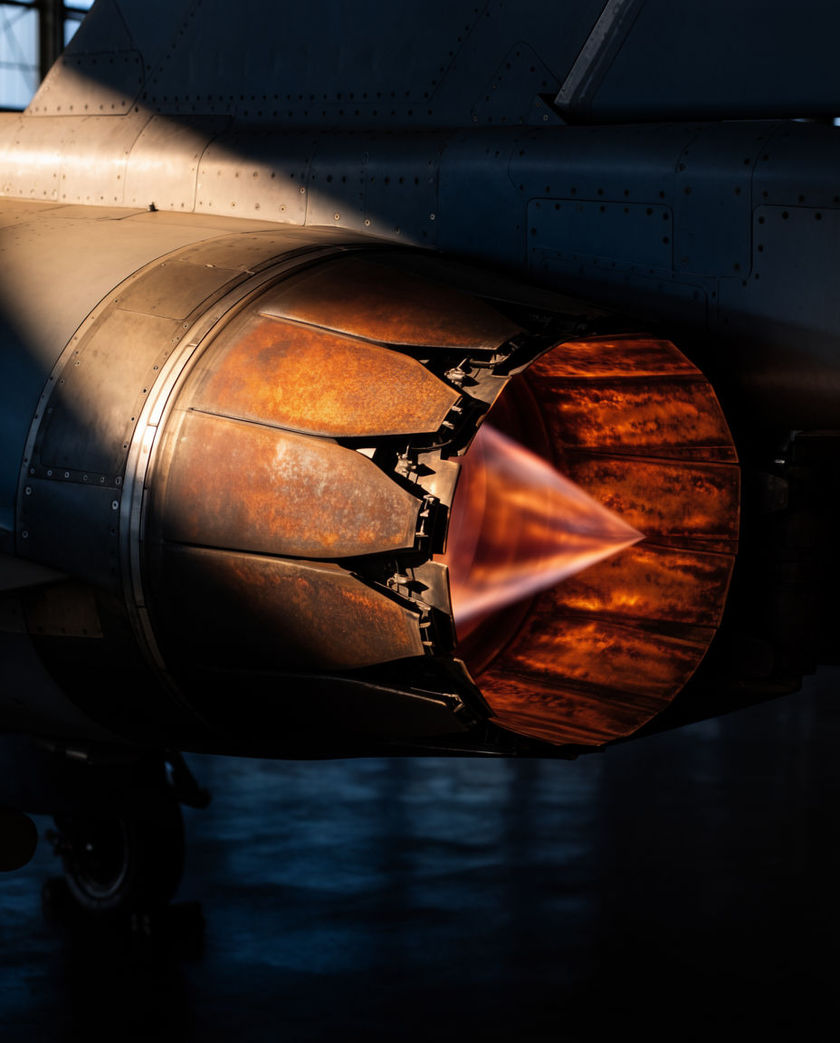
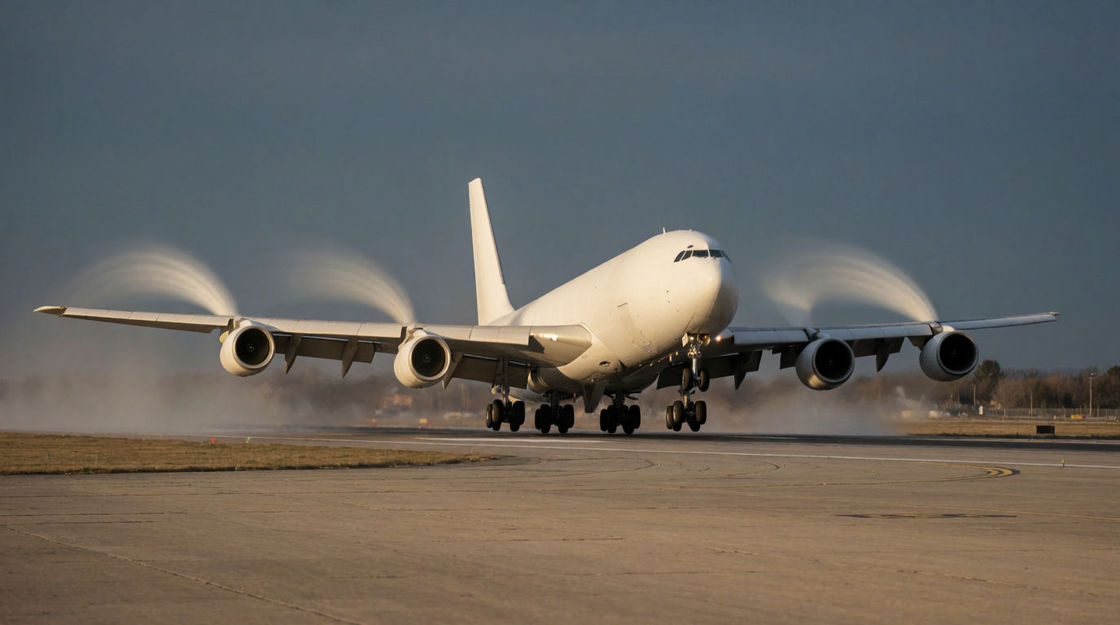
The full ramp from brake release to rotation, a long, building wall of thrust. Give it room; it wants to be the loudest thing there.
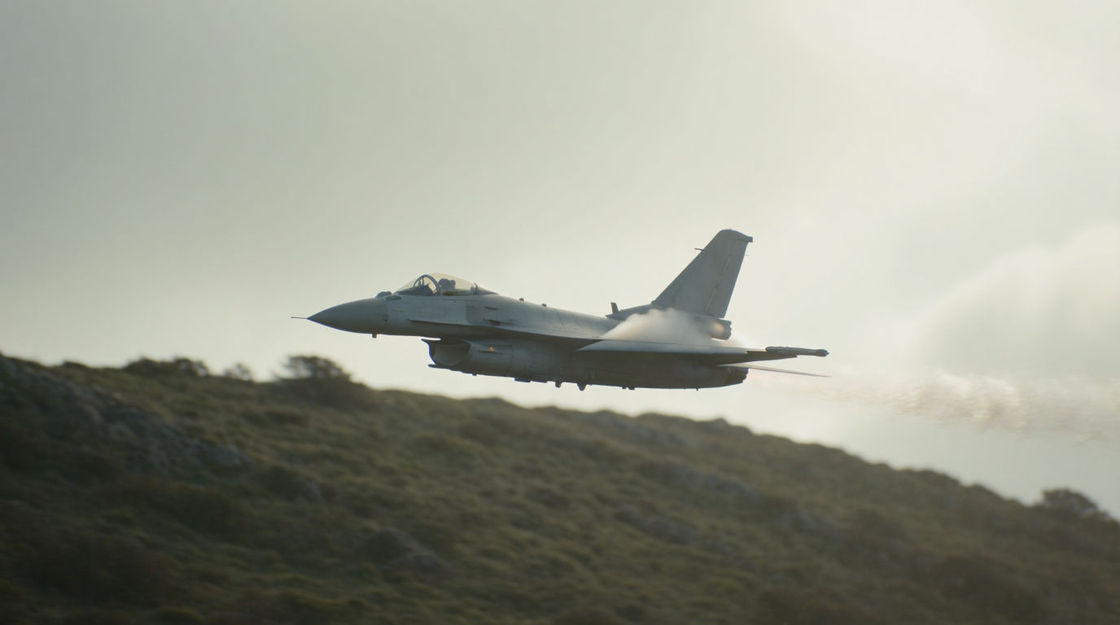
A fast, doppler-shifted pass that arrives late and leaves hard. Best when the aircraft crosses frame or stays just outside it.
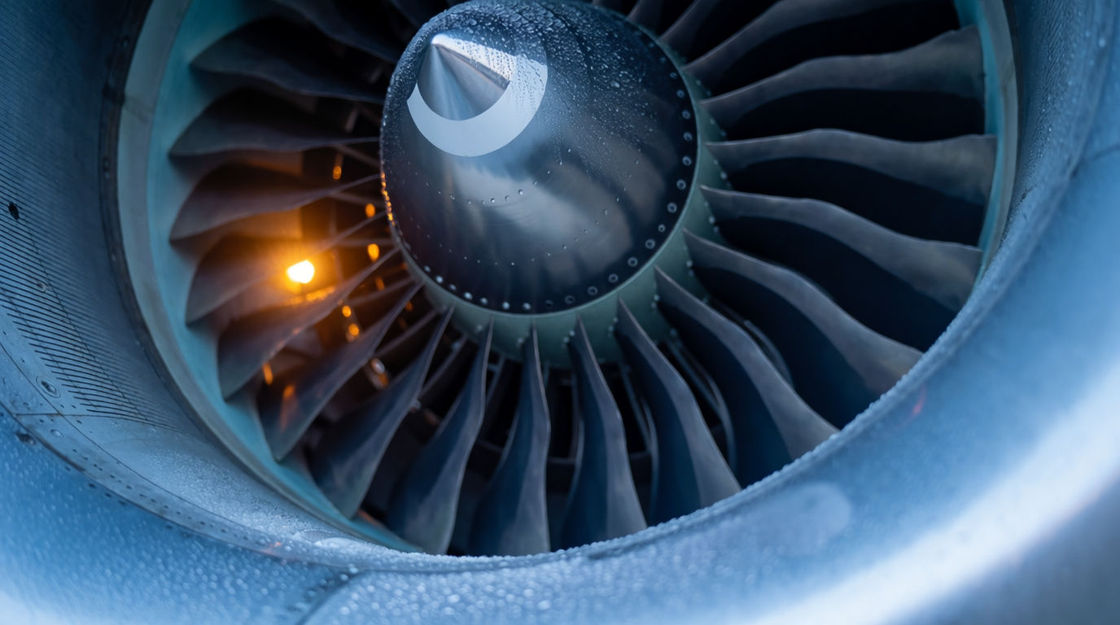
Blades winding up from silence to a steady whine. Ideal for the pause before departure, a cockpit start-up, or a machine waking.
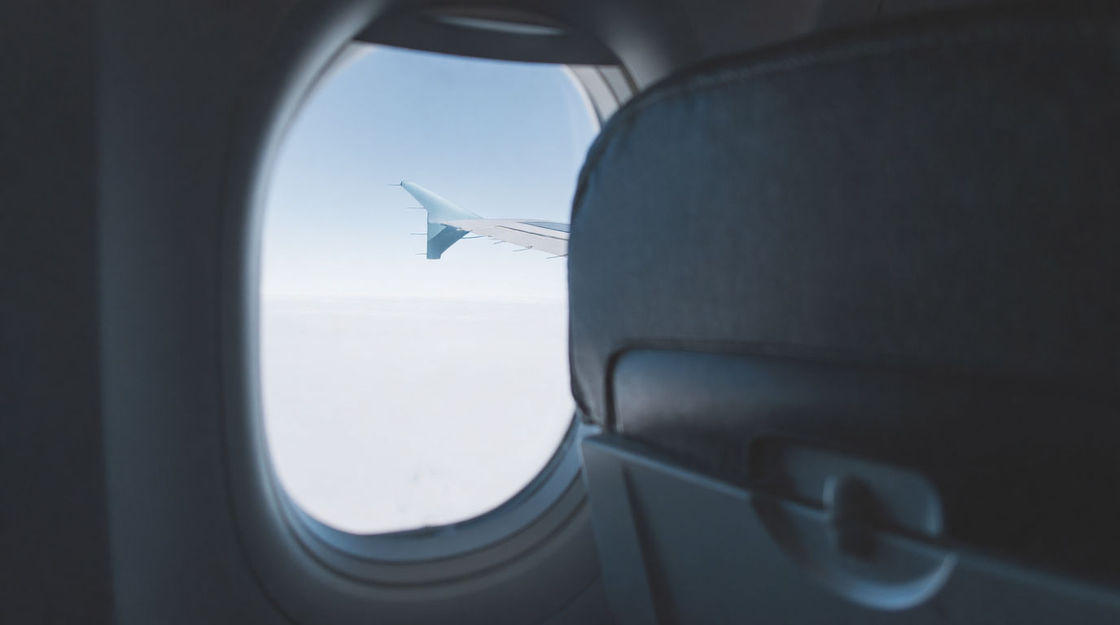
Steady cabin drone, filtered and even. Lay it under in-flight dialogue and let the voices sit on top without fighting for room.
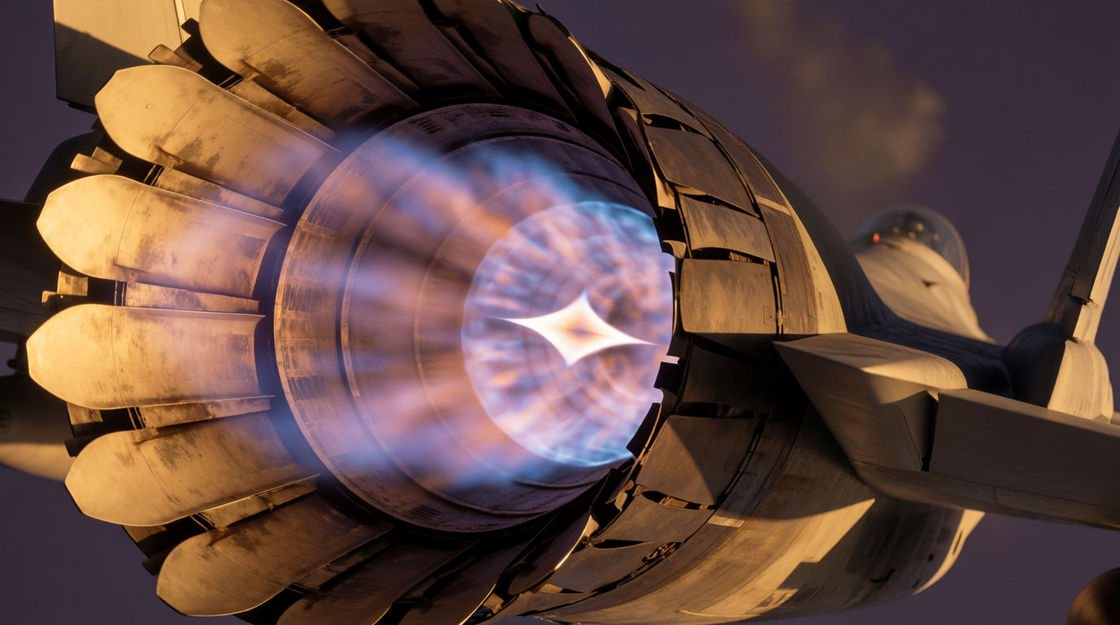
A ragged, crackling surge of raw power. Save it for the shot where the aircraft actually goes: a climb-out, a scramble, a chase.
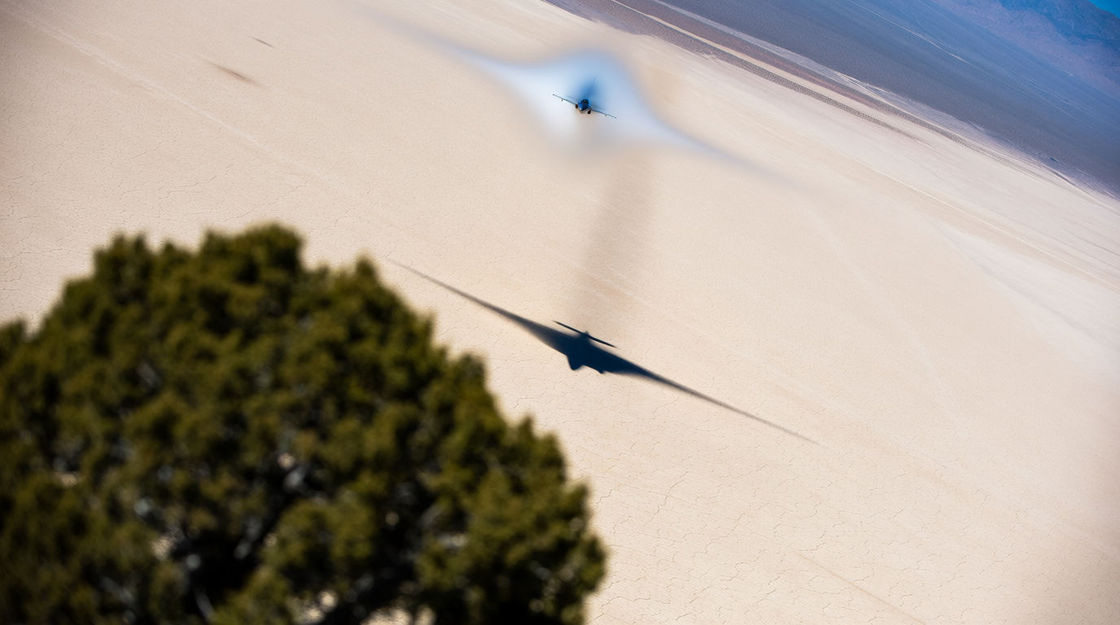
Two hard cracks and a rolling tail of thunder. It works as an event on its own, windows rattle, heads turn, nothing needs explaining.
Pick a starting point, edit anything you like, then generate it in Morphic.
Full-throttle thrust under a takeoff shot, a title card or a game launch sequence turns a static wide into something physically enormous.
Edit promptHangar and tarmac footage often plays dead. A distant turbine whine keeps the air alive under interviews and slow establishing shots.
Edit prompt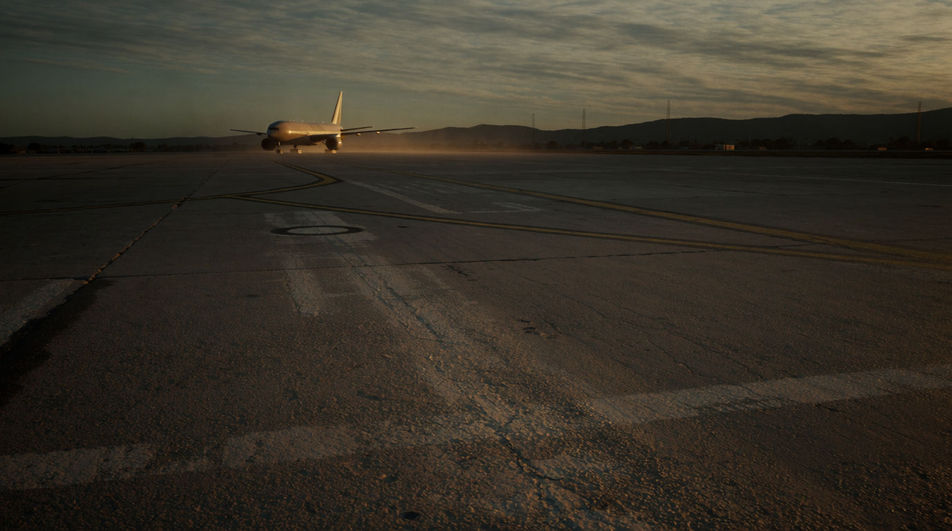
Layered spool-ups, taxi rumble and far-off departures build a working airfield around a scene shot in one small corner of it.
Edit prompt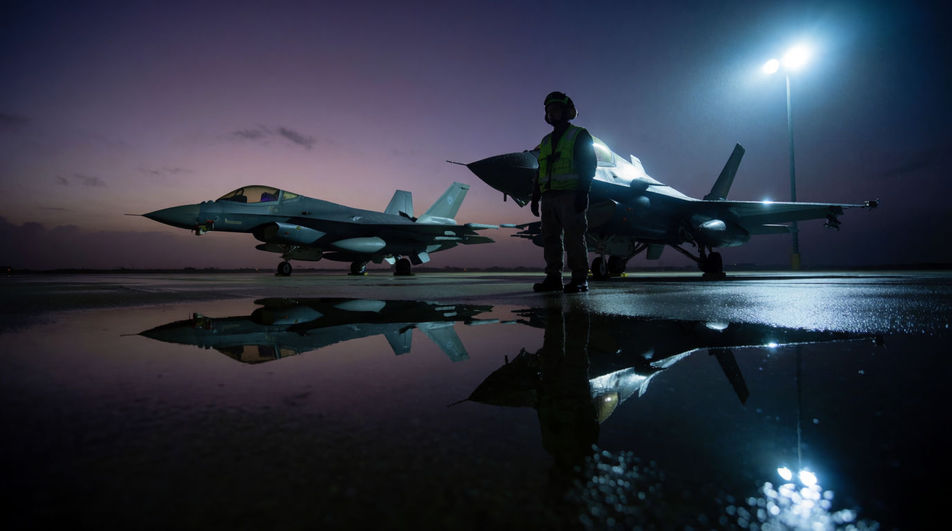
A flyover crossing left to right puts a squadron above the action while the camera stays on the faces watching it go.
Edit prompt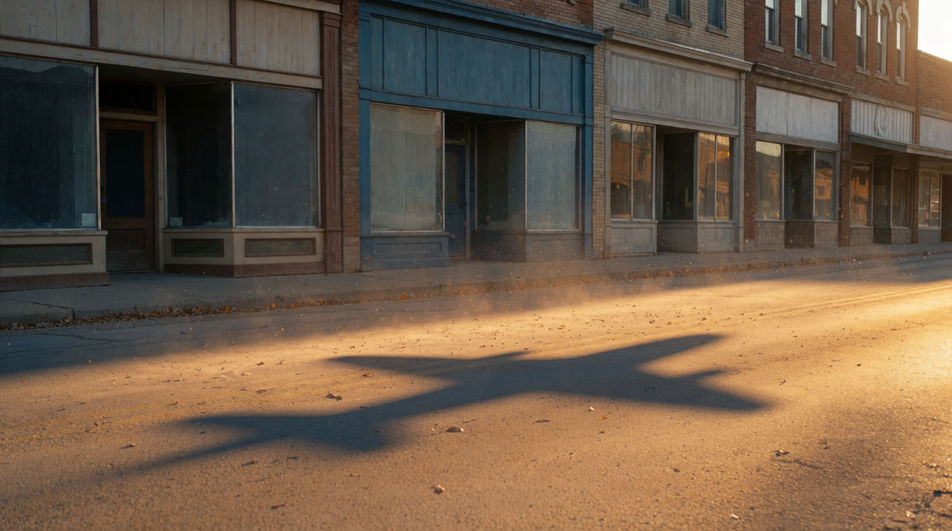
Boat sound effects
Boat sound effects: outboard idles, hull creaks, water against the bow, oars and horn blasts, generated to fit the vessel and water in your scene.
Bus sound effects
Bus sound effects: diesel idle, door hiss, stop bell, air brakes and pull-away. Generate the city transit audio your scene needs and download it clean.
Car engine sound effects
Car engine sound effects covering cold starts, a settled idle, one clean rev and a V8 pulling away, recorded for films, games and car commercials.
Car horn sound effect
Need car horn sound effects that match the action? Morphic generates them to your description, including approach and pass by moves.
Get started for free today, with the option to upgrade or cancel anytime.
Basic
2400 monthly credits
1 user only
All models
Workflows
Standard
3625 monthly credits
1 user only
All models
Workflows
Pro
6350 shared monthly credits
1 user
All models
Workflows
Max
24650 shared monthly credits
1 user
All models
Workflows
Enterprise
For higher limits
Custom
pricing and billing terms

Free
For playing around
$0
forever free