Every image model
Concept art you can create
Make concept art in three steps
- 01
Open Morphic
Sign up and start creating on a free-flowing, infinite visual canvas.
- 02
Describe the world
Name the setting, the camera, the light, and the mood. Set an art direction to hold across the board.
- 03
Generate and refine
Render directions in seconds, then reuse a reference to keep every frame in one style on the Canvas.
Use cases
A locked style across the board
Set an art direction once with a reference image, then generate environments, characters, and props that share the same palette and light. A concept board reads as one world instead of drifting from frame to frame, which is what makes a pitch feel real.
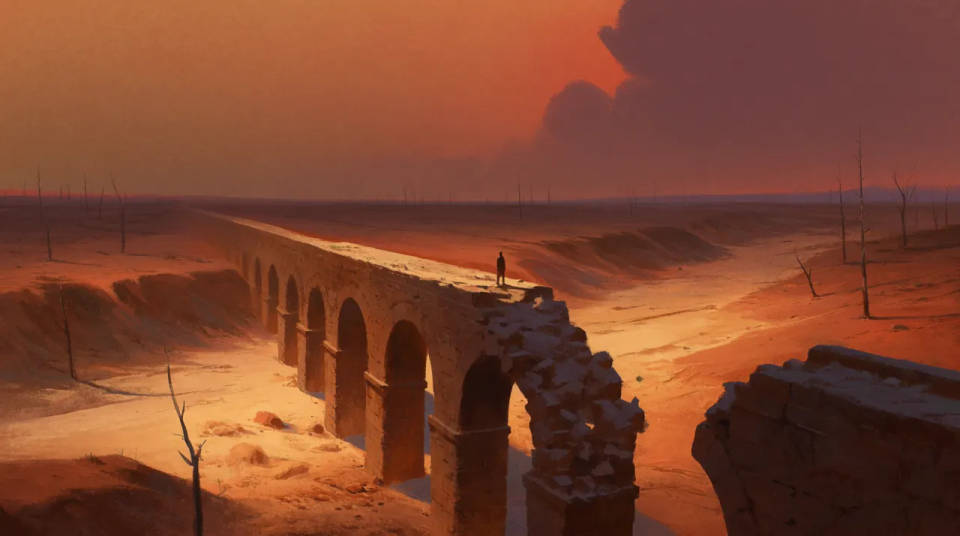
Environments and key art
Generate wide establishing shots, interiors, and hero locations at high resolution with production-grade lighting. Explore several takes on a setting fast, then push the one that lands into a finished frame for the deck.
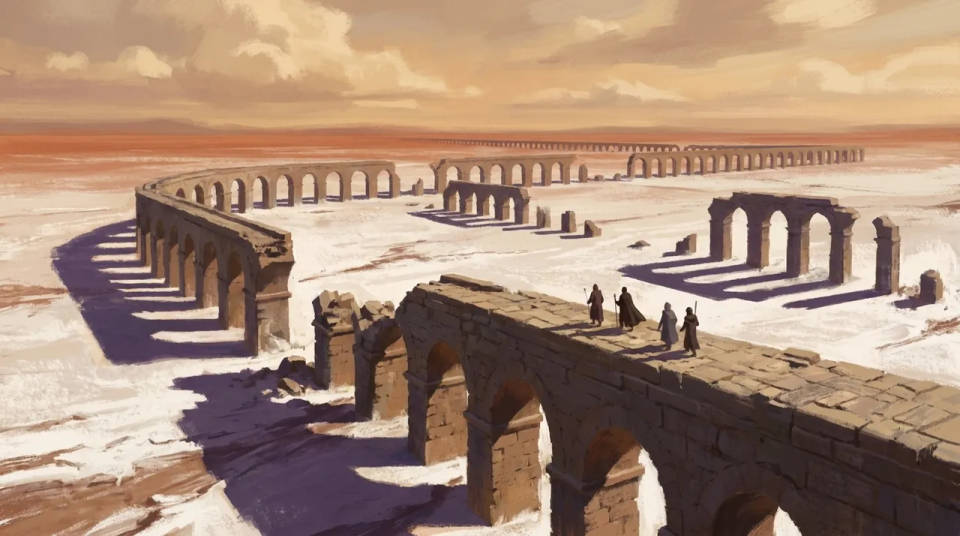
Character and prop sheets
Design characters, creatures, vehicles, and props, then generate variations to compare silhouettes and colourways. Keep the whole cast in one rendering style so a game bible or a film pitch stays coherent.
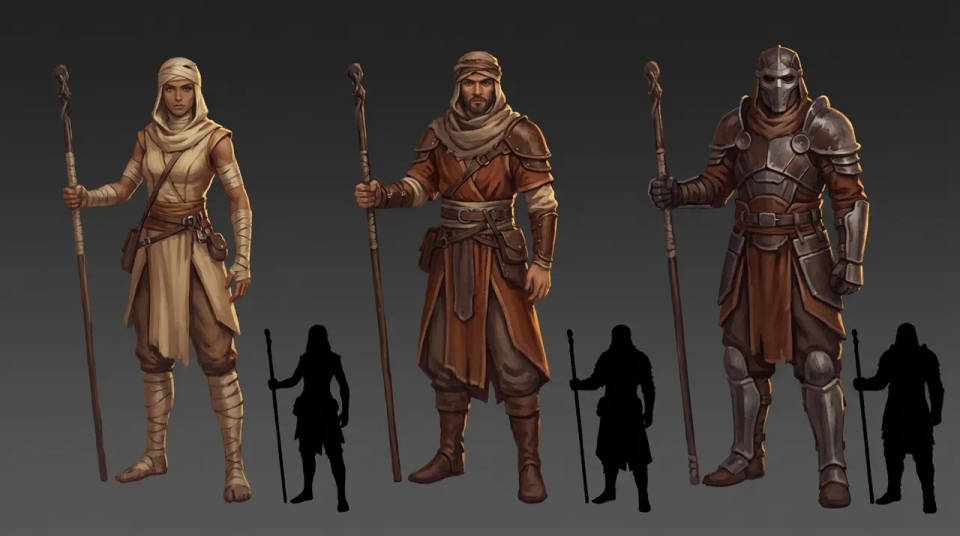
Iterate on a direction
Put several art directions side by side on the Canvas and swap models to see how each renders your world. Narrow to one look, then expand it into a full set without re-briefing from scratch each time.
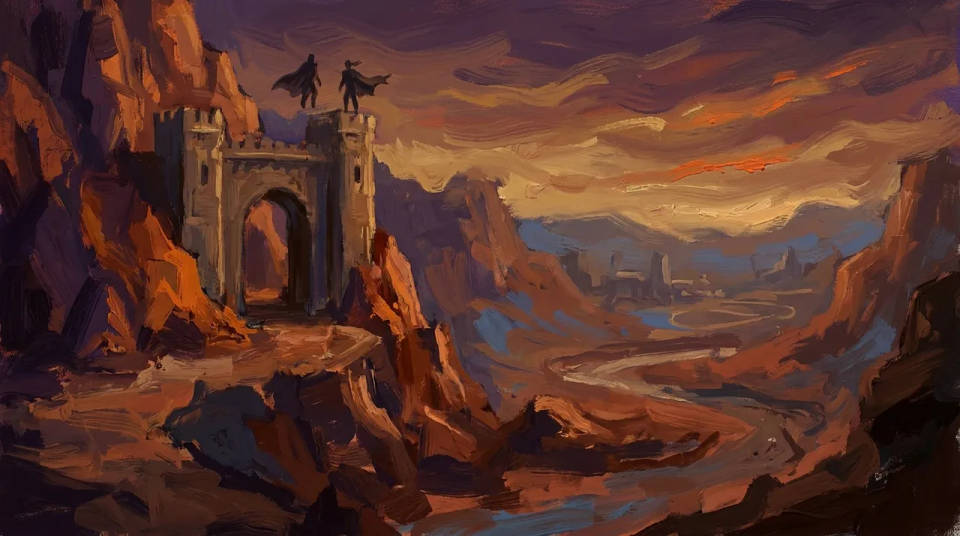
Prompt examples
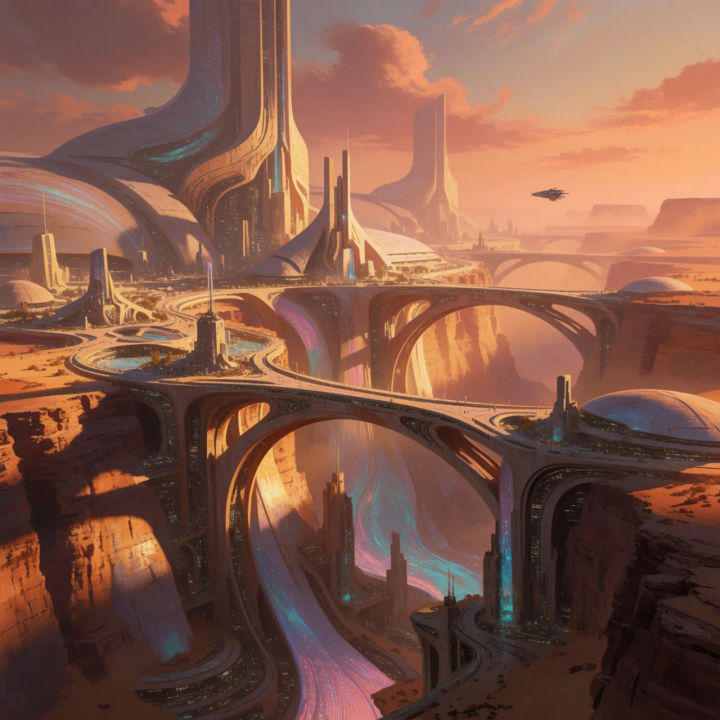
Sci-fi canyon city
Sci-fi canyon city concept art, towering bridges, warm dusk light, cinematic wide shot, painterly detail
Edit prompt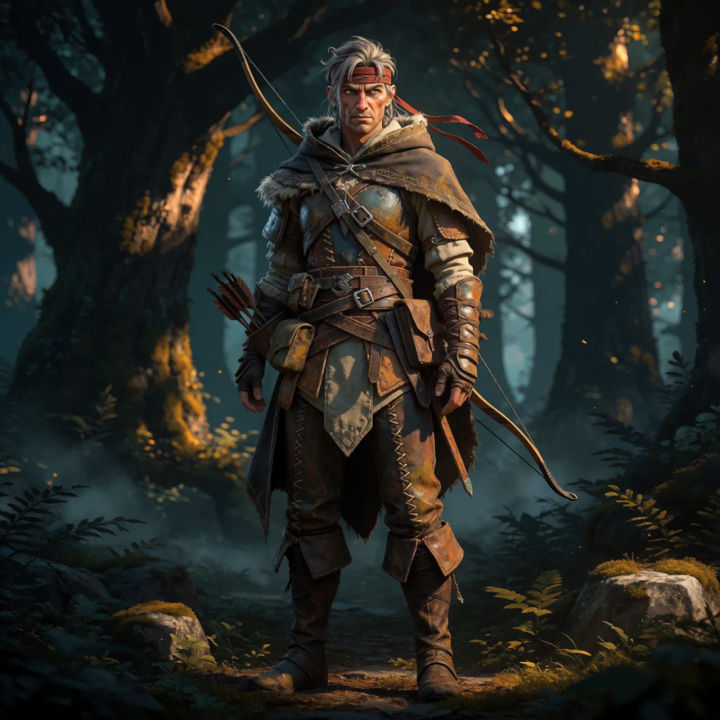
Fantasy hero
Fantasy ranger character concept, full body, weathered leather armour, moody forest backdrop, detailed rendering
Edit prompt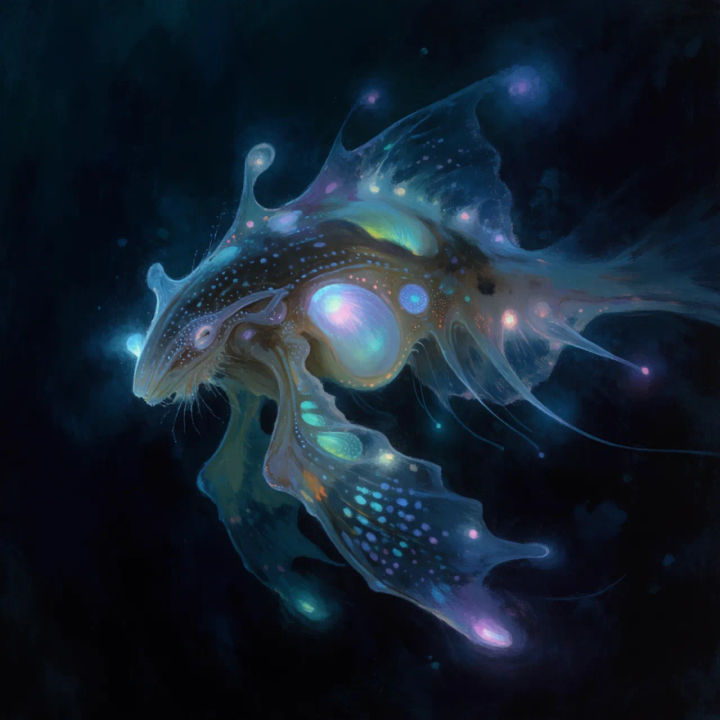
Creature design
Bioluminescent deep-sea creature concept, side profile, dark water, glowing details, painterly study
Edit prompt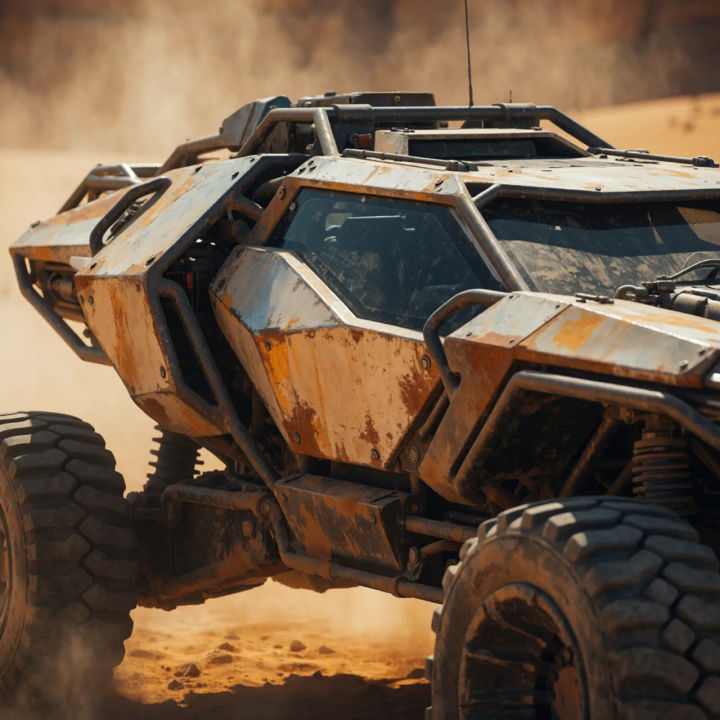
Vehicle concept
Rugged desert rover vehicle concept, three-quarter view, weathered panels, dusty backdrop, industrial style
Edit prompt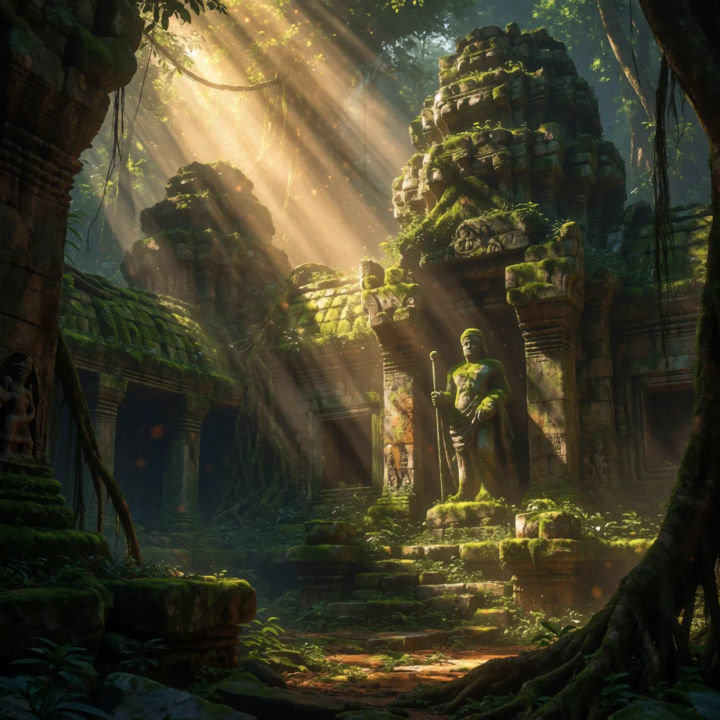
Ruined temple
Ancient jungle temple ruins concept art, shafts of light, overgrown stone, cinematic mood, wide establishing shot
Edit prompt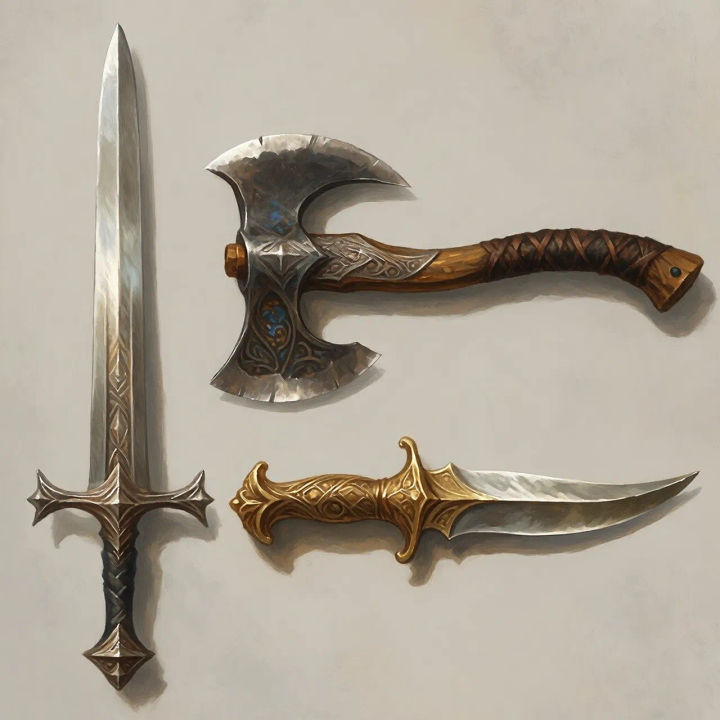
Prop sheet
Fantasy weapon prop sheet, sword axe and dagger, consistent painterly style, neutral background
Edit prompt
Sketch to render
Turn any sketch or drawing into a finished render.

Expressions
Take any character image and generate 6 distinct facial expressions on a single reference sheet.

Anime style transfer
Pick any anime illustration as your style guide. Apply its look to any image.

Chibi sprite animation
Turn any photo or description into an animated chibi sprite. Dance, jump, wave, attack, and more.
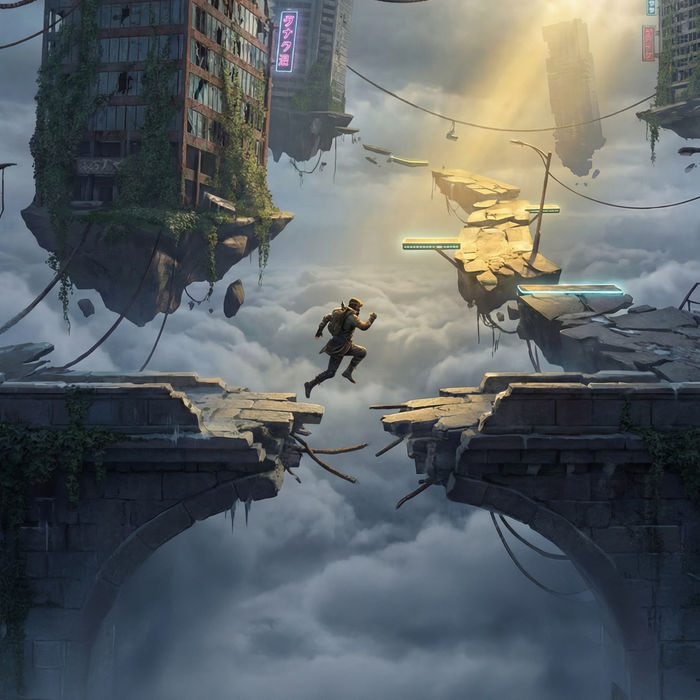
Game environment
Describe a game level. Get environment concept art across multiple conditions.
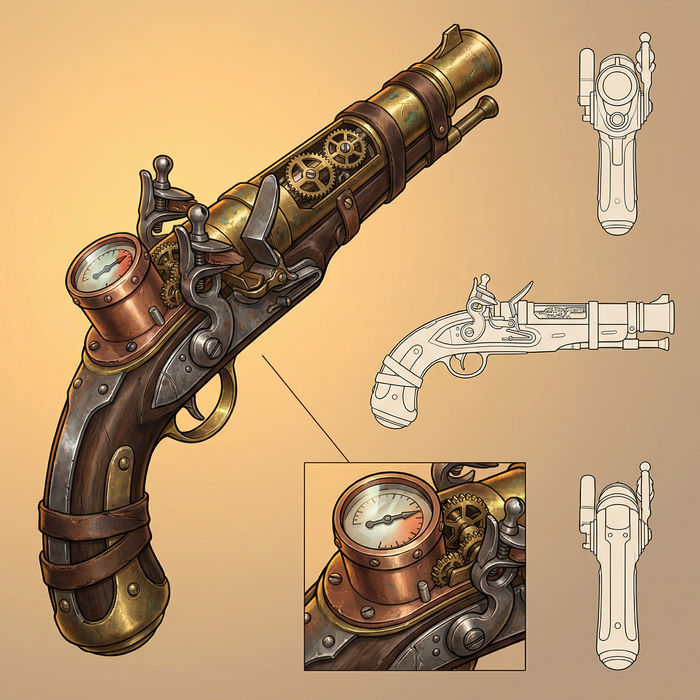
Prop sheet
Describe a prop. Get a professional design sheet with multiple angles and detail callouts.
All on Morphic
Models
Nano Banana 2, Flux 2 Pro, ChatGPT Images, Grok Imagine, Recraft, Seedream, and more. Pick the model that renders your world best and swap any time.
Character generator
Design a full cast with consistent faces and outfits, then carry them across your board.
Storyboard generator
Take a locked look into sequential frames and plan a scene shot by shot.
Lock a style
Bring in a reference and hold one art direction across every frame with image-to-image.
