Mockups you can create
Make a mockup in three steps
- 01
Open Morphic
Sign up and start creating on a free-flowing, infinite visual canvas.
- 02
Upload your design
Drop in your logo, pattern, or artwork so the model reads your real file.
- 03
Pick a product and generate
Name the product you want. Your design wraps onto it while the shot looks real.
Use cases
Preview merch before you print
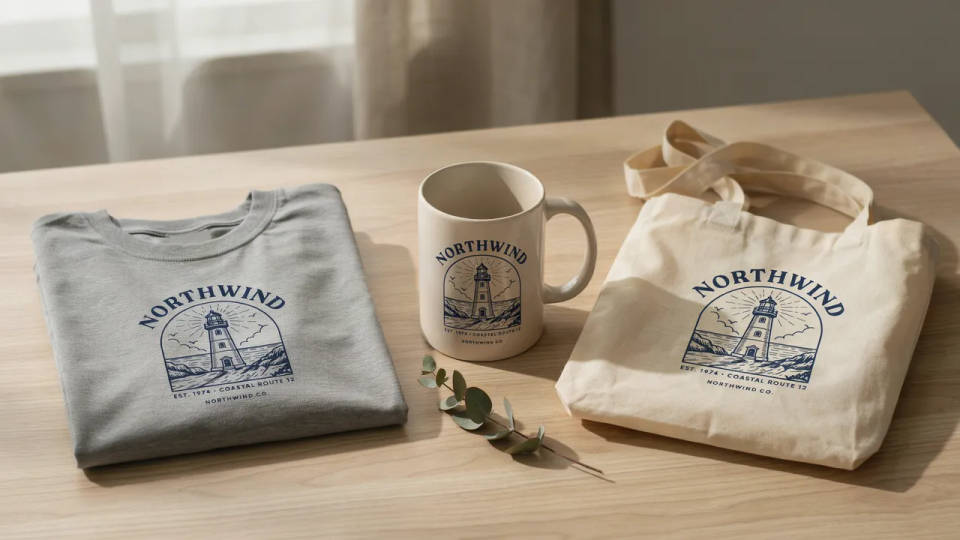
See your design on a t-shirt, mug, or tote before a single unit goes to print. Image-to-image places your real file on the product, so you catch scale and placement issues while they still cost nothing.
Apparel mockups for your store
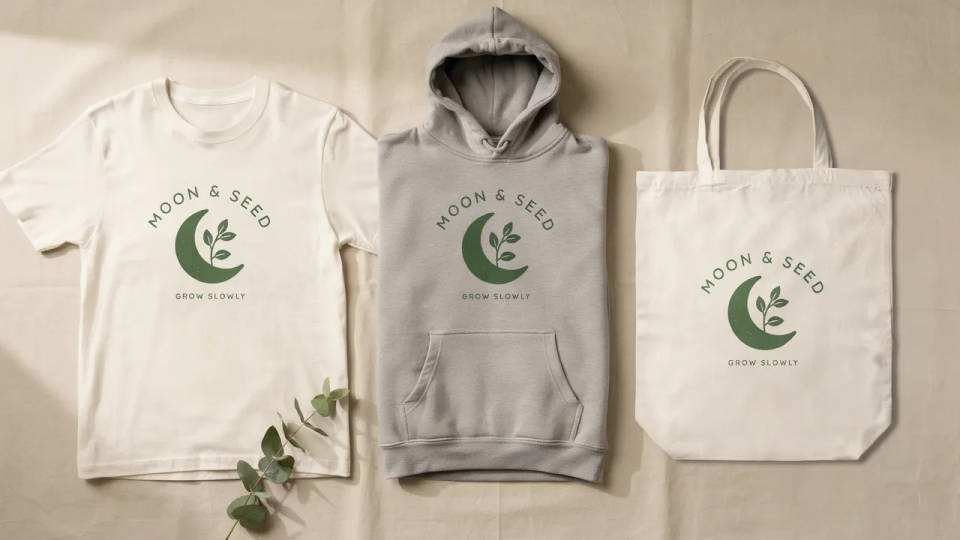
Turn one design into listing-ready shots for a shirt, hoodie, and tote. Your artwork holds its shape and color on each garment, so the product pages look shot on set, not pasted on.
A print-on-demand catalog in one style
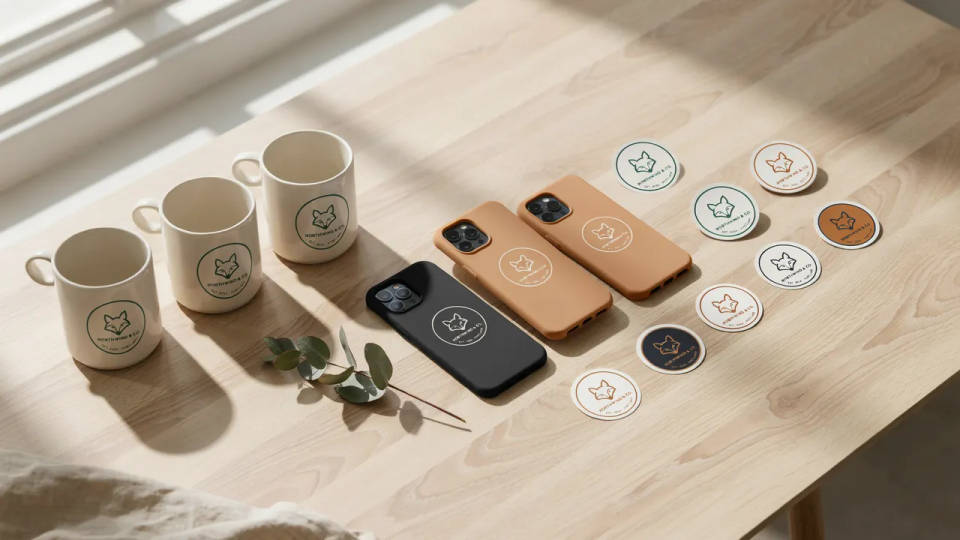
Render every product in the same lighting and background. Pick the look once and apply your design across mugs, cases, and stickers, so the whole catalog reads as one brand.
Marketing mockups for a pitch
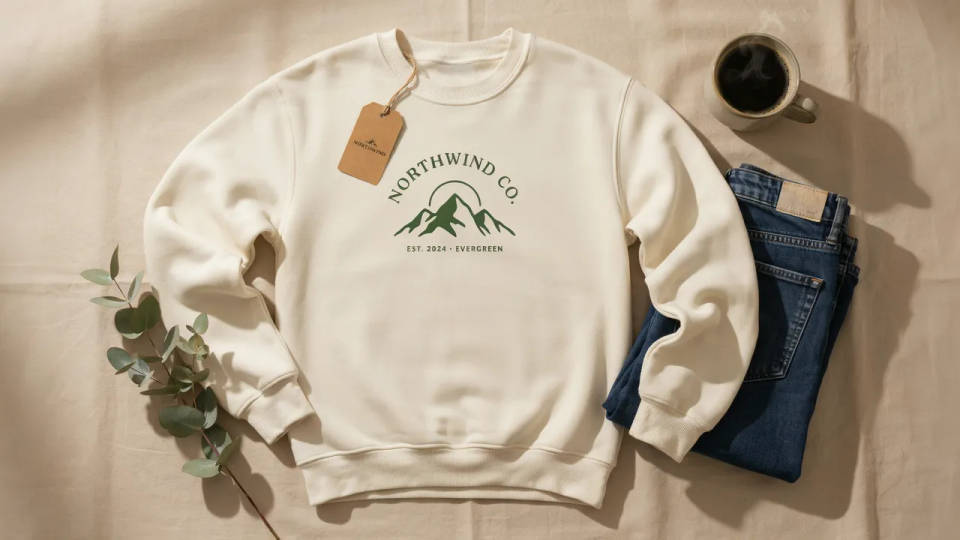
Show a client the finished feel instead of a flat file. Place the design on real merch for a deck, save it as a Workflow, and rerun it for the next concept in the same clean style.
Mockups you can create
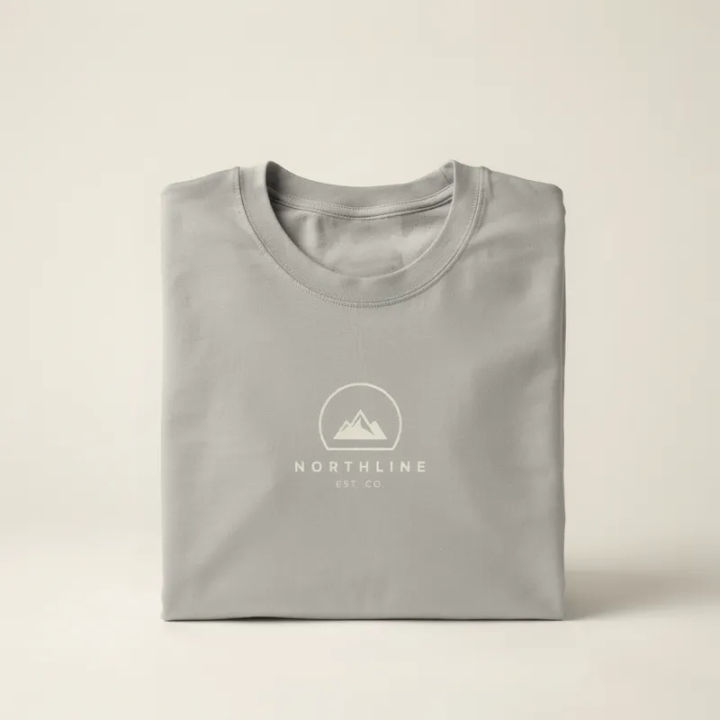
Folded t-shirt
Place my design centered on a folded cotton t-shirt mockup, soft studio light, neutral backdrop
Edit prompt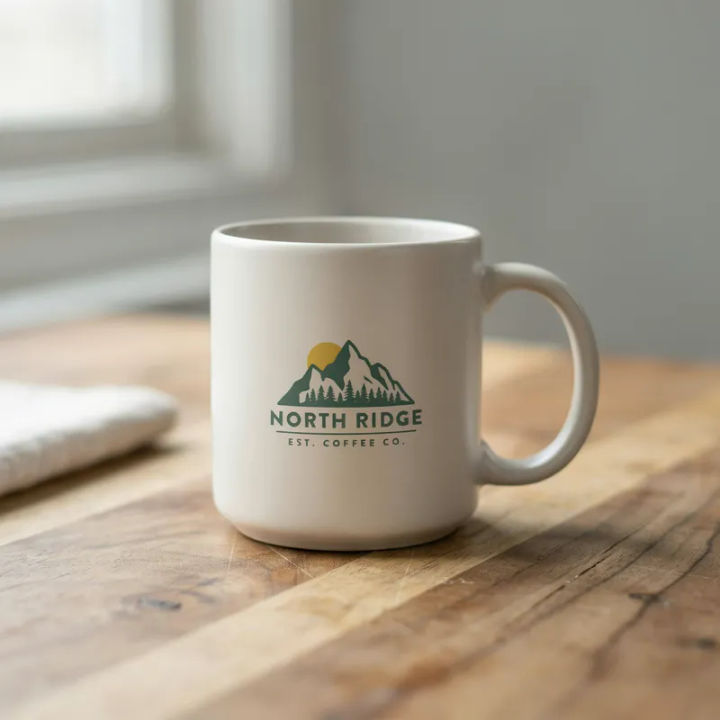
Ceramic mug
Wrap my logo onto a matte ceramic mug on a wood table, warm daylight, shallow depth of field
Edit prompt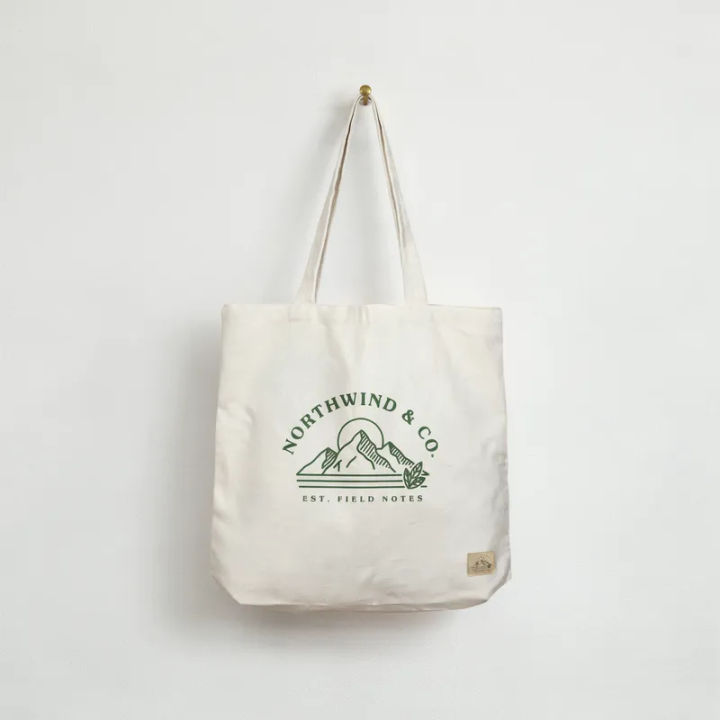
Canvas tote bag
Print my artwork on a natural canvas tote bag, hanging against a plain wall, even light
Edit prompt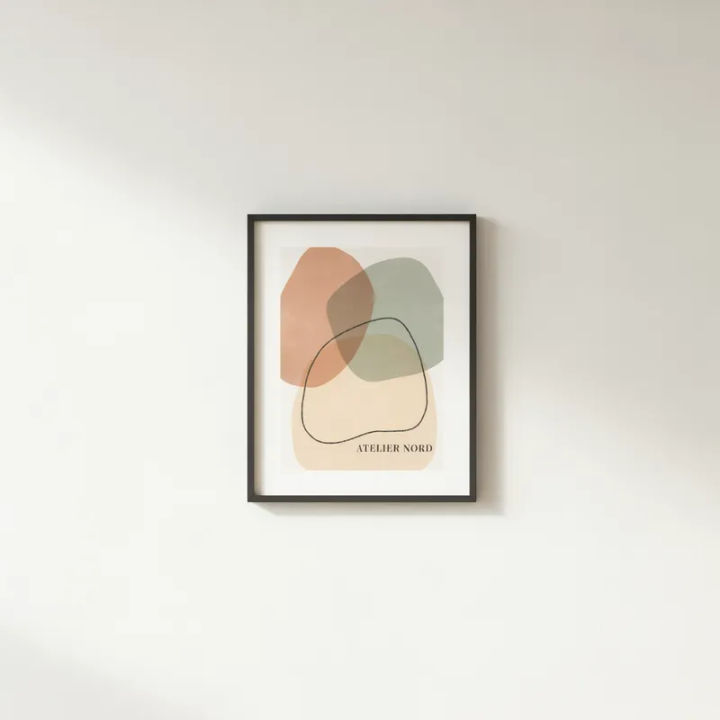
Framed wall poster
Set my design in a thin black frame on a light gallery wall, soft shadow, front-on angle
Edit prompt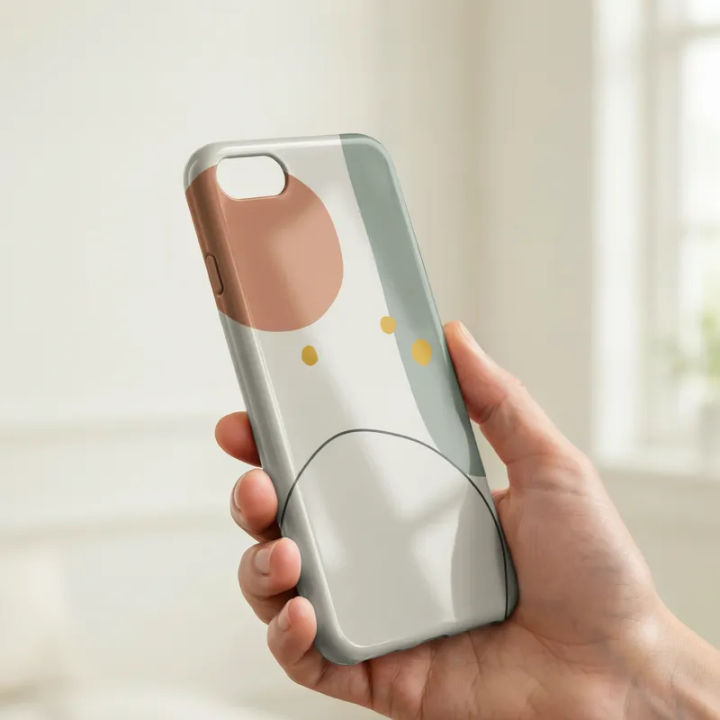
Phone case
Apply my pattern to a glossy phone case, held in hand, clean daylight, blurred background
Edit prompt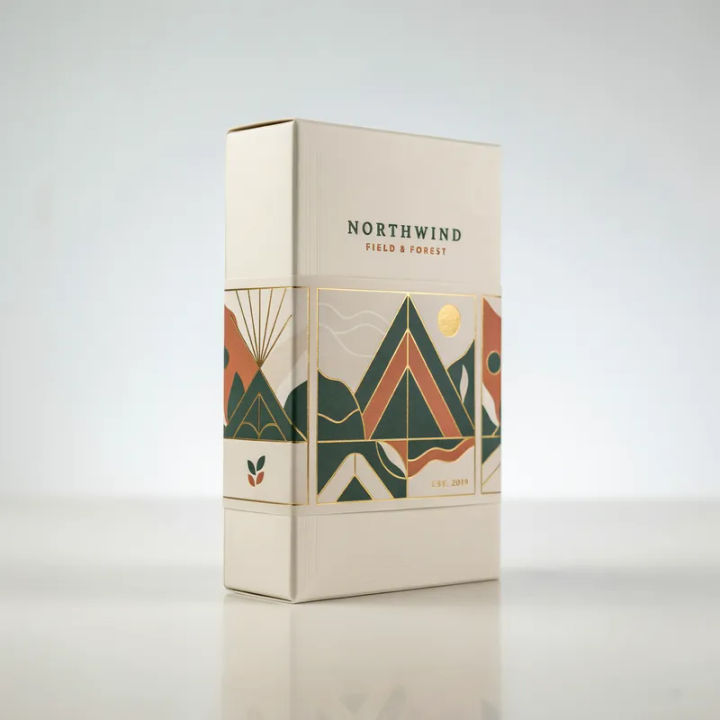
Packaging box
Wrap my label onto a hardcover packaging box on a studio table, crisp light, subtle reflection
Edit prompt
Cinematic storyboard
Share a scene description with character references. Get a full storyboard with shot angles and mood.

Messages to cinematic scene
Dramatize any text conversation into a cinematic multi-shot video.

Title sequence
Generate a professional film title card from scratch, with optional cinematic animation.

Expressions
Take any character image and generate 6 distinct facial expressions on a single reference sheet.

3x3 storyboard
Feed in a single image. Get 9 cinematic beats laid out as a 3x3 storyboard grid.

Chibi sprite animation
Turn any photo or description into an animated chibi sprite. Dance, jump, wave, attack, and more.
All on Morphic
Models
Nano Banana 2, Flux 2 Pro, ChatGPT Images 2.0, Grok Imagine, Recraft V4 Pro, Seedream 5, and more. Pick the one that wraps artwork onto a surface best, and swap mid-project.
Your design held
Start from your own file with image-to-image, so the mark keeps its shape, color, and detail on every product. It reads as your design on the item, not a redraw.
Products and surfaces
Move one design across a t-shirt, mug, tote, case, or box without a reshoot. Change the product while your artwork stays the same recognizable mark.
Workflows
Save a mockup setup as a Workflow. Rerun it for the next product, share the link, or favorite it.
