
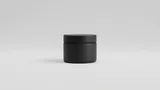


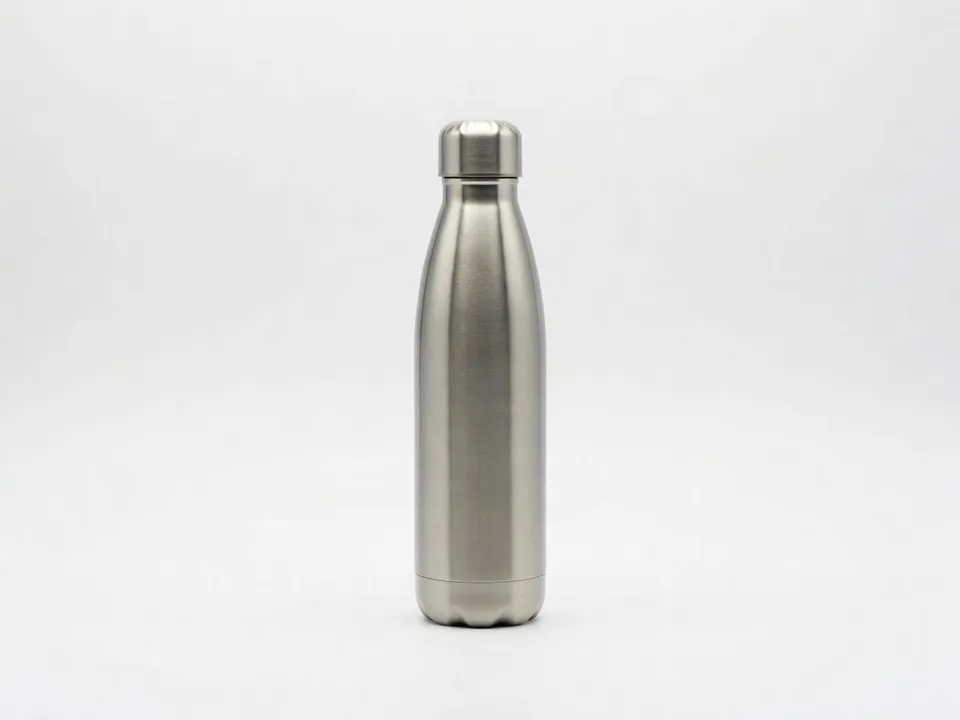
White background main image
Your product on a pure white background under soft even light, cleanly cut out and framed to fill the frame, built to meet the marketplace main image rules.
Edit prompt
Upload one plain photo of your product and get back a full Amazon listing set: a clean white background main image, feature callout shots, lifestyle scenes, and scale shots. No studio, no booking, no editor.
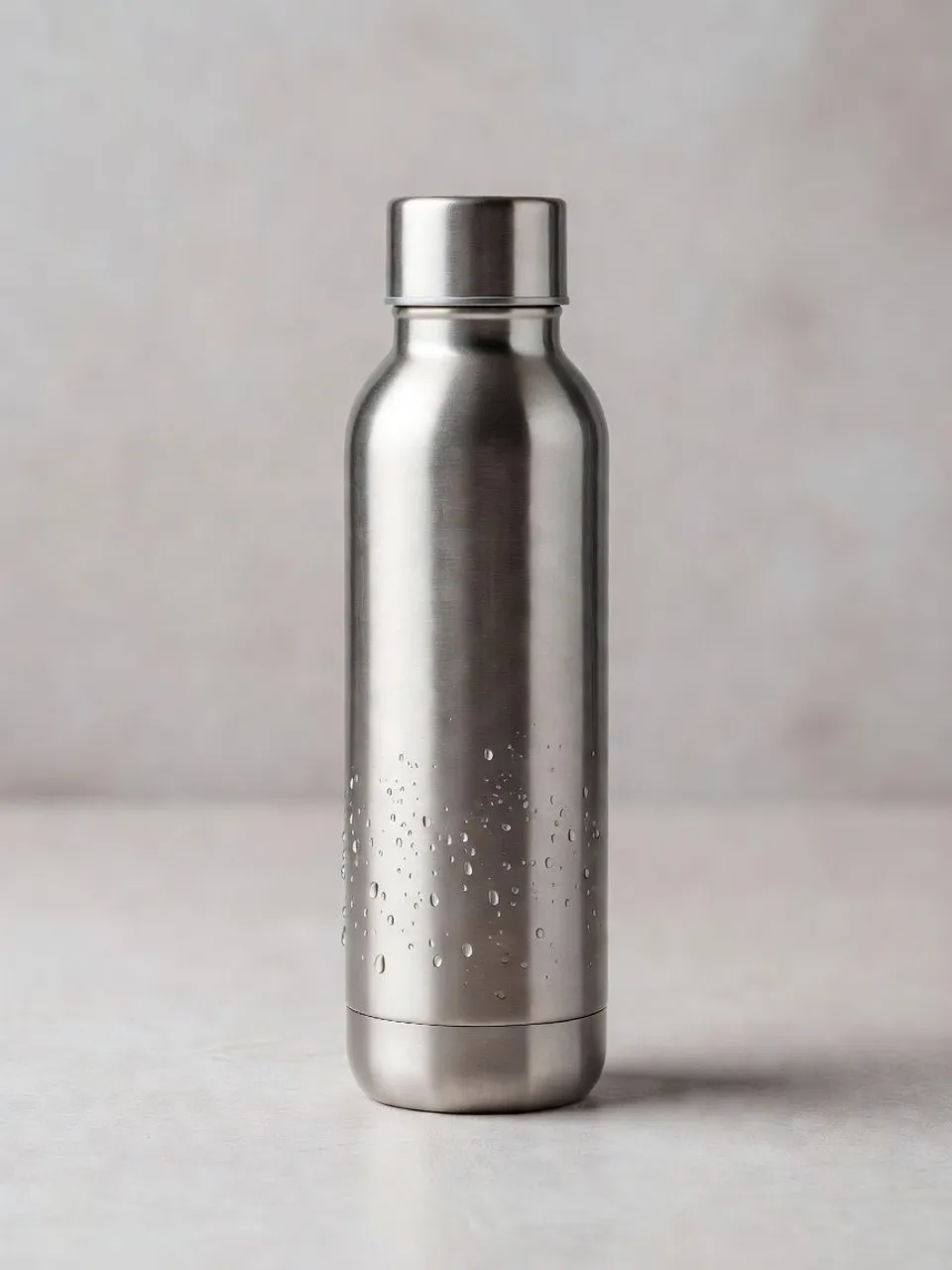
Upload the photo you already have and describe the look you want. Morphic relights the same product onto a pure white background that fits the marketplace rules, and you keep every version it makes to reuse.
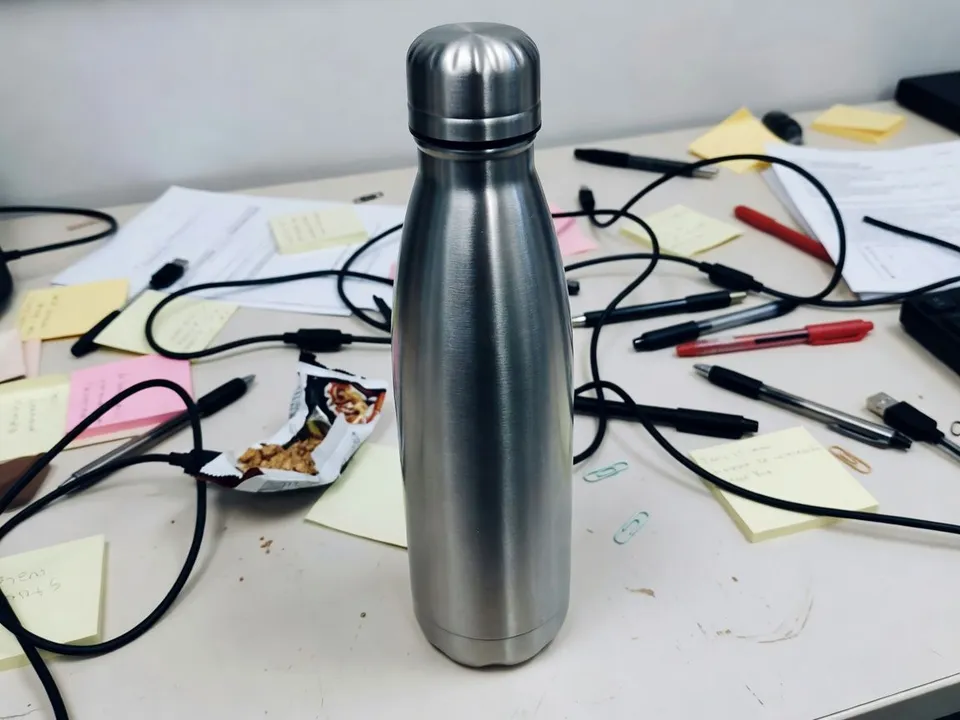
Upload a single photo. A phone shot on a desk is enough, and Morphic reads the shape, material, and label of your product.
Say what you want in one plain sentence: pure white background, a feature callout, a kitchen scene. Nudge the words and run it again until it fits the slot.
Get a set of variants at full resolution, ready to upload straight into your Amazon listing image slots.
The full slot set a listing runs on, from a spec-clean white background main image to a feature callout, a lifestyle scene, and a scale shot, all made from a single plain photo of your product on a desk.
Your product on a pure white background under soft even light, cleanly cut out and framed to fill the frame, built to meet the marketplace main image rules.
Edit promptYour product staged with room around it for feature labels and callouts, the secondary image that explains what the listing does at a glance.
Edit prompt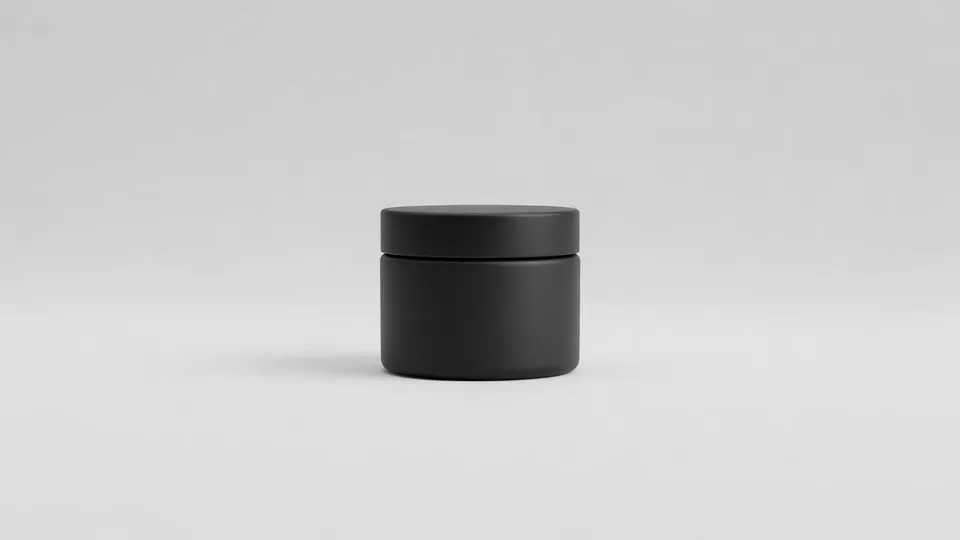
Your product in a real setting being used, with warm natural light, the shot that shows shoppers the product in their own life.
Edit prompt
Your product shown next to a familiar object or in a hand, so shoppers can judge its real size before they buy and return fewer orders.
Edit prompt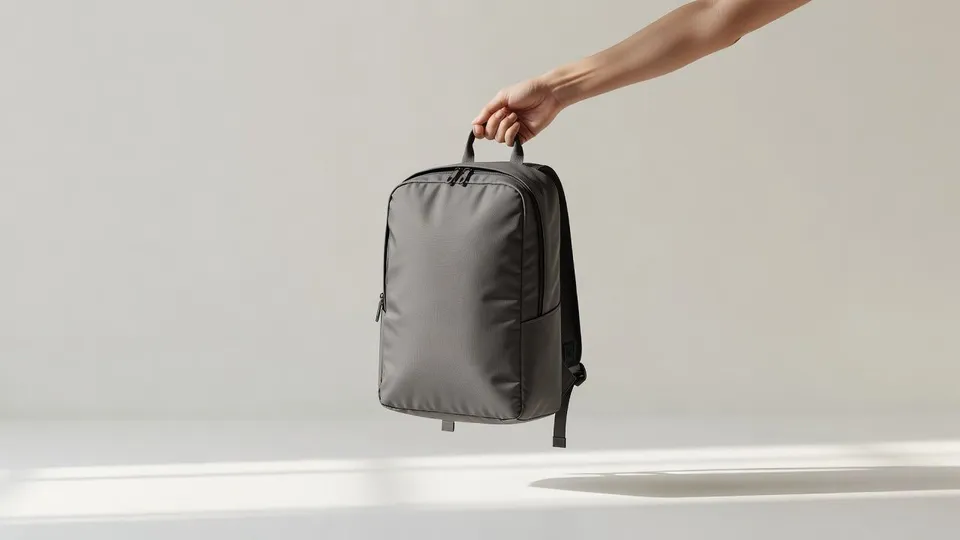
AI does most of the work on an Amazon listing. A few things, from spec compliance to readable packaging text, still want your eye before you submit, so here is where each one sits and who should check it.

Dramatic 5-second product reveal video with audio.
Multi-shot product pitch video from a still, a person, and a script.

One product shot becomes a full campaign pack with hero shots, angles, and format variations.

Generate a female AI influencer. Vertical output, ready for socials.

Dramatize any text conversation into a cinematic multi-shot video.

Upload a product photo and get studio-quality shots on any surface with configurable lighting, angles, and aspect ratios.
Get started for free today, with the option to upgrade or cancel anytime.
Basic
2400 monthly credits
1 user only
All models
Workflows
Standard
3625 monthly credits
1 user only
All models
Workflows
Pro
6350 shared monthly credits
1 user
All models
Workflows
Max
24650 shared monthly credits
1 user
All models
Workflows
Enterprise
For higher limits
Custom
pricing and billing terms

Free
For playing around
$0
forever free