



Establishing shot
The lead in a wide establishing frame, the first time the audience reads the character, generated from the saved reference so it matches every later shot.
Edit prompt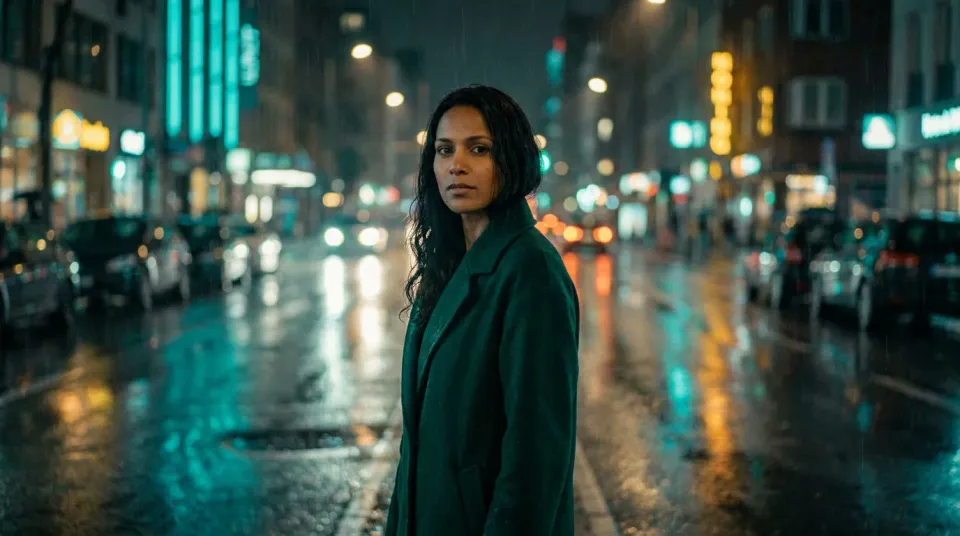
Consistency across a microdrama season comes from three locks, not luck: a saved visual reference per character, one saved voice per character, and a QC gate that catches drift before a shot ships. Build the reference once and attach it to every generation, and the same face, wardrobe and voice carry from episode one to episode sixty. Nothing is trained, the saved reference is passed into each shot.
For each recurring character, make a small set of reference images from several angles in the series’ wardrobe and lighting, and save it as a named reference. A set beats a single frame because it gives the model the character’s structure from more than one side.
Fix the default wardrobe and give the character one saved voice reused for every line. Drift starts at the edges, a collar, a hairline, an accessory, and a voice that changes take to take breaks the illusion even when the face holds.
Attach the same saved reference to every generation, whatever engine a shot is routed to, then compare each new shot against the reference at a readable size and reject drift rather than fixing it in the edit.
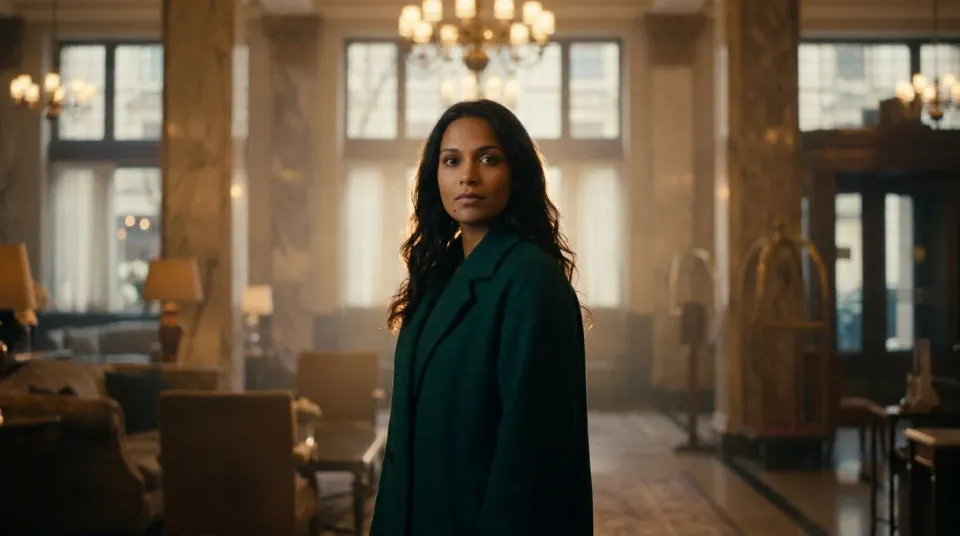
The same lead across four different locations, wardrobes and framings, generated from one saved reference, so the gallery itself is the consistency, not four separate people who happen to look alike.
The lead in a wide establishing frame, the first time the audience reads the character, generated from the saved reference so it matches every later shot.
Edit promptThe same character in a tight dialogue close-up, a different framing and light, the same face and wardrobe held from the one reference.
Edit prompt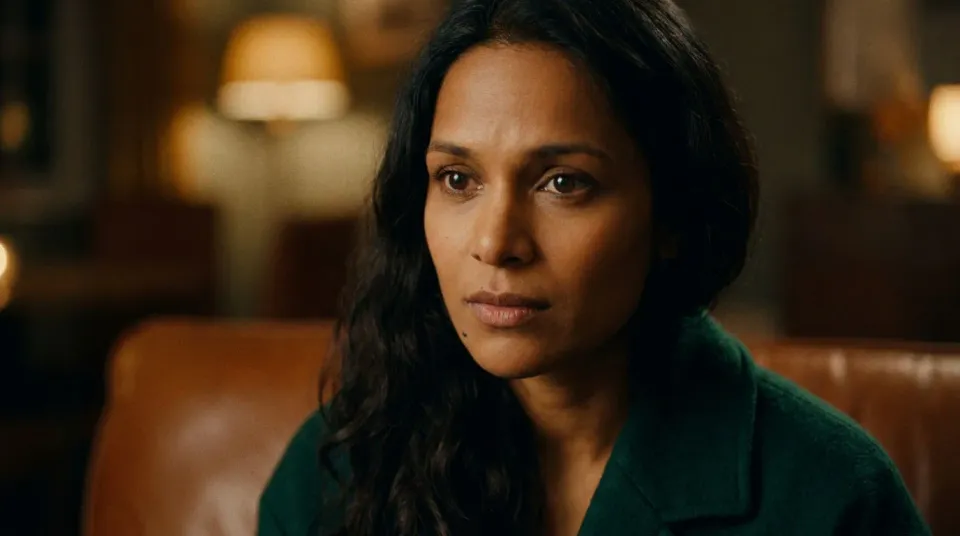
The same lead moved to a new location and a later beat in the story, the wardrobe and palette carried so the continuity reads across the episode.
Edit prompt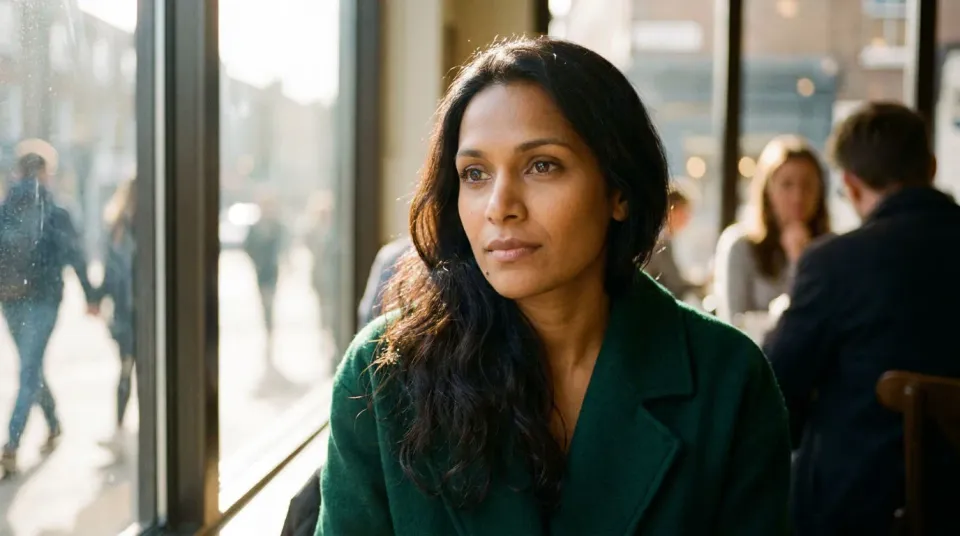
The same character in a deliberate wardrobe change, proof the lock is a choice, not a limitation: you change what a scene needs and hold the rest.
Edit prompt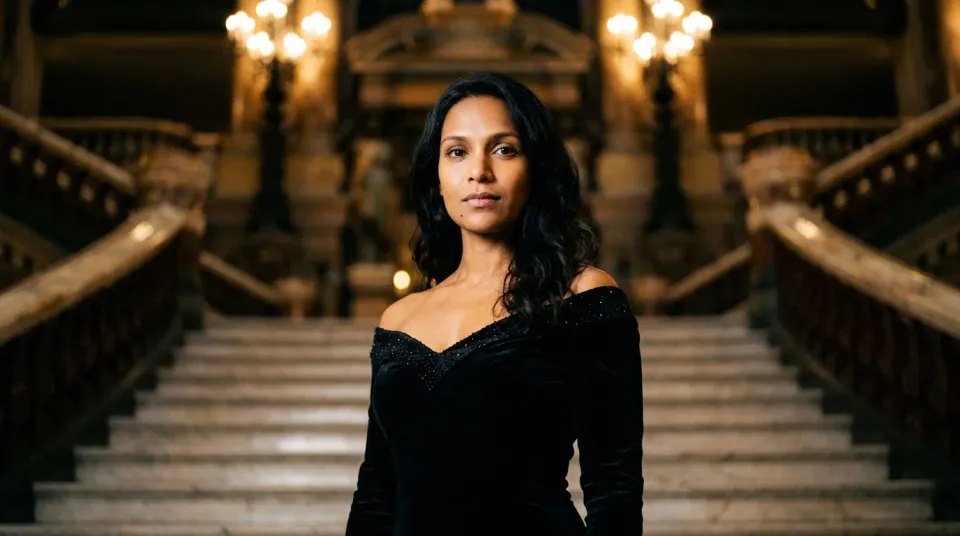
The saved reference does the heavy lifting of keeping a character the same. A producer’s eye still catches the edge cases before a season ships, so here is where each one sits.

Share a scene description with character references. Get a full storyboard with shot angles and mood.

Turn any photo or description into an animated chibi sprite. Dance, jump, wave, attack, and more.

Dramatize any text conversation into a cinematic multi-shot video.

Take any character image and generate 6 distinct facial expressions on a single reference sheet.

Generate a professional film title card from scratch, with optional cinematic animation.

Feed in a single image. Get 9 cinematic beats laid out as a 3x3 storyboard grid.
Get started for free today, with the option to upgrade or cancel anytime.
Basic
2400 monthly credits
1 user only
All models
Workflows
Standard
3625 monthly credits
1 user only
All models
Workflows
Pro
6350 shared monthly credits
1 user
All models
Workflows
Max
24650 shared monthly credits
1 user
All models
Workflows
Enterprise
For higher limits
Custom
pricing and billing terms

Free
For playing around
$0
forever free