

Sound effects for advertising

An ad has seconds to register, so every accent has to earn its place and support the message. Morphic generates product cues, whooshes, and attention accents from a plain description, so you can sound a spot to the beat without a library subscription. You keep control of timing, taste, and how it sits under the voiceover.

Example for Sound effects for advertising

How it works

  1. 1
    describe it

    Generate the accent

    Describe the cue, such as a crisp reveal whoosh or a bright product ding, and Morphic makes an original effect from that text. Ask for the length so it fits the cut you are scoring.

  2. 2

    Sync to the edit

    Place the effect in your editor and line it up with the reveal, the on-screen text, or the beat of the music. Nudge it so the accent supports the moment rather than fighting the voiceover.

  3. 3

    Balance and export

    Duck the effect under the narration, check it on headphones and a phone speaker, then render versions for each platform the spot runs on.

Effects your ad can run on

Four accents covering the hook, the tension, the texture, and the reveal.

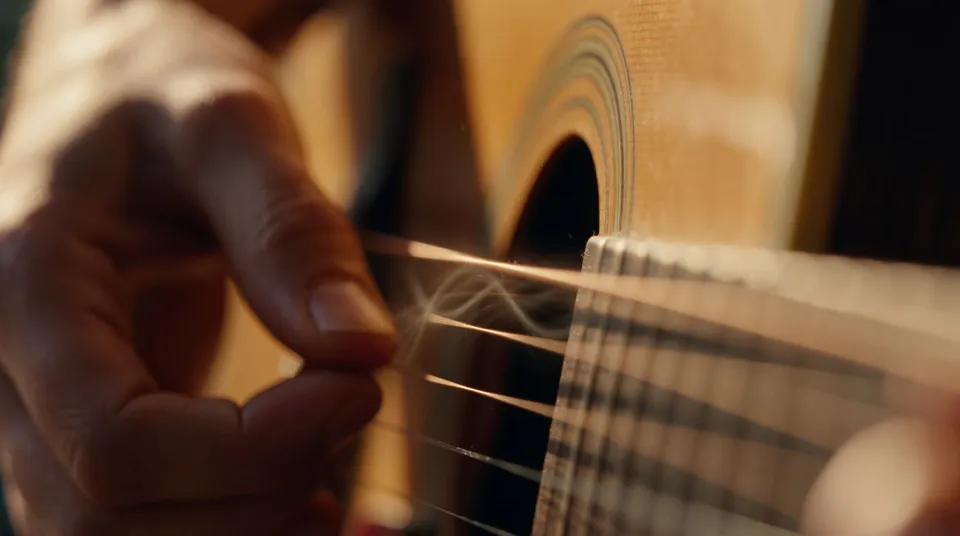
Fingered accent

A soft plucked tonal note to punctuate a benefit line or a piece of on-screen text.

0:00
0:02
Edit prompt
Fingered accent for Sound effects for advertising

Attention shriek

A sharp bright accent to grab the eye at the top of the spot or on a bold claim.

0:00
0:01
Edit prompt
Attention shriek for Sound effects for advertising

Texture rattle

A gritty rattling texture to add character under a lifestyle or a product-in-use shot.

0:00
0:05
Edit prompt
Texture rattle for Sound effects for advertising

Reveal from below

A hollow rising cue that lifts into the product reveal or the final logo card.

0:00
0:04
Edit prompt
Reveal from below for Sound effects for advertising

What it handles, and what to check

Morphic gives you the accents; the timing, the restraint, and the mix under the voiceover are yours.

What Morphic handles well

  • Whooshes, accents, and product cues from a text description
  • Length control so an accent fits a tight ad cut
  • Texture beds to add character under lifestyle footage
  • Reveal cues that lift into a product or logo card

Where you still want your own ear

  • Timing each accent to the edit and the on-screen message
  • Restraint, since an accent on every cut buries the one that matters
  • The mix balance so effects sit under, not over, the voiceover
  • Clearing rights on any music the effects are paired with

Simple pricing

Get started for free today, with the option to upgrade or cancel anytime.

Basic

$9/ month
billed as $0 per year

1100 monthly credits

1 user only

All models

Workflows

Standard

$24/ month
billed as $0 per year

3625 monthly credits

1 user only

All models

Workflows

Pro

$45/ month
billed as $0 per year

6350 shared monthly credits

1 user

+ up to 4 more at extra cost

All models

Workflows

Pro Max

$170/ month
billed as $0 per year

24650 shared monthly credits

1 user

+ up to 9 more at extra cost

All models

Workflows

Enterprise

For higher limits

Custom

pricing and billing terms

High-volume credits
Custom seat limits
All models
Workflows
Pricing Gradient

Free

For playing around

$0

forever free

Up to 20 credits
1 user only
Limited models
Workflows

FAQs

Can Morphic make sound effects for an ad?
Yes. Describe the whoosh, accent, or product cue you want and Morphic generates an original effect from that text, sized to the cut you are scoring.
How many effects should a short ad have?
Few. In a spot that runs seconds, one or two well-placed accents carry more weight than a busy track. Reserve them for the hook and the reveal.
How do I keep effects from covering the voiceover?
Duck each accent under the narration and place it in the gaps between lines. The message has to stay clear, so the effect supports it rather than competing.
Can I use these effects in a paid campaign?
On paid plans the effects you generate are yours to use commercially, including in advertising. Check the current terms for the details on your plan.
Can I make a product reveal sound?
Yes. Ask for a whoosh into a bright accent or a rising cue that lifts into the reveal, and Morphic makes it to fit your hero shot.
Do I need separate tools for music and voiceover?
No. One Morphic workspace covers sound effects, music, and voiceover, so you can build the accents, the track, and the narration in one place.