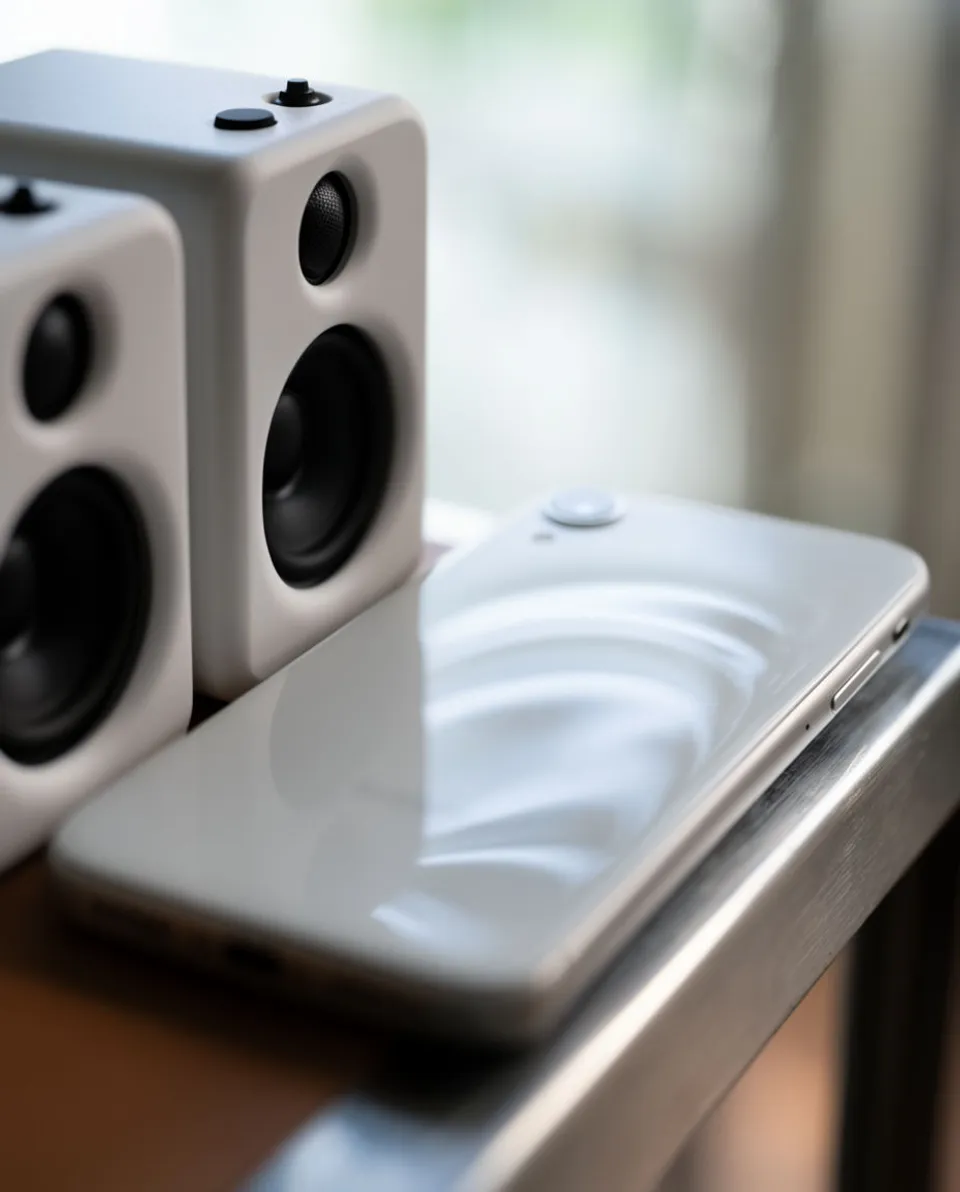



Sound effects for apps

An app's sounds are tiny and easy to overlook, yet a good tap or notify makes the product feel finished. Morphic generates UI chimes, taps, alerts, and success cues from a plain description, so you can design a coherent sound set without a studio. You choose where each one fires and keep them short and unobtrusive.

Example for Sound effects for apps

How it works

  1. 1
    describe it

    Generate the cue

    Describe the sound, such as a short three-note success chime or a soft single tap, and Morphic creates an original effect from that text. Ask for it short and clean so it does not intrude.

  2. 2

    Wire it into the UI

    Add the file to your project and trigger it on the event, the send, the confirm, or the incoming notification. Keep the level low and respect the device silent switch.

  3. 3

    Test and ship

    Try the cues on a real phone at low volume, confirm they are consistent across the app, and include them in your build.

Sounds your app can run on

Four short cues covering notification, confirmation, action, and playful feedback.

Success flourish

A short bright multi-note chime for a completed action, a sent message, or a finished task.

0:00
0:02

Edit prompt
Success flourish for Sound effects for apps

Notification alert

A soft attention tone with a gentle tail for an incoming message or an alert banner.

0:00
0:02
Edit prompt
Notification alert for Sound effects for apps

Action launch

A quick light cue for starting a process, opening a panel, or launching a feature.

0:00
0:01
Edit prompt
Action launch for Sound effects for apps

Playful ratchet

A light textured cue for a fun moment, a reward reveal, or a celebratory micro-interaction.

0:00
0:02
Edit prompt
Playful ratchet for Sound effects for apps

What it handles, and what to check

Morphic makes the cues; keeping them short, quiet, and consistent is your design job.

What Morphic handles well

  • Short UI cues like taps, confirms, and success chimes from a text description
  • Notification and alert tones with a controlled, gentle tail
  • Playful reward and celebration cues for delightful moments
  • Variations so you can pick the cleanest, most neutral take

Where you still want your own ear

  • Keeping every cue short and quiet so it never annoys on repeat
  • A consistent tonal family across the whole interface
  • Respecting the device silent switch and accessibility settings
  • Restraint, since a sound on every action quickly grates

Simple pricing

Get started for free today, with the option to upgrade or cancel anytime.

Basic

$9/ month
billed as $0 per year

1100 monthly credits

1 user only

All models

Workflows

Standard

$24/ month
billed as $0 per year

3625 monthly credits

1 user only

All models

Workflows

Pro

$45/ month
billed as $0 per year

6350 shared monthly credits

1 user

+ up to 4 more at extra cost

All models

Workflows

Pro Max

$170/ month
billed as $0 per year

24650 shared monthly credits

1 user

+ up to 9 more at extra cost

All models

Workflows

Enterprise

For higher limits

Custom

pricing and billing terms

High-volume credits
Custom seat limits
All models
Workflows
Pricing Gradient

Free

For playing around

$0

forever free

Up to 20 credits
1 user only
Limited models
Workflows

FAQs

Can I make app notification sounds on Morphic?
Yes. Describe the alert or chime you want, kept short and gentle, and Morphic generates an original notification sound from that text for your app.
How long should a UI sound be?
Very short, often well under a second, so it confirms an action without getting in the way. Ask Morphic for a brief clean take and trim it tight.
Can I build a consistent sound set for my app?
Yes. Generate each cue from related prompts so taps, confirms, and alerts share a tone, then pick the takes that sit together as a family.
Are the sounds mine to ship in a released app?
On paid plans the effects you generate are yours to use commercially, including in a shipped app. Check the current terms for your plan.
Should every action have a sound?
No. Reserve audio for meaningful moments like success, error, and notification, and respect the silent switch. Too many cues make the app feel noisy.
Do I need a separate tool for other audio?
No. One Morphic workspace covers sound effects, music, and voiceover, so onboarding narration and UI cues can come from the same place.