

Sound effects for TikTok

Describe a boing, a honk, or a pour and Morphic generates it, so your transitions and reaction beats hit hard in the first two seconds. You get original sounds instead of the same trending effect on every For You post. Music, voiceover, and SFX all live in one workspace.

Example for Sound effects for TikTok

How it works

  1. 1
    describe it

    Describe the effect and generate it

    Say what the beat needs, like a double honk or a cartoon boing, and Morphic generates it. Push the pitch or shorten the length and regenerate until it matches the energy of the clip.

  2. 2

    Sync it to the beat in CapCut or your app

    Import the file into CapCut, TikTok's own editor, or Reels, and pin it to the exact frame of the cut or reaction. On a short, a few frames early or late is the difference between funny and flat.

  3. 3

    Publish and check it on the phone

    Keep effects loud enough to register over a trending song but not so loud they clip. Watch it back on your phone at normal volume before you post, since that is how everyone else will hear it.

Effects that carry a short

Four sounds that do the heavy lifting on a vertical video, each generated from a quick description.

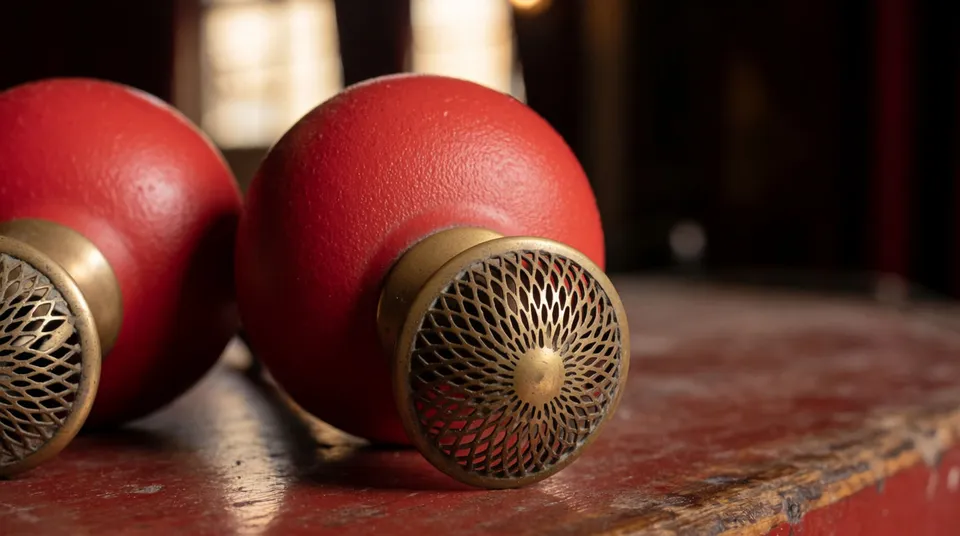
Double honk punch

For a two-beat joke or a call-and-response caption. The pair of honks marks setup and payoff without a word of narration.

0:00
0:02
Edit prompt
Double honk punch for Sound effects for TikTok

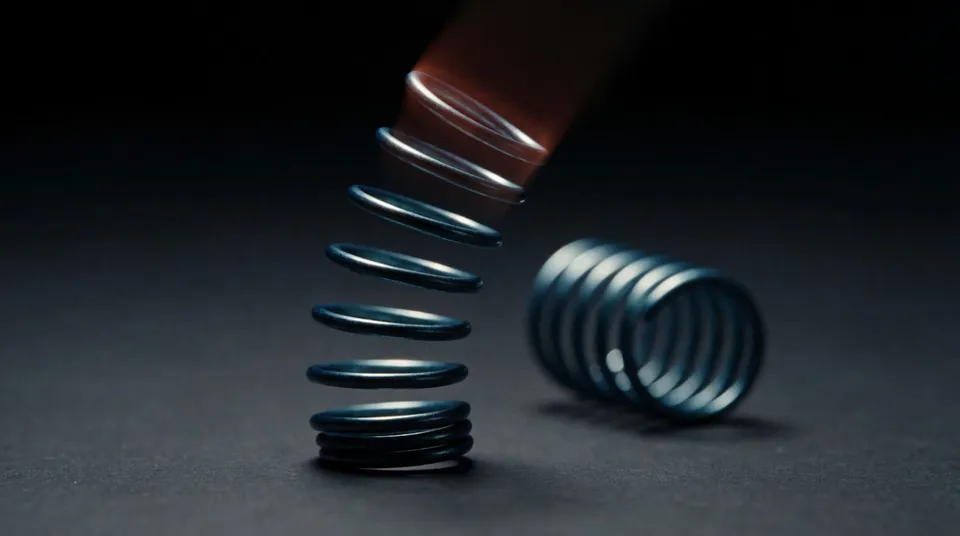
Cartoon boing

For a bounce, a zoom, or a face-swap reveal. It reads instantly as playful and pairs well with a fast transition.
0:00
0:01
Edit prompt
Cartoon boing for Sound effects for TikTok

Pouring water accent

For a satisfying pour in a food, drink, or restock clip. The texture makes a simple action feel oddly rewarding to watch.

0:00
0:02
Edit prompt
Pouring water accent for Sound effects for TikTok

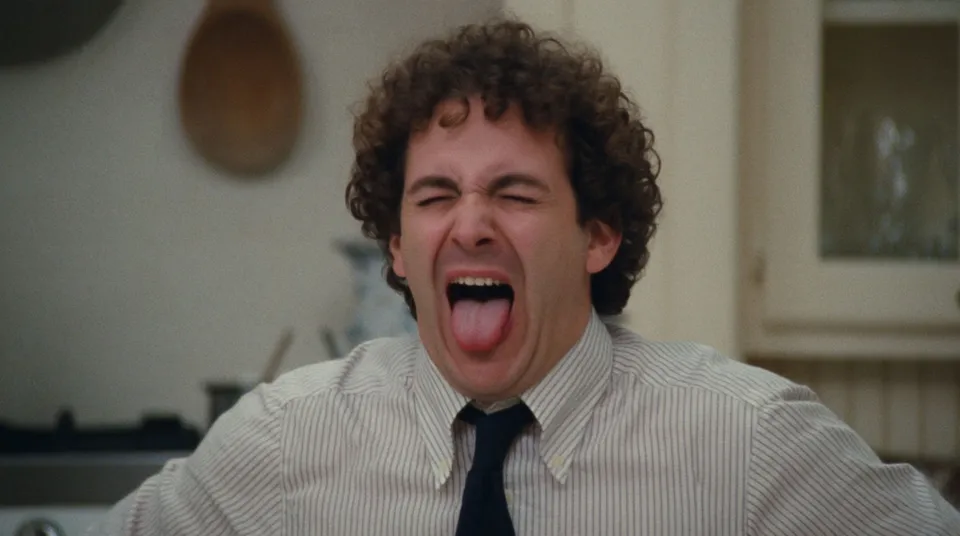
Dramatic wail sting

For an over-the-top reaction or a fake-tragedy beat. Used with a straight face it lands the comedy harder than a laugh.
0:00
0:01
Edit prompt
Dramatic wail sting for Sound effects for TikTok

What it handles, and what to check

Morphic makes the sound; you own the timing and the restraint.

What Morphic handles well

  • Generating punchy originals from a one-line description in seconds
  • Giving you a fresh sound instead of the trending effect everyone reuses
  • Covering short-form staples, from honks and boings to pours and stings
  • Making effects loud and tight enough to cut through a trending track

Where you still want your own ear

  • Landing the sound on the exact frame, since a short lives or dies on timing
  • Not stacking an effect on every beat, which reads as trying too hard
  • Leaving room for the trending song so the SFX and the music do not fight
  • Judging when a joke wants silence instead of a sound

Simple pricing

Get started for free today, with the option to upgrade or cancel anytime.

Basic

$9/ month
billed as $0 per year

1100 monthly credits

1 user only

All models

Workflows

Standard

$24/ month
billed as $0 per year

3625 monthly credits

1 user only

All models

Workflows

Pro

$45/ month
billed as $0 per year

6350 shared monthly credits

1 user

+ up to 4 more at extra cost

All models

Workflows

Pro Max

$170/ month
billed as $0 per year

24650 shared monthly credits

1 user

+ up to 9 more at extra cost

All models

Workflows

Enterprise

For higher limits

Custom

pricing and billing terms

High-volume credits
Custom seat limits
All models
Workflows
Pricing Gradient

Free

For playing around

$0

forever free

Up to 20 credits
1 user only
Limited models
Workflows

FAQs

Can I use these TikTok sound effects on brand deals and monetized posts?
Effects generated on a paid plan are yours for sponsored posts, Creator Rewards content, and client work. Review the current terms for the exact commercial scope before you lean on them.
Why not just use TikTok's built-in sound effects?
The built-in effects are shared by millions of videos, so your accent sounds like everyone else's. Morphic generates an original from your description, which helps a clip feel like yours rather than a template.
Will a generated effect hurt my reach or get flagged?
These are original generated sounds, not lifted clips, so there is no third-party recording to trip a rights check. You can still add a trending song on top for reach and keep your SFX underneath it.
Can I sync one of these to a trending song?
Yes. Add the trending track in the app, then place your generated effect on the beats you want to accent. Keep the SFX slightly under the music so both come through.
Do these work for Reels and Shorts too?
The files are standard audio, so they import into CapCut, Reels, and Shorts the same way. A sound designed for a TikTok cut works fine on any vertical short.
How short can the effects be?
Very short. Most short-form accents want a hit under a second, and you can set the length that tight so the sound punches and gets out of the way of the next beat.