
Sound effects for trailers

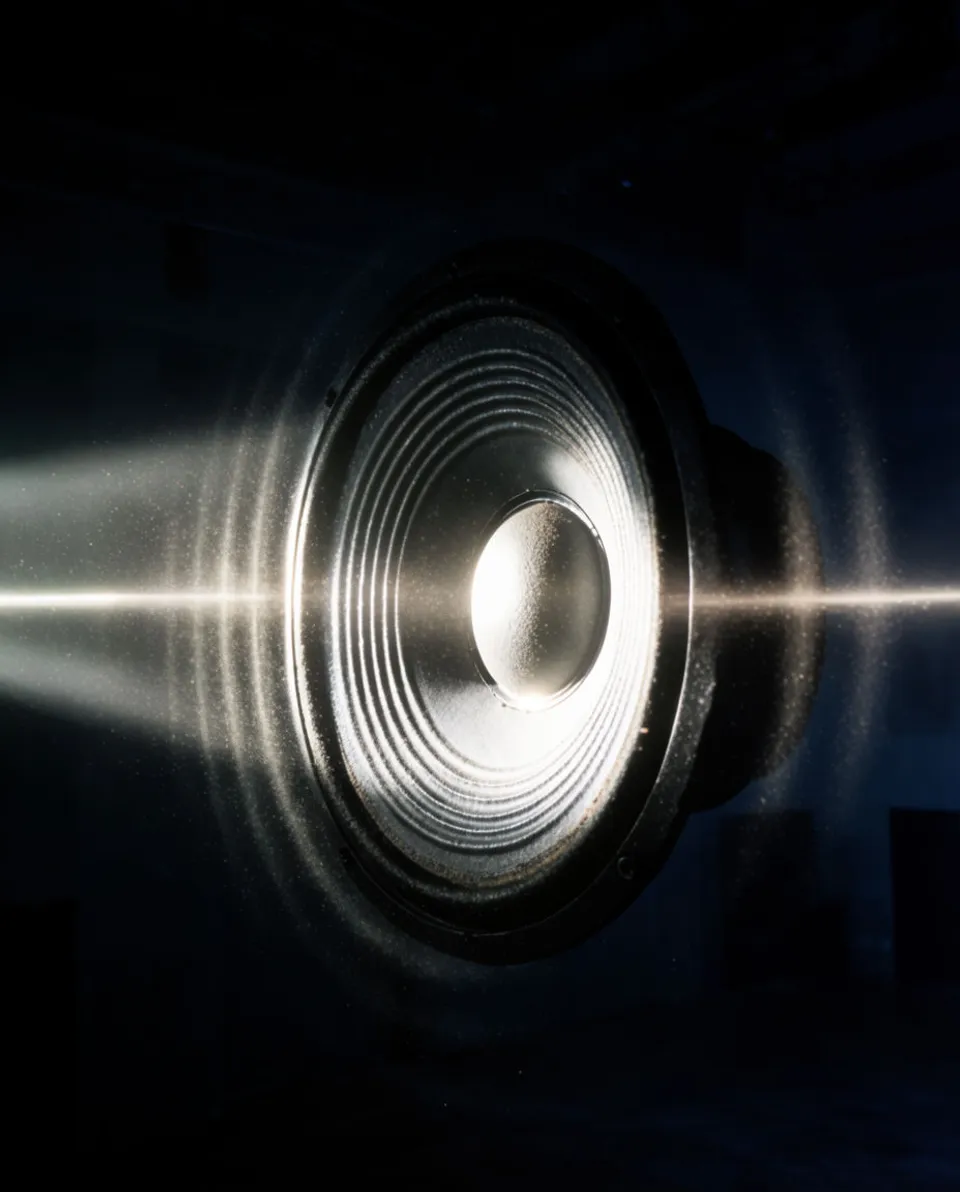
Trailers live and die on their sound design. Morphic generates the booms, risers, whooshes, and braaam hits a cut like yours needs from a plain description, so you can build tension and land every reveal without digging through a stock library. You keep control over placement and mix.

Example for Sound effects for trailers

How it works

  1. 1
    describe it

    Generate the hit

    Describe the sound you want, such as a slow riser building into a deep boom, and Morphic makes an original effect from that text. Ask for the length and the size of the space so it fits your beat.

  2. 2

    Place it on the beat

    Drop the file onto your timeline in your editor and line the impact up with the cut, the logo reveal, or the music drop. Nudge it a few frames so the transient lands exactly on the picture.

  3. 3

    Balance and export

    Duck the music under each hit, check it on headphones and a phone speaker, then render the trailer for the platform you are posting to.

Effects a trailer cut can run on

Four trailer staples you can generate and drop onto your key beats.

Sunrise swell

A slow tonal build for the quiet open before your first cut, setting the mood before anything hits.

0:00
0:08

Edit prompt
Sunrise swell for Sound effects for trailers

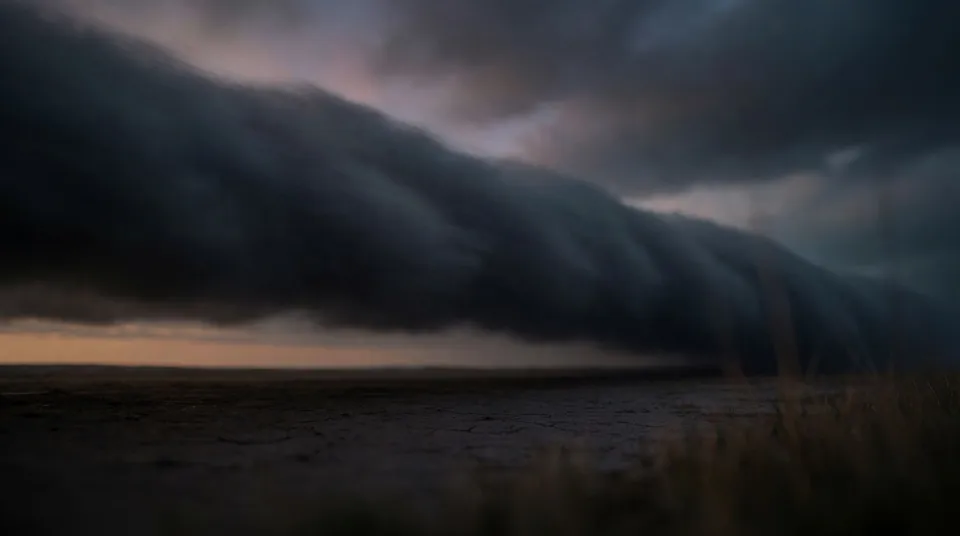
Distant rumble bed

A low continuous rumble to sit under montage sections and hold tension between hits.
0:00
0:22
Edit prompt
Distant rumble bed for Sound effects for trailers

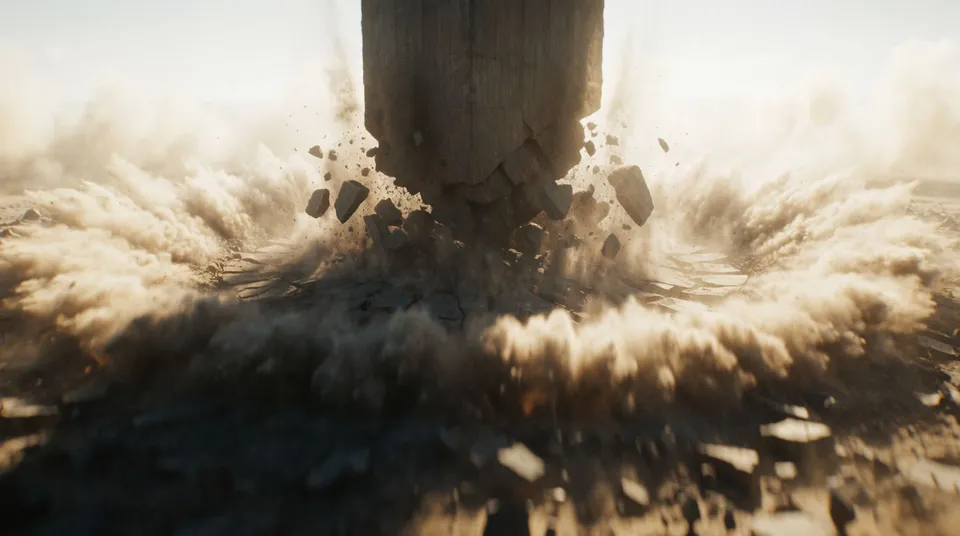
Takeoff riser to boom

A tension riser that peaks into a deep impact, built for your biggest reveal or logo card.
0:00
0:08
Edit prompt
Takeoff riser to boom for Sound effects for trailers

Bright stinger hit

A short bright accent for a fast cut or a name-drop, cuts through without a heavy tail.

0:00
0:01
Edit prompt
Bright stinger hit for Sound effects for trailers

What it handles, and what to check

Morphic gives you the raw hits; your ear decides how they sit against the picture and music.

What Morphic handles well

  • Original booms, risers, whooshes, and braaam-style hits from a text description
  • Control over length so a riser matches the gap before your drop
  • Variations on the same hit so reveals do not all sound identical
  • Low rumble beds and swells for the quiet moments between impacts

Where you still want your own ear

  • Frame-accurate sync of each transient to the picture cut
  • Restraint, since a boom on every edit stops any single one landing
  • The mix balance between hits, music, and any dialogue or voiceover
  • Clearing rights on any music bed you pair the effects with

Simple pricing

Get started for free today, with the option to upgrade or cancel anytime.

Basic

$9/ month
billed as $0 per year

1100 monthly credits

1 user only

All models

Workflows

Standard

$24/ month
billed as $0 per year

3625 monthly credits

1 user only

All models

Workflows

Pro

$45/ month
billed as $0 per year

6350 shared monthly credits

1 user

+ up to 4 more at extra cost

All models

Workflows

Pro Max

$170/ month
billed as $0 per year

24650 shared monthly credits

1 user

+ up to 9 more at extra cost

All models

Workflows

Enterprise

For higher limits

Custom

pricing and billing terms

High-volume credits
Custom seat limits
All models
Workflows
Pricing Gradient

Free

For playing around

$0

forever free

Up to 20 credits
1 user only
Limited models
Workflows

FAQs

Can I make trailer booms and risers on Morphic?
Yes. Describe the impact or riser you want, including how long and how big it should feel, and Morphic generates an original sound effect from that text for your trailer.
How do I match a sound effect to my title reveal?
Generate the hit, drop it on your timeline, and slide it so the loudest moment lands on the exact frame of the reveal. A few frames early often reads better than dead on.
Can I use these sound effects commercially?
On paid plans the effects you generate are yours to use in commercial projects. Check the current terms for the specifics that apply to your plan.
What makes a trailer sound design feel professional?
Contrast and restraint. Quiet beds under montage, a clear riser into your biggest hit, and space around each impact so it reads as an event rather than noise.
Can I get several versions of the same impact?
Yes. Run the prompt again or vary the description slightly to get alternate takes, so repeated reveals in your trailer do not sound copy-pasted.
Do I need separate tools for music and effects?
No. One Morphic workspace covers sound effects, music, and voiceover, so you can build the beds, the hits, and any narration in the same place.