



Fly-by object
Use it on a small object that darts past the user so the pass reads as fast and close.
0:00
0:02

Morphic turns a short description into original sound effects for your VR and AR scenes, so a passing object, a nearby interaction, or an ambient space feels present around the user. You describe the source, its texture and the space it lives in, and generate a clean asset to place in your engine. One workspace covers effects, ambience, and any voiceover.
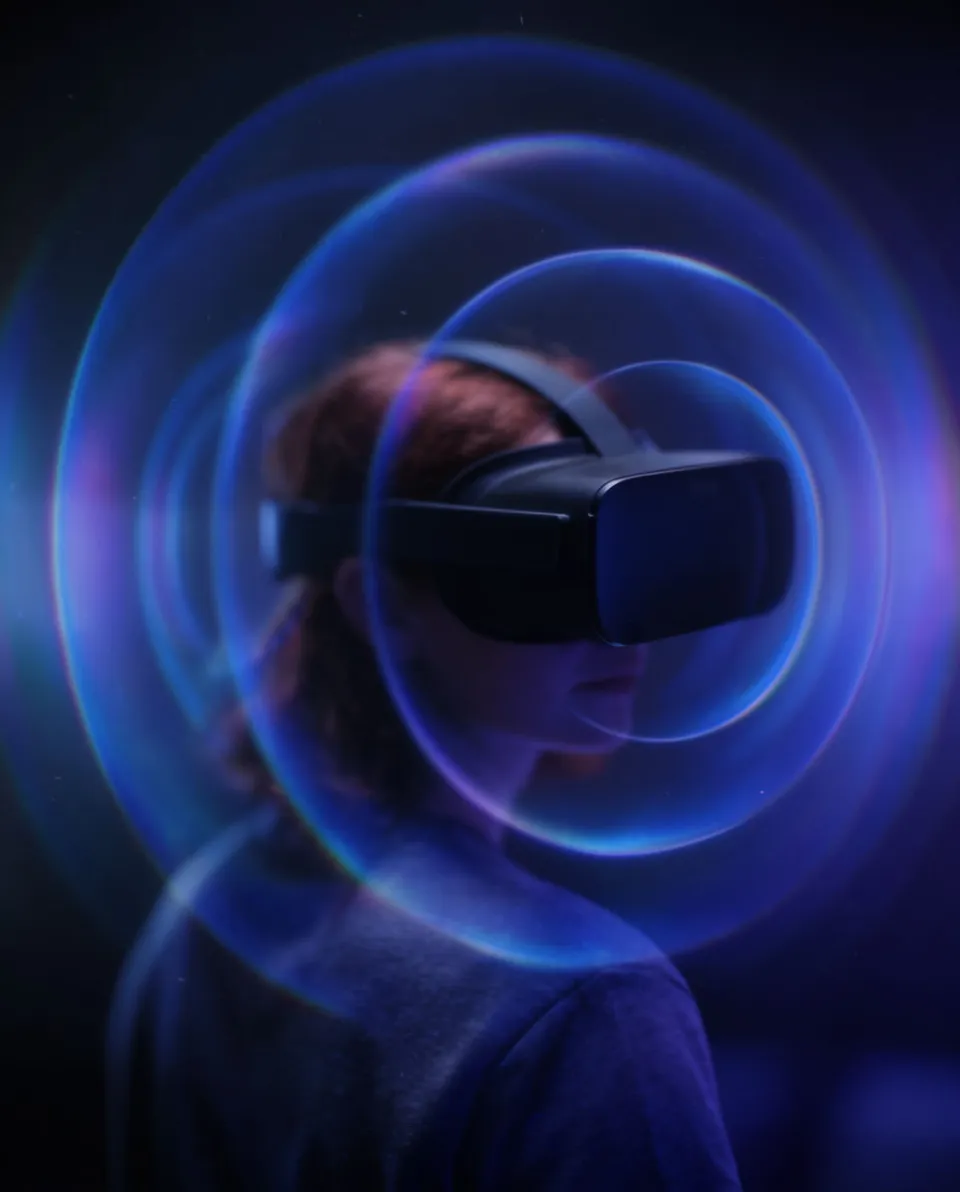
Write the sound at its source, like a heavy zip up close or a small object whirring past, describing texture and how near it sits, and Morphic generates a clean mono asset.
Import the file into Unity, Unreal or your VR toolkit and attach it to a spatial audio source on the object, so the engine handles distance, direction and head movement.
Put the headset on and move around the source to confirm it reads from the right direction and distance, then adjust the falloff and export the build.
Four source sounds for objects, interactions and ambience you can position in a 3D scene.
Use it on a small object that darts past the user so the pass reads as fast and close.
Use it on a bag, tool or handle the user picks up so the touch has weight and material.

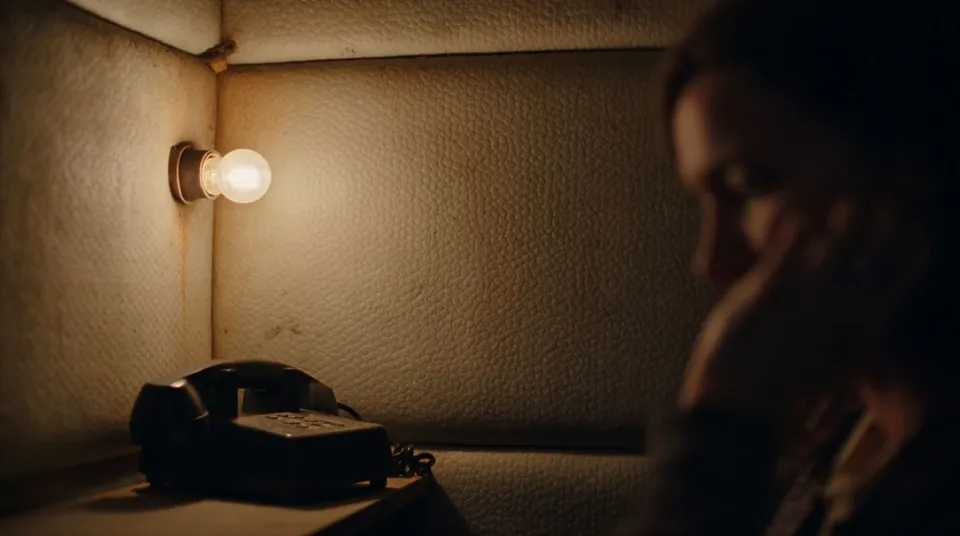
Use it as the ambient bed of a small enclosed space so silence has a texture and place.
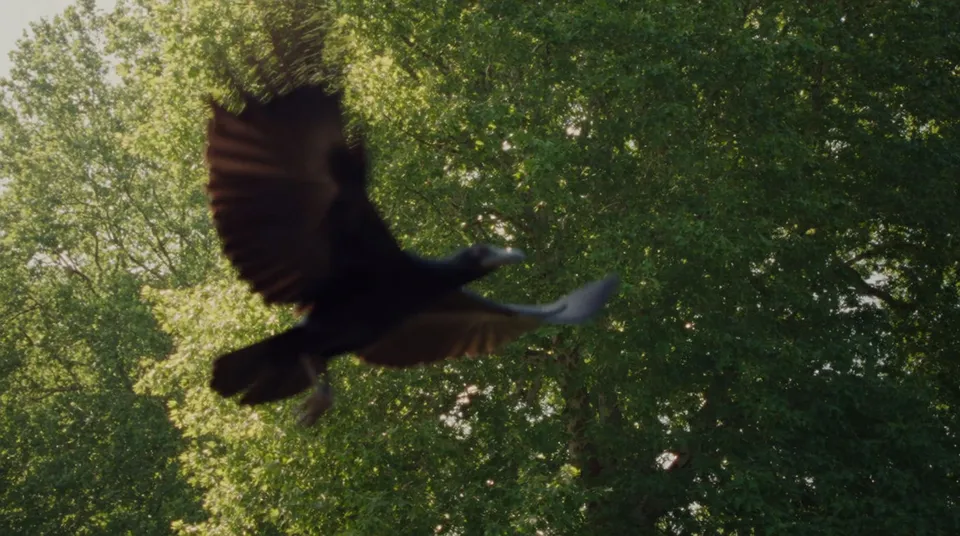
Use it on a bird or creature that flaps past to sell fast motion overhead.
Morphic makes the source sound; your engine and ear handle the spatialization.
Get started for free today, with the option to upgrade or cancel anytime.
Basic
2400 monthly credits
1 user only
All models
Workflows
Standard
3625 monthly credits
1 user only
All models
Workflows
Pro
6350 shared monthly credits
1 user
All models
Workflows
Max
24650 shared monthly credits
1 user
All models
Workflows
Enterprise
For higher limits
Custom
pricing and billing terms

Free
For playing around
$0
forever free