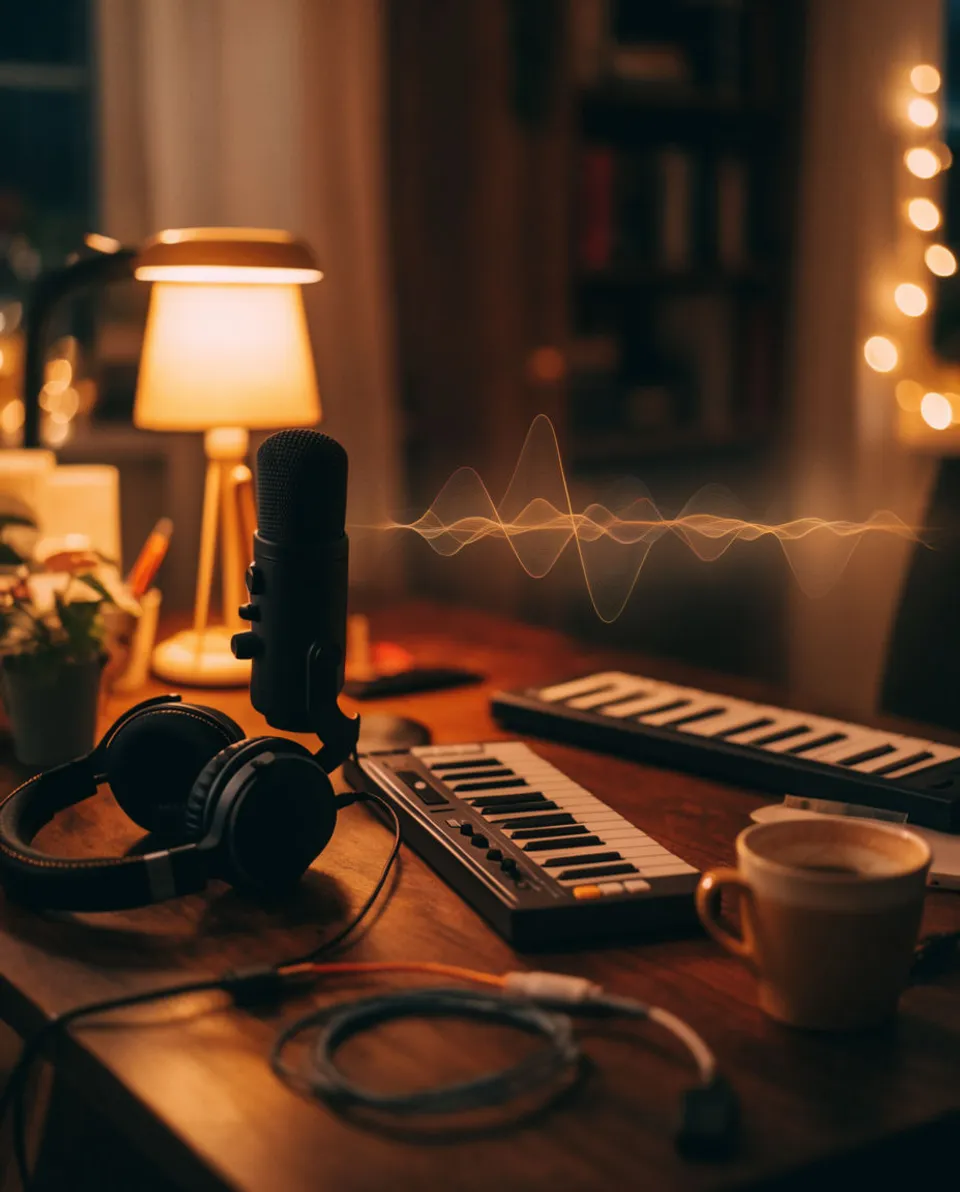



Sound effects for YouTube

Describe the sound you want and Morphic generates it, so a jump cut, a product reveal, or a title card lands instead of sitting flat. You get original effects made for your video, not a stock pack every other channel already uses. One workspace covers the SFX, the music bed, and the voiceover.

Example for Sound effects for YouTube

How it works

  1. 1
    describe it

    Describe the effect and generate it

    Type what you hear in your head, like a glass set on a desk or a single gust across a mic, and Morphic generates the sound. Adjust the texture, space, or length and generate again until it matches the shot.

  2. 2

    Drop it on the frame in your editor

    Download the file and place it in Premiere, DaVinci Resolve, or CapCut on the exact frame of the cut or reveal. Nudge it a few frames so the hit lands with the picture, not after it.

  3. 3

    Export and upload

    Mix the effect under your voice and music, keep it a touch quieter than the narration, and export. It reads clean on phone speakers, which is where most of your watch time is.

Effects your channel can run on

Four kinds of sound a typical upload actually uses, each generated from a plain description.

Object-placed clink

For a product held up to camera or an item set down in a review. It makes the object feel real and physical instead of floating in the frame.

0:00
0:01

Edit prompt
Object-placed clink for Sound effects for YouTube

Whoosh for a cut or reveal

For a transition between B-roll shots or the swipe onto a title card. Keep it short so it accents the motion rather than covering it.

0:00
0:02
Edit prompt
Whoosh for a cut or reveal for Sound effects for YouTube

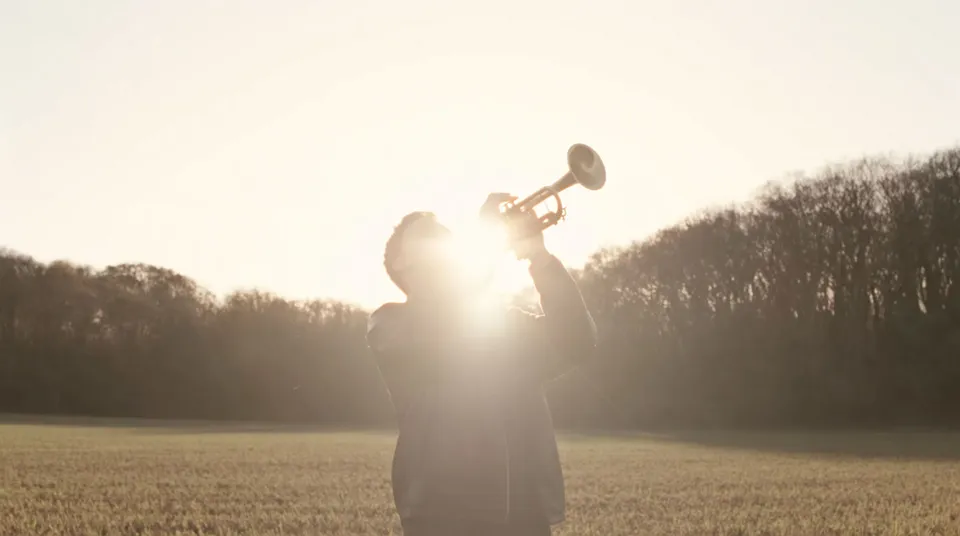
Distant fanfare accent

For a small win, a reveal, or the punchline of a sponsor segment. Used sparingly it reads as playful rather than cheesy.
0:00
0:03
Edit prompt
Distant fanfare accent for Sound effects for YouTube

Comedic critter sound

For a reaction beat, a meme insert, or a quiet moment you want to break. A single well-timed croak carries a joke better than a laugh track.

0:00
0:02
Edit prompt
Comedic critter sound for Sound effects for YouTube

What it handles, and what to check

Morphic does the sound design; you keep the final call on taste and timing.

What Morphic handles well

  • Turning a plain description into an original effect made for your shot
  • Giving you variations on texture, space, and length without a stock search
  • Covering common upload needs, from object hits to whooshes to accents
  • Producing files clean enough to sit under narration on phone speakers

Where you still want your own ear

  • Placing the effect on the exact frame so the hit lands with the picture
  • Resisting the urge to sound every cut, which tires a viewer fast
  • Balancing the effect under your voice so it accents and never buries
  • Matching the vibe to your channel, since a review and a vlog want different energy

Simple pricing

Get started for free today, with the option to upgrade or cancel anytime.

Basic

$9/ month
billed as $0 per year

1100 monthly credits

1 user only

All models

Workflows

Standard

$24/ month
billed as $0 per year

3625 monthly credits

1 user only

All models

Workflows

Pro

$45/ month
billed as $0 per year

6350 shared monthly credits

1 user

+ up to 4 more at extra cost

All models

Workflows

Pro Max

$170/ month
billed as $0 per year

24650 shared monthly credits

1 user

+ up to 9 more at extra cost

All models

Workflows

Enterprise

For higher limits

Custom

pricing and billing terms

High-volume credits
Custom seat limits
All models
Workflows
Pricing Gradient

Free

For playing around

$0

forever free

Up to 20 credits
1 user only
Limited models
Workflows

FAQs

Can I use these YouTube sound effects commercially, including on monetized videos?
Effects you generate on a paid plan are yours to use on monetized uploads, sponsorships, and client work. Check the current terms for the exact scope before you build a library around them.
How is this different from a free YouTube sound effects pack?
A shared pack means your whoosh is the same one thousands of other channels use. Morphic generates an original effect from your description, so the sound fits your specific shot and does not feel recycled.
Will these sound effects trigger a copyright or Content ID claim?
The effects are generated originals rather than clips lifted from films or games, so there is no third-party recording to match against. Your own upload stays clean as long as the rest of your audio is cleared.
What format do I get and does it drop into my editor?
You download a standard audio file that imports straight into Premiere, DaVinci Resolve, Final Cut, or CapCut. Place it on the frame you want and adjust the level like any other clip.
Can I make longer ambient beds and not just short hits?
Yes. Describe a longer texture such as room tone or a distant crowd and set a longer length. It fills the background under a talking-head segment while your voice stays on top.
Do I need separate tools for music and voiceover too?
No. The same workspace generates sound effects, music beds, and voiceover, so you can build the whole audio side of an upload in one place instead of stitching three apps together.