A chapter opening
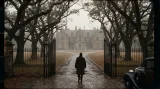
The frame that opens the episode and sets the chapter in motion. Generated against the saved location reference so a recurring setting looks the same each time the series returns to it.
Edit prompt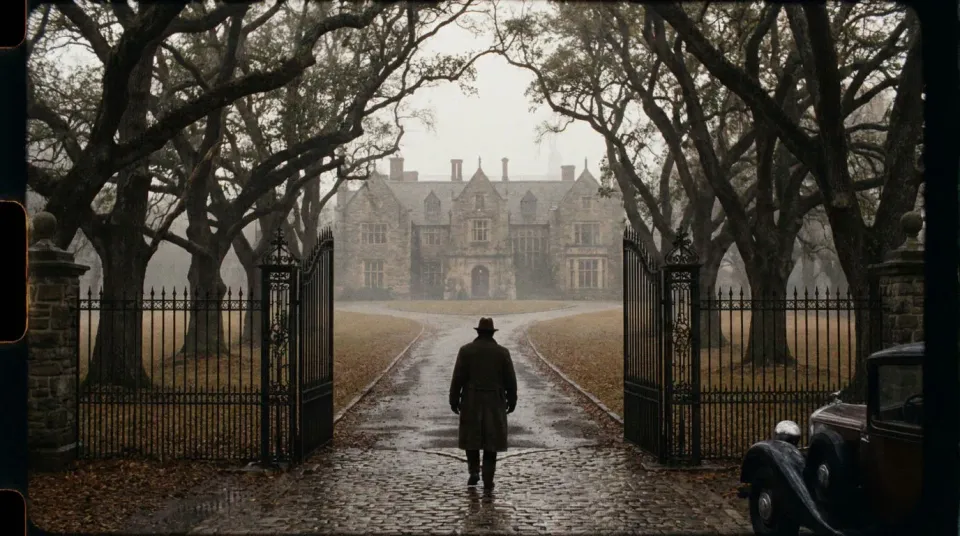
As of October 2026, a publisher can turn one web-novel chapter into a single 90-second vertical episode as a repeatable pass rather than a bespoke production. The chapter text becomes a beat sheet, the recurring characters are cast once as saved references, and the scenes are generated against them and assembled on the timeline. The adaptation choices, the casting approval and the review gates stay manual, because what makes a chapter land on screen is editorial judgement, not throughput.
The chapter is broken down into its beats, the scenes, the turns and the moment the episode should end on. This is where the adaptation is shaped: what a 90-second episode keeps, what it compresses and where it cuts, which is an editorial call the breakdown makes visible before anything is generated.
The recurring characters are cast once as saved references, a face and a look per character, and a saved voice to pair with it. A saved reference beats a worded description and nothing is trained, so once a character is approved, every scene and every later episode is passed the same reference and the cast stays recognisable across the series.
The scenes are generated against the saved cast and assembled on the timeline in one workspace, drafted cheaply at preview resolution and rendered at full only once a scene is the keeper. A review gate sits before release, where the editorial team checks the adaptation against the chapter before the episode ships.
A chapter adapts into a handful of recurring frame types, a chapter opening, a character reveal, a dramatic turn, a cliffhanger, each generated against the cast saved from the text so the characters stay the same person from the first episode to the last.
The frame that opens the episode and sets the chapter in motion. Generated against the saved location reference so a recurring setting looks the same each time the series returns to it.
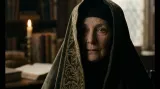
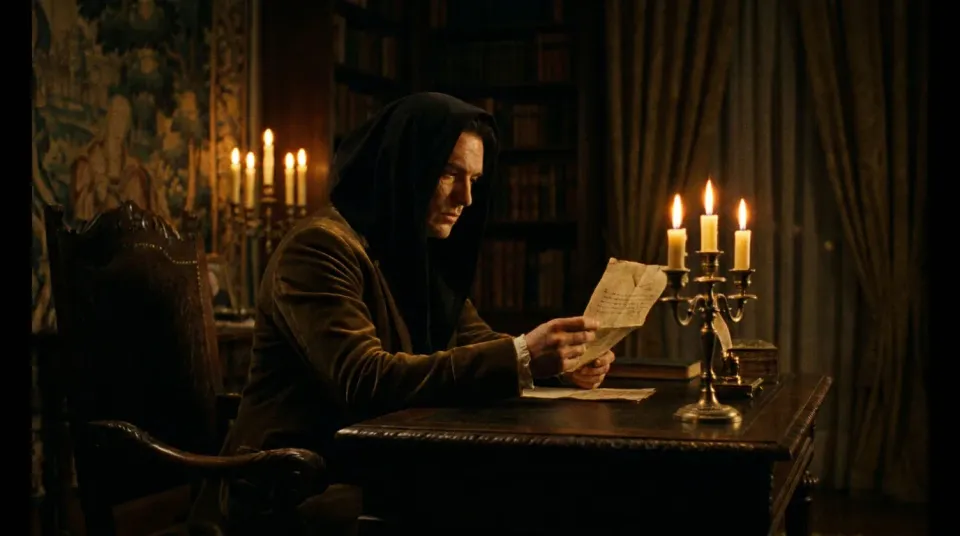
Edit promptThe moment a key character is introduced on screen. The saved reference casts them once from the text, so the reveal matches the reader’s mental image and stays consistent across every later episode.
Edit prompt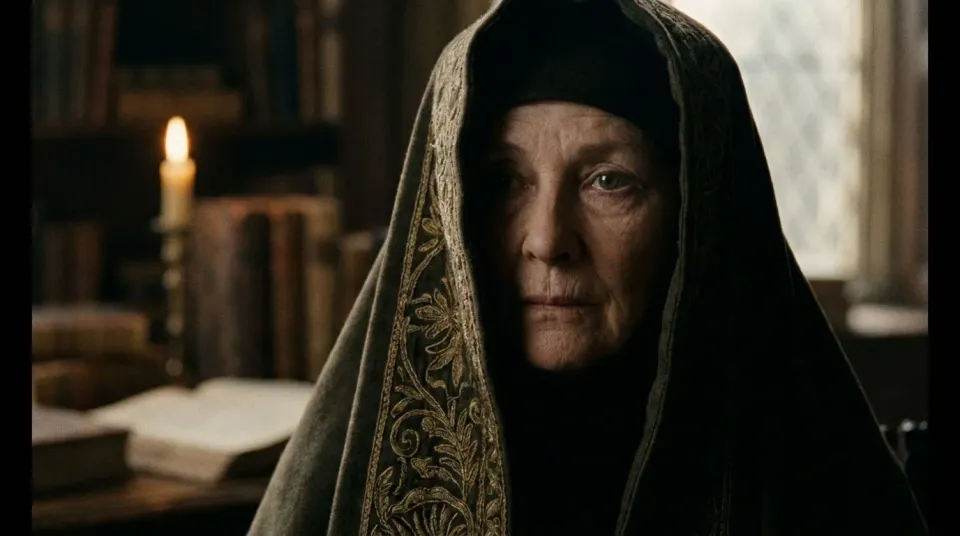
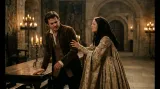
The beat where the chapter pivots. Drafted cheaply at preview resolution first, then rendered at full once the turn is the keeper, so the budget follows the scenes that make the episode.
Edit prompt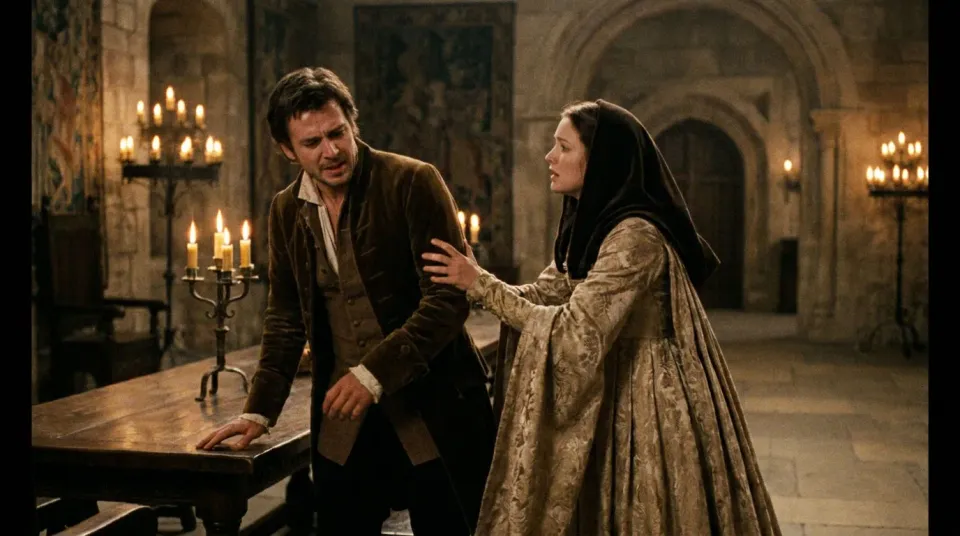
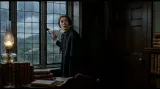
The last frame before the cut, the hook the chapter ends on. The saved cast lands the reaction so the cliffhanger reads as the same character the reader has been following.
Edit prompt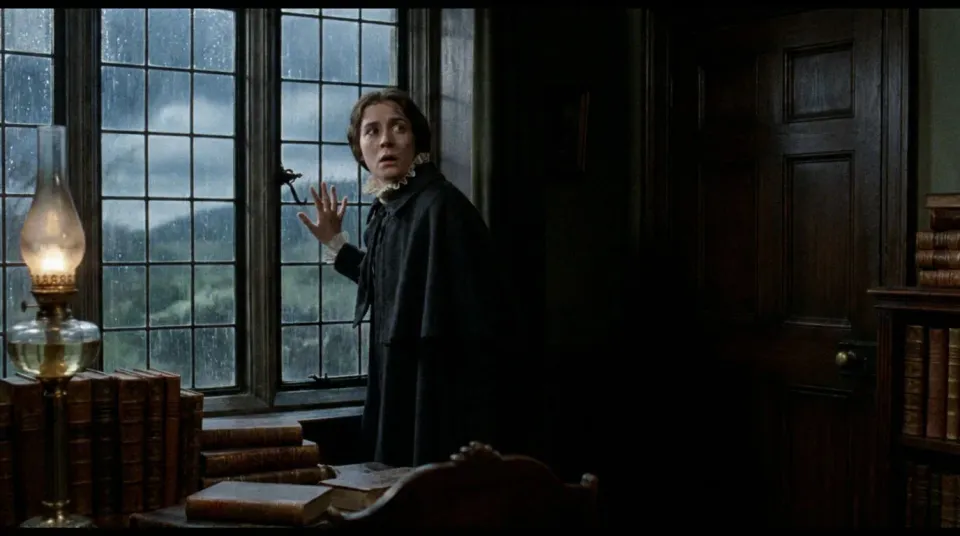
AI covers the breakdown, the casting and the generation. Adaptation choices, casting approval, the review gates and the rights to the source novel stay with a person, so here is where each one sits.

Share a scene description with character references. Get a full storyboard with shot angles and mood.

Dramatize any text conversation into a cinematic multi-shot video.

Generate a professional film title card from scratch, with optional cinematic animation.

Turn any photo or description into an animated chibi sprite. Dance, jump, wave, attack, and more.

Take any character image and generate 6 distinct facial expressions on a single reference sheet.

Feed in a single image. Get 9 cinematic beats laid out as a 3x3 storyboard grid.
Get started for free today, with the option to upgrade or cancel anytime.
Basic
2400 monthly credits
1 user only
All models
Workflows
Standard
3625 monthly credits
1 user only
All models
Workflows
Pro
6350 shared monthly credits
1 user
All models
Workflows
Max
24650 shared monthly credits
1 user
All models
Workflows
Enterprise
For higher limits
Custom
pricing and billing terms

Free
For playing around
$0
forever free