A 2-second scroll-stopping hook
A tight opening frame where the product snaps into focus against a bold color field, a fast push-in and a bright key light making it register before the second is up, the camera locking on the item.
Edit prompt
Direct a 15 second ad video in your browser with Morphic's ad video generator. Generate the hook, the product beat, and the end card that a paid spot needs to land in fifteen seconds. Voice it with Speech, then cut the six, fifteen, and thirty second versions from one concept on Compose.
A tight opening frame where the product snaps into focus against a bold color field, a fast push-in and a bright key light making it register before the second is up, the camera locking on the item.
Edit promptA slow push-in on the product against a clean seamless backdrop, soft even light rolling across the surface as the item turns a few degrees, the shot held long enough to read clearly at speed.
Edit prompt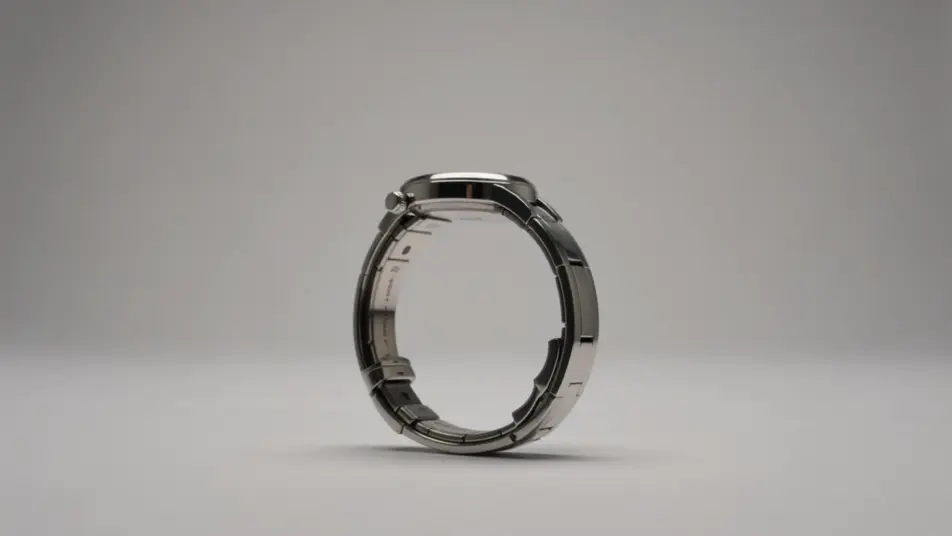
A frame that opens on a small everyday frustration and cuts to the smooth result the product delivers, the transition quick and satisfying under a palette that shifts from tense to calm.
Edit prompt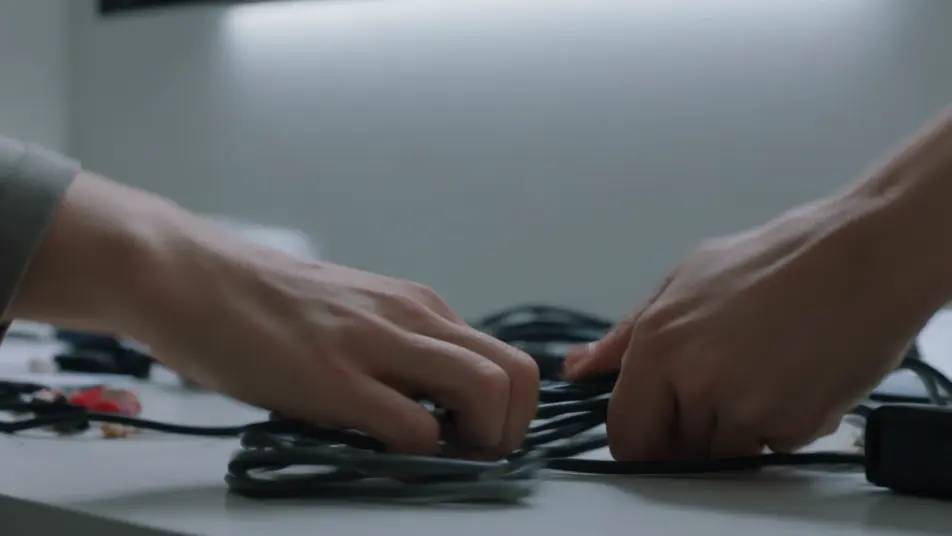
A closing frame filled with a smooth brand-color gradient where a single abstract geometric mark settles at center and a soft forward-arrow motion sweeps upward as the field holds for the final beat.
Edit prompt
Write the 15 second ad video scene you want, in plain words.
Morphic generates a cinematic, frame-ready clip on your canvas in seconds.
Tweak the prompt, regenerate variations, then download or share the shot.

Dramatize any text conversation into a cinematic multi-shot video.
Cinematic time-freeze short film for any scene

Generate a professional film title card from scratch, with optional cinematic animation.
Photo of any real-estate becomes a cinematic renovation timelapse video with construction SFX and music.
One image to a 9-scene cinematic video.
Drop in a photo of yourself. Get a 12-second cinematic movie with animation and a matched soundtrack.
AI 6 second bumper ads
Generate a 6 second bumper ad with AI on Morphic. Land one image, one line, one product beat, then re-cut the idea to 15 and 30 seconds. Create now.
AI 30 second commercials
Make a 30 second commercial with no crew or shoot day. Build the setup, the story, and a sign-off, then re-cut to every length and aspect. Create now.
AI Pre-roll ad videos
Produce a pre-roll ad video that lands your brand in the first five seconds. Cut a cold open and a value beat, then reformat to any duration. Produce.
AI In-feed video ads
Create an in-feed video ad from a short description. Open on a hook, caption the demo, add a testimonial beat, then export short cuts. Create.
Get started for free today, with the option to upgrade or cancel anytime.
Basic
2400 monthly credits
1 user only
All models
Workflows
Standard
3625 monthly credits
1 user only
All models
Workflows
Pro
6350 shared monthly credits
1 user
All models
Workflows
Max
24650 shared monthly credits
1 user
All models
Workflows
Enterprise
For higher limits
Custom
pricing and billing terms

Free
For playing around
$0
forever free