A ballroom filling before the ceremony
A wide view of a warm ballroom as black-tie guests find seats at round candlelit tables, the stage glowing empty at the far end, the camera drifting slowly above the room.
Edit prompt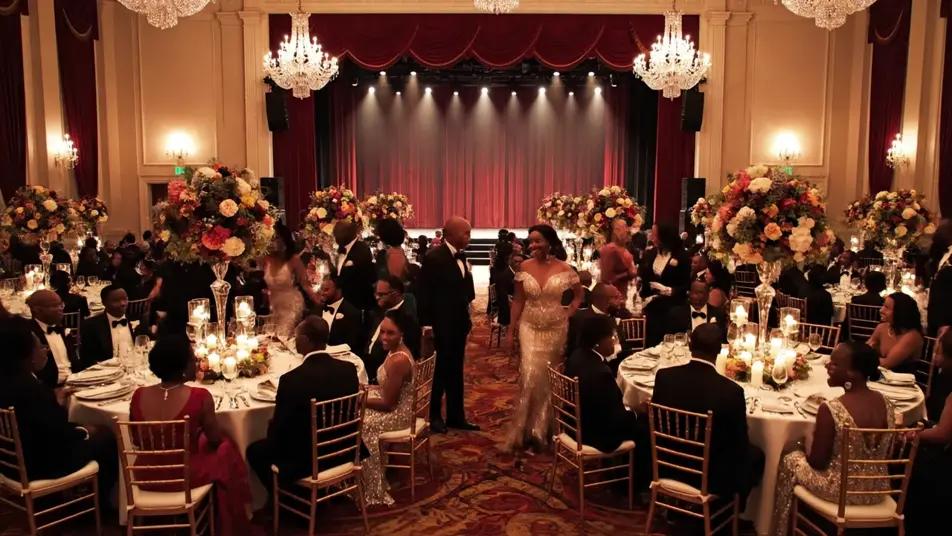
Direct an award ceremony video in your browser with Morphic's award ceremony video generator and stage the night itself. Generate the filling room, the host at the podium, the walk-up through the tables, and the applause that follows. Score it with Music, then cut the beats together on the Canvas.
A wide view of a warm ballroom as black-tie guests find seats at round candlelit tables, the stage glowing empty at the far end, the camera drifting slowly above the room.
Edit promptA poised presenter at a lit podium addresses a dark room, warm key light on one side of the face, the audience visible as soft shapes beyond, the camera holding at chest height.
Edit prompt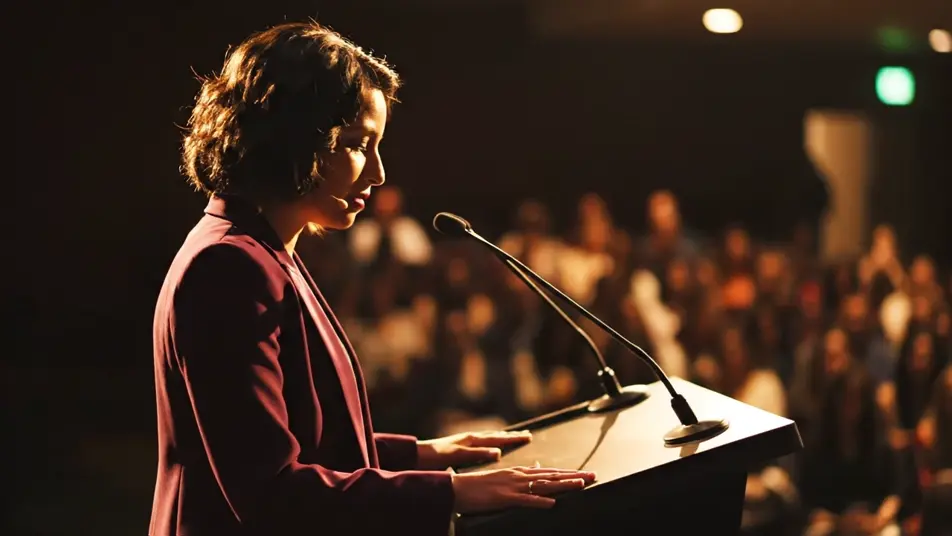
A guest rises and moves between banquet tables toward the stage steps as hands reach out in passing, a spotlight tracking with them and the room turning to follow.
Edit prompt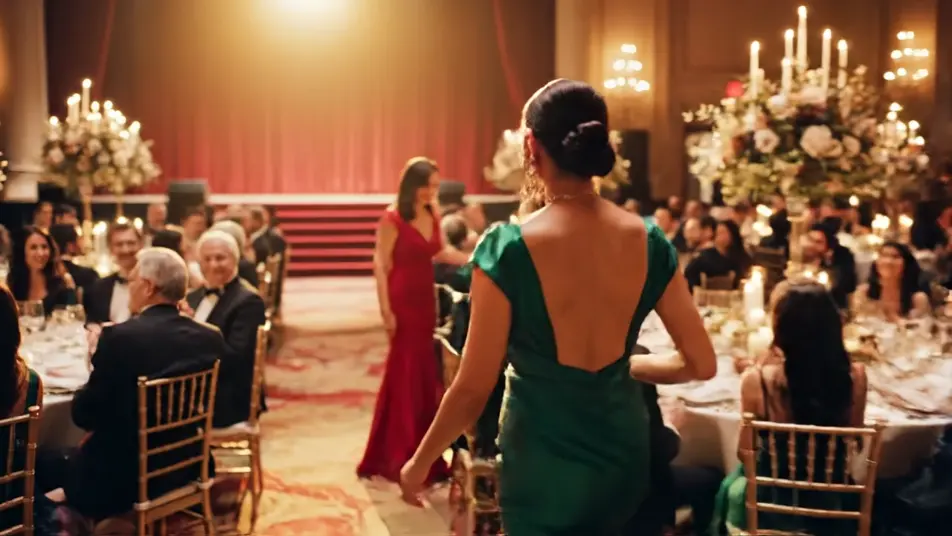
A packed audience stands as one and applauds toward the stage, faces lit by the spill off the lights, haze thick in the beams, the camera pushing in slowly from the back.
Edit prompt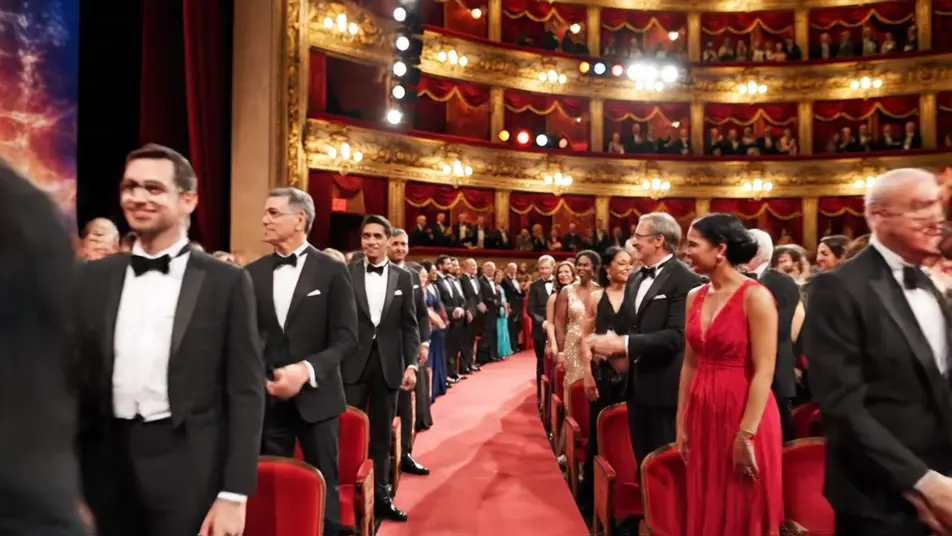
Write the award ceremony video scene you want, in plain words.
Morphic generates a cinematic, frame-ready clip on your canvas in seconds.
Tweak the prompt, regenerate variations, then download or share the shot.

Dramatize any text conversation into a cinematic multi-shot video.
Cinematic time-freeze short film for any scene

Generate a professional film title card from scratch, with optional cinematic animation.
Photo of any real-estate becomes a cinematic renovation timelapse video with construction SFX and music.
One image to a 9-scene cinematic video.

Describe a first-person scenario. Get sequential POV frames animated into video clips with audio.
AI Conference highlight videos
Direct conference highlight videos with Morphic. Stage wides, an audience leaning in, hallway conversations, and packed break areas. Start now.
AI Event teaser videos
Generate an AI event teaser video with Morphic. Cinematic atmosphere fragments, crowd energy, and venue light sweeps that cut into a promo you post today.
AI Sponsor reels
Direct a sponsor reel motion bed in minutes. Render color panels, blank card grids and assembling geometric marks, then lay your partner artwork on top.
AI Virtual event openers
Direct a virtual event opener in minutes. Render abstract shapes, light sweeps and an assembling geometric mark, then drop your title card on top.
Get started for free today, with the option to upgrade or cancel anytime.
Basic
2400 monthly credits
1 user only
All models
Workflows
Standard
3625 monthly credits
1 user only
All models
Workflows
Pro
6350 shared monthly credits
1 user
All models
Workflows
Max
24650 shared monthly credits
1 user
All models
Workflows
Enterprise
For higher limits
Custom
pricing and billing terms

Free
For playing around
$0
forever free