A drifting particle loop
Soft points of glowing light float slowly across a moody abstract cover, layered at different depths so the frame feels alive while staying calm, a clean loop.
Edit prompt
Direct a cover art animation in your browser with Morphic's cover art animation AI generator, and turn a still cover into a living loop. Generate a drifting particle field, a subtle parallax push, and a color pulse that breathes in time. Score it with Music, then loop the beats cleanly on Compose.
Soft points of glowing light float slowly across a moody abstract cover, layered at different depths so the frame feels alive while staying calm, a clean loop.
Edit promptLayered abstract shapes separate and drift at different speeds as the camera eases gently inward, adding quiet depth to a flat cover under soft cinematic light.
Edit prompt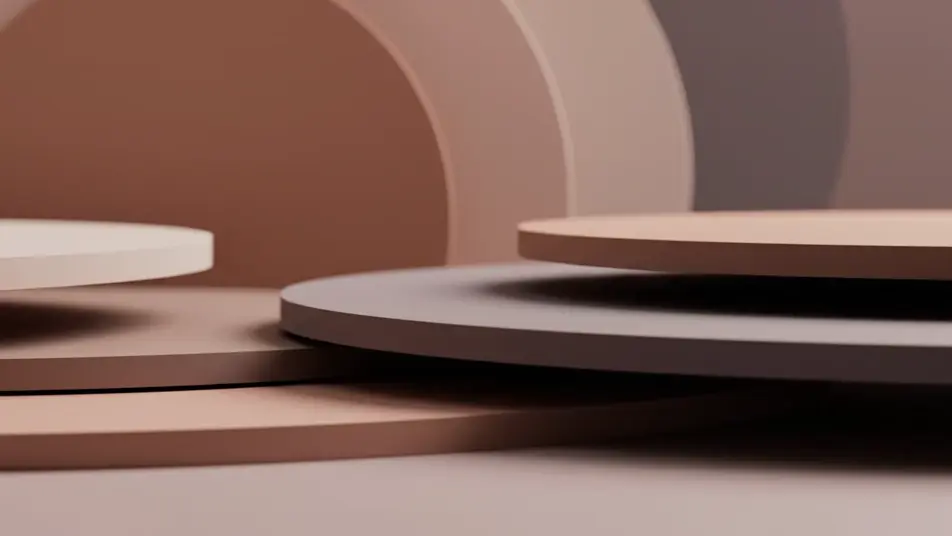
An abstract gradient field where hues swell and settle in a slow steady rhythm, the whole frame breathing in time so the loop reads as one continuous pulse.
Edit prompt
Rich color unfurls and folds through water in slow motion over a dark field, blooming outward and drawing back so the loop never seems to repeat.
Edit prompt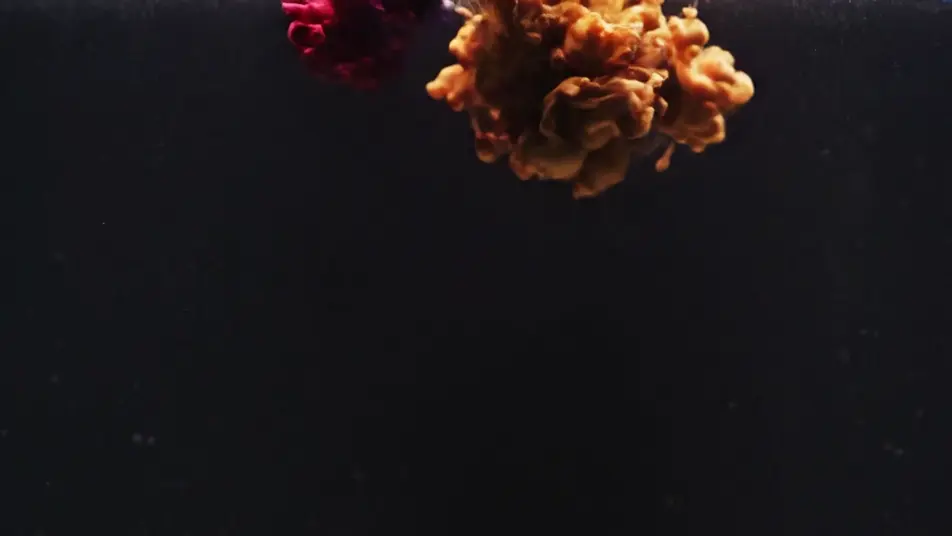
Write the cover art animation scene you want, in plain words.
Morphic generates a cinematic, frame-ready clip on your canvas in seconds.
Tweak the prompt, regenerate variations, then download or share the shot.

Generate a professional film title card from scratch, with optional cinematic animation.

Dramatize any text conversation into a cinematic multi-shot video.
Cinematic time-freeze short film for any scene
Drop in a photo of yourself. Get a 12-second cinematic movie with animation and a matched soundtrack.
Pair a character image with a reference video. Your character picks up that exact motion.
Photo of any real-estate becomes a cinematic renovation timelapse video with construction SFX and music.
AI Music visualizer videos
Produce a music visualizer video in minutes, not weeks. Keep continuity between scenes without a colourist. No crew required.
Loop background video generator
Generate a loop background video in Morphic. Drifting particles, gradient flows, calm nature loops, and abstract motion beds that run smoothly behind anything.
AI Motion graphics package
Make a motion graphics package from a description. Build the sequence shot by shot and hold the look across the cut. Export and publish the same day.
AI Lyric video generator
Create a lyric video without a crew or a shoot day. Keep continuity between scenes without a colourist. Ready for social or web.
Get started for free today, with the option to upgrade or cancel anytime.
Basic
2400 monthly credits
1 user only
All models
Workflows
Standard
3625 monthly credits
1 user only
All models
Workflows
Pro
6350 shared monthly credits
1 user
All models
Workflows
Max
24650 shared monthly credits
1 user
All models
Workflows
Enterprise
For higher limits
Custom
pricing and billing terms

Free
For playing around
$0
forever free