First bond in the eyrie
A rider kneeling before a young dragon in a windswept cliffside eyrie at dawn, hand outstretched, the hatchling leaning in to touch its snout to the palm, nests on the ledges around.
Edit prompt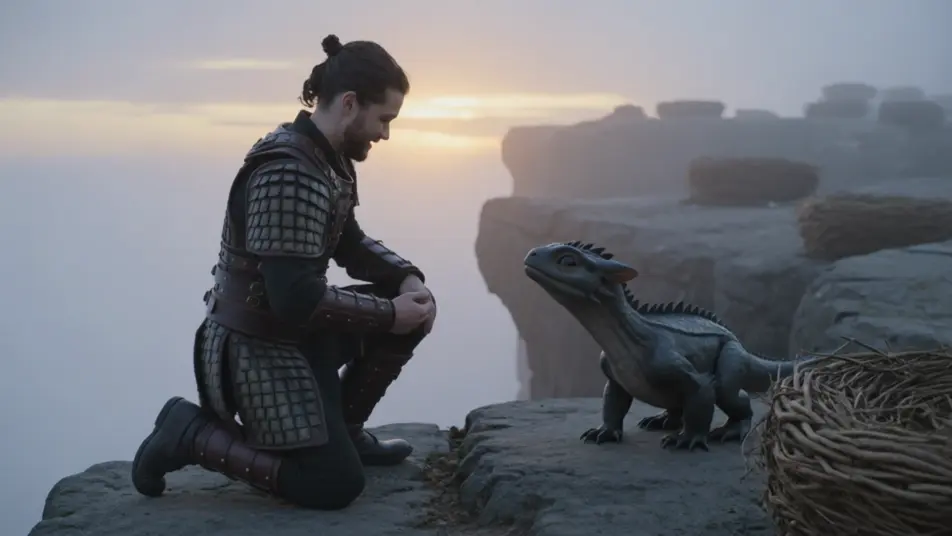
Direct the dragon rider in your browser with Morphic’s dragon rider AI video generator. Generate a first bond in a cliffside eyrie or a fire-lit sky battle, add a rider’s command and score with Speech and Music, and stitch a fantasy short on the Canvas.
A rider kneeling before a young dragon in a windswept cliffside eyrie at dawn, hand outstretched, the hatchling leaning in to touch its snout to the palm, nests on the ledges around.
Edit promptA dragon and rider banking through a range of jagged peaks at dawn, wings spread wide against golden light, mist pooling in the valleys far below, the camera sweeping alongside.
Edit prompt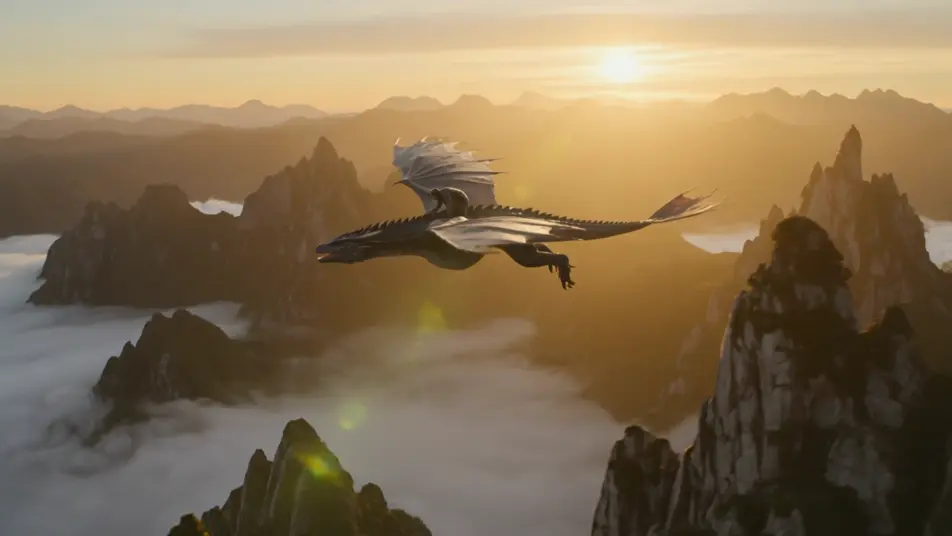
Two dragons tangling in a fire-lit dusk sky, riders leaning into the turn, a gout of flame arcing between them, scattered clouds lit orange, embers trailing in the wind.
Edit prompt
A dragon flaring its wings to land on a high cliffside roost at golden hour, talons reaching for the rock, the rider braced in the saddle, other dragons perched along the ledges.
Edit prompt
Write the dragon rider scene you want, in plain words.
Morphic generates a cinematic, frame-ready clip on your canvas in seconds.
Tweak the prompt, regenerate variations, then download or share the shot.
Cinematic time-freeze short film for any scene

Dramatize any text conversation into a cinematic multi-shot video.
One image to a 9-scene cinematic video.
Drop in a photo of yourself. Get a 12-second cinematic movie with animation and a matched soundtrack.

Share a scene description with character references. Get a full storyboard with shot angles and mood.

Feed in a single image. Get 9 cinematic beats laid out as a 3x3 storyboard grid.
High Fantasy AI Videos
Create high fantasy videos with Morphic. Marble citadels, dragon-flown banners, elven host marches, and Tolkien-grade epic set pieces.
Sword and Sorcery AI Videos
Create sword and sorcery videos with Morphic. Barbarian warriors, ruined temple halls, sorcerer duels, and vintage pulp-paperback action.
Knight AI videos
Create AI knight videos with our knight video generator. Generate cinematic knight scenes, portraits, and shots for any project in seconds.
Fantasy AI videos
Generate fantasy videos on Morphic. Castles, dragons, enchanted forests, and epic-battle scenes from plain-language prompts, no software needed.
Get started for free today, with the option to upgrade or cancel anytime.
Basic
2400 monthly credits
1 user only
All models
Workflows
Standard
3625 monthly credits
1 user only
All models
Workflows
Pro
6350 shared monthly credits
1 user
All models
Workflows
Max
24650 shared monthly credits
1 user
All models
Workflows
Enterprise
For higher limits
Custom
pricing and billing terms

Free
For playing around
$0
forever free