Tournament joust
Two armored knights thundering toward each other along the tilt, lances couched, banners snapping over the gallery, dust and turf kicking up, the crowd rising as they close.
Edit prompt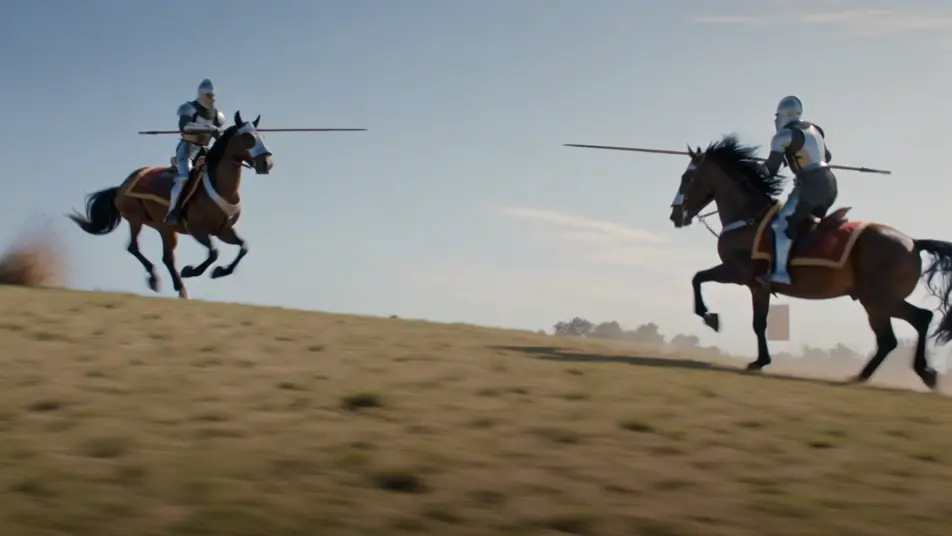
Direct the armored knight in your browser with Morphic's knight AI video generator. Generate riders couching lances at a joust or a steel charge across a muddy field, layer oath and orchestra with Speech and Music, then cut a medieval short on the Canvas.
Two armored knights thundering toward each other along the tilt, lances couched, banners snapping over the gallery, dust and turf kicking up, the crowd rising as they close.
Edit promptA column of mounted knights riding out through a raised portcullis at dawn, mist on the moat, pennants stirring, the rising sun gilding the wet stone of the gatehouse.
Edit prompt
A line of steel-clad knights charging across a muddy battlefield under a grey sky, lances lowered, mud flying from the hooves, banners torn, a wall of shields ahead.
Edit prompt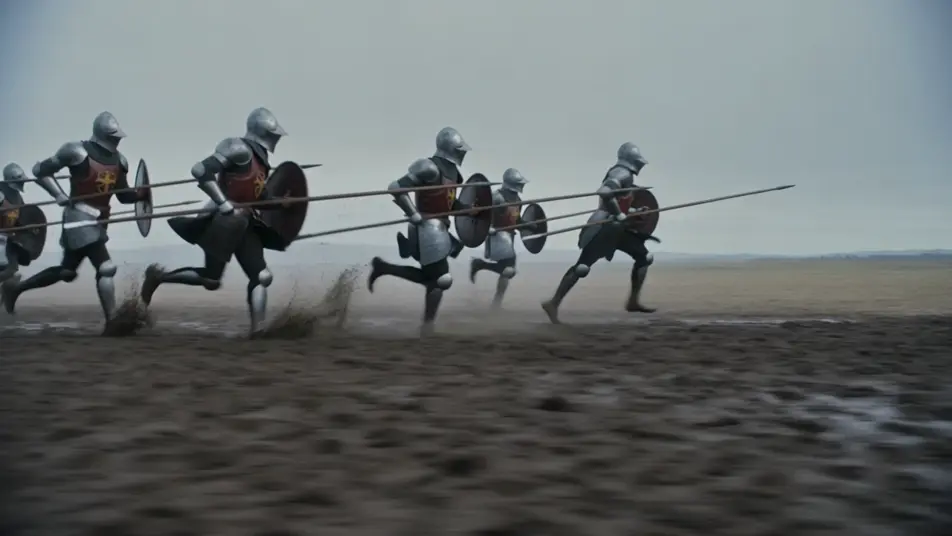
A knight kneeling in candlelight before a stone altar through the night, his sword laid across his hands, stained-glass colour falling over the plate, helm set on the cold floor.
Edit prompt
Write the knight scene you want, in plain words.
Morphic generates a cinematic, frame-ready clip on your canvas in seconds.
Tweak the prompt, regenerate variations, then download or share the shot.
Cinematic time-freeze short film for any scene

Dramatize any text conversation into a cinematic multi-shot video.
One image to a 9-scene cinematic video.
Drop in a photo of yourself. Get a 12-second cinematic movie with animation and a matched soundtrack.

Share a scene description with character references. Get a full storyboard with shot angles and mood.

Feed in a single image. Get 9 cinematic beats laid out as a 3x3 storyboard grid.
King Arthur AI Videos
Create King Arthur scenes: the sword in the stone, Camelot at dawn, and the last battle at Camlann. Generate Arthurian AI videos with Morphic.
Sword and Sorcery AI Videos
Create sword and sorcery videos with Morphic. Barbarian warriors, ruined temple halls, sorcerer duels, and vintage pulp-paperback action.
High Fantasy AI Videos
Create high fantasy videos with Morphic. Marble citadels, dragon-flown banners, elven host marches, and Tolkien-grade epic set pieces.
Dragon rider AI videos
Create AI dragon rider videos with our dragon rider video generator. Generate cinematic dragon rider scenes, portraits, and shots for any project in seconds.
Get started for free today, with the option to upgrade or cancel anytime.
Basic
2400 monthly credits
1 user only
All models
Workflows
Standard
3625 monthly credits
1 user only
All models
Workflows
Pro
6350 shared monthly credits
1 user
All models
Workflows
Max
24650 shared monthly credits
1 user
All models
Workflows
Enterprise
For higher limits
Custom
pricing and billing terms

Free
For playing around
$0
forever free