Ghosts bobbing for apples
A party of little cartoon ghosts splashing in a wooden tub of apples in a lantern-strung graveyard, a fat orange moon glowing behind them.
Edit prompt
Generate Halloween animation videos in Morphic's AI video generator: a felt mummy waddling out of its tomb, or clay pumpkins blinking alight. Add a spooky tune with Music.
A party of little cartoon ghosts splashing in a wooden tub of apples in a lantern-strung graveyard, a fat orange moon glowing behind them.
Edit promptA miniature claymation pumpkin patch at night where each pumpkin blinks open a carved face and glows, a little clay crow watching from the fence.
Edit prompt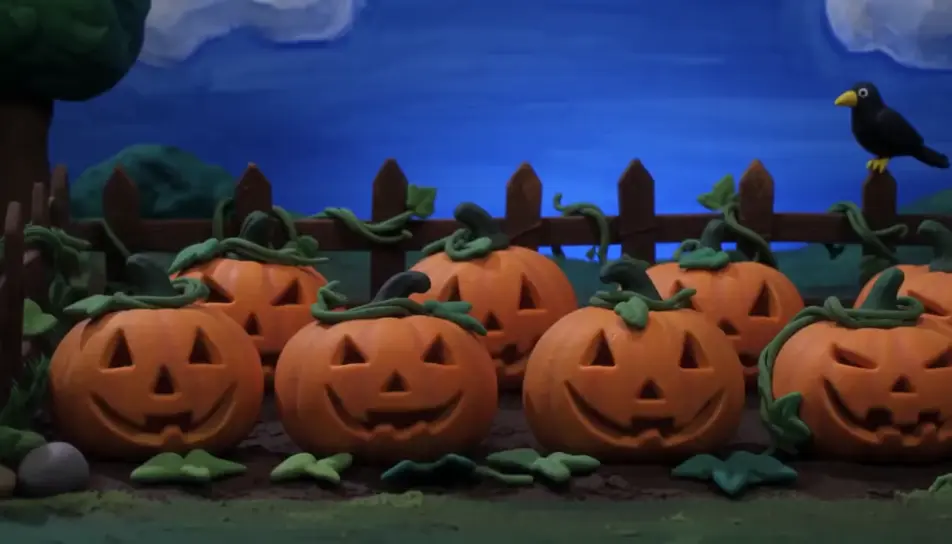
Layers of cut-paper trees and mist slide past a crooked house on a far hill, its windows glowing under a paper moon as bats flit between layers.
Edit prompt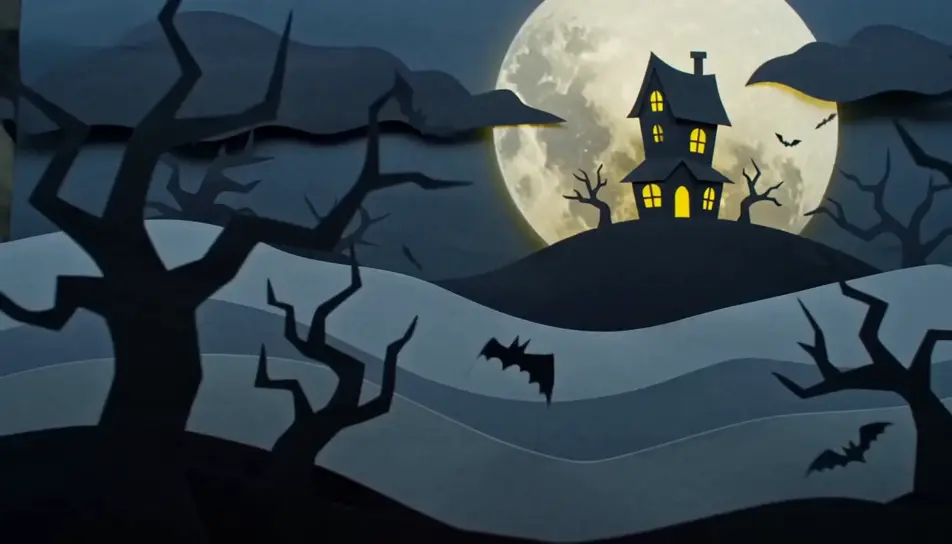
A cosy 3D witch's kitchen where a cauldron bubbles green bubbles that pop into glowing bats, a chubby black cat batting at them from the counter.
Edit prompt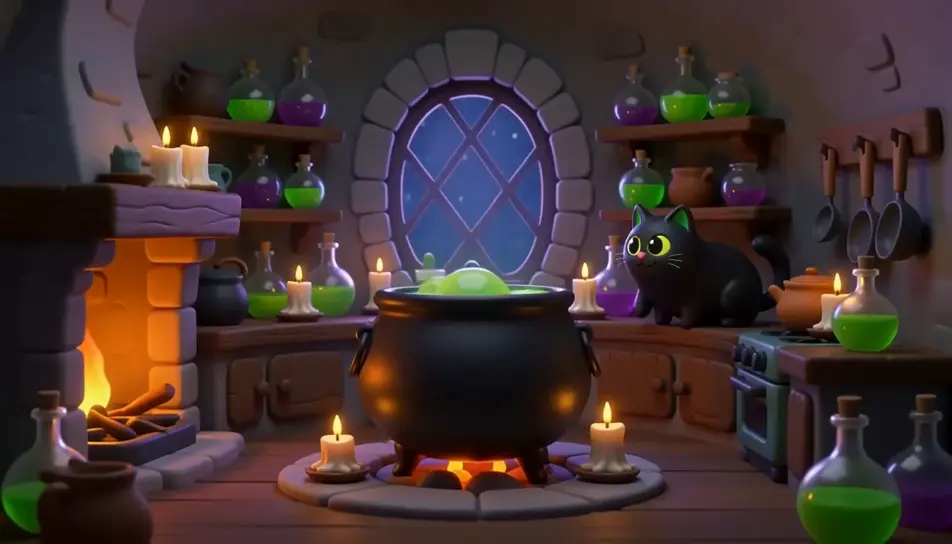
Write the Halloween animation scene you want, in plain words.
Morphic generates a cinematic, frame-ready clip on your canvas in seconds.
Tweak the prompt, regenerate variations, then download or share the shot.

Pick any anime illustration as your style guide. Apply its look to any image.

Turn any photo or description into an animated chibi sprite. Dance, jump, wave, attack, and more.

Turn any sketch or drawing into a finished render.

Take any character image and generate 6 distinct facial expressions on a single reference sheet.

All your characters on a single lineup image, side by side with height comparison.
Provide first frame and last frame and generate a video from uploaded keyframes.
Halloween AI videos
Create spooky Halloween videos with AI in seconds. Haunted houses, pumpkins, ghosts, costumes. Pick a style, add your prompt, and generate in minutes.
Skeleton dance AI videos
Make dancing skeleton videos for Halloween with AI. Spooky, funny or cinematic. Generate animated skeleton clips for reels, parties and stories.
Claymation AI videos
Generate claymation videos on Morphic. Stop-motion clay characters, fingerprint texture, handcrafted sets, and tactile scenes from plain-language prompts.
Cartoon AI Videos
Create cartoon videos with Morphic. 2D, 3D, storybook, and squash-and-stretch styles, full character consistency, and prompt-led scenes in your browser.
Get started for free today, with the option to upgrade or cancel anytime.
Basic
2400 monthly credits
1 user only
All models
Workflows
Standard
3625 monthly credits
1 user only
All models
Workflows
Pro
6350 shared monthly credits
1 user
All models
Workflows
Max
24650 shared monthly credits
1 user
All models
Workflows
Enterprise
For higher limits
Custom
pricing and billing terms

Free
For playing around
$0
forever free