Loading a nib from the well
A steel nib dips into an open glass inkwell and lifts out heavy, a bead hanging at the tip under a hard side light.
Edit prompt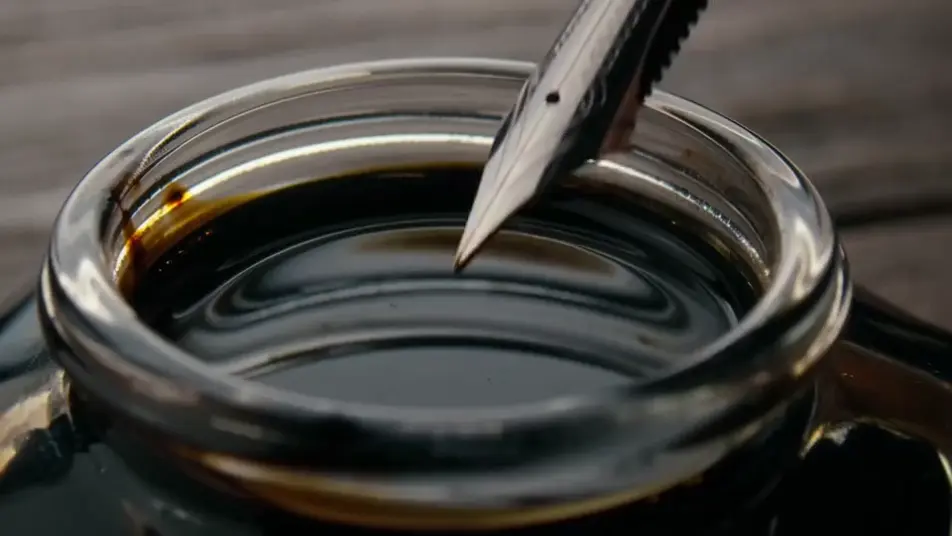
Generate ink stock footage in Morphic's AI video generator: a nib loading from an open well, or a wet stroke bleeding into damp paper. Screen the passes on Compose.
A steel nib dips into an open glass inkwell and lifts out heavy, a bead hanging at the tip under a hard side light.
Edit promptA wet band of ink sits on damp paper and its edge creeps outward into the fibre, long after the brush has left frame.
Edit prompt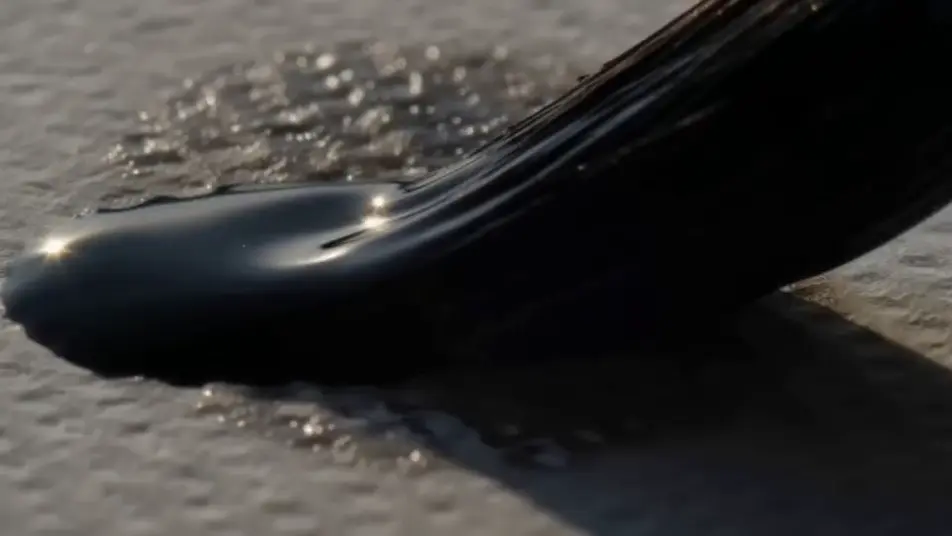
A brayer works black ink across a glass slab until the film goes even, the camera tracking alongside at slab level.
Edit prompt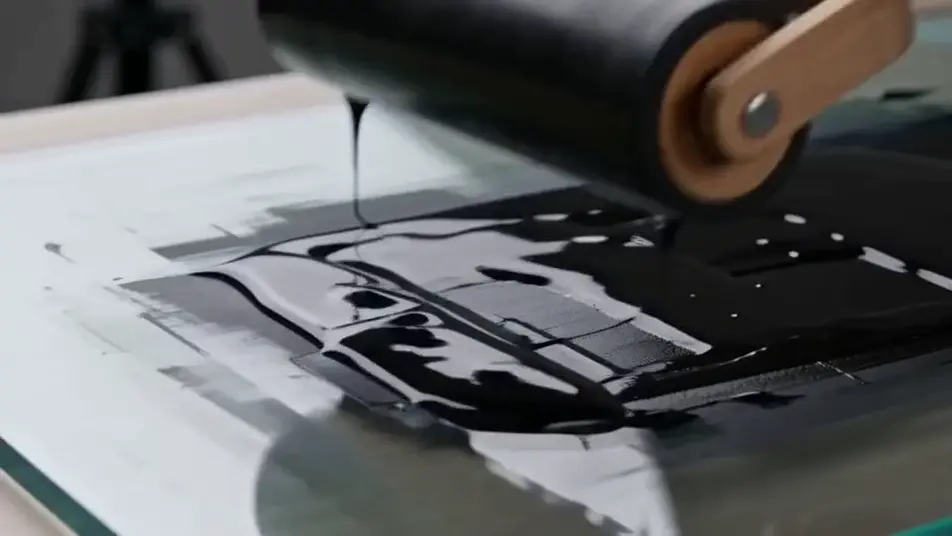
A loaded brush leaves the sheet and trails a thin thread of ink that stretches, thins and parts in slow motion.
Edit prompt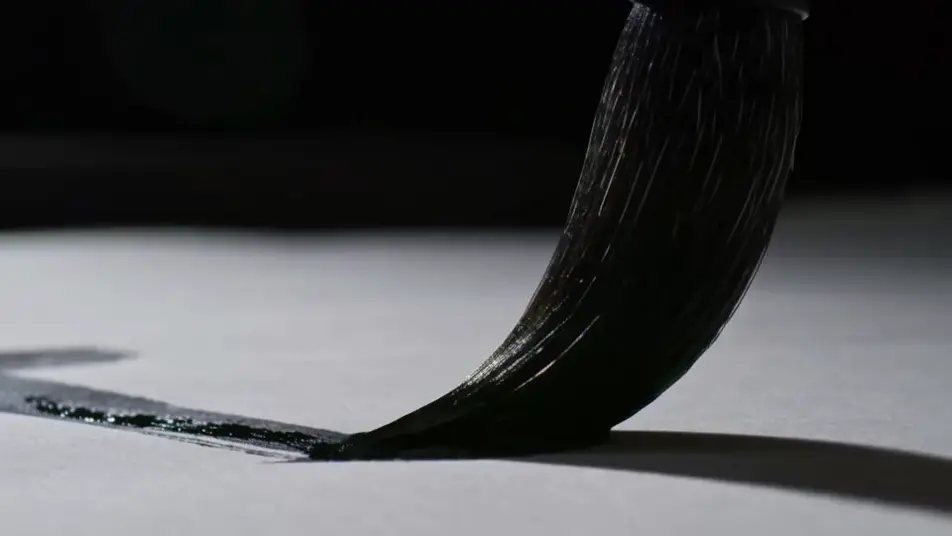
Write the ink stock footage scene you want, in plain words.
Morphic generates a cinematic, frame-ready clip on your canvas in seconds.
Tweak the prompt, regenerate variations, then download or share the shot.

Dramatize any text conversation into a cinematic multi-shot video.
Cinematic time-freeze short film for any scene

Generate a professional film title card from scratch, with optional cinematic animation.
Photo of any real-estate becomes a cinematic renovation timelapse video with construction SFX and music.
One image to a 9-scene cinematic video.
Drop in a photo of yourself. Get a 12-second cinematic movie with animation and a matched soundtrack.
AI ink splatter stock footage
Browse ink splatter stock footage and generate your own shots at the length, ratio and look the cut needs. Morphic makes video, image, voice and sound.
AI art stock footage
Browse art stock footage and generate your own shots at the exact length, ratio and look the cut needs. Morphic makes video, image, voice and sound.
AI dust stock footage
Browse dust stock footage and generate your own shots at the exact length, ratio and look the cut needs. Morphic makes video, image, voice and sound.
AI bubbles stock footage
Browse bubbles stock footage and generate your own shots at the exact length, ratio and look the cut needs. Morphic makes video, image, voice and sound.
Get started for free today, with the option to upgrade or cancel anytime.
Basic
2400 monthly credits
1 user only
All models
Workflows
Standard
3625 monthly credits
1 user only
All models
Workflows
Pro
6350 shared monthly credits
1 user
All models
Workflows
Max
24650 shared monthly credits
1 user
All models
Workflows
Enterprise
For higher limits
Custom
pricing and billing terms

Free
For playing around
$0
forever free