Direct the steel-driving tall tale in your browser with Morphic's John Henry AI video generator. Generate John Henry video scenes like a hammer swung mid-arc against a drill in a lantern-lit tunnel, a man racing a hulking steam drill through solid rock, or a final exhausted stance as the mountain breaks through, and pair them with the Music tool to score them with a work-song stomp and a low hammer beat. Stitch the set pieces into a tall-tale-grade John Henry short inside the Canvas.

John Henry characters you can create

John Henry scenes you can direct

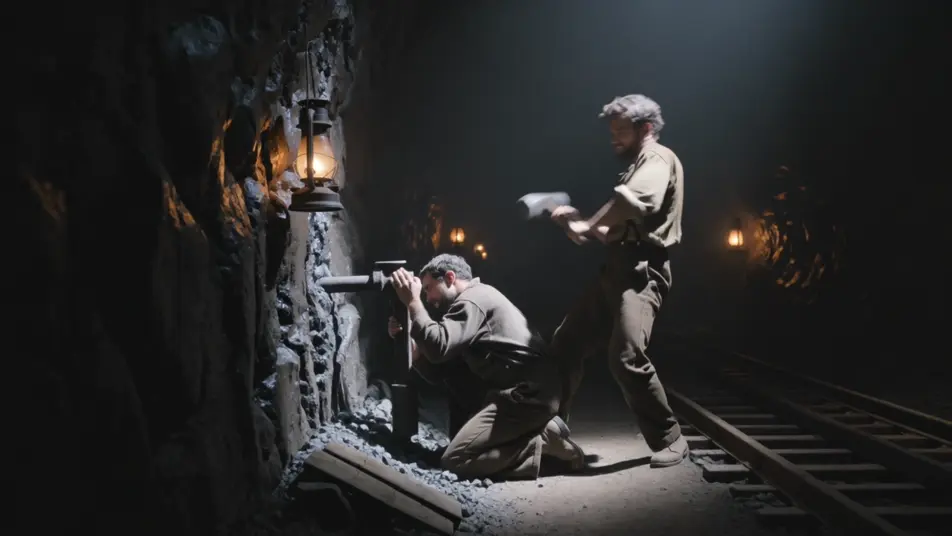
Swinging the hammer in a lantern-lit tunnel

A lantern-lit railroad tunnel where a steel-driving man swings a heavy hammer against a drill, sparks and stone dust in the air, the shaker crouched low holding the steel, the rock face glistening wet.

Edit prompt
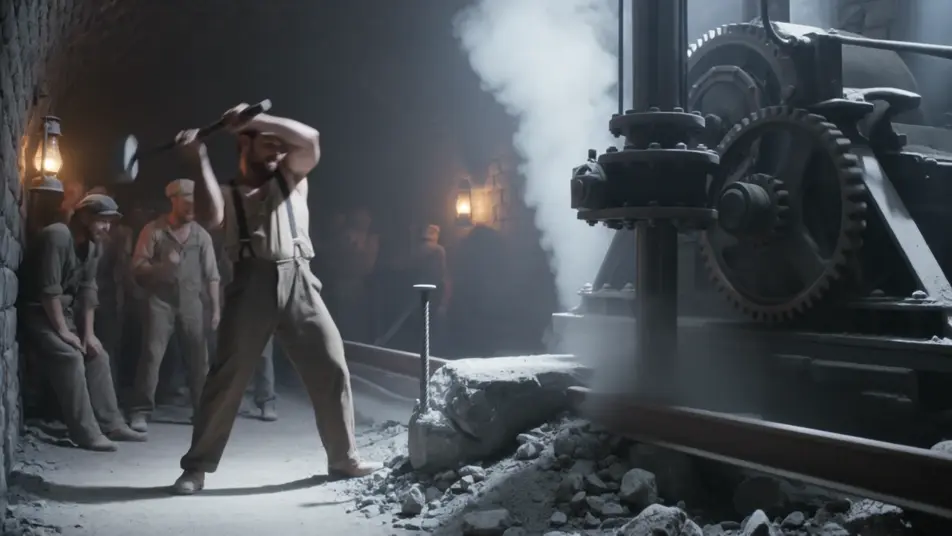
Racing the steam drill through solid rock

Two drilling lines side by side in the tunnel, the hammer man driving steel on the left, a hulking steam drill grinding and venting on the right, the crew packed along the wall watching the race.

Edit prompt

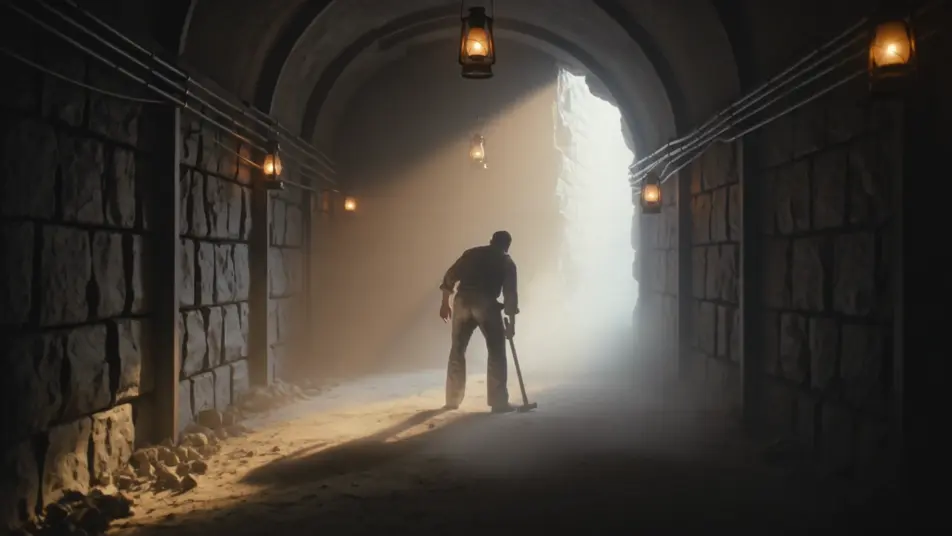
The mountain breaks through

A shaft of daylight bursting through the last rock at the tunnel’s end, dust swirling in the new light, the exhausted hammer man silhouetted against the breakthrough, hammer lowered.

Edit prompt

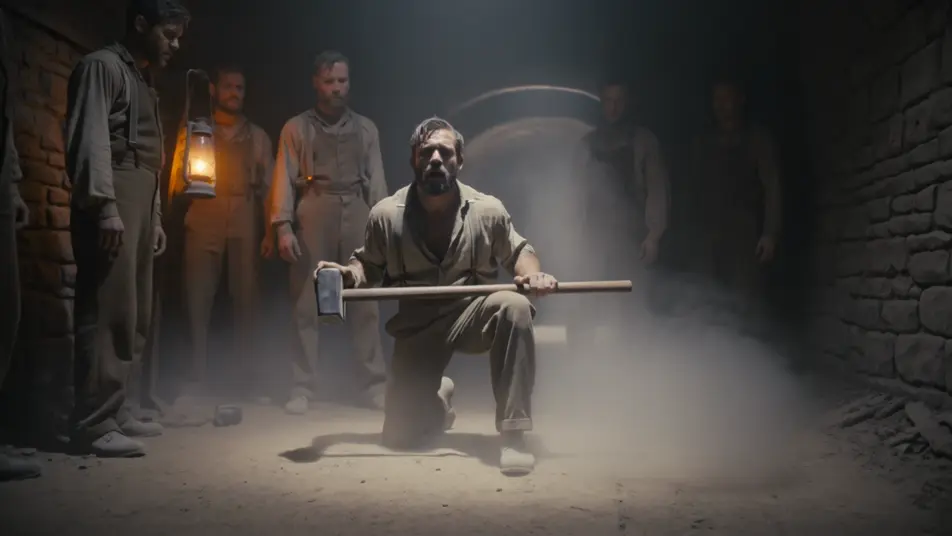
A final stance as the dust settles

The steel-driving man on one knee in the settling dust, hammer across his thighs, lantern light catching the sweat on his face, the silent crew gathered close in the dim tunnel.

Edit prompt

Make John Henry videos in three steps

  1. 01

    Describe your John Henry scene

    Write the John Henry scene you want, including the moment, location, and camera direction.

  2. 02

    Generate the video

    Morphic generates a cinematic, frame-ready clip on your canvas in seconds, no editing software required.

  3. 03

    Refine your John Henry video

    Tweak the prompt, regenerate variations, then download or share the moment the shot lands.

Related workflows

You might also like

FAQs

Where can I make John Henry videos with AI?
You can create John Henry scenes directly in your browser on Morphic. Open the Text to Video tool, describe the tunnel, the hammer swing, and the man-against-machine tension, and Morphic produces the clip. No installs and no specialist software needed.
What defines a John Henry scene at the prompt level?
Three things define John Henry for a prompt: the lantern-lit railroad tunnel setting, the man-against-machine contest between the hammer and the steam drill, and the gritty physicality of the swing with sparks and stone dust. Name the setting, the contest, and the props so Morphic leans into the steel-driving tall tale rather than a generic mining shot.
How do I prompt for the lantern-lit tunnel look?
Specify the single warm light source and the dark around it. Try "low lantern light glinting on sweat and wet rock, the rest of the tunnel falling into black, dust hanging in the beam." Anchoring the orange lantern glow against deep shadow is what cues the underground tall-tale atmosphere.
How do I keep John Henry consistent across multiple scenes?
Use the Character Lineup workflow to lock the build, the sweat-soaked shirt, and the nine-pound hammer, then reference that card in every prompt. Morphic keeps the figure consistent from the first swing to the breakthrough so the man-against-machine arc holds together.
Can I add a work-song score and narration to my John Henry videos?
Yes. The Music tool produces an original soundtrack, and a work-song register of a low hammer beat, a stomp, and a call-and-response chant sits cleanly under the drilling scenes. The Speech tool generates a folksy narrator voiceover and ballad-style dialogue in the voice you choose, layered onto the generated video to publish a complete John Henry short.