Paul Bunyan AI Videos

Direct the giant-lumberjack tall tale in your browser with Morphic's Paul Bunyan AI video generator. Generate Paul Bunyan video scenes like a mountain-sized logger felling a redwood in one swing, his great blue ox dragging a sled through the snow, or a lake forming where his footprint pressed the earth, and pair them with the Music tool to score them with a banjo and a work-song stomp. Stitch the set pieces into a tall-tale-grade Paul Bunyan short inside the Canvas.

Paul Bunyan characters you can create

Paul Bunyan scenes you can direct

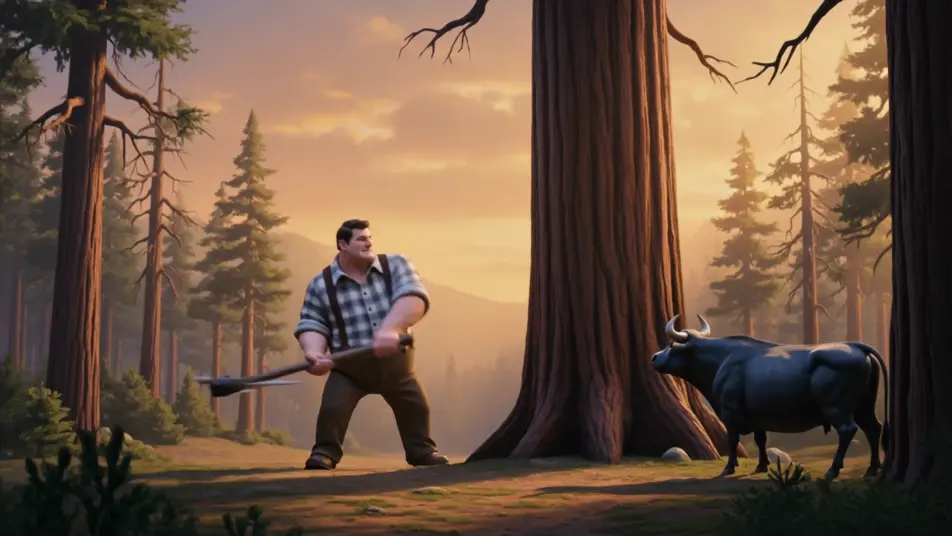
Felling a giant redwood in one swing

A mountain-sized lumberjack mid-swing against a colossal redwood, chips flying like boulders, the great blue ox watching beside him, golden-hour light pouring through the pine slopes of a tall-tale wilderness.

Edit prompt

The blue ox dragging a log sled through snow

A barn-sized blue ox straining against a harness, dragging a sled stacked with whole tree trunks across a frozen northwoods clearing, breath steaming, low winter sun behind the pines.

Edit prompt

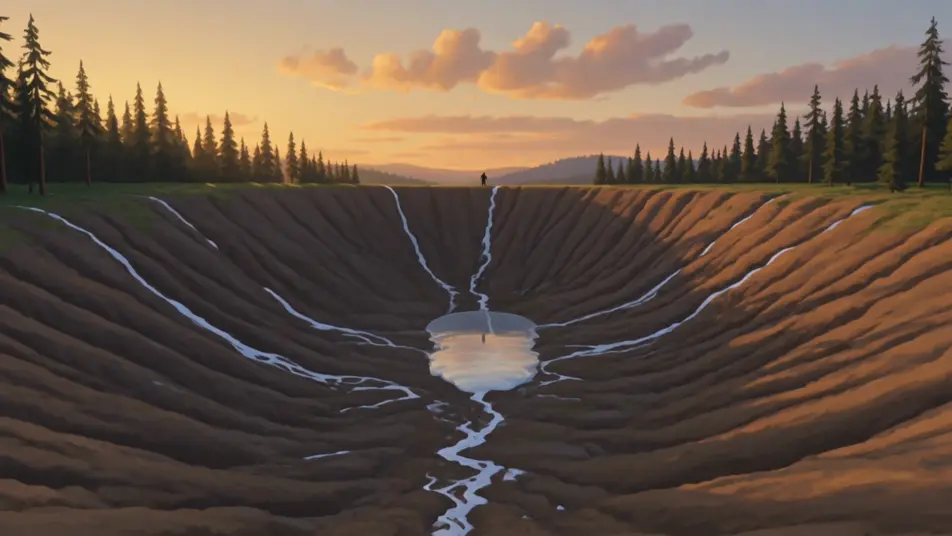
A lake forming in a giant footprint

A vast boot-shaped depression filling with spring meltwater to become a mirror-still lake, pine forest crowding the rim, the giant logger small on the far ridge against a golden sky.

Edit prompt

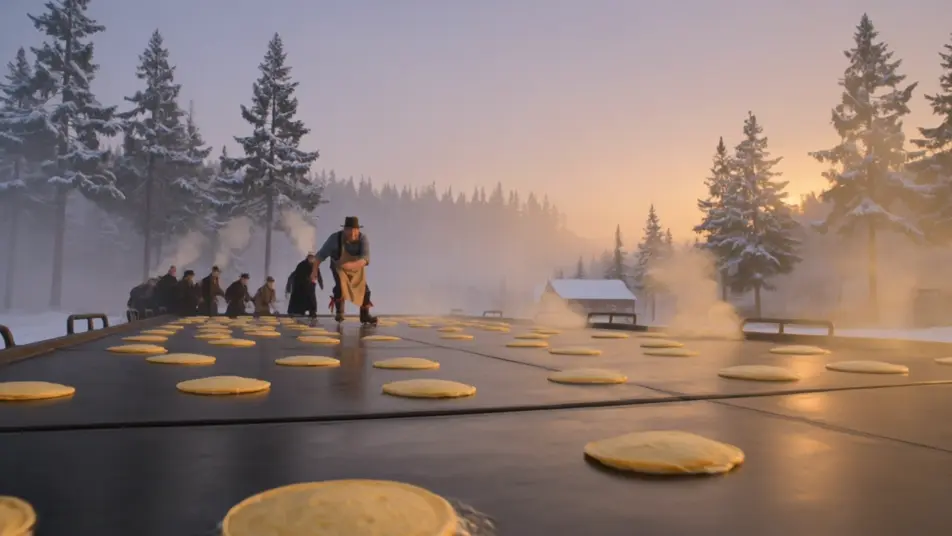
Flapjacks on a skating-rink griddle at dawn

A logging-camp cook walking a griddle the size of a skating rink with bacon strapped to his boots, steam and woodsmoke rising in a frosted dawn, the camp crew lining up in the cold light.

Edit prompt

Make Paul Bunyan videos in three steps

  1. 01

    Describe your Paul Bunyan scene

    Write the Paul Bunyan scene you want, including the moment, location, and camera direction.

  2. 02

    Generate the video

    Morphic generates a cinematic, frame-ready clip on your canvas in seconds, no editing software required.

  3. 03

    Refine your Paul Bunyan video

    Tweak the prompt, regenerate variations, then download or share the moment the shot lands.

Related workflows

You might also like

FAQs

Where can I make Paul Bunyan videos with AI?
You can create Paul Bunyan scenes directly in your browser on Morphic. Open the Text to Video tool, describe the giant logger, the northwoods setting, and the tall-tale scale, and Morphic produces the clip. No installs and no specialist software needed.
What defines a Paul Bunyan scene at the prompt level?
Three things define Paul Bunyan for a prompt: the exaggerated tall-tale scale where the logger dwarfs the redwoods and the ox is the size of a barn, the northwoods logging-camp setting, and the golden-hour Americana light with a rustic illustration feel. Name the scale, the setting, and the props so Morphic leans into the tall tale rather than a plain period scene.
How do I prompt for the giant tall-tale scale?
Specify the scale against a fixed reference. For the logger: "scaled mountain-sized against a redwood, the axe head bigger than a cabin." For the ox: "the blue ox the size of a barn beside the pines." Naming what the giant dwarfs is what cues the impossible tall-tale proportion instead of a normal lumberjack.
Can I include Babe the Blue Ox and keep him consistent?
Yes. Babe the Blue Ox is public-domain folklore, so naming him is fully safe. Use the Character Lineup workflow to lock the deep blue hide, the broad curved horns, and the barn-sized scale, then reference that card in every prompt so the ox stays consistent scene to scene.
Can I add a banjo score and storyteller narration to my Paul Bunyan videos?
Yes. The Music tool produces an original soundtrack, and a frontier register of a banjo, a fiddle, and a work-song stomp sits cleanly under the felling and river-drive beats. The Speech tool generates a folksy narrator voiceover and tall-tale dialogue in the voice you choose, layered onto the generated video to publish a complete Paul Bunyan short.