A cinematic animated hillside
A Korean-animation hillside at golden hour, warm cinematic color, smooth cel shading, a lead gazing out.
Edit prompt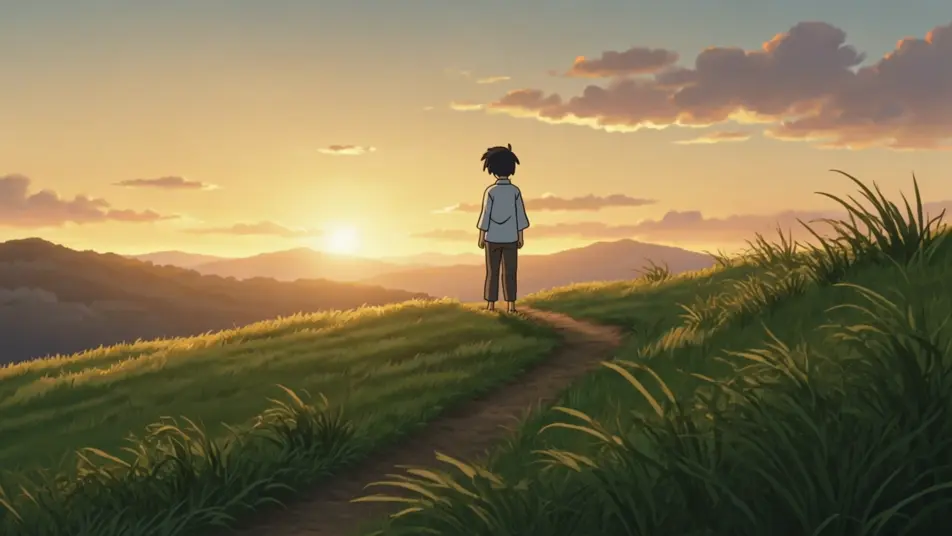
Direct cinematic animated stories in your browser with Morphic's Korean animation AI video generator. Generate a golden-hour hillside, a bustling animated market, or a rain-soaked city street. Voice and score with Speech and Music, then stitch the cel-shaded short on the Canvas.
A Korean-animation hillside at golden hour, warm cinematic color, smooth cel shading, a lead gazing out.
Edit promptA lively Korean-animation street market, vivid color, soft shading, characters moving through.
Edit prompt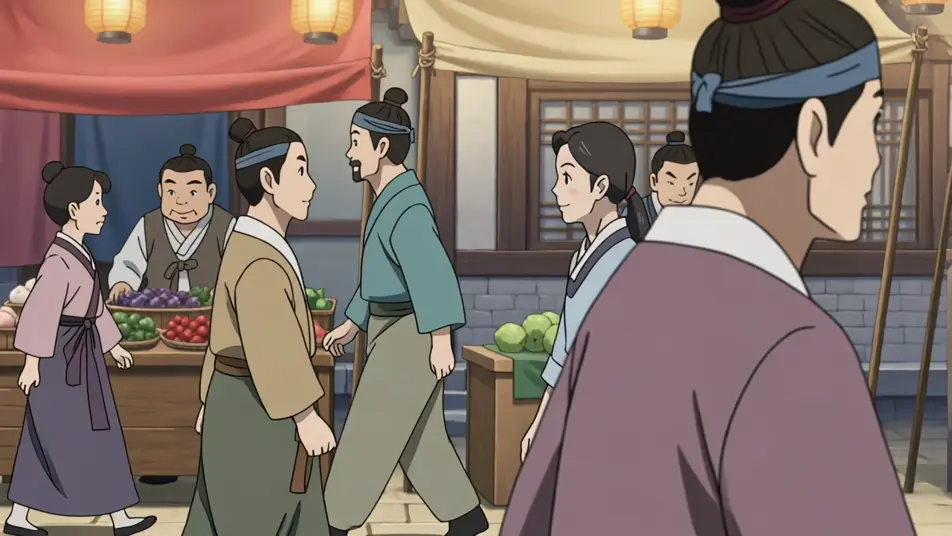
A warm animated home interior, naturalistic cel shading, a quiet character moment.
Edit prompt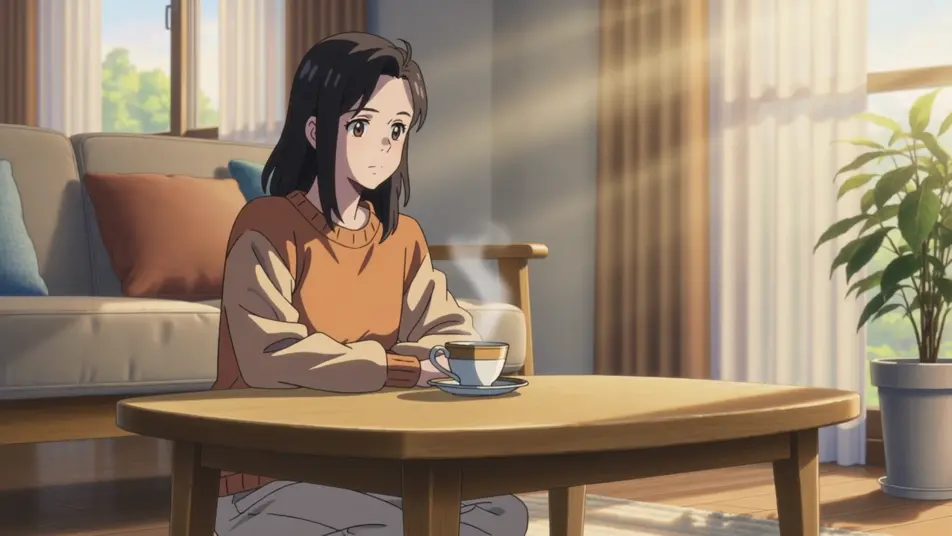
A moody Korean-animation street in rain, a cool cinematic palette, soft reflections, a lone figure.
Edit prompt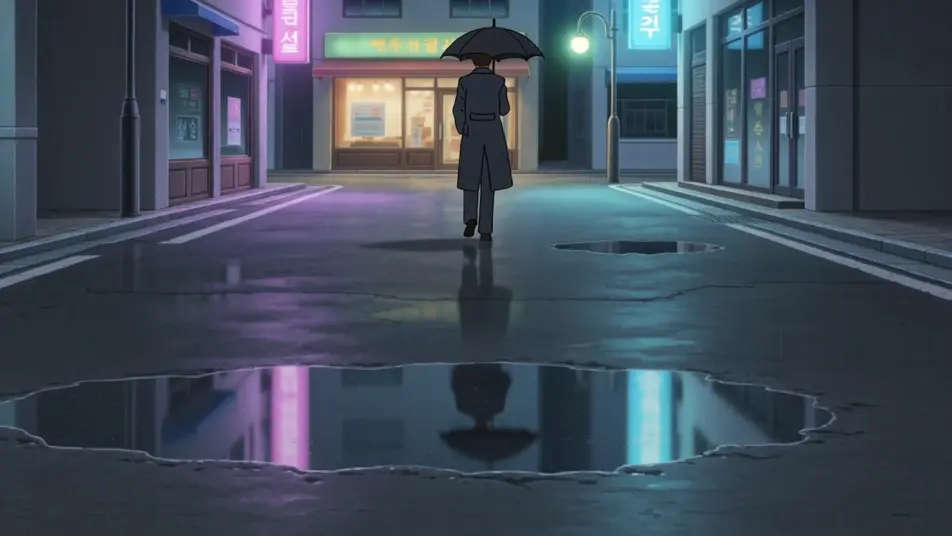
Write the Korean animation scene you want, in plain words.
Morphic generates a cinematic, frame-ready clip on your canvas in seconds.
Tweak the prompt, regenerate variations, then download or share the shot.

Pick any anime illustration as your style guide. Apply its look to any image.

Turn any photo or description into an animated chibi sprite. Dance, jump, wave, attack, and more.

Turn any sketch or drawing into a finished render.

Take any character image and generate 6 distinct facial expressions on a single reference sheet.

All your characters on a single lineup image, side by side with height comparison.
Provide first frame and last frame and generate a video from uploaded keyframes.
Manhwa Animation AI Videos
Create AI Manhwa Animation videos with Morphic. Generate Manhwa Animation scenes and visuals for any project in seconds.
Anime AI Videos
Create Anime videos with Morphic. Slice-of-life scenes, Mecha shots, magical-girl transformations, and full Anime episodes generated from a single prompt.
Manga Animation AI Videos
Generate Manga animation videos on Morphic. Black-and-white ink, screentone shading, speed-lines, and dramatic panels from plain-language prompts.
Anime Style AI Videos
Generate anime style videos on Morphic. Cel shading, clean linework, expressive characters, and dynamic scenes from plain-language prompts.
Get started for free today, with the option to upgrade or cancel anytime.
Basic
2400 monthly credits
1 user only
All models
Workflows
Standard
3625 monthly credits
1 user only
All models
Workflows
Pro
6350 shared monthly credits
1 user
All models
Workflows
Max
24650 shared monthly credits
1 user
All models
Workflows
Enterprise
For higher limits
Custom
pricing and billing terms

Free
For playing around
$0
forever free