Red-curtained chamber with single chair
Small chamber with red velvet curtains on every wall, single wooden chair dead-centre, chevron-pattern floor receding, slow forward zoom, electrical hum implied.
Edit prompt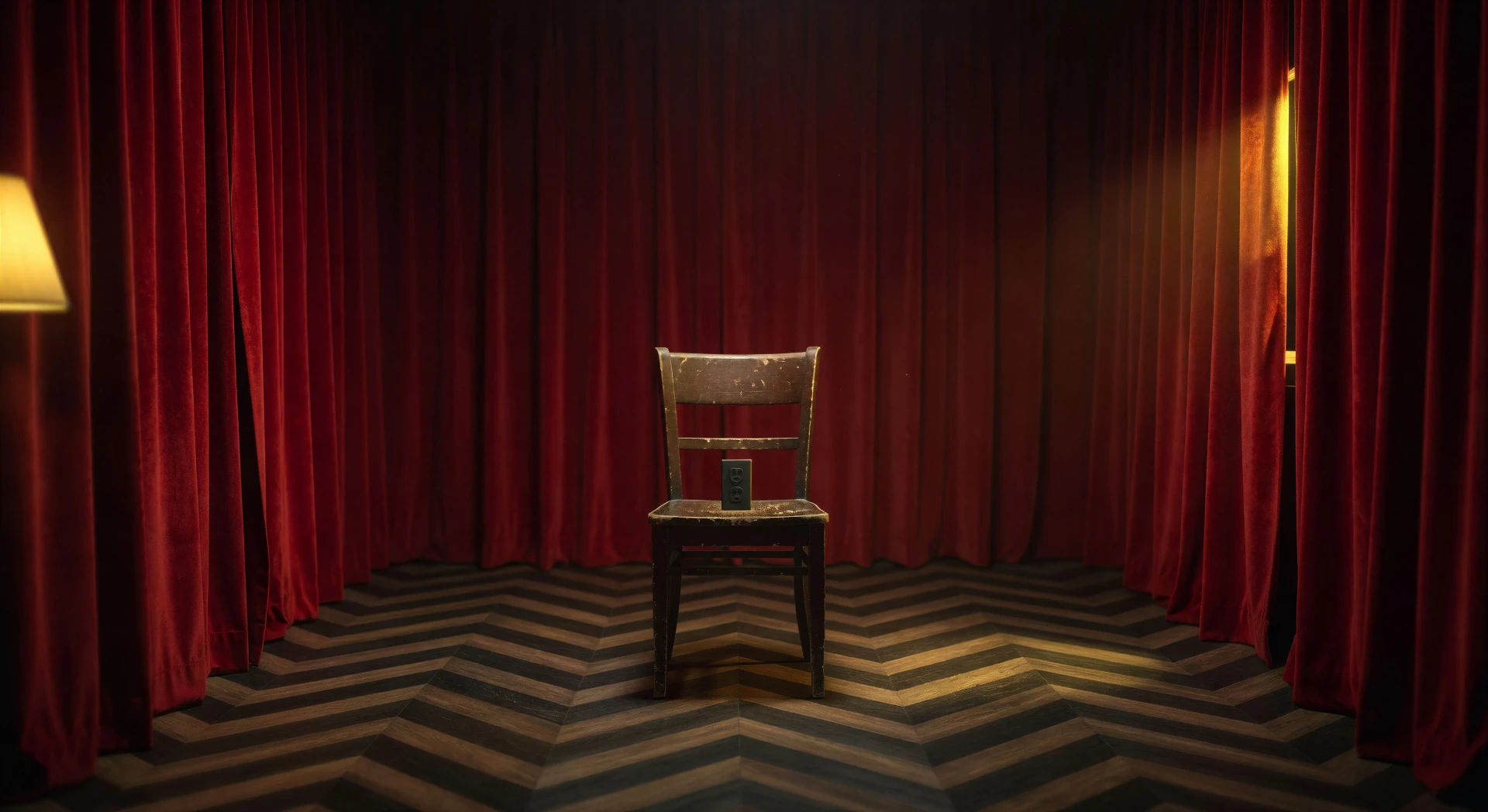
Direct the dream logic of David Lynch in your browser with Morphic's Lynch style AI video generator. Generate a red-curtained chamber, an all-night diner at 2 a.m., or a sodium-lit motel sign on a foggy road. Score a low drone with Music, then stitch a surreal short on the Canvas.
Small chamber with red velvet curtains on every wall, single wooden chair dead-centre, chevron-pattern floor receding, slow forward zoom, electrical hum implied.
Edit promptEmpty all-night diner with chrome stools at the counter, single waitress mid-pour, sodium-yellow streetlight outside, neon "open" sign in the window.
Edit prompt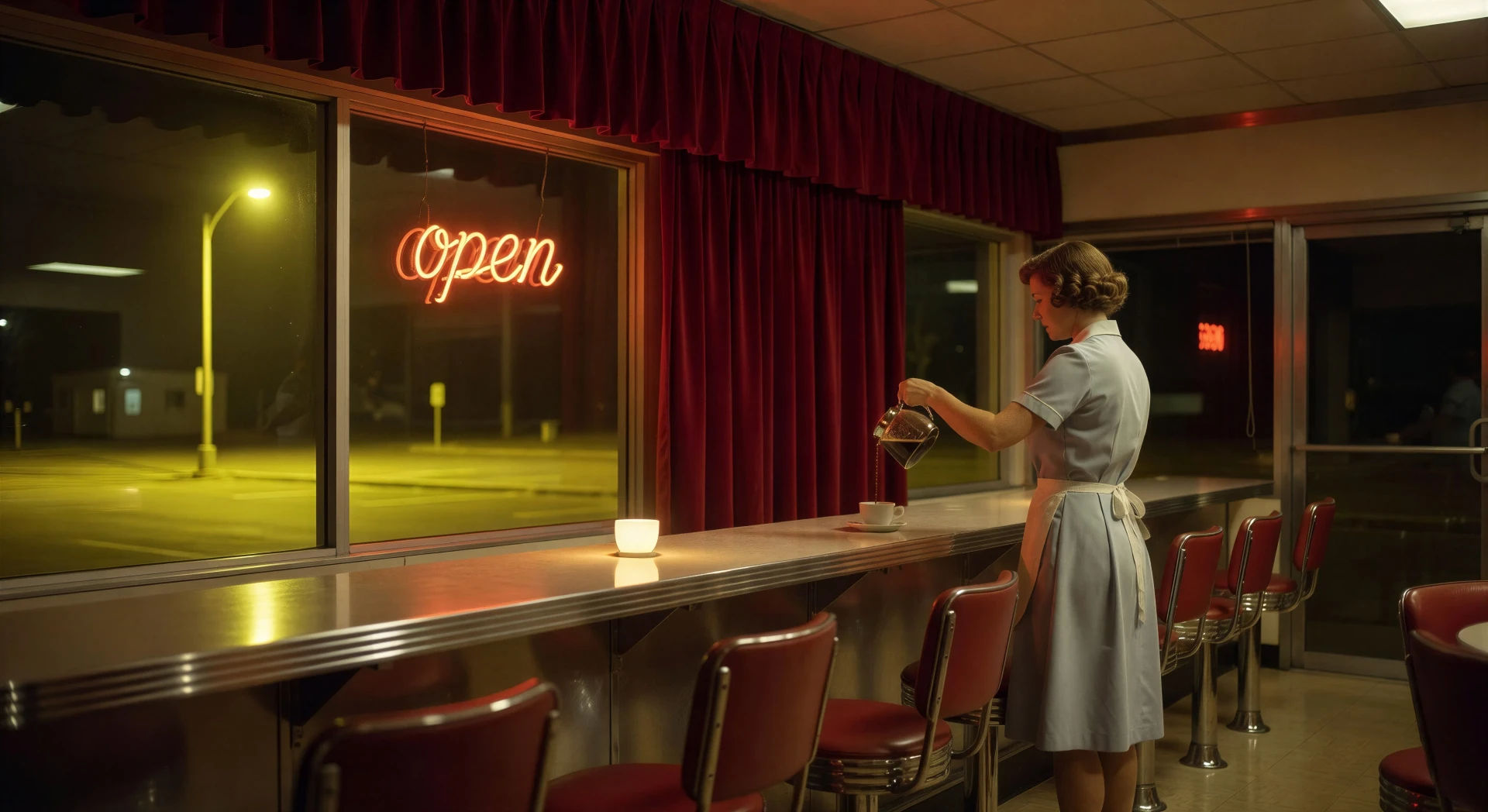
Two-lane mountain road in heavy mid-night fog, single car headlights cutting through the haze in the middle distance, conifers crowding the shoulders.
Edit prompt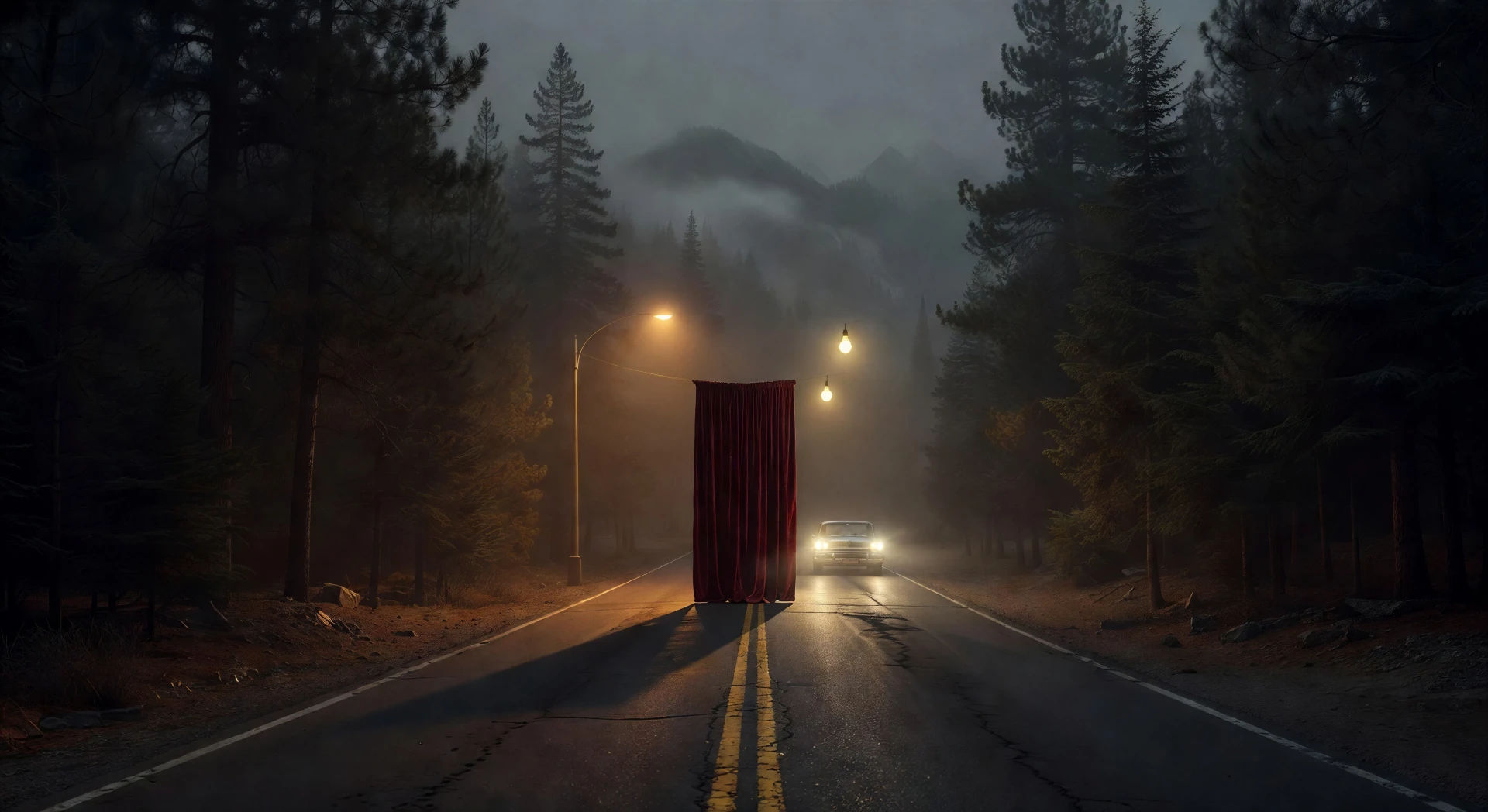
Mid-century roadside motel under a flickering neon sign, single light on in one ground-floor window, parking lot wet from a recent rain, fog at knee height.
Edit prompt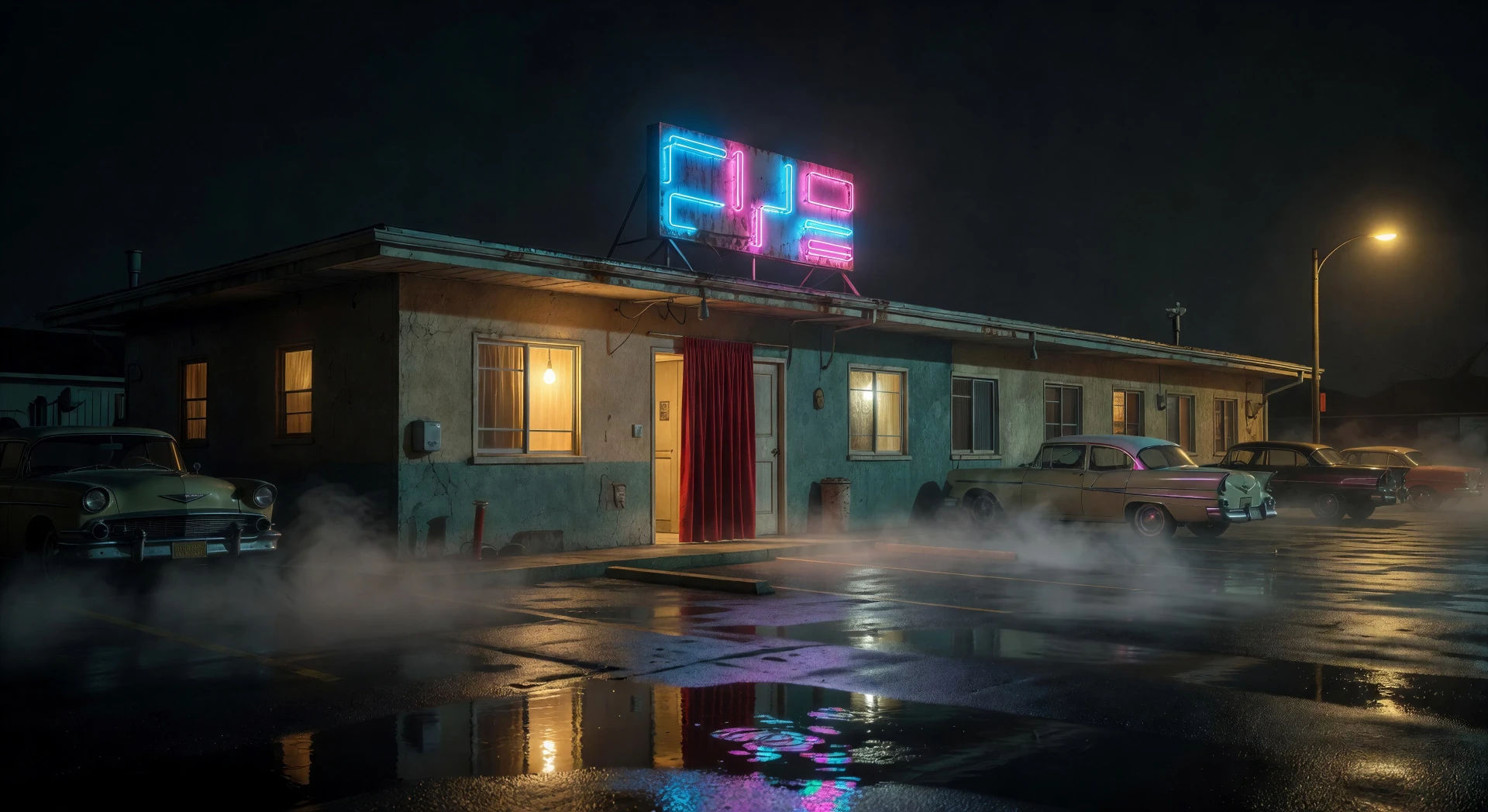
Write the Lynch scene you want, in plain words.
Morphic generates a cinematic, frame-ready clip on your canvas in seconds.
Tweak the prompt, regenerate variations, then download or share the shot.

Share a scene description with character references. Get a full storyboard with shot angles and mood.
One image to a 9-scene cinematic video.

Dramatize any text conversation into a cinematic multi-shot video.
Cinematic time-freeze short film for any scene
Drop in a photo of yourself. Get a 12-second cinematic movie with animation and a matched soundtrack.

Feed in a single image. Get 9 cinematic beats laid out as a 3x3 storyboard grid.
Fincher AI Videos
Generate Fincher style videos with Morphic. Desaturated palettes, geometric framing, deep shadows, and prompt-led scenes you can run in your browser.
Kubrick AI Videos
Generate Stanley Kubrick style videos with Morphic. One-point perspective, symmetrical framing, slow zooms, and prompt-led scenes you can run in your browser.
Wong Kar Wai AI Videos
Generate Wong Kar Wai style videos with Morphic. Step-printed motion, neon Hong Kong nights, saturated color, and prompt-led scenes you can run in your browser.
Tarantino AI Videos
Generate Quentin Tarantino style videos with Morphic. Trunk shots, retro pulp palettes, dialogue tension, and prompt-led scenes you can run in your browser.
Get started for free today, with the option to upgrade or cancel anytime.
Basic
1100 monthly credits
1 user only
All models
Workflows
Standard
3625 monthly credits
1 user only
All models
Workflows
Pro
6350 shared monthly credits
1 user
All models
Workflows
Pro Max
24650 shared monthly credits
1 user
All models
Workflows
Enterprise
For higher limits
Custom
pricing and billing terms
Free
For playing around
$0
forever free