Heart and vessels from the front
A wide frontal hold on a resting heart as its major vessels branch outward and fill with soft light, pale rose tissue against a deep blue field.
Edit prompt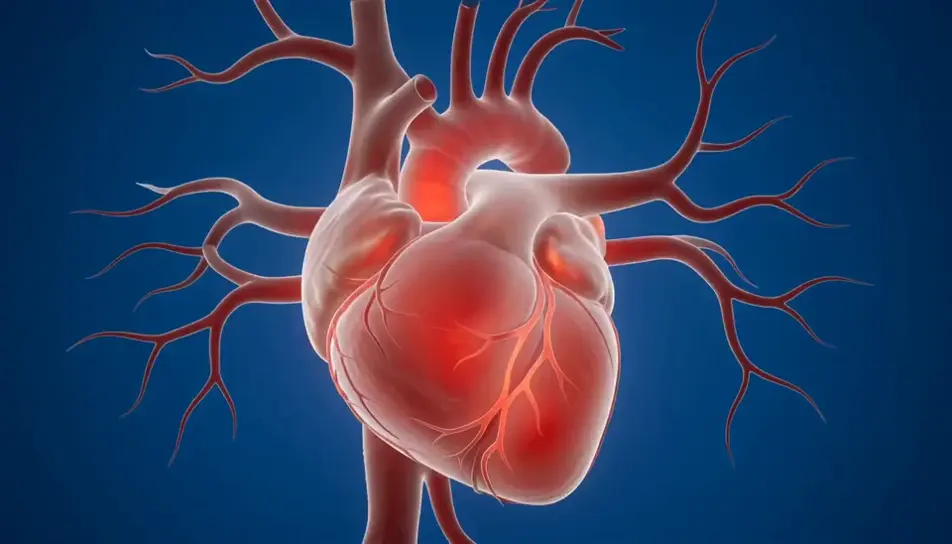
Generate medical animation videos in Morphic's AI video generator: a heart beating in clean CGI, or a pulse of light travelling down a neuron. Voice the mechanism with Speech.
A wide frontal hold on a resting heart as its major vessels branch outward and fill with soft light, pale rose tissue against a deep blue field.
Edit promptA double helix rotates slowly on its axis against a pale grey void, matte blue and white rungs catching a soft top light as they pass.
Edit prompt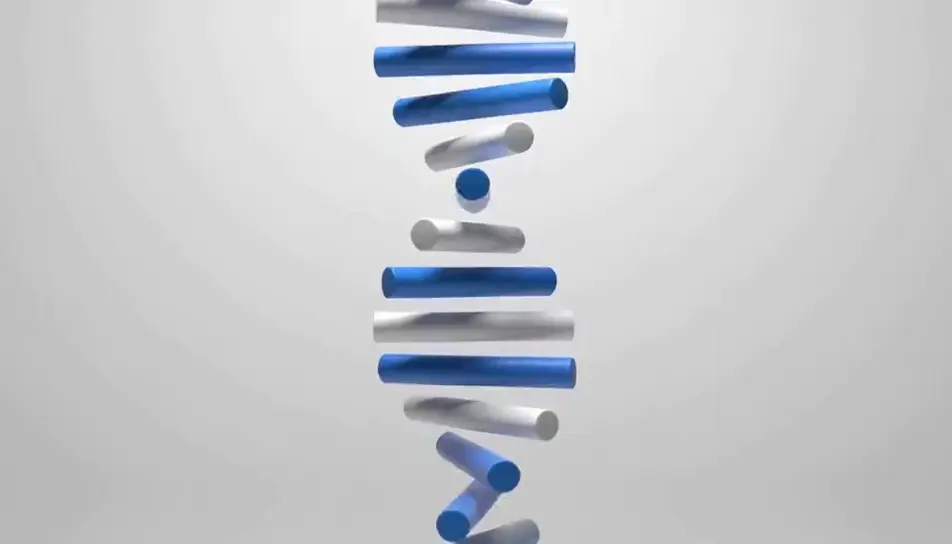
Ivory vertebrae descend one by one and lock into a gently curved spine, soft blue discs settling between them under cool studio light.
Edit prompt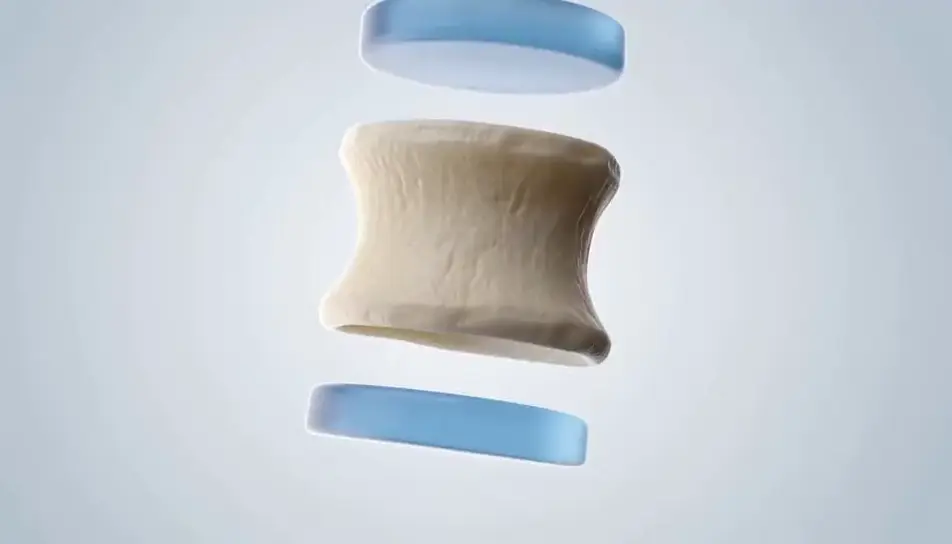
The camera glides forward inside a translucent vessel as red discs overtake it, warm light pulsing faintly through the walls with each beat.
Edit prompt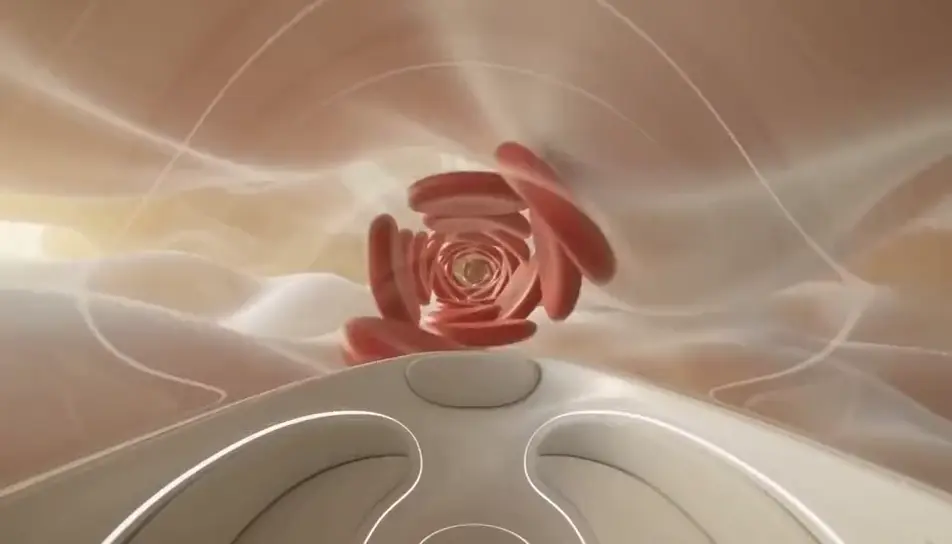
Write the medical animation scene you want, in plain words.
Morphic generates a cinematic, frame-ready clip on your canvas in seconds.
Tweak the prompt, regenerate variations, then download or share the shot.

Share a scene description with character references. Get a full storyboard with shot angles and mood.

Feed in a single image. Get 9 cinematic beats laid out as a 3x3 storyboard grid.
Drop in a photo of yourself. Get a 12-second cinematic movie with animation and a matched soundtrack.

Take any character image and generate 6 distinct facial expressions on a single reference sheet.

Generate a professional film title card from scratch, with optional cinematic animation.

Turn any photo or description into an animated chibi sprite. Dance, jump, wave, attack, and more.
AI healthcare stock video
Browse healthcare stock video and generate your own shots at the exact length, ratio and look the cut needs. Morphic makes video, image, voice and sound.
AI heart stock video
Browse heart stock video and generate your own shots at the exact length, ratio and look the cut needs. Morphic makes video, image, voice and sound.
3D animation AI videos
Generate 3D animation videos on Morphic. CGI characters, rendered worlds, dynamic camera moves, and animated scenes from plain-language prompts.
AI Explainer videos
Generate AI explainer videos with Morphic. Animated walkthroughs, kinetic-type breakdowns, analogy scenes, and narration-synced explainer prompts that assemble fast.
Get started for free today, with the option to upgrade or cancel anytime.
Basic
2400 monthly credits
1 user only
All models
Workflows
Standard
3625 monthly credits
1 user only
All models
Workflows
Pro
6350 shared monthly credits
1 user
All models
Workflows
Max
24650 shared monthly credits
1 user
All models
Workflows
Enterprise
For higher limits
Custom
pricing and billing terms

Free
For playing around
$0
forever free