A steam-and-sizzle hero loop
A slow cinematic close-up of steam curling off a fresh plated dish on plain unlabeled tableware, warm directional light, generous negative space left clean for menu type.
Edit prompt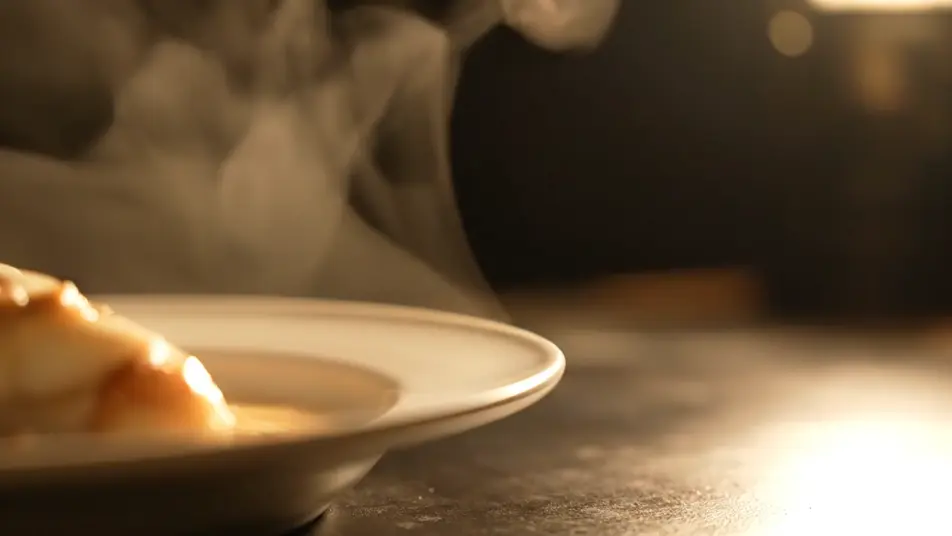
Direct a menu board video in your browser with Morphic's menu board video generator and give your menu a moving backdrop. Generate steam rising off a fresh dish, a slow drink pour, or ingredients tumbling in slow motion, each shot clean so your menu type sits on top. Assemble the loop on Compose, lay your real menu text over it, and send it to any screen.
A slow cinematic close-up of steam curling off a fresh plated dish on plain unlabeled tableware, warm directional light, generous negative space left clean for menu type.
Edit promptA backlit stream of drink pouring into a clear plain unlabeled glass against a dark moody background, liquid glowing amber, the frame composed with open space beside the glass.
Edit prompt
Fresh vegetables and herbs tumbling through crisp studio light in slow motion, water droplets suspended, a clean dark background holding wide open space for a menu column.
Edit prompt
A close steady shot of a chef in plain unprinted whites drawing a final garnish across a dish on plain unlabeled tableware, warm kitchen light, unhurried craft pacing.
Edit prompt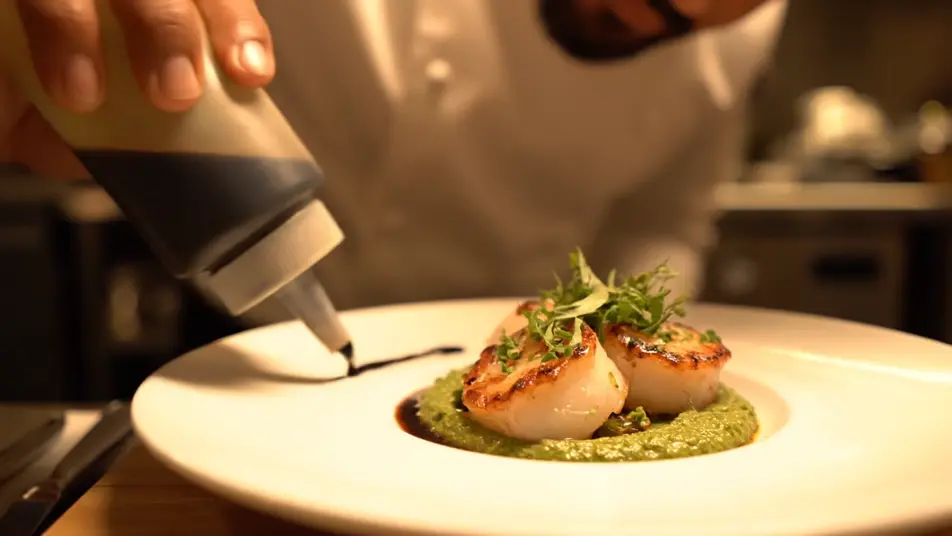
Write the menu board video scene you want, in plain words.
Morphic generates a cinematic, frame-ready clip on your canvas in seconds.
Tweak the prompt, regenerate variations, then download or share the shot.

Dramatize any text conversation into a cinematic multi-shot video.
Cinematic time-freeze short film for any scene

Generate a professional film title card from scratch, with optional cinematic animation.
Photo of any real-estate becomes a cinematic renovation timelapse video with construction SFX and music.
One image to a 9-scene cinematic video.

Describe a first-person scenario. Get sequential POV frames animated into video clips with audio.
AI Hotel promo videos
Hotel promo videos generated with AI. Frame a pool at dusk, a lobby in warm lamplight, and a balcony view, turn browsers into bookings, start now.
AI Gym promo videos
Gym promo videos generated with AI. Stage a bright gym floor, a class mid-flow, and racked weights in one energetic cut, fill classes faster, render now.
AI Founder story videos
Founder story videos generated with AI. Film hands on the craft in an early workspace, show the person behind the product, and cut it today.
AI LinkedIn video ads
LinkedIn video ad maker with no crew or shoot day. Generate a confident expert hook or a team at work, cut it for the feed, and publish today. Start now.
Get started for free today, with the option to upgrade or cancel anytime.
Basic
2400 monthly credits
1 user only
All models
Workflows
Standard
3625 monthly credits
1 user only
All models
Workflows
Pro
6350 shared monthly credits
1 user
All models
Workflows
Max
24650 shared monthly credits
1 user
All models
Workflows
Enterprise
For higher limits
Custom
pricing and billing terms

Free
For playing around
$0
forever free