Guarding the labyrinth turn
The labyrinth champion lowering its horns at a torchlit maze junction as footsteps approach, breath steaming, guttering flame on the stone walls. A slow low-angle push-in around the corner.
Edit prompt
Direct the bull-headed champion in your browser with Morphic's minotaur warrior AI video generator. Generate a labyrinth guardian lowering its horns in torchlight, or a gladiator raising an axe to a crowd. Hold one design with Character Lineup, score with Music, and cut battle beats on the Canvas.
The labyrinth champion lowering its horns at a torchlit maze junction as footsteps approach, breath steaming, guttering flame on the stone walls. A slow low-angle push-in around the corner.
Edit promptThe gladiator raising its trident to a roaring crowd in a sunlit ring, sand clinging to the hooves, harsh overhead light and dust haze. A sweeping crane shot circling up from the sand.
Edit prompt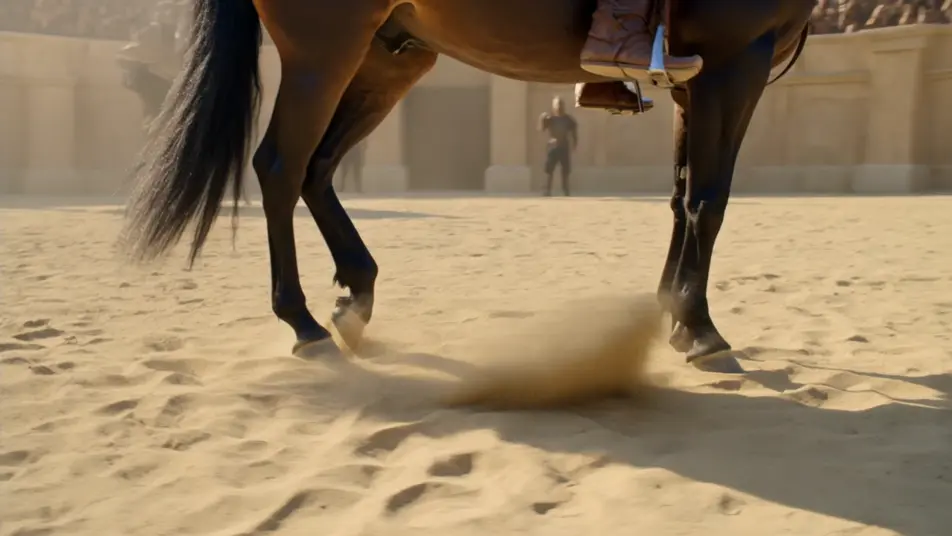
The war-chief planting its greataxe on a rampart as a siege burns below, dusk firelight and smoke around the horned helm, banners whipping. A wide low-angle shot against the flames.
Edit prompt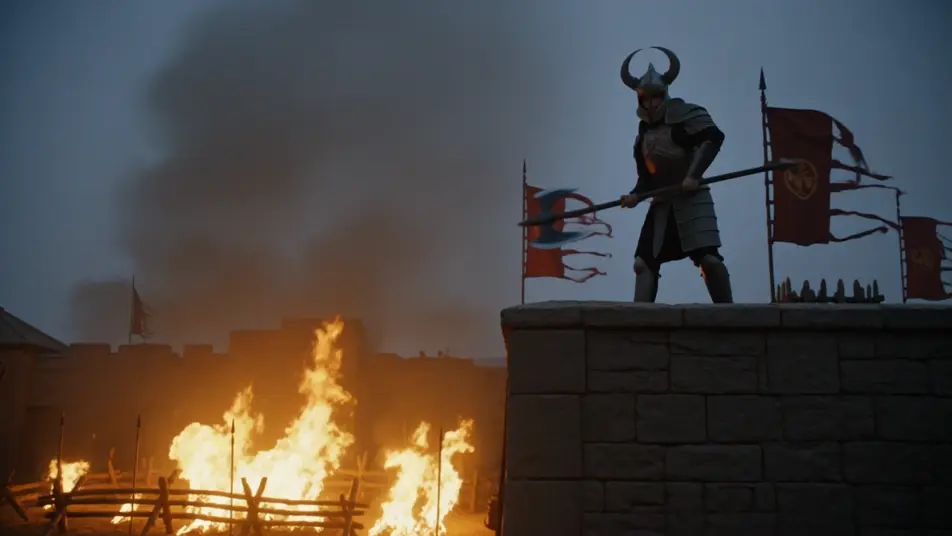
The temple guardian levelling its glaive as an intruder crosses the threshold, cold light shafting from high windows onto worn stone. A tense static wide shot holding the reveal.
Edit prompt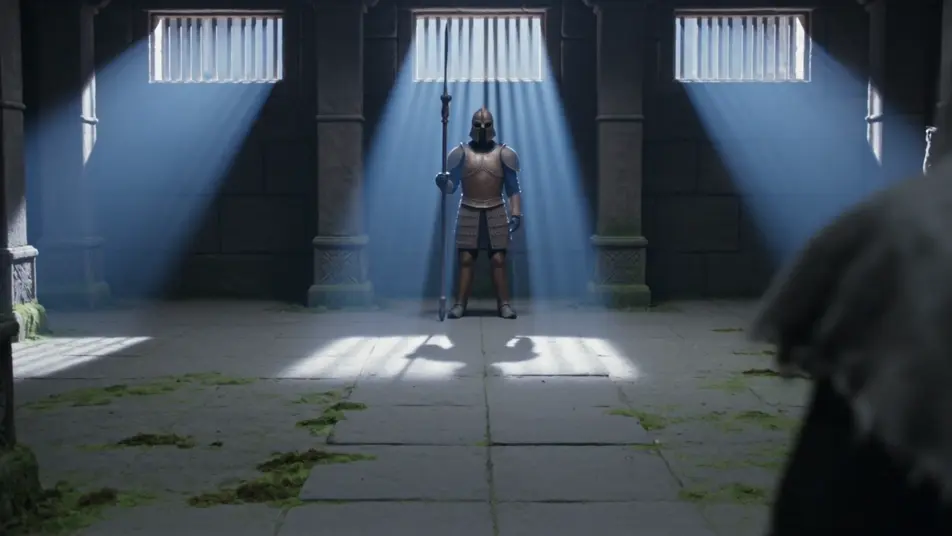
Write the minotaur warrior scene you want, in plain words.
Morphic generates a cinematic, frame-ready clip on your canvas in seconds.
Tweak the prompt, regenerate variations, then download or share the shot.
Cinematic time-freeze short film for any scene

Dramatize any text conversation into a cinematic multi-shot video.
One image to a 9-scene cinematic video.
Drop in a photo of yourself. Get a 12-second cinematic movie with animation and a matched soundtrack.

Share a scene description with character references. Get a full storyboard with shot angles and mood.

Feed in a single image. Get 9 cinematic beats laid out as a 3x3 storyboard grid.
Cyclops Warrior AI Videos
Generate cyclops warrior videos with Morphic. Champion, berserker, forge-smith, and siege-breaker archetypes with battlefield and forge scene prompts.
Giant AI Videos
Generate giant videos with Morphic. Frost, hill, storm, and earth-shaper archetypes with glacier, mountain, and stormfront scene prompts that sell true scale.
Monster AI videos
Generate monster videos on Morphic. Original creatures, fog-bound beasts, lake monsters, and lurking-threat scenes from plain-language prompts.
Creature Feature AI Videos
Generate creature feature AI videos with Morphic. Lurking beasts, slow monster reveals, and confined-setting scene prompts you can direct in the browser.
Get started for free today, with the option to upgrade or cancel anytime.
Basic
2400 monthly credits
1 user only
All models
Workflows
Standard
3625 monthly credits
1 user only
All models
Workflows
Pro
6350 shared monthly credits
1 user
All models
Workflows
Max
24650 shared monthly credits
1 user
All models
Workflows
Enterprise
For higher limits
Custom
pricing and billing terms

Free
For playing around
$0
forever free