Before the house lights drop
A wide hold on empty rows with the house lights still warm and the screen entirely blank, the room quiet ahead of a screening that never starts.
Edit prompt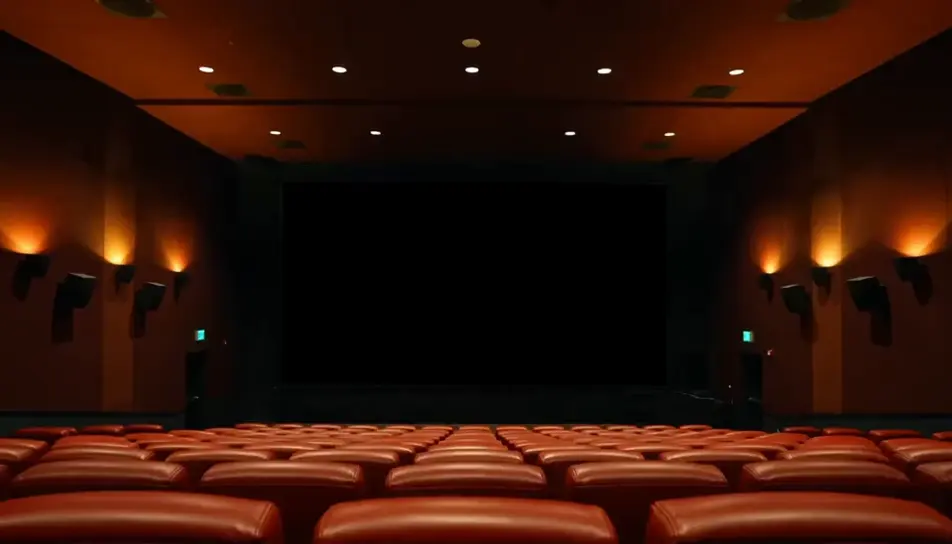
Generate movie theater stock footage in your browser with Morphic's movie theater stock footage AI generator. Render an empty auditorium before the house lights drop, or a projector beam alive with dust, then sequence the set on Compose.
A wide hold on empty rows with the house lights still warm and the screen entirely blank, the room quiet ahead of a screening that never starts.
Edit promptFrom behind the last row, abstract colour off the screen moves across heads and shoulders. The screen carries light and no imagery at all.
Edit prompt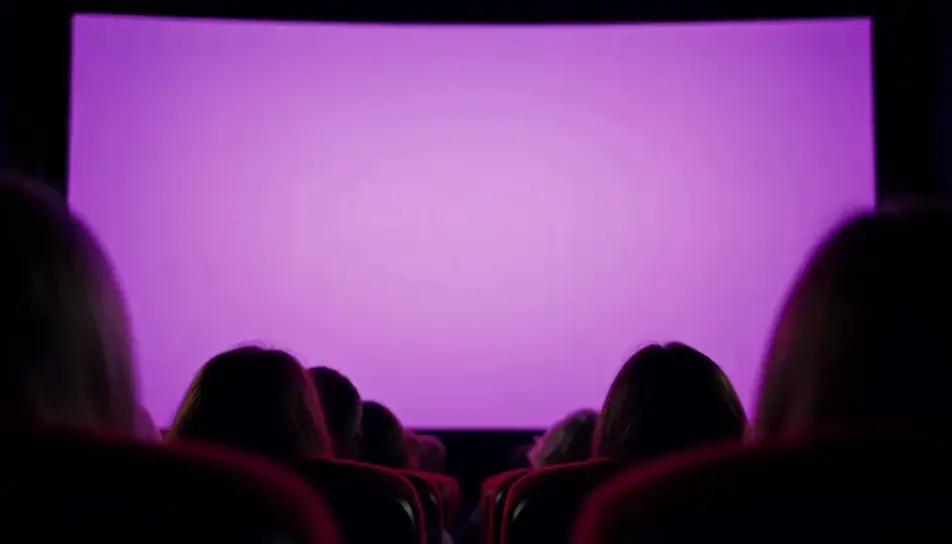
Close on the projection beam cutting the dark from the booth port, dust turning slowly inside the cone while the rest of the frame stays black.
Edit prompt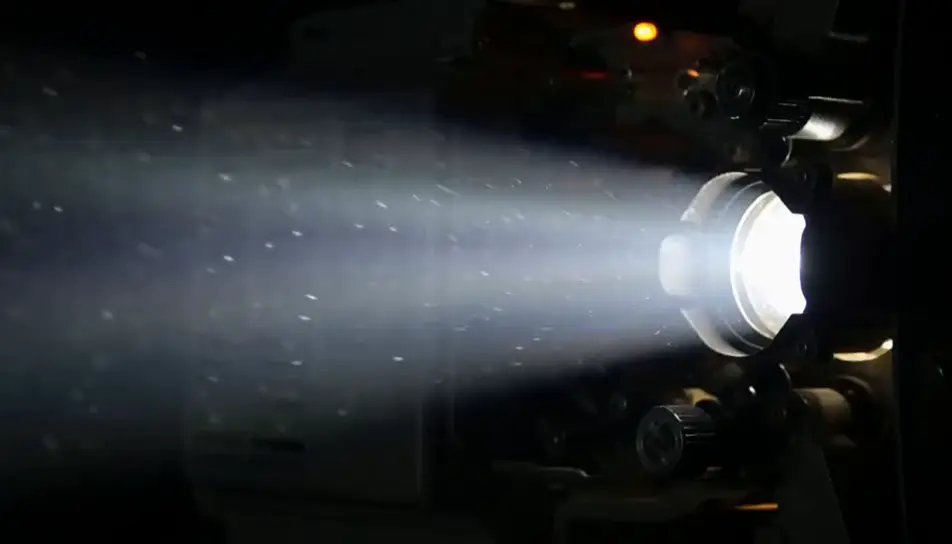
Looking up from the pavement as the marquee bulbs come on, the letter panels and poster cases left entirely empty against the fading sky.
Edit prompt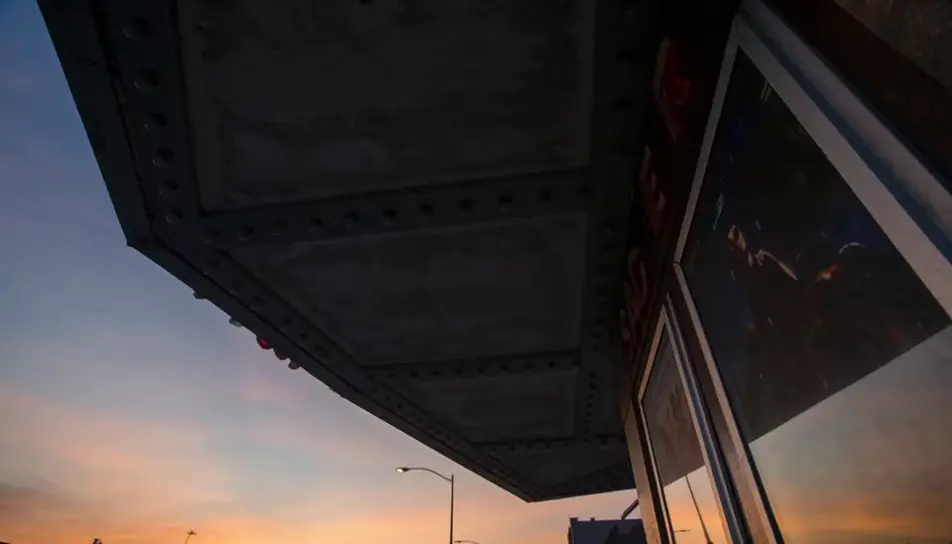
Write the movie theater stock footage scene you want, in plain words.
Morphic generates a cinematic, frame-ready clip on your canvas in seconds.
Tweak the prompt, regenerate variations, then download or share the shot.

Dramatize any text conversation into a cinematic multi-shot video.
Cinematic time-freeze short film for any scene
Drop in a photo of yourself. Get a 12-second cinematic movie with animation and a matched soundtrack.

Generate a professional film title card from scratch, with optional cinematic animation.
Photo of any real-estate becomes a cinematic renovation timelapse video with construction SFX and music.
One image to a 9-scene cinematic video.
AI trailers
Generate trailers on Morphic. Cold opens, escalating montages, title-card reveals, and cliffhanger cuts from plain-language prompts, no editor needed.
AI building stock footage
Browse building stock footage and generate your own shots at the exact length, ratio and look the cut needs. Morphic makes video, image, voice and sound.
AI credits sequences
Generate an AI credits sequence with Morphic. Drift soft glowing light-bars over a dark cinematic field, loop it clean, then score and time the roll.
AI people stock footage
Browse people stock footage and generate your own shots at the exact length, ratio and look the cut needs. Morphic makes video, image, voice and sound.
Get started for free today, with the option to upgrade or cancel anytime.
Basic
2400 monthly credits
1 user only
All models
Workflows
Standard
3625 monthly credits
1 user only
All models
Workflows
Pro
6350 shared monthly credits
1 user
All models
Workflows
Max
24650 shared monthly credits
1 user
All models
Workflows
Enterprise
For higher limits
Custom
pricing and billing terms

Free
For playing around
$0
forever free