Direct matter at the atomic scale in your browser with Morphic's nanopunk AI video generator. Generate a healing swarm knitting a wound closed in a clean medical bay, a slab of programmable matter reshaping on a steel table, or a creeping grey-goo front dissolving a building edge to dust. Pair the scene with the Speech tool for calm system narration and the Music tool for a fine, granular score, then stitch the sequence in the Canvas.

Nanopunk characters you can create

Nanopunk scenes you can direct

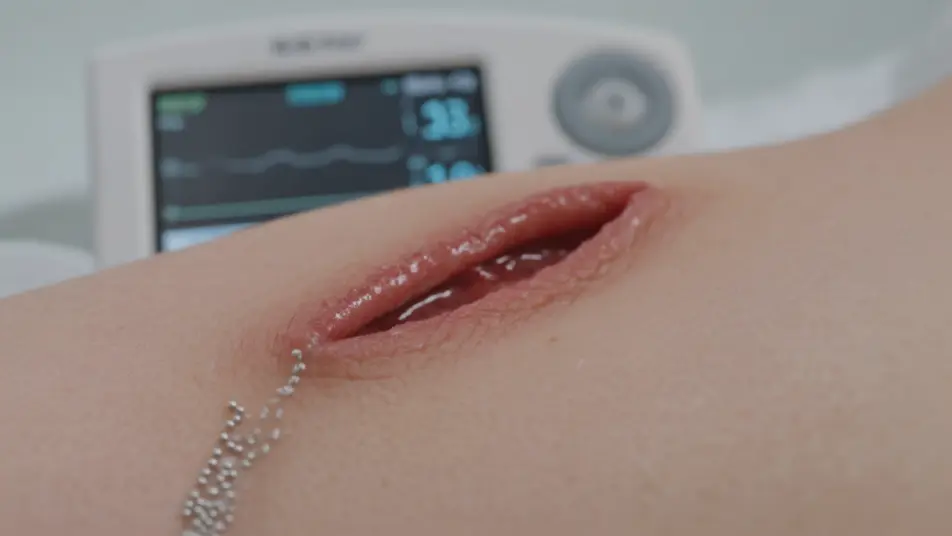
Healing swarm knitting a wound closed

Clean medical bay under soft even light, a fine silver swarm flowing over a wound and knitting the skin closed in real time, a bedside readout climbing toward stable, macro push-in on the closing tissue.

Edit prompt
Programmable matter reshaping on a steel table

Lab under cool directional light, a dull metallic cube on a steel table flowing and reshaping itself into a precise tool at an engineer's gesture, slow orbit around the table as the form resolves.

Edit prompt

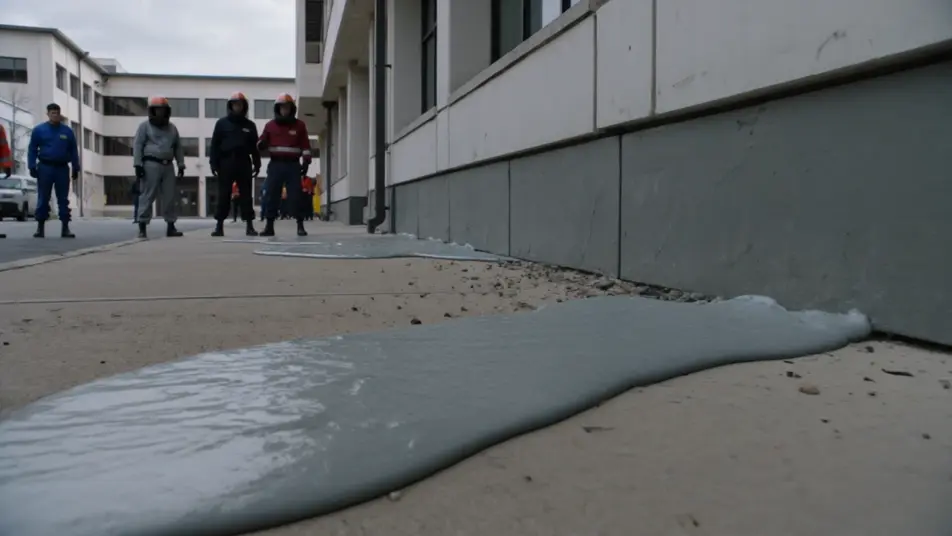
Grey-goo front advancing on a building edge

Overcast daylight on a city block, a dull rippling grey-goo front creeping across the base of a building and dissolving the edge to a fine dust, containment crews retreating, slow dolly back from the advancing line.

Edit prompt

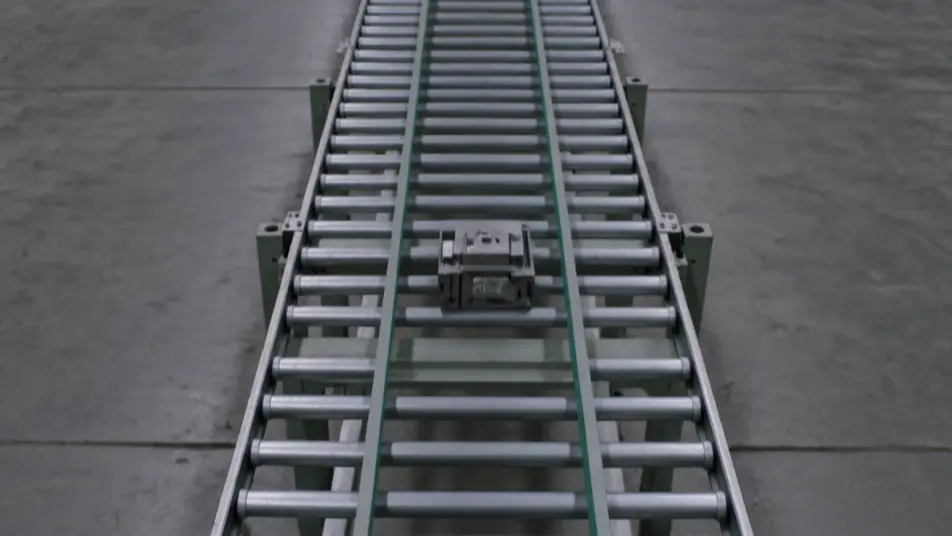
Self-building fabrication floor

Vast fabrication hall under flat industrial light, raw matter assembling itself into finished product along an empty line with no workers, dust glinting in the air, camera craning up the silent rows.

Edit prompt

Make nanopunk videos in three steps

  1. 01

    Describe your nanopunk scene

    Write the nanopunk scene you want, in plain words.

  2. 02

    Generate the video

    Morphic generates a cinematic, frame-ready clip on your canvas in seconds.

  3. 03

    Refine your nanopunk video

    Tweak the prompt, regenerate variations, then download or share the shot.

Related workflows

You might also like

Simple pricing

Get started for free today, with the option to upgrade or cancel anytime.

Basic

$0/ month
billed as $0 per year

900 monthly credits

1 user only

All models

Workflows

Standard

$0/ month
billed as $0 per year

3200 monthly credits

1 user only

All models

Workflows

Pro

$0/ month
billed as $0 per year

6200 shared monthly credits

1 user

+ up to 4 more at extra cost

All models

Workflows

Pro Max

$0/ month
billed as $0 per year

24000 shared monthly credits

1 user

+ up to 9 more at extra cost

All models

Workflows

Enterprise

For higher limits

Custom

pricing and billing terms

Unlimited credits
Custom seat limits
All models
Workflows
Pricing Gradient

Free

For playing around

$0

forever free

Up to 20 credits
1 user only
Limited models
Workflows

FAQs

What is nanopunk?
Nanopunk is a science-fiction genre built around matter controlled at the atomic scale, from healing swarms to programmable matter and grey goo. Its visual hallmarks are fine shimmering nanite swarms instead of chrome robots, clean clinical or industrial lighting rather than grime, and settings like medical bays, materials labs, and self-building factories.
How do I make nanopunk videos with AI?
Make nanopunk videos with the Text to Video tool in your browser on Morphic. Describe the swarm behaviour, the clinical light, and the setting, and Morphic generates the clip. Add more shots for each beat, then assemble the sequence in the Canvas. No installs or specialist software are needed.
How do I write a good nanopunk video prompt?
Describe the swarm as a fine shimmering medium, light it clinically, and name the setting and camera move. For example: "a fine silver swarm knitting a wound under soft medical-bay light, macro push-in on the closing tissue." Naming the granular atomic-scale motion and the even clinical light lands the nanopunk register instead of a chrome-robot or cyberpunk look.
What nanopunk scenes work best for AI video?
The strongest nanopunk scenes show matter behaving at the atomic scale, such as a healing swarm knitting a wound closed, programmable matter reshaping on a steel table, a grey-goo front advancing on a building edge, and a self-building fabrication floor. Each gives Morphic a clear swarm action, light source, and setting to anchor the shot.
How do I keep characters consistent across nanopunk scenes?
Use the Character Lineup workflow to lock the wardrobe and augmentation details for each nanopunk figure, then reference those character cards in every prompt. Morphic preserves the surgeon scrubs and emitter, the engineer lab jacket, and the survivor fused sleeve across the sequence so the continuity holds from shot to shot.
Can I add music and narration to my nanopunk videos?
Yes, you can score and voice nanopunk videos on Morphic. The Music tool produces an original soundtrack, and a fine granular texture with a low pulse sits cleanly under the swarm beats. The Speech tool generates calm system narration and clipped containment callouts in the voice you choose, layered onto the generated video.
What is the best AI video generator for nanopunk videos?
Morphic is one of the best AI video generators for nanopunk videos. It runs in your browser: describe a scene in plain language and the Text to Video tool generates the nanopunk clip, the Character Lineup workflow keeps your cast consistent across shots, and the Music and Speech tools add an original score and narration. You can direct, refine, and assemble a full nanopunk video on a single canvas with no installs.