An exchange across the armchairs
A steady two-shot of speakers in armchairs trading a point back and forth, engaged gestures and eye contact, plain solid-color unprinted clothing, warm stage light on a blank backdrop.
Edit prompt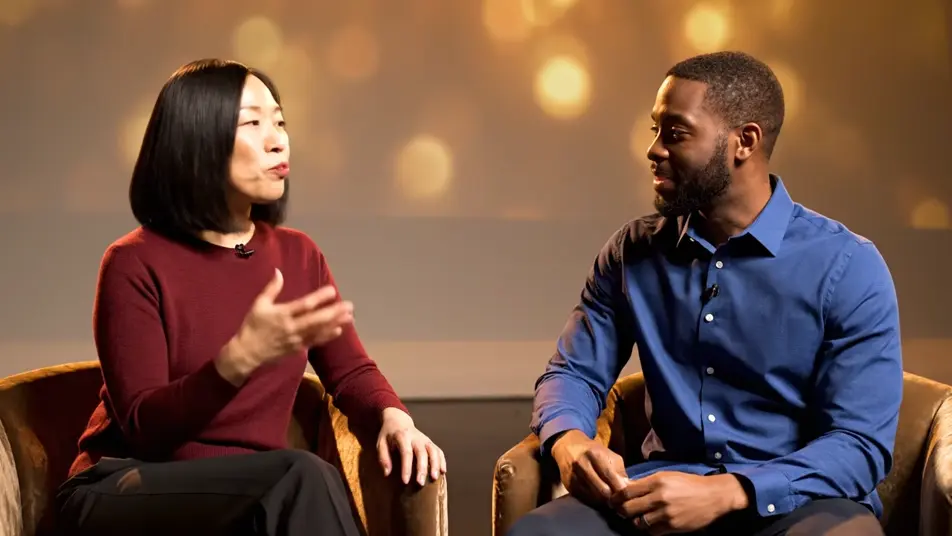
Direct a panel discussion video in your browser with Morphic's panel discussion video generator and stage the conversation itself. Generate three speakers mid-exchange in armchairs, a moderator steering the room, or an audience leaning in to listen. Voice it with Speech, then cut the coverage into one session on Compose.
A steady two-shot of speakers in armchairs trading a point back and forth, engaged gestures and eye contact, plain solid-color unprinted clothing, warm stage light on a blank backdrop.
Edit promptA medium shot of a moderator leaning forward to ask a question, then turning toward the panel for the answer, plain solid-color unprinted clothing, warm focused light, blank backdrop behind.
Edit prompt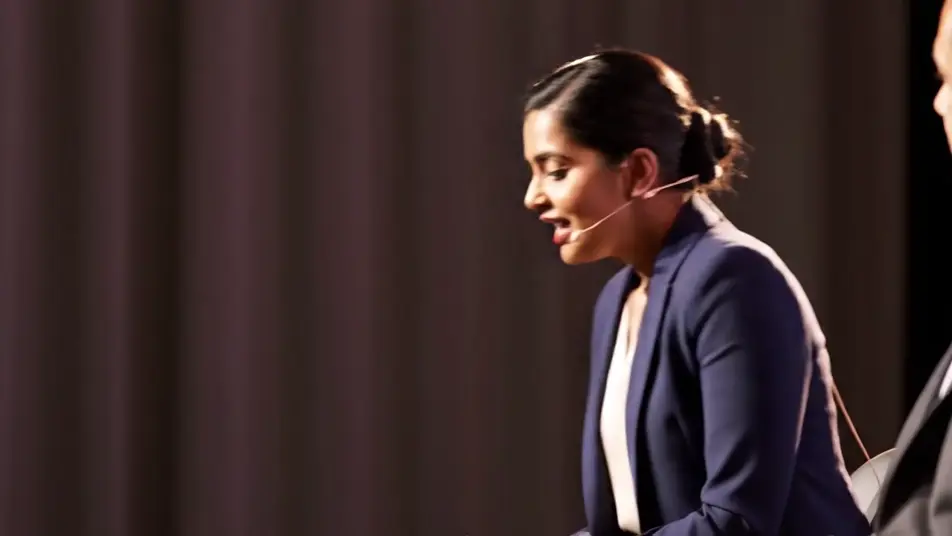
A slow pan across rows of listeners in soft house light, faces engaged, one nodding at the point just made, plain solid-color unprinted clothing, shallow warm depth.
Edit prompt
A locked wide from the back of the room, the panel in armchairs inside a warm pool of stage light, audience silhouetted in the foreground, blank backdrop, calm assured framing.
Edit prompt
Write the panel discussion video scene you want, in plain words.
Morphic generates a cinematic, frame-ready clip on your canvas in seconds.
Tweak the prompt, regenerate variations, then download or share the shot.

Dramatize any text conversation into a cinematic multi-shot video.
Cinematic time-freeze short film for any scene

Generate a professional film title card from scratch, with optional cinematic animation.
Photo of any real-estate becomes a cinematic renovation timelapse video with construction SFX and music.
One image to a 9-scene cinematic video.

Describe a first-person scenario. Get sequential POV frames animated into video clips with audio.
AI Podcast videos
Podcast video maker with no studio hire. Generate hosts at the mic, table conversations, and warm booth footage that fits any episode. Roll your show now.
AI LinkedIn video ads
LinkedIn video ad maker with no crew or shoot day. Generate a confident expert hook or a team at work, cut it for the feed, and publish today. Start now.
AI Investor pitch videos
Investor pitch video maker led by the founder, not the deck. Generate conviction, team, and product shots, then cut a pitch investors remember. Try it now.
AI Founder story videos
Founder story videos generated with AI. Film hands on the craft in an early workspace, show the person behind the product, and cut it today.
Get started for free today, with the option to upgrade or cancel anytime.
Basic
2400 monthly credits
1 user only
All models
Workflows
Standard
3625 monthly credits
1 user only
All models
Workflows
Pro
6350 shared monthly credits
1 user
All models
Workflows
Max
24650 shared monthly credits
1 user
All models
Workflows
Enterprise
For higher limits
Custom
pricing and billing terms

Free
For playing around
$0
forever free