The long walk from the center circle
One player detaches from the linked-arm huddle and starts the long walk, the stadium noise falling to a heartbeat, a slow tracking shot behind.
Edit prompt
Script the shootout in your browser with Morphic's penalty shootout AI video generator. Direct the long walk, a panenka down the middle, or the save that sparks a sprint. Add cracking commentary with Speech, then cut a knockout-night sequence in Compose.
One player detaches from the linked-arm huddle and starts the long walk, the stadium noise falling to a heartbeat, a slow tracking shot behind.
Edit promptA full-speed run-up, then the softest chip floats down the center as the keeper dives away, low behind-the-goal camera.
Edit prompt
Glove meets ball at full stretch, and the keeper sprints away as teammates flood from halfway, the camera shaking with the run.
Edit prompt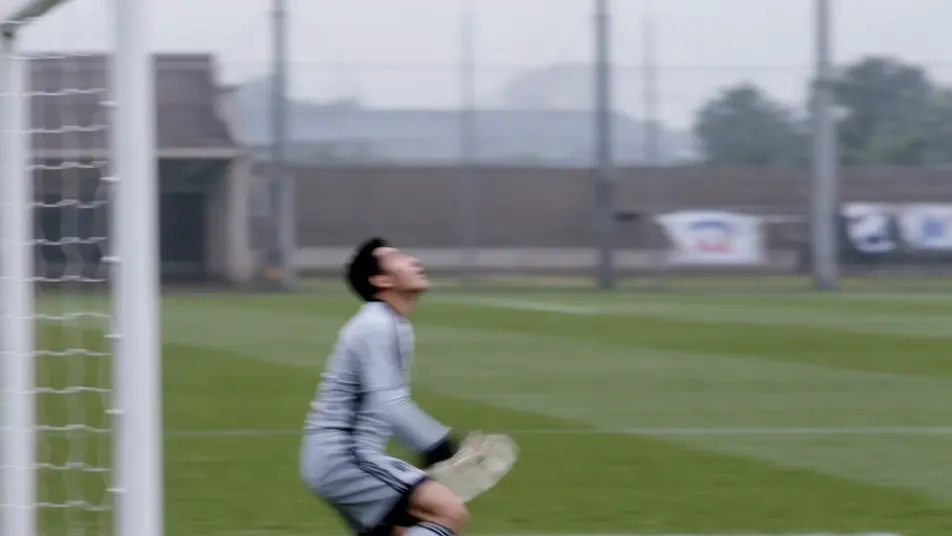
Sudden death, the strike cannons off the crossbar into the night, one end silent, the other erupting, a freeze-frame on the ball.
Edit prompt
Write the penalty shootout scene you want, in plain words.
Morphic generates a cinematic, frame-ready clip on your canvas in seconds.
Tweak the prompt, regenerate variations, then download or share the shot.
Cinematic time-freeze short film for any scene

Dramatize any text conversation into a cinematic multi-shot video.
One image to a 9-scene cinematic video.
Drop in a photo of yourself. Get a 12-second cinematic movie with animation and a matched soundtrack.

Share a scene description with character references. Get a full storyboard with shot angles and mood.

Feed in a single image. Get 9 cinematic beats laid out as a 3x3 storyboard grid.
Goalkeeper Edit Maker
Make a goalkeeper edit with AI: direct fingertip saves, one-on-one smothers, and last-line heroics, then sync them to commentary and music. Try it now.
Football Fan Edit Maker
Make a football fan edit with AI: tunnel walkouts, kop scarf walls, last-kick winners, cut to the beat. Cinematic, retro, or fancam styles. Try it now.
World Cup Anime Video Maker
Turn any football moment into a viral World Cup Anime edit with AI: direct the goal, the celebration, and the crowd, add commentary and music. Try it now.
Underdog Story Video Maker
Make underdog story videos with AI: the non-league cup upset, the 5am marathoner, a backmarker podium in the rain. Add commentary and music. Try it now.
Get started for free today, with the option to upgrade or cancel anytime.
Basic
2400 monthly credits
1 user only
All models
Workflows
Standard
3625 monthly credits
1 user only
All models
Workflows
Pro
6350 shared monthly credits
1 user
All models
Workflows
Max
24650 shared monthly credits
1 user
All models
Workflows
Enterprise
For higher limits
Custom
pricing and billing terms

Free
For playing around
$0
forever free