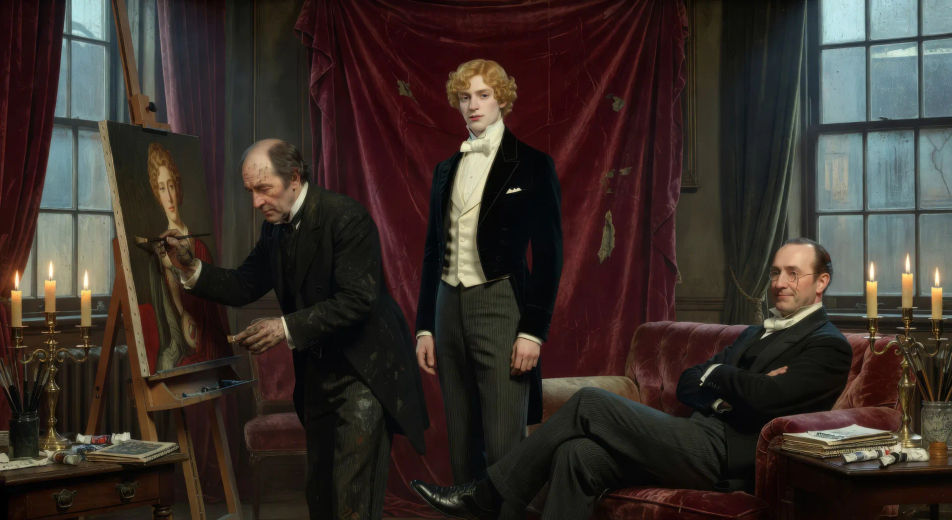
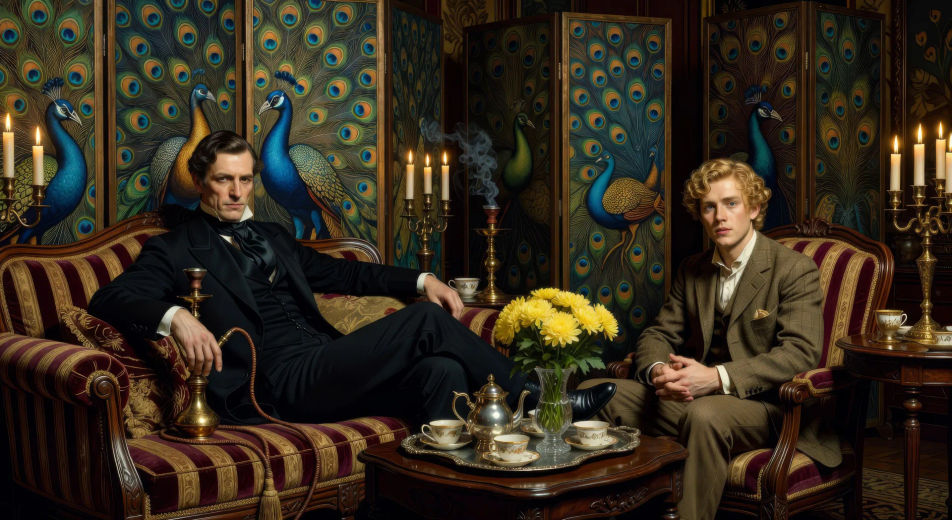
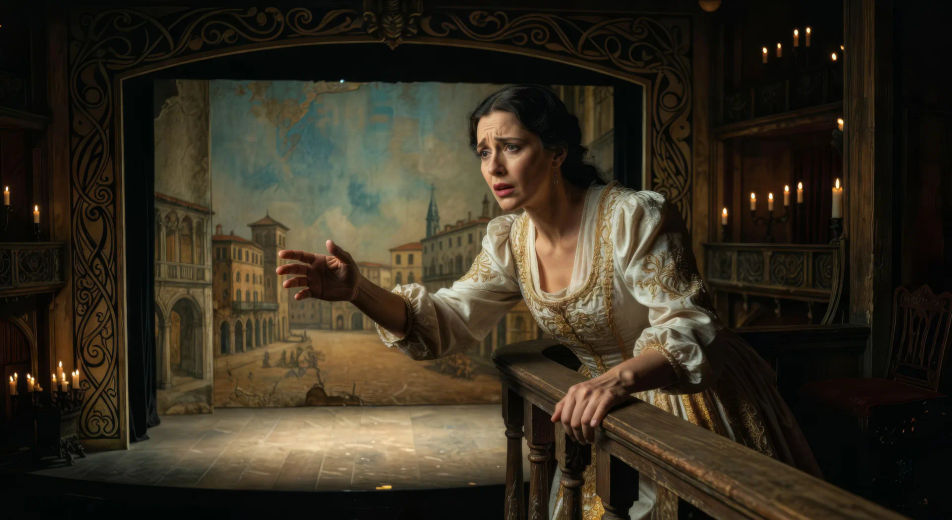
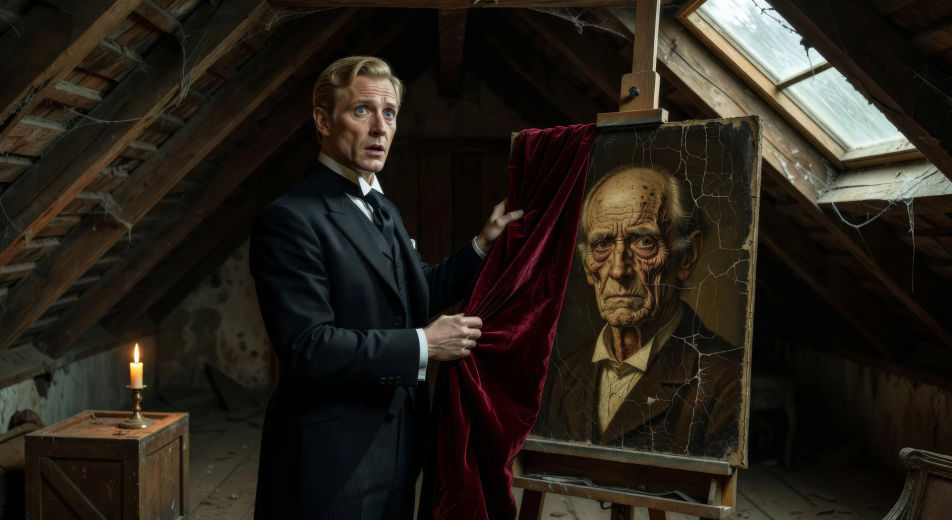
The novel moves through a clean late-Victorian London geography. Basil Hallward's skylit Chelsea studio with the easel set up in north light. Lord Henry's Mayfair drawing-room hung with peacock screens and Persian rugs, the silver tea-tray laid out in afternoon light. The Royal Theatre in the East End where Sibyl Vane plays Juliet by gaslight. Dorian's grand Grosvenor Square house. The locked attic up a back stair with the velvet pall over the portrait. The country estate at Selby Royal where James Vane, Sibyl's brother, is shot in the woods. The Limehouse opium dens by the river, lit in red lanterns. The night after the murder of Basil with Alan Campbell and the chemicals.
For video, anchor each scene to one of these locations and one beat. The visual library is unusually crisp: Basil at the easel painting Dorian in afternoon studio light; Lord Henry on a divan with a hookah, Dorian beside him; the locked attic at candlelight with the cracked aging face on the canvas; Dorian in evening dress walking the gas-lit Limehouse alleys to a red-lantern door; the country wood at Selby with James Vane lying shot among the rabbits; the final attic scene with the knife coming down on the canvas.
Three styles consistently land. Cinematic photoreal in the spirit of high-budget late-Victorian period drama delivers the prestige Wildean look. Painterly oil with chiaroscuro echoes the Aubrey Beardsley line-style and the late Pre-Raphaelite painters of Wilde's circle. Expressionist black-and-white with hard shadows lands as homage to the 1945 Albert Lewin film, where the portrait scenes were shot in colour against a black-and-white film. Name the style directly in the prompt.