A rubber-hose street bounce
A side-on frame where a hoselike 1930s character bounces down a simple street, limbs curving and stretching on every step, bold inky outlines and a warm film-grain wash over the whole frame.
Edit prompt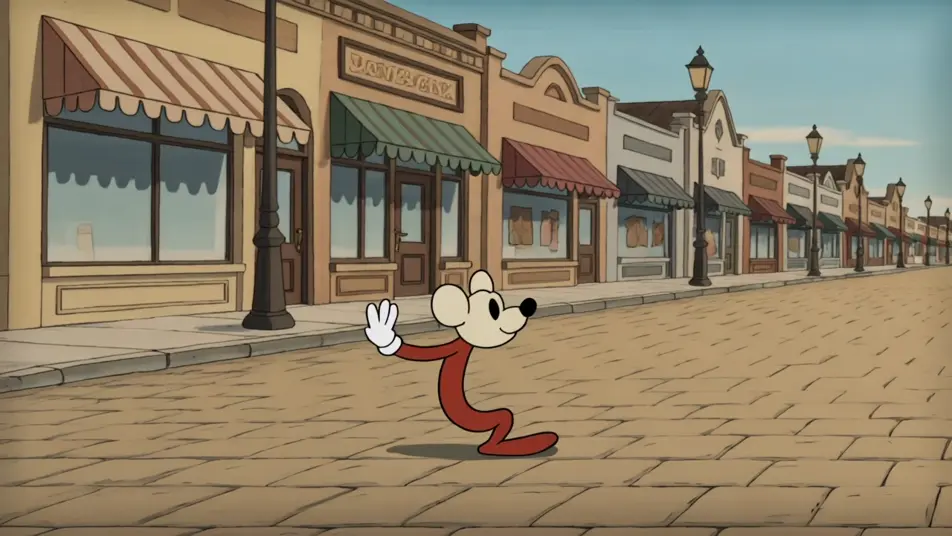
Direct a retro cartoon in your browser with Morphic's retro cartoon generator. Generate the old-school looks scene by scene, 1930s rubber-hose bounce, mid-century Saturday-morning flat color, and worn film-grain frames. Voice it with Speech, then assemble the scenes into one short on Compose.
A side-on frame where a hoselike 1930s character bounces down a simple street, limbs curving and stretching on every step, bold inky outlines and a warm film-grain wash over the whole frame.
Edit promptA blocked flat-color living room in Saturday-morning style, hard shadows and simple shapes, a character moving in limited-animation holds while the camera stays locked off under even light.
Edit prompt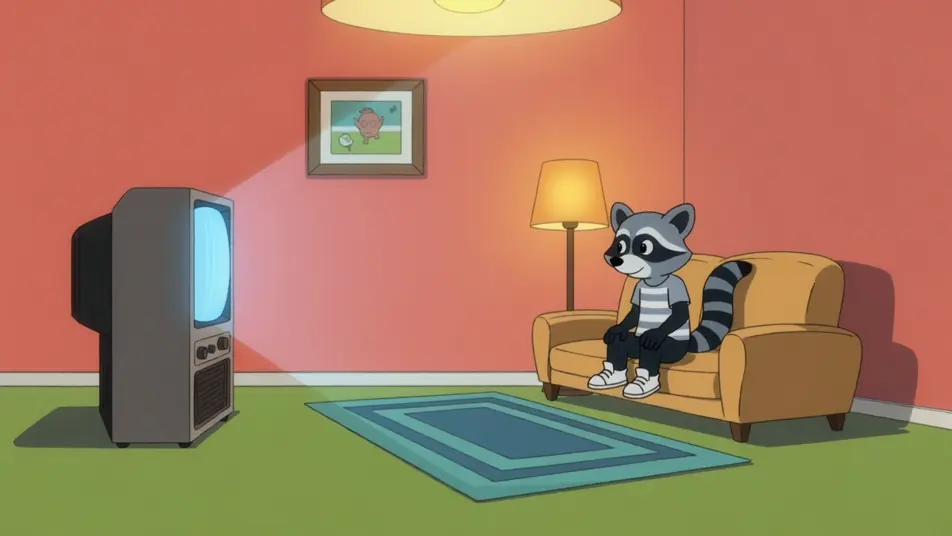
A patterned ground where hand-lettered period type bounces in letter by letter and settles into a headline, cel-paint colors and a faint gate weave giving the card an aged vintage feel.
Edit prompt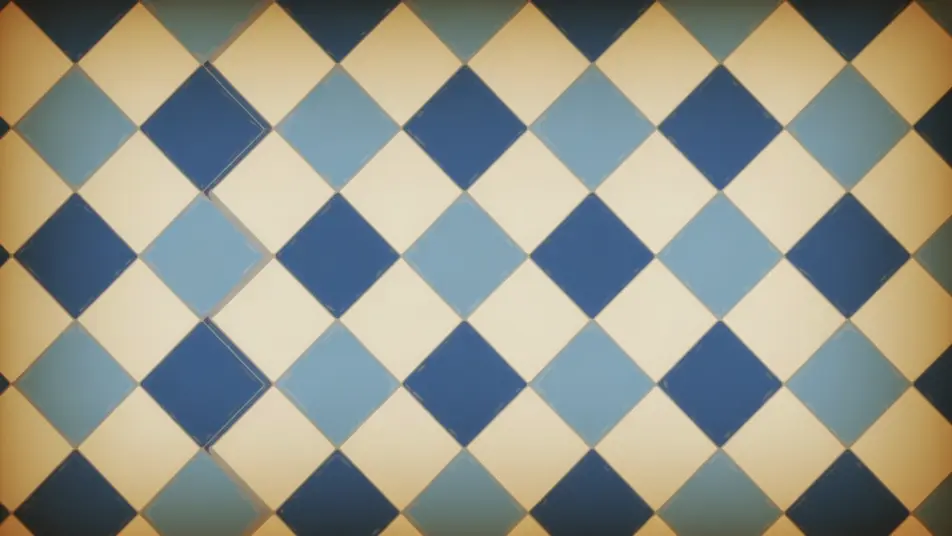
A tight frame where a character drops, flattens hard on impact, then springs back tall in an exaggerated recoil, thick wobbling outlines and grain selling the classic retro comic timing.
Edit prompt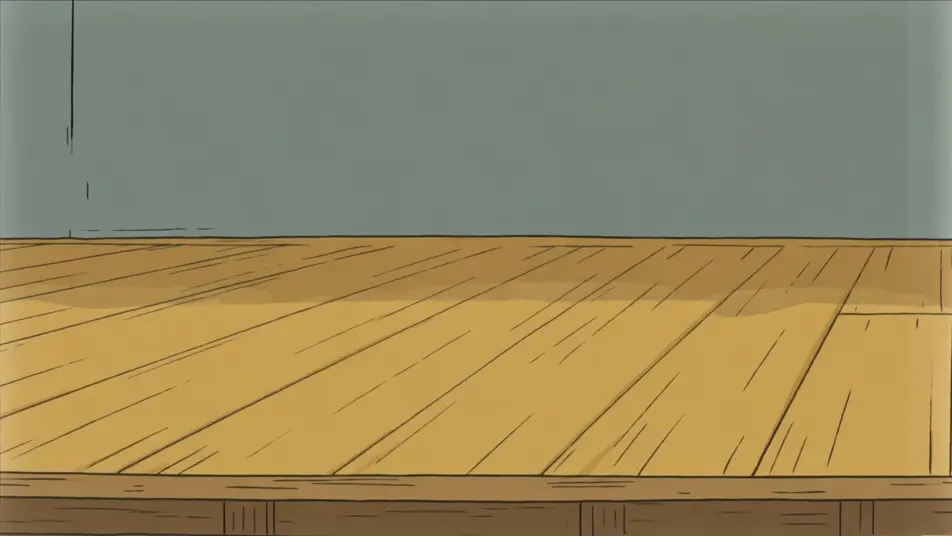
Write the retro cartoon scene you want, in plain words.
Morphic generates a cinematic, frame-ready clip on your canvas in seconds.
Tweak the prompt, regenerate variations, then download or share the shot.

Pick any anime illustration as your style guide. Apply its look to any image.

Turn any sketch or drawing into a finished render.

Take any character image and generate 6 distinct facial expressions on a single reference sheet.

All your characters on a single lineup image, side by side with height comparison.
Provide first frame and last frame and generate a video from uploaded keyframes.

Turn any photo or description into an animated chibi sprite. Dance, jump, wave, attack, and more.
Cutout animation videos
Make cutout animation with a paper-puppet look. Layered paper sets, jointed characters, torn edges, and flat-plane motion scene by scene. Generate now.
Vector motion videos
Make vector motion with clean flat-shape animation. Flat geometric shapes, animated line icons, crisp transitions, and solid grounds. Generate yours now.
AI Explainer videos
Generate AI explainer videos with Morphic. Animated walkthroughs, kinetic-type breakdowns, analogy scenes, and narration-synced explainer prompts that assemble fast.
AI Onboarding tutorial videos
Onboarding tutorial video, produced in-house on Morphic. Build a welcome intro, a setup walkthrough, and a first-task run. Publish the same day.
Get started for free today, with the option to upgrade or cancel anytime.
Basic
2400 monthly credits
1 user only
All models
Workflows
Standard
3625 monthly credits
1 user only
All models
Workflows
Pro
6350 shared monthly credits
1 user
All models
Workflows
Max
24650 shared monthly credits
1 user
All models
Workflows
Enterprise
For higher limits
Custom
pricing and billing terms

Free
For playing around
$0
forever free