Rain-soaked reunion at dusk
A narrow Parisian street in steady evening rain, two figures meeting under the awning of an apartment building, coats darkened by the rain, a long held look before either speaks, a slow push-in.
Edit prompt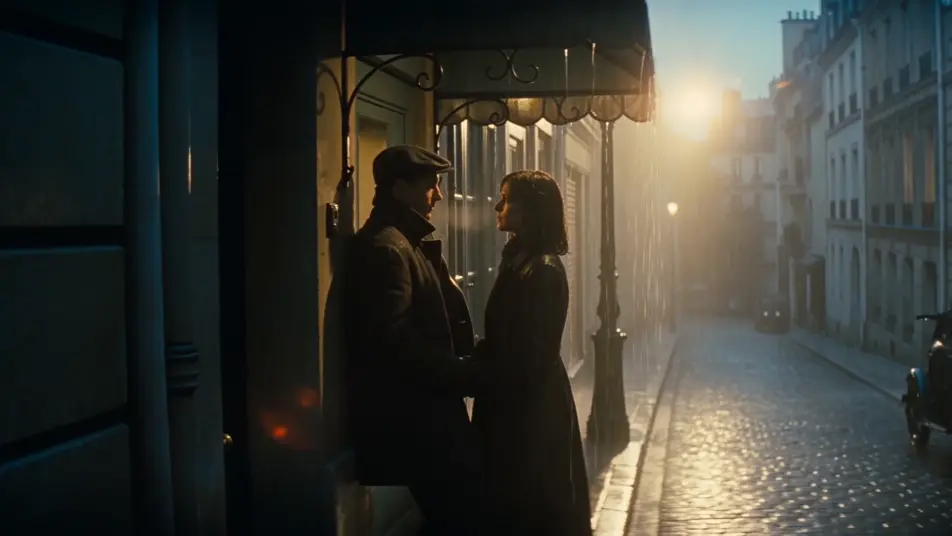
Direct romance beats in your browser with Morphic's romance drama AI video generator. Generate a rain-soaked Parisian reunion or a last dance in an empty wedding hall, add a confession and piano with Speech and Music, and cut a romance short on the Canvas.
A narrow Parisian street in steady evening rain, two figures meeting under the awning of an apartment building, coats darkened by the rain, a long held look before either speaks, a slow push-in.
Edit promptA bedroom lit only by a small lamp on the nightstand at 2am, a figure curled on top of the duvet with a phone pressed to one ear, eyes closed, a single tear catching the lamplight.
Edit prompt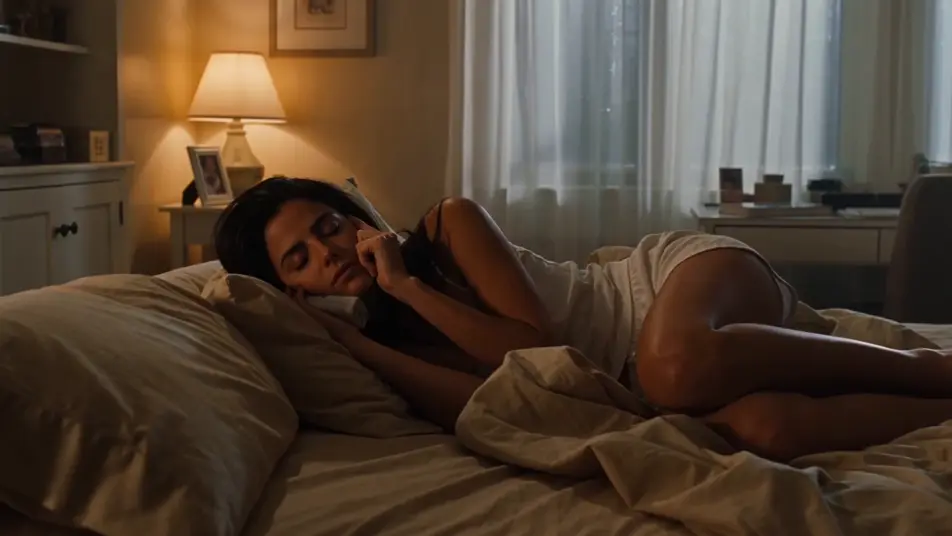
A wedding hall after the crowd has thinned, fairy lights overhead, two figures swaying in the centre of the floor to a piano ballad, one resting their forehead against the other.
Edit prompt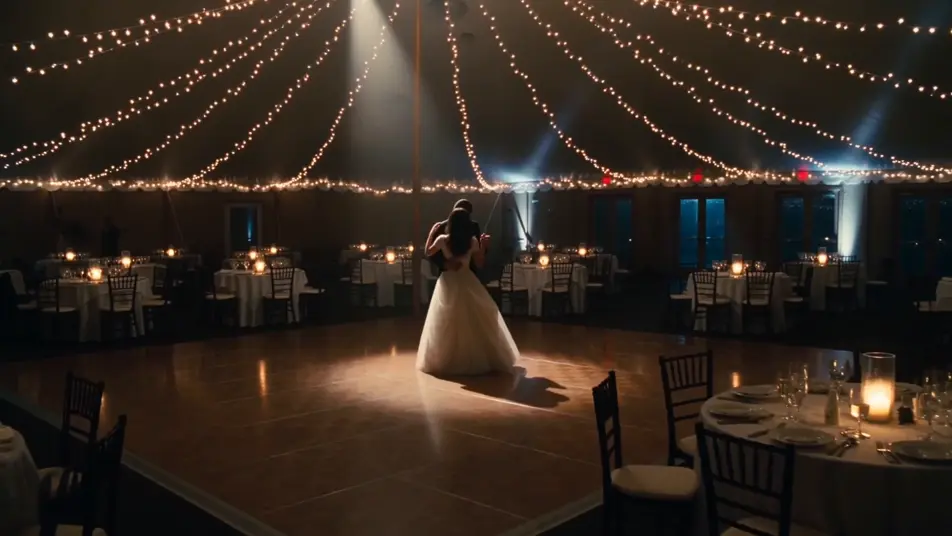
A quiet airport gate at dawn, a couple holding each other one beat too long, a boarding announcement softening into background, one walking toward the jet bridge while the other stays still.
Edit prompt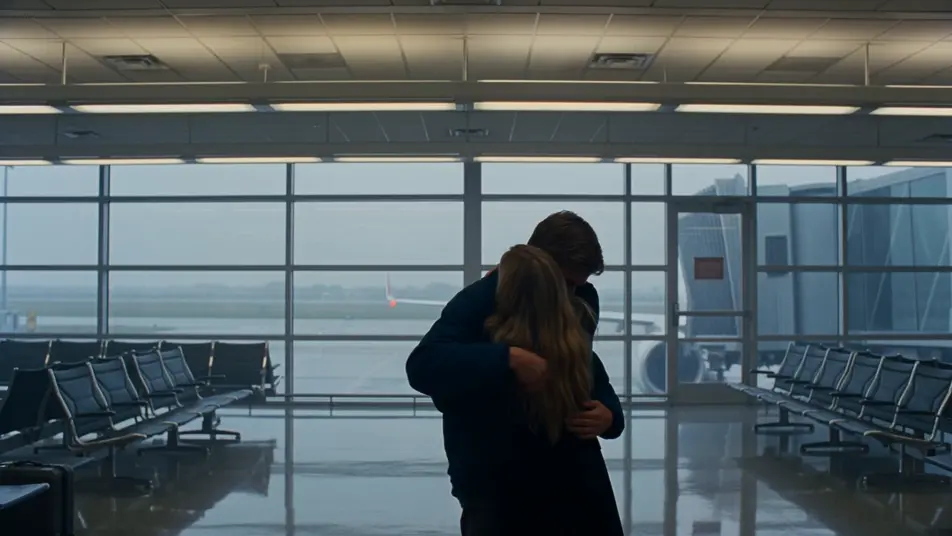
Write the romance drama scene you want, in plain words.
Morphic generates a cinematic, frame-ready clip on your canvas in seconds.
Tweak the prompt, regenerate variations, then download or share the shot.

Dramatize any text conversation into a cinematic multi-shot video.
Drop in a photo of yourself. Get a 12-second cinematic movie with animation and a matched soundtrack.
Cinematic time-freeze short film for any scene
One image to a 9-scene cinematic video.

Share a scene description with character references. Get a full storyboard with shot angles and mood.

Feed in a single image. Get 9 cinematic beats laid out as a 3x3 storyboard grid.
AI Mood films
Make a mood film from a description. Build the sequence shot by shot and hold the look across the cut. Ready for social or web.
Shoujo anime AI Videos
Create shoujo anime videos with Morphic. Romance scenes, confession beats, festival hand-clasps, and quiet two-shot moments generated from a single prompt.
Slice of life anime AI Videos
Create slice of life anime videos with Morphic. School rooftops, tiny apartments, sakura streets, and quiet domestic moments generated from a single prompt.
Anime AI Videos
Create Anime videos with Morphic. Slice-of-life scenes, Mecha shots, magical-girl transformations, and full Anime episodes generated from a single prompt.
Get started for free today, with the option to upgrade or cancel anytime.
Basic
2400 monthly credits
1 user only
All models
Workflows
Standard
3625 monthly credits
1 user only
All models
Workflows
Pro
6350 shared monthly credits
1 user
All models
Workflows
Max
24650 shared monthly credits
1 user
All models
Workflows
Enterprise
For higher limits
Custom
pricing and billing terms

Free
For playing around
$0
forever free