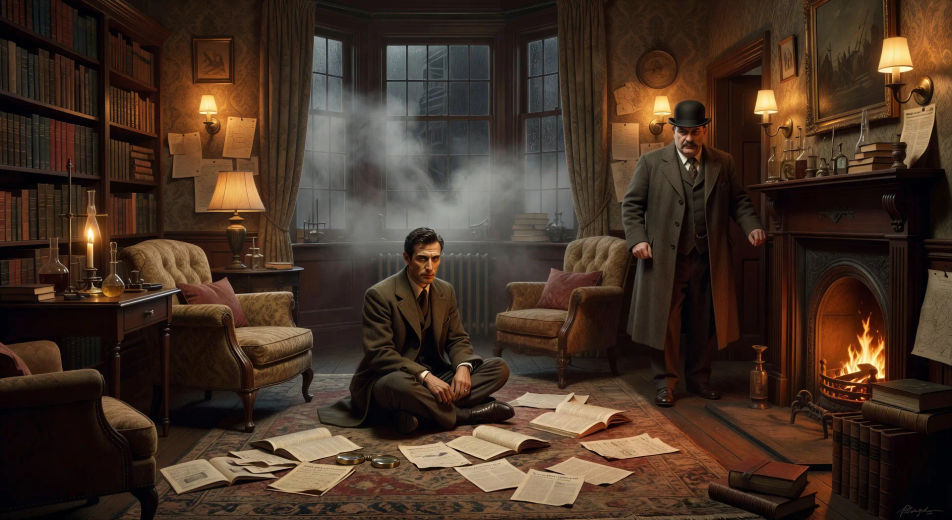
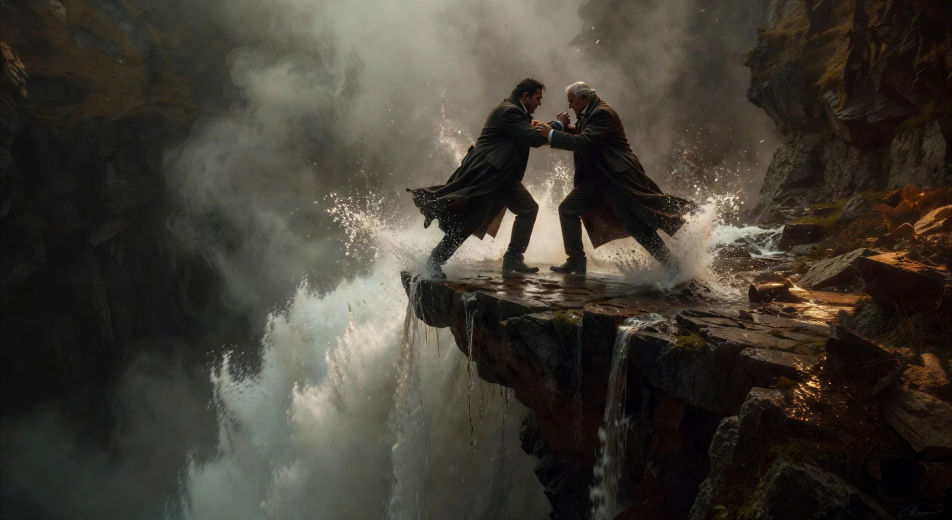
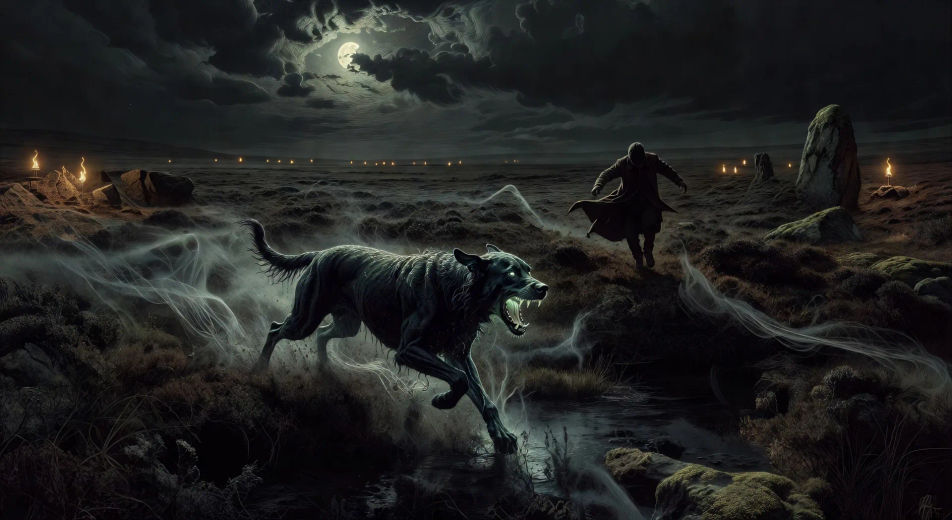
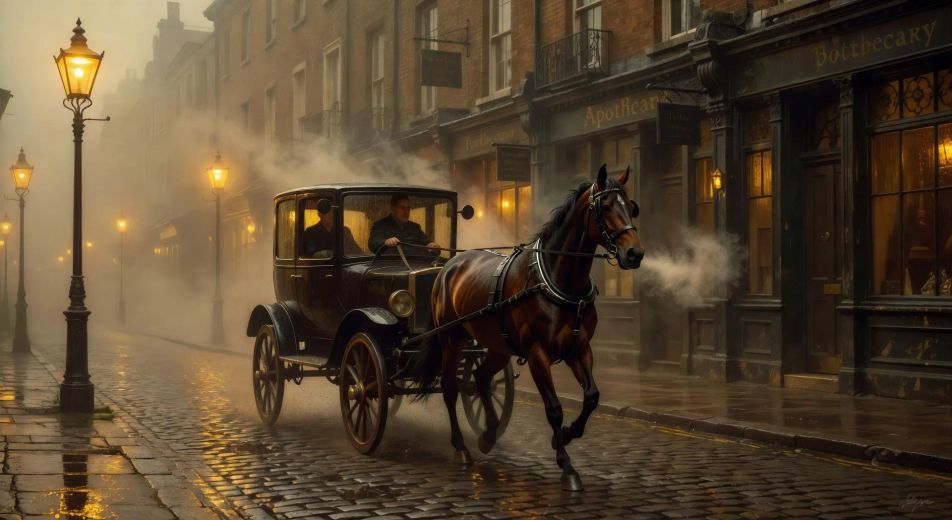
The Holmes canon splits into a clean set of recurring locations and case archetypes. 221B Baker Street is the workshop: the cluttered sitting-room, the pipes, the chemistry table, the violin, the Persian slipper full of tobacco, the bullet-pocked V.R. on the wall. Out the door, the cabs and the gas-lamps and the fog-thickened Thames. Across town, the Diogenes Club, the offices of Scotland Yard, the seedy opium dens of Limehouse, the country estates that hide the locked-room murders. Beyond London, the bleak wastes of Dartmoor for the Hound of the Baskervilles, the spray of the Reichenbach Falls in Switzerland for the duel with Moriarty.
The case archetypes are equally crisp. The locked-room mystery (The Speckled Band). The disguised stalker (A Scandal in Bohemia, with Irene Adler). The supernatural unmasked as fraud (The Hound). The criminal-mastermind set-piece (The Final Problem). The cipher decoded (The Dancing Men). The London street-arab investigation (the Baker Street Irregulars). For video, anchor each Holmes scene to one location and one archetype: a fog-bound Baker Street violin scene, a dawn duel at Reichenbach, a glowing hound on the moor, a coded message under a dancing-stickman drawing.
Three styles consistently land. Cinematic photoreal in the spirit of high-budget BBC period drama delivers the prestige Victorian look. Painterly oil with chiaroscuro echoes Sidney Paget's original illustrations for The Strand. Neo-noir modern, with sodium-lit London streets and a present-day Holmes in tailored coat, suits the modern reinterpretation. Name the style directly in the prompt.