The mist over the still valley
A single locked-off static shot of a wide valley at dawn, a slow ribbon of mist drifting across it, almost no movement, the frame held far past comfort, soft cold natural light.
Edit prompt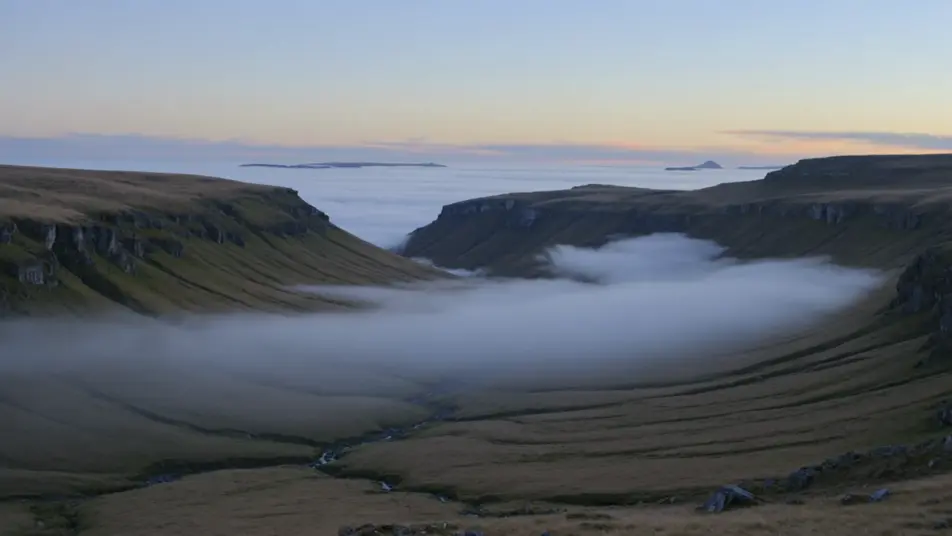
Direct contemplative long-take cinema in your browser with Morphic's slow cinema AI video generator. Generate mist crossing a still valley, a figure motionless at a window, or an empty room breathing with dust and time. Voice and score with Speech and Music, then stitch it on the Canvas.
A single locked-off static shot of a wide valley at dawn, a slow ribbon of mist drifting across it, almost no movement, the frame held far past comfort, soft cold natural light.
Edit promptA long unbroken interior take, a still figure at a window with their back to camera, the only change the slow shift of daylight across the wall, quiet ambience, no cuts.
Edit prompt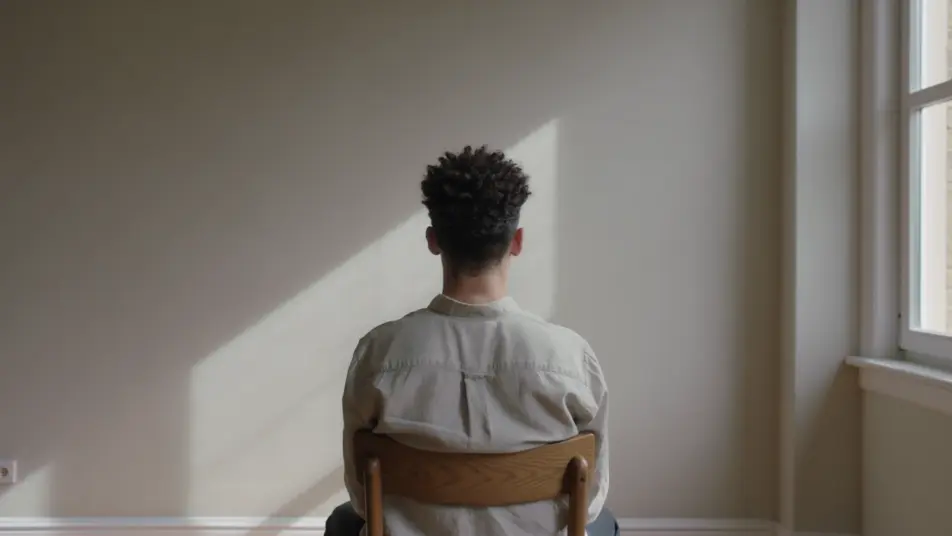
A bare room held in a long static shot, dust drifting in a shaft of light, a curtain barely stirring, time itself made visible in the stillness, soft natural light, no camera move.
Edit prompt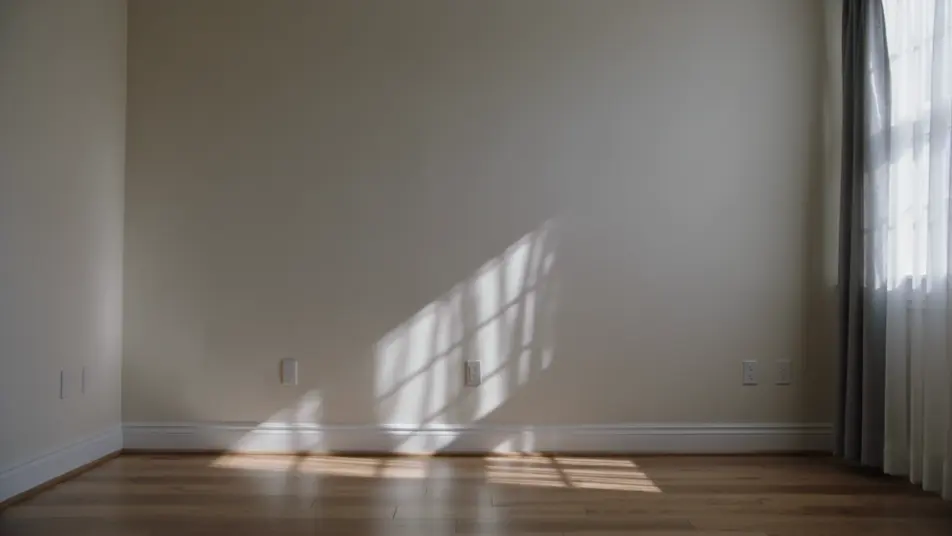
A vast field under a huge sky in one locked-off wide, a tiny figure crossing slowly from one edge of the frame toward the other, the whole walk played in real time, flat natural light.
Edit prompt
Write the slow cinema scene you want, in plain words.
Morphic generates a cinematic, frame-ready clip on your canvas in seconds.
Tweak the prompt, regenerate variations, then download or share the shot.
Cinematic time-freeze short film for any scene

Dramatize any text conversation into a cinematic multi-shot video.
One image to a 9-scene cinematic video.
Drop in a photo of yourself. Get a 12-second cinematic movie with animation and a matched soundtrack.

Share a scene description with character references. Get a full storyboard with shot angles and mood.

Feed in a single image. Get 9 cinematic beats laid out as a 3x3 storyboard grid.
Art House AI Videos
Create powerful AI Art House videos with our Art House video generator. Find unique, cinematic Art House scenes for any project in seconds.
Experimental Film AI Videos
Generate experimental film AI videos with Morphic. Non-narrative image, optical play, and rhythmic abstract scene prompts you can direct in the browser.
Slice of Life AI Videos
Generate slice of life AI videos with Morphic. Quiet everyday moments, soft natural light, and gentle ordinary scene prompts you can direct in the browser.
Avant-Garde Film AI Videos
Generate avant-garde film AI videos with Morphic. Surreal juxtaposition, dream logic, and impossible-space scene prompts you can direct in the browser.
Get started for free today, with the option to upgrade or cancel anytime.
Basic
2400 monthly credits
1 user only
All models
Workflows
Standard
3625 monthly credits
1 user only
All models
Workflows
Pro
6350 shared monthly credits
1 user
All models
Workflows
Max
24650 shared monthly credits
1 user
All models
Workflows
Enterprise
For higher limits
Custom
pricing and billing terms

Free
For playing around
$0
forever free