Casino confrontation
A glittering casino at night, a tuxedoed agent and a mark locked in a stare across a baccarat table, a tower of chips between them, warm chandelier light glinting off glass.
Edit prompt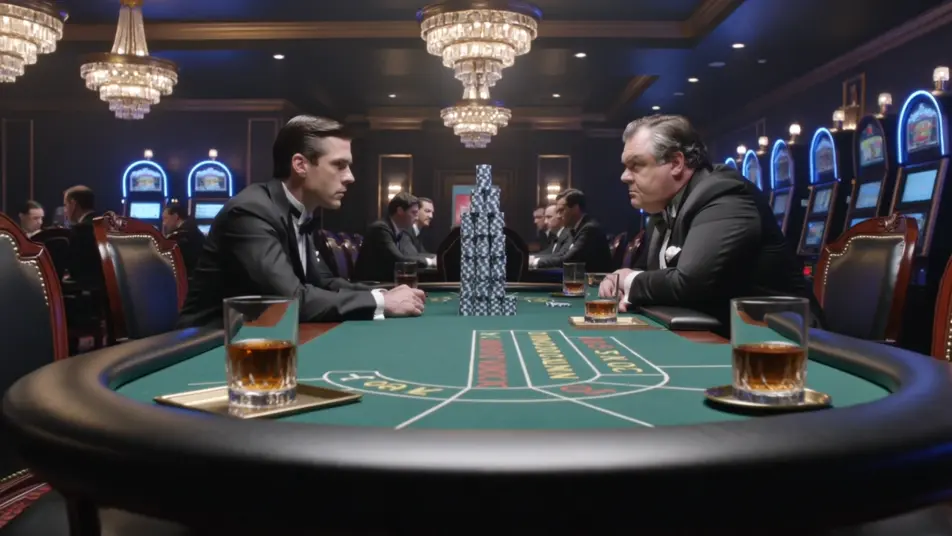
Direct the secret agent in your browser with Morphic's spy secret agent AI video generator. Generate a tuxedoed casino stare-down or a rooftop chase over moonlit tiles, add a briefing and spy theme with Speech and Music, and cut an action short on the Canvas.
A glittering casino at night, a tuxedoed agent and a mark locked in a stare across a baccarat table, a tower of chips between them, warm chandelier light glinting off glass.
Edit promptAn agent sprinting across moonlit rooftop tiles in pursuit of a fleeing figure, a city skyline of lit towers behind, a long leap toward the next roof caught mid-air.
Edit prompt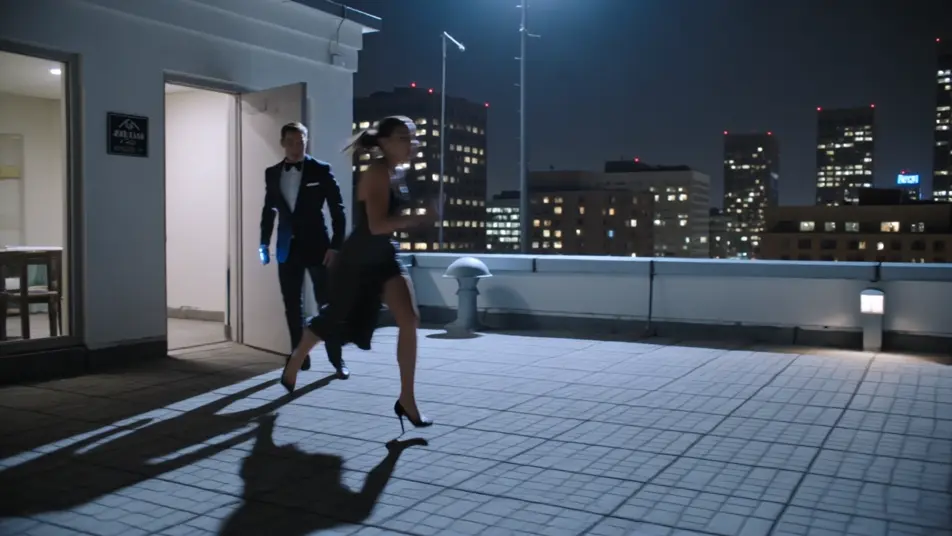
A bright glass-walled workshop, the quartermaster sliding an attaché case across a bench toward the agent, a wrist-device glowing, a prototype car under a sheet behind.
Edit prompt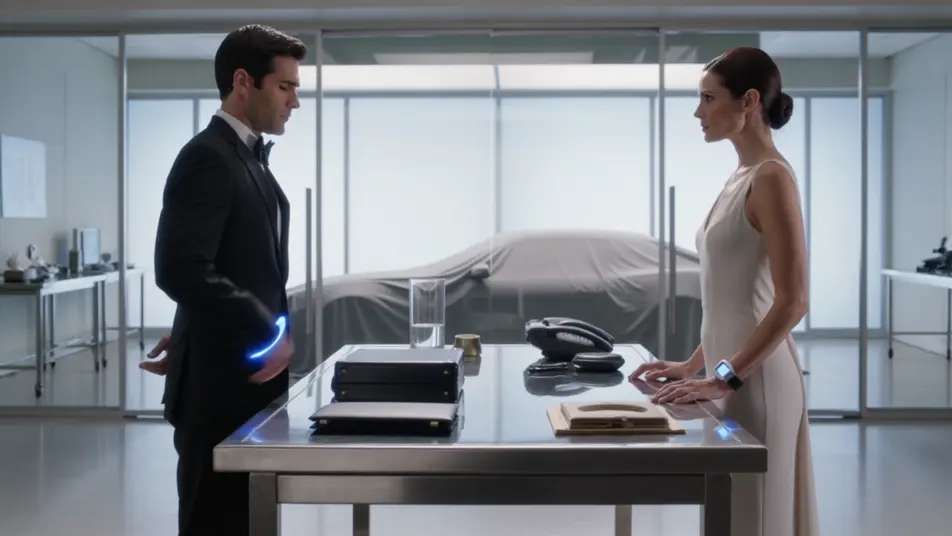
An agent rappelling down a sheer rock face toward a hidden lair entrance lit cold against the night, snow swirling, a guard tower sweeping a searchlight across the cliff.
Edit prompt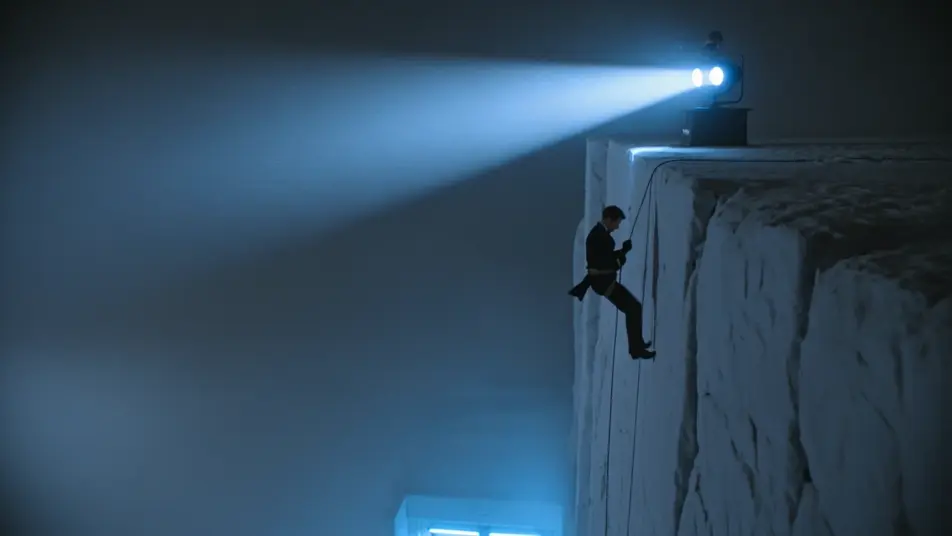
Write the secret agent scene you want, in plain words.
Morphic generates a cinematic, frame-ready clip on your canvas in seconds.
Tweak the prompt, regenerate variations, then download or share the shot.
Cinematic time-freeze short film for any scene

Dramatize any text conversation into a cinematic multi-shot video.
One image to a 9-scene cinematic video.
Drop in a photo of yourself. Get a 12-second cinematic movie with animation and a matched soundtrack.

Share a scene description with character references. Get a full storyboard with shot angles and mood.

Feed in a single image. Get 9 cinematic beats laid out as a 3x3 storyboard grid.
Spy Thriller AI Videos
Create powerful AI Spy Thriller videos with our Spy Thriller video generator. Find unique, cinematic Spy Thriller scenes for any project in seconds.
Heist AI Videos
Create powerful AI Heist videos with our Heist video generator. Find unique, cinematic Heist scenes for any project in seconds.
Neo-noir AI Videos
Generate neo-noir videos with Morphic across four director-coded modes: wet-neon, sun-blown LA, comic chiaroscuro, and corporate-night.
Femme fatale AI videos
Create AI femme fatale videos with our femme fatale video generator. Generate cinematic femme fatale scenes, portraits, and shots for any project in seconds.
Get started for free today, with the option to upgrade or cancel anytime.
Basic
2400 monthly credits
1 user only
All models
Workflows
Standard
3625 monthly credits
1 user only
All models
Workflows
Pro
6350 shared monthly credits
1 user
All models
Workflows
Max
24650 shared monthly credits
1 user
All models
Workflows
Enterprise
For higher limits
Custom
pricing and billing terms

Free
For playing around
$0
forever free