A first-frame story hook
A full-screen 9:16 frame where the product and its payoff appear in the opening beat, a bold caption sliding in over bright light and a fast snap that grabs before a tap.
Edit prompt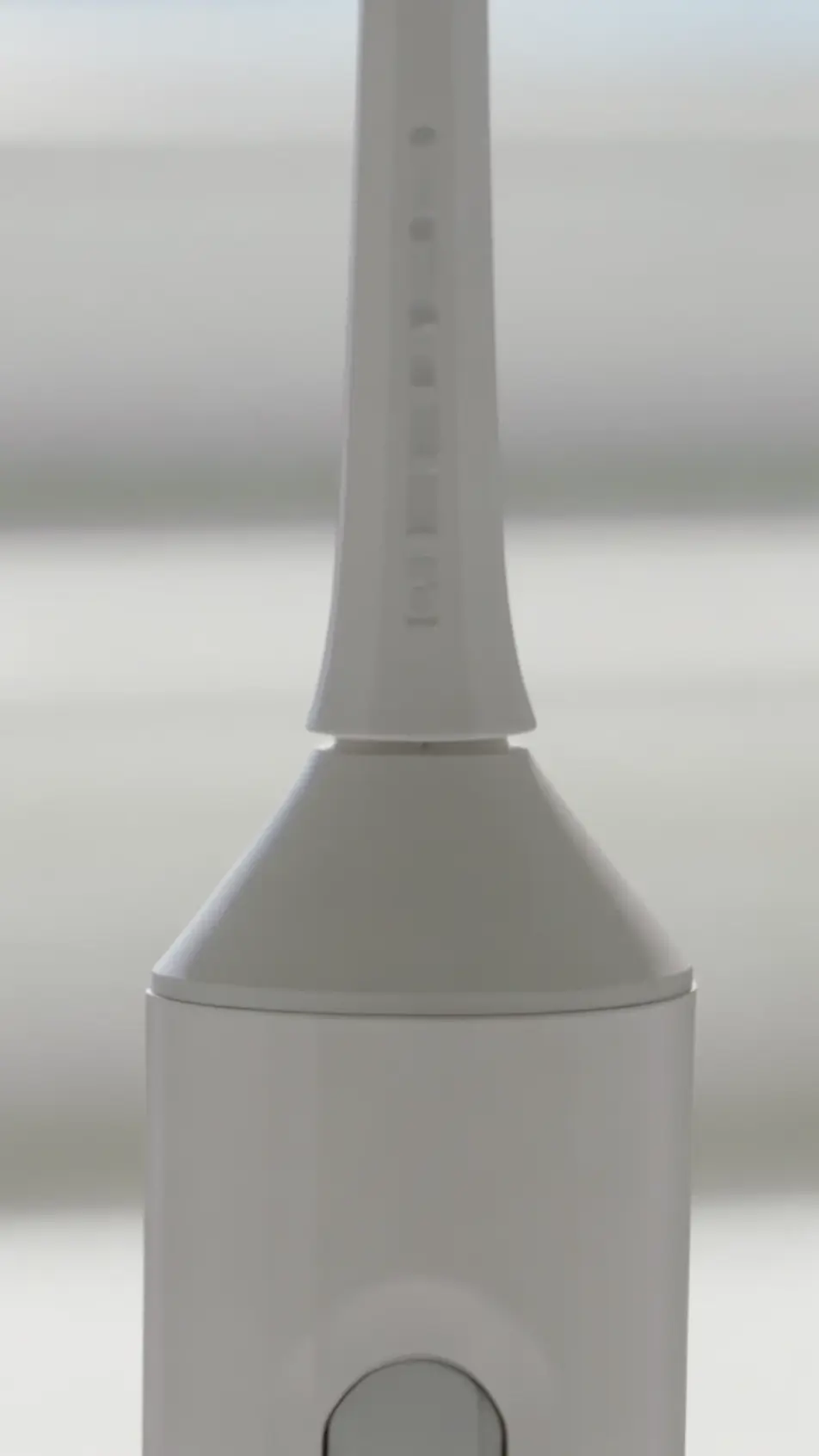
Produce a story ad video in your browser with Morphic's full-screen ad generator, minutes instead of weeks. Generate a first-frame hook, a product beat, and a tap-to-shop end card in native 9:16. Voice it with Speech, then export and publish 6, 15, and 30 second versions from one concept on the Canvas.
A full-screen 9:16 frame where the product and its payoff appear in the opening beat, a bold caption sliding in over bright light and a fast snap that grabs before a tap.
Edit promptA vertical frame with the item filling the entire screen edge to edge, turning slowly under soft directional light so every side reads, the camera holding steady on the reveal.
Edit prompt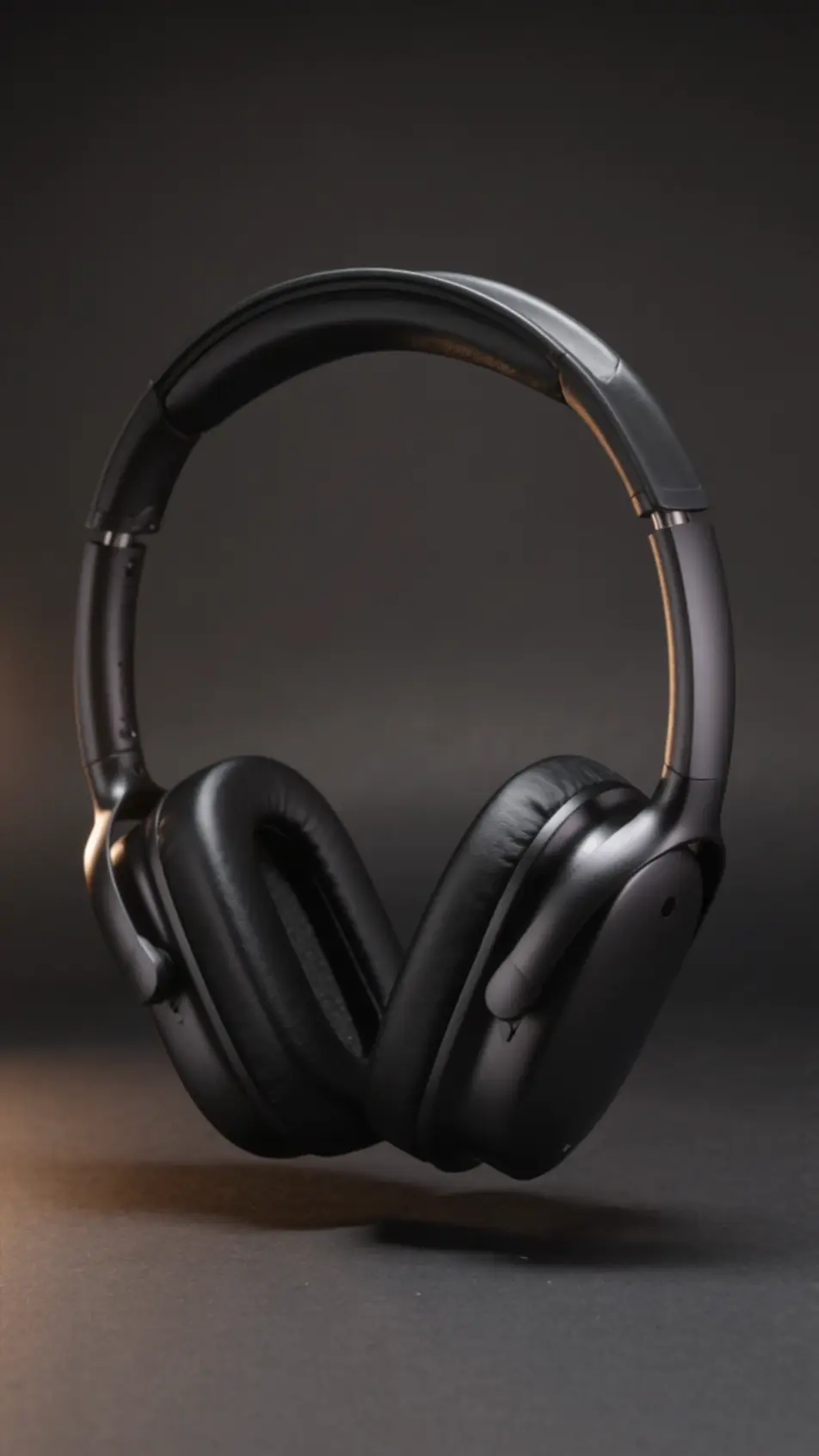
Three linked 9:16 beats carrying a small setup, turn, and payoff, a warm consistent palette and matched framing so the short sequence feels like one continuous scene.
Edit prompt
A closing vertical frame holding the logo, an offer line, and an upward swipe cue pointing at a link sticker, a subtle pulse on the cue and a bold flat background.
Edit prompt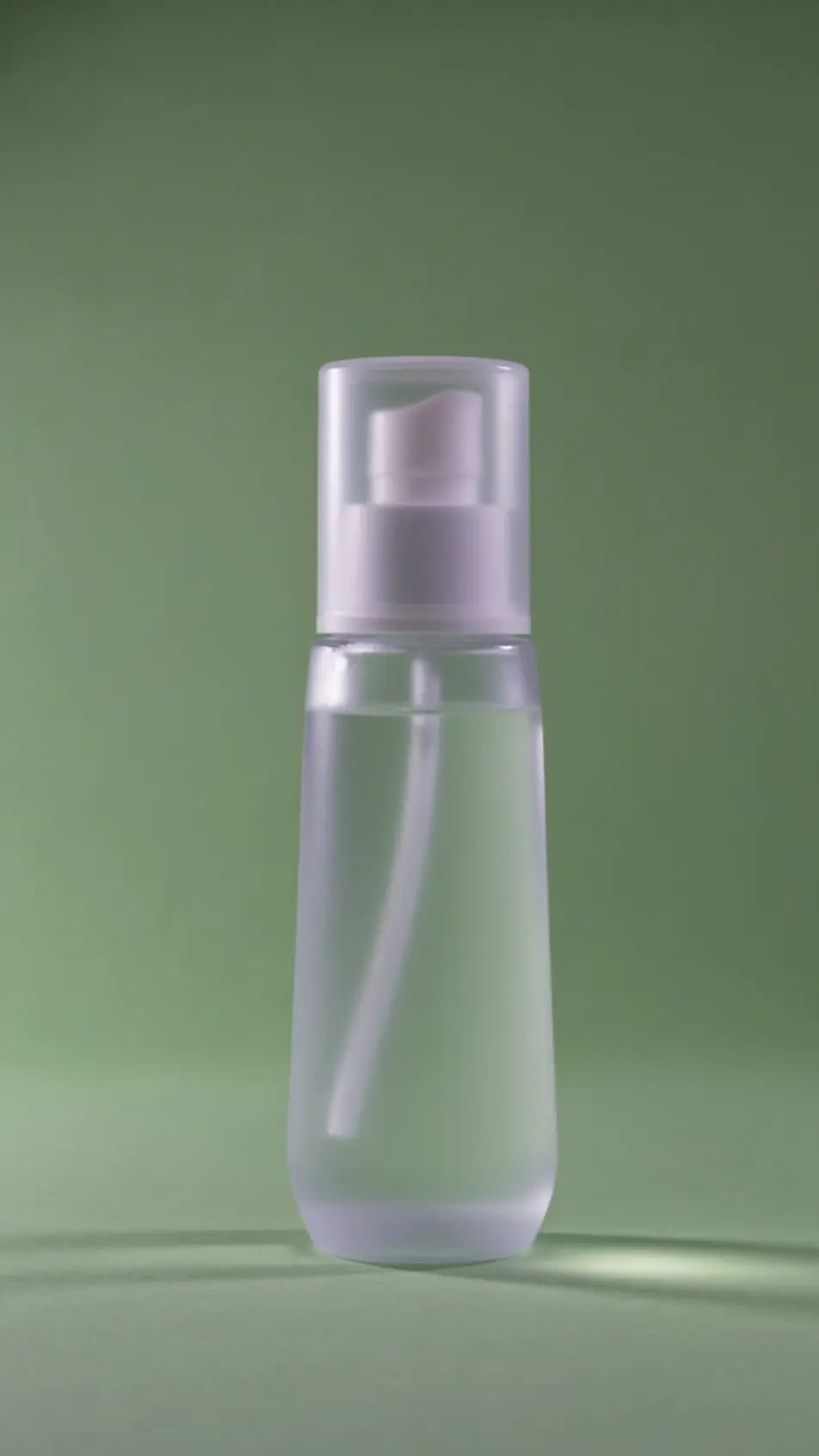
Write the story ad video scene you want, in plain words.
Morphic generates a cinematic, frame-ready clip on your canvas in seconds.
Tweak the prompt, regenerate variations, then download or share the shot.

Dramatize any text conversation into a cinematic multi-shot video.
Cinematic time-freeze short film for any scene

Generate a professional film title card from scratch, with optional cinematic animation.
Photo of any real-estate becomes a cinematic renovation timelapse video with construction SFX and music.
One image to a 9-scene cinematic video.
Drop in a photo of yourself. Get a 12-second cinematic movie with animation and a matched soundtrack.
AI Vertical video ads
Produce a 9:16 vertical video ad with AI on Morphic. Frame a hook, product beat, and end card, then reformat one ad for every platform without re-editing.
AI Instagram Reels ads
Make an Instagram Reels ad framed vertical for 9:16. Open on a fast hook, shoot a UGC-style demo, caption it, then export 6, 15, and 30s cuts. Create now.
AI Snapchat ad videos
Generate a Snapchat ad video with AI on Morphic. Build a 9:16 hook, product beat, and swipe-up end card, then cut 6, 15, and 30 second versions.
AI YouTube Shorts ads
Produce a YouTube Shorts ad with AI on Morphic. Build a fast 9:16 hook, product beat, and loop-ready end card, then cut 6, 15, and 30 second versions.
Get started for free today, with the option to upgrade or cancel anytime.
Basic
2400 monthly credits
1 user only
All models
Workflows
Standard
3625 monthly credits
1 user only
All models
Workflows
Pro
6350 shared monthly credits
1 user
All models
Workflows
Max
24650 shared monthly credits
1 user
All models
Workflows
Enterprise
For higher limits
Custom
pricing and billing terms

Free
For playing around
$0
forever free